The iOS 27 iPhone freeze bug can make a phone appear frozen after two quick swipes, but it is not permanently bricked. A force restart clears the soft-lock and returns the device to normal.
The issue was reported by Engadget and 9to5Mac, which says the sequence is spreading as an iPhone prank. It affects the interface rather than the hardware, so your photos and apps are not being wiped by the glitch.

iOS 27 iPhone freeze bug: what triggers it
Start on the Home Screen and swipe down from the top-left corner to open Notification Centre. Before the animation finishes, swipe down from the top-right corner to open Control Centre, then dismiss it. The timing window is narrow, so it may take more than one attempt to reproduce.
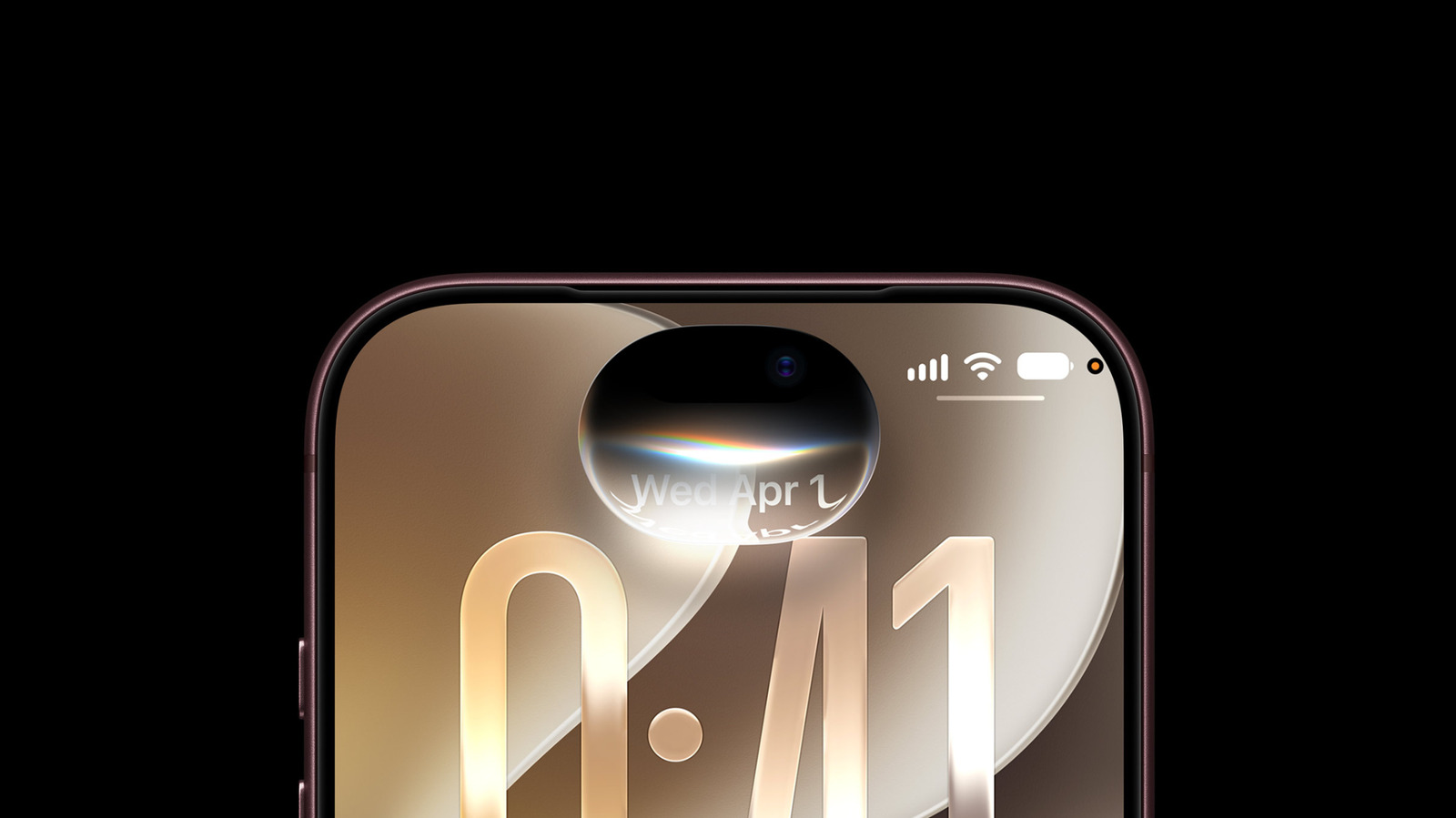
If the bug takes hold, the Camera and Torch buttons can remain stuck at the top of the display. Swiping between Home Screen pages stops working, taps may not register properly and the power-off slider may ignore your finger. 9to5Mac says the soft-lock was reproducible on iOS 27.0 and remained present in the iOS 27.2 beta.
How to fix the iOS 27 iPhone freeze bug
The fix is a force restart. Press and quickly release the volume up button, press and quickly release the volume down button, then press and hold the side button until the Apple logo appears. Apple documents the same sequence in its force restart instructions. Engadget says the side button may need to be held for more than 10 seconds.
This is separate from the wider iOS 27 release and the update’s broader quality and AI changes. Apple has not publicly confirmed a fix for this specific gesture bug in the sources reviewed.
Does the iOS 27 freeze bug permanently brick an iPhone?
No. The reported problem is a temporary software soft-lock, and a force restart restores access without erasing the phone.
What causes the iOS 27 iPhone freeze bug?
It can happen when you swipe down from the top-left to open Notification Centre and then quickly swipe down from the top-right to open Control Centre.
What if the force restart does not work immediately?
Repeat the volume-up and volume-down presses, then hold the side button until the Apple logo appears; the side button may need more than 10 seconds.