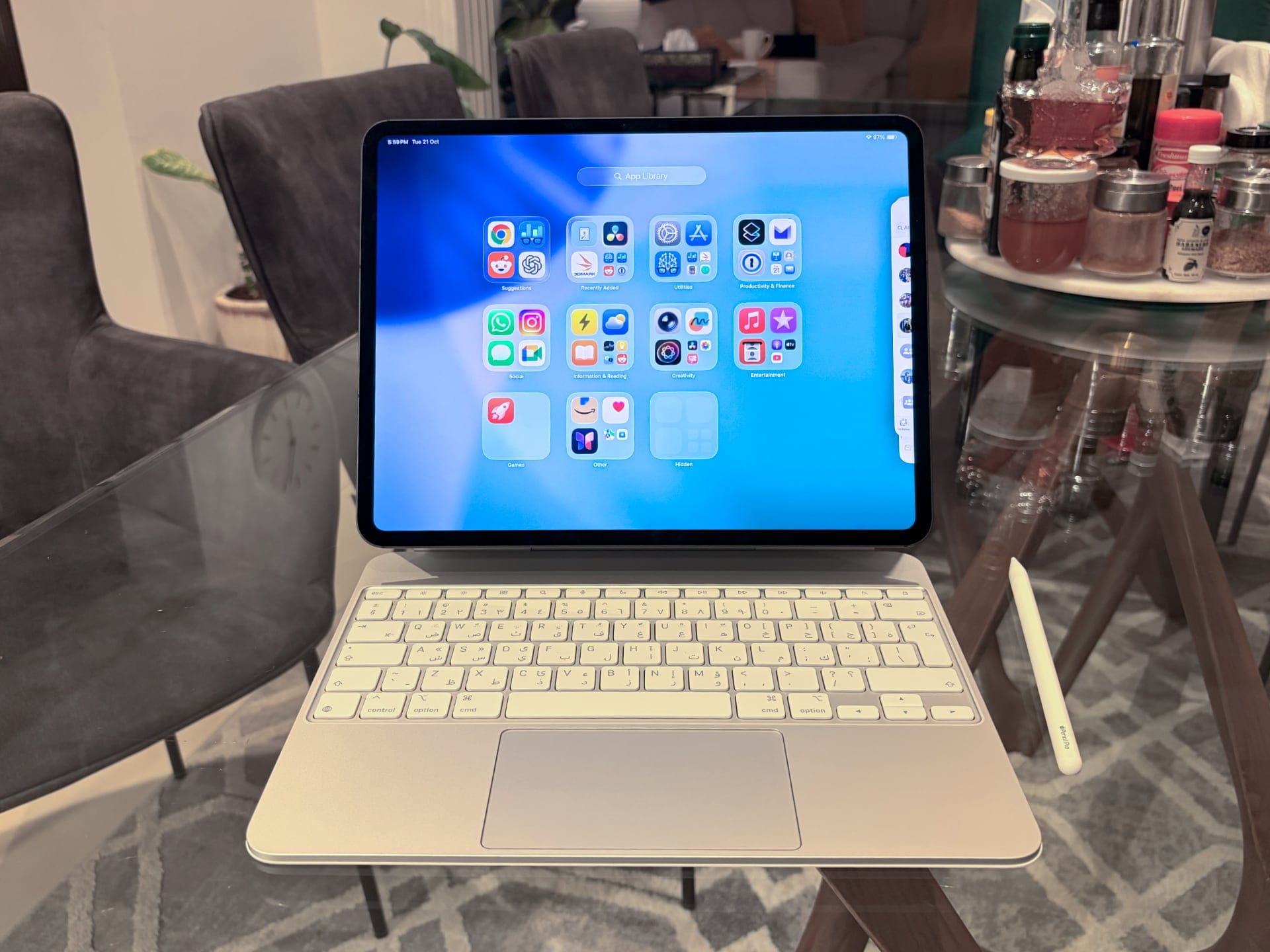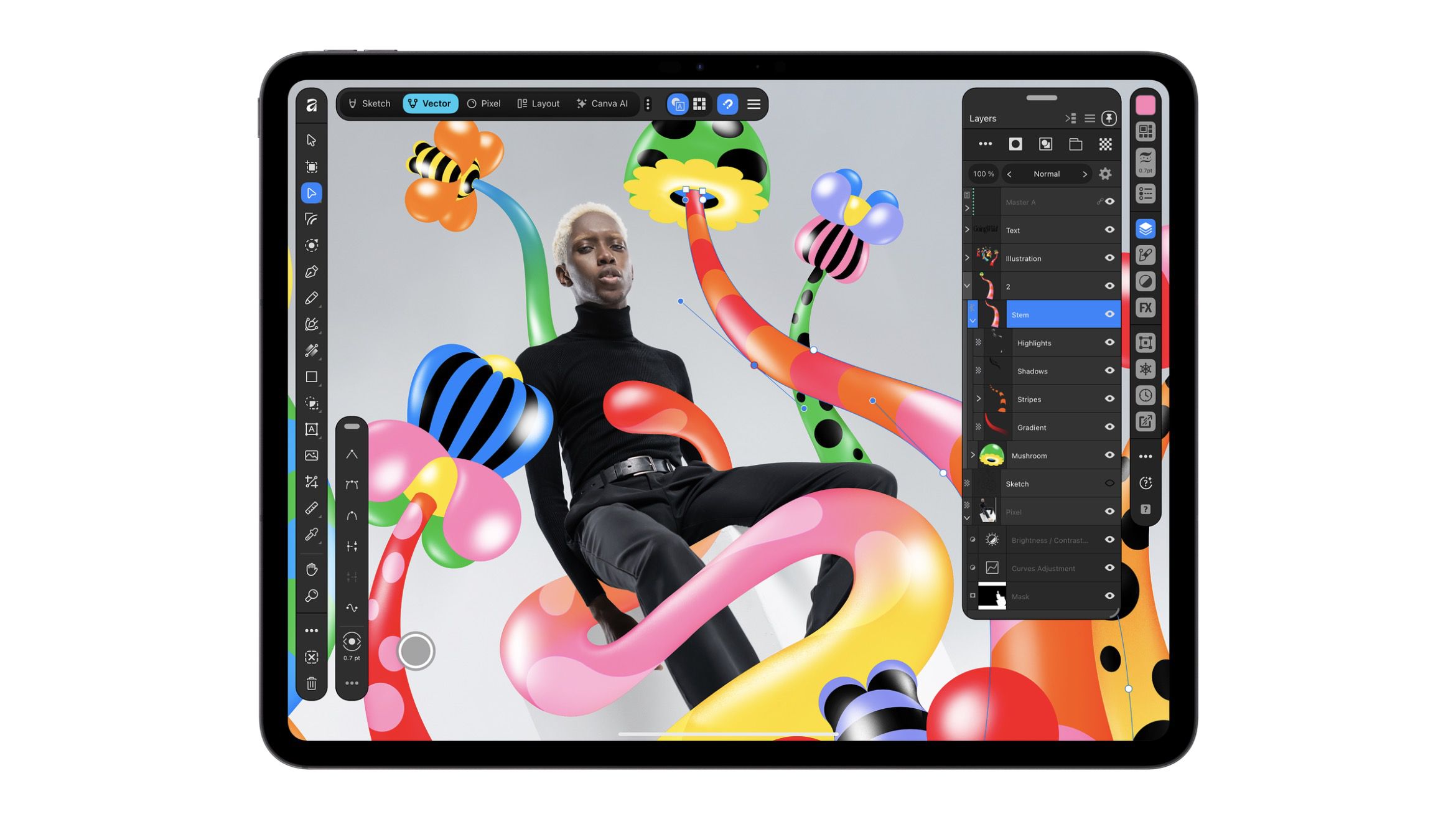
Canva’s Affinity for iPad puts sketching, vector, photo and layout tools in one free app, with a new Sketch Studio built for Apple Pencil. Affinity pitches it against Photoshop, Procreate, Illustrator, and InDesign on iPad: one file, no subscription.
The app follows the desktop relaunch a year ago, which merged Affinity Designer, Photo, and Publisher into a single app for Mac and Windows. Canva promised an iPad version in 2026, and according to 9to5Mac, the desktop app has had more than seven million sign-ups since launch.
Duncan Clark, CEO of Pro Design at Canva, said:
Since we brought Affinity together on desktop, our biggest user request has been the desire to bring it to iPad. Today we’re delivering it: a fully-fledged, professional app built for touch.
Four studios, one file
The app splits into Sketch, Vector, Pixel, and Layout studios, all working on one .af file that also opens on desktop. Sketch Studio is the new one. Affinity says it has more than 350 editable brushes that respond to Pencil pressure, tilt, and barrel roll. Sketches stay live in the file, and a Sketch to Shapes tool turns hand-drawn forms into editable vector shapes.
Photo work covers RAW editing, non-destructive adjustments, intelligent selections, and real-time retouching. It also includes the Mask Tool, which lets you select hair, fur, and foliage edges with the Pencil. Layout handles multi-page documents, master pages, grids, and print-ready output, which Affinity pitches for anything “from short brochures to 500-page books”.
Apple Pencil Pro owners get squeeze and hover, plus pressure, tilt, and barrel roll. The app imports PSD, AI, and INDD files, and exports to EPUB and INDD, among others. It also works offline.
The catches
Free comes with conditions. You’ll need a free Canva account to use it. The AI tools, run through Canva AI Studio, need a Canva Pro, Business, Enterprise, or Education plan. They include Generative Expand, image upscaling, noise reduction, motion-blur reduction, and Decompose Layer, which splits a flat image into editable layers. Affinity says it doesn’t use your content to train its AI features.
The app needs iPadOS 18.0 or later. Tbreak’s guides to the best iPad in the UAE and the best tablets list current models and prices.
Several desktop features are missing at launch: Books, Batch, Data Merge, Quick Adjustments, the Info and Scope panels, macro recording, and the Astrophotography Studio. Affinity says more features are planned over time and promises free updates, but it hasn’t said when the missing tools will arrive.
How much does Affinity for iPad cost?
You can download it from the App Store, with in-app purchases. Core tools are free for individuals with a free Canva account; only the AI tools need a Canva Premium plan.