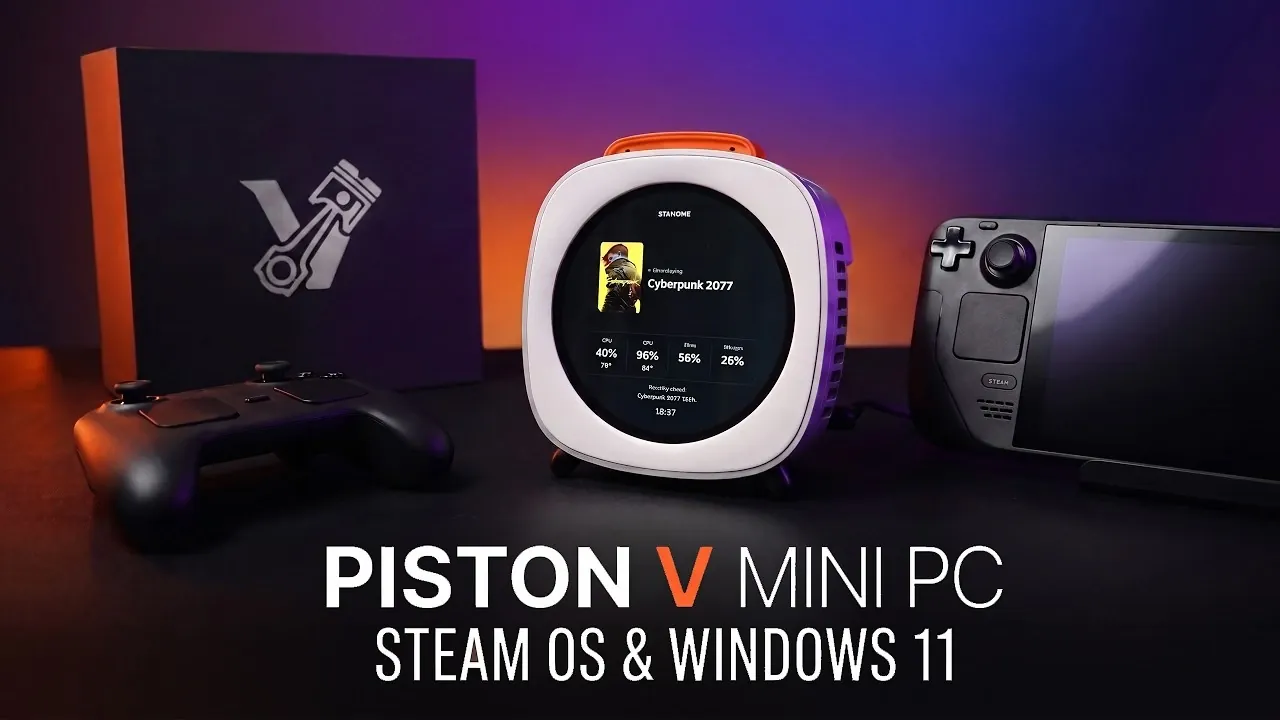
YouTuber ETA Prime ran The Witcher 3 at over 70 FPS on Mac using SteamOS through a free project called FX Steam Launcher.
For Mac owners, the draw is a Steam library of Windows games without installing Windows. It isn’t officially released, though. FX Steam Launcher is an open-source community project by developer fxgl, and it uses the ARM64 version of SteamOS that Valve built for its Steam Frame. We haven’t seen a statement on it from Valve or Apple.
Instead of installing SteamOS natively, the launcher runs Valve’s official image in a virtual machine built on Apple’s Hypervisor.framework and libkrun, in a window or fullscreen while macOS stays available. You download a DMG signed and notarised by Apple, drag it to Applications, create a disk image, and accept Valve’s licence terms. The launcher then downloads Valve’s signed image (about 4.5GB) and handles SteamOS updates.
How the games ran
ETA Prime tested it on a MacBook Pro with an M4 Max, a 14-core CPU, a 32-core GPU, and 36GB of unified memory. About 19GB went to the virtual machine. VideoCardz rounded up his results:
| Game | Result | Notes |
|---|---|---|
| The Witcher 3 | Over 70 FPS | 1080p, High; trees rendered wrongly |
| Left 4 Dead 2 | Over 140 FPS | VideoCardz reports over 200 FPS |
| Stellar Blade | Over 70 FPS | 800p, High |
| Fallout 4 | Locked 60 FPS | 1080p, Medium |
| DOOM Eternal | Wouldn’t run | Launched, then detected an unsupported GPU |
| Marvel’s Spider-Man: Miles Morales | Failed to start | |
| Ghost of Tsushima | Failed to start |
Several games also stuttered while compiling shaders. Every Windows game passes through a long chain of translation. Proton handles Windows compatibility, FEX turns x86 code into ARM64, DXVK converts DirectX to Vulkan, and MoltenVK turns Vulkan into Apple’s Metal. Each layer is a chance for rendering errors.
ETA Prime first tried a Mac mini with 16GB of RAM. It topped 140 FPS in Left 4 Dead 2 but struggled in demanding games as the system swapped memory. He recommends at least 24GB for heavier games, while lighter ones work on 16GB. Giving the virtual machine more than the M4 Max’s eight performance cores also cut performance in some tests.
What you need
FX Steam Launcher needs an Apple Silicon Mac running macOS 15 or newer. On macOS 26 and later, it can use the KosmicKrisp Vulkan driver, which supports DirectX 12 feature level 12_0. Games that need feature level 12_1 or Shader Model 6.6 won’t work. Older systems fall back to MoltenVK. The launcher also supports Xbox and DualSense controllers, including the DualSense’s touchpad, gyro, and rumble.
On 2 November, version 1.9.8 restored compatibility with the SteamOS 0.6.0 preview after a Valve update stopped the virtual GPU from starting. Users also log their results on the project’s game-stats page. Notebookcheck says they report a median 55 FPS in Helldivers 2 on chips including the M5, M4 Pro, and M1 Max.
It’s the latest in a run of community efforts to stretch what Macs can play, after nxnative turned Switch games you own into native Mac apps. Apple’s own direction runs the other way: it’s ending Rosetta support in macOS 28, with only a narrow exception for games.
The bigger question is why it took independent developers to make this happen, rather than Apple and Valve working together.
VideoCardz
For now, the answer is a free GitHub download, and a 24GB Mac is the one to try it on.
Is FX Steam Launcher an official Valve or Apple product?
No. It’s an independent open-source project that runs Valve’s existing ARM64 SteamOS image in a virtual machine.
Which Macs can run it?
Any Apple Silicon Mac on macOS 15 or newer, though ETA Prime recommends at least 24GB of RAM for demanding games.