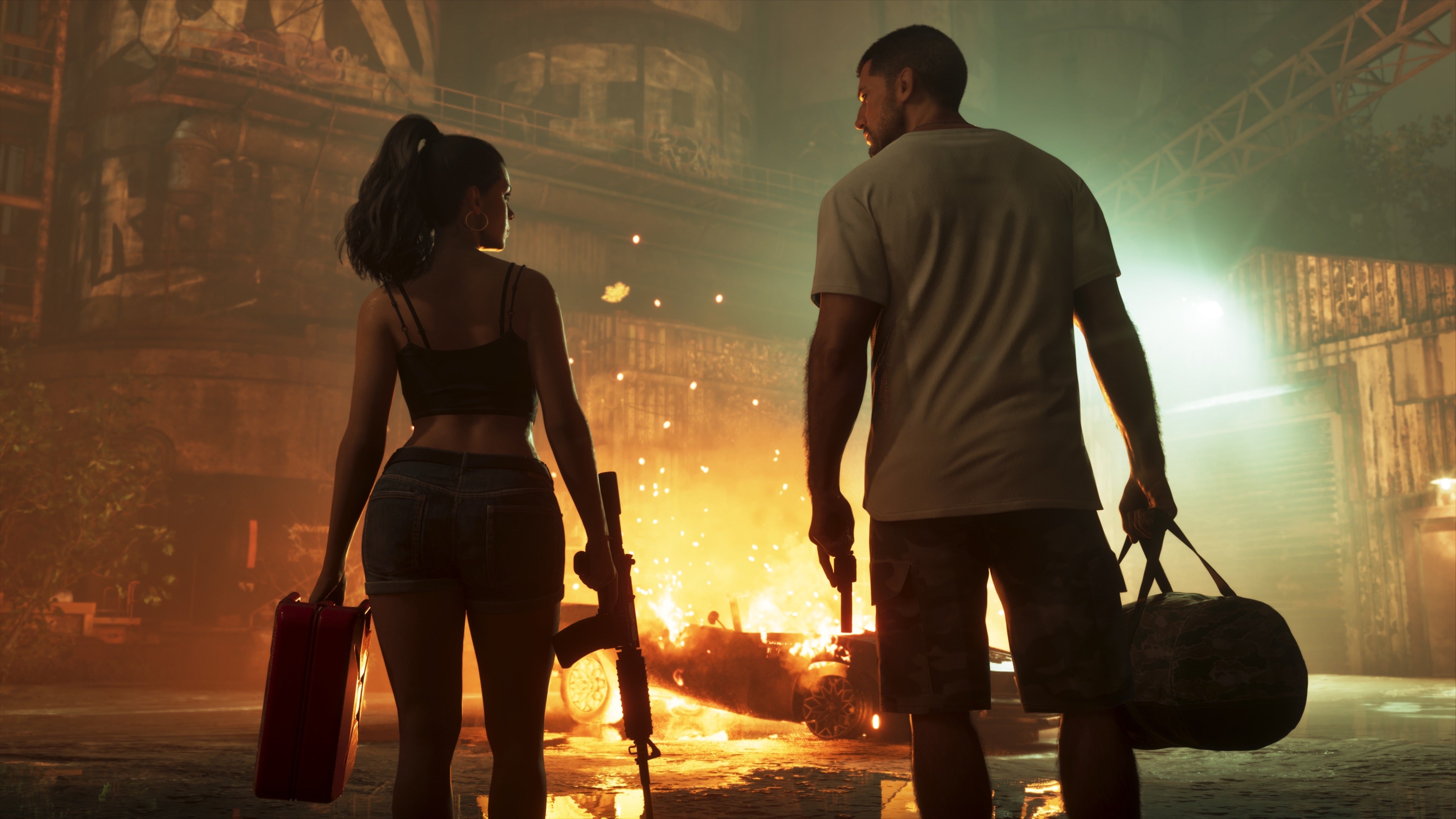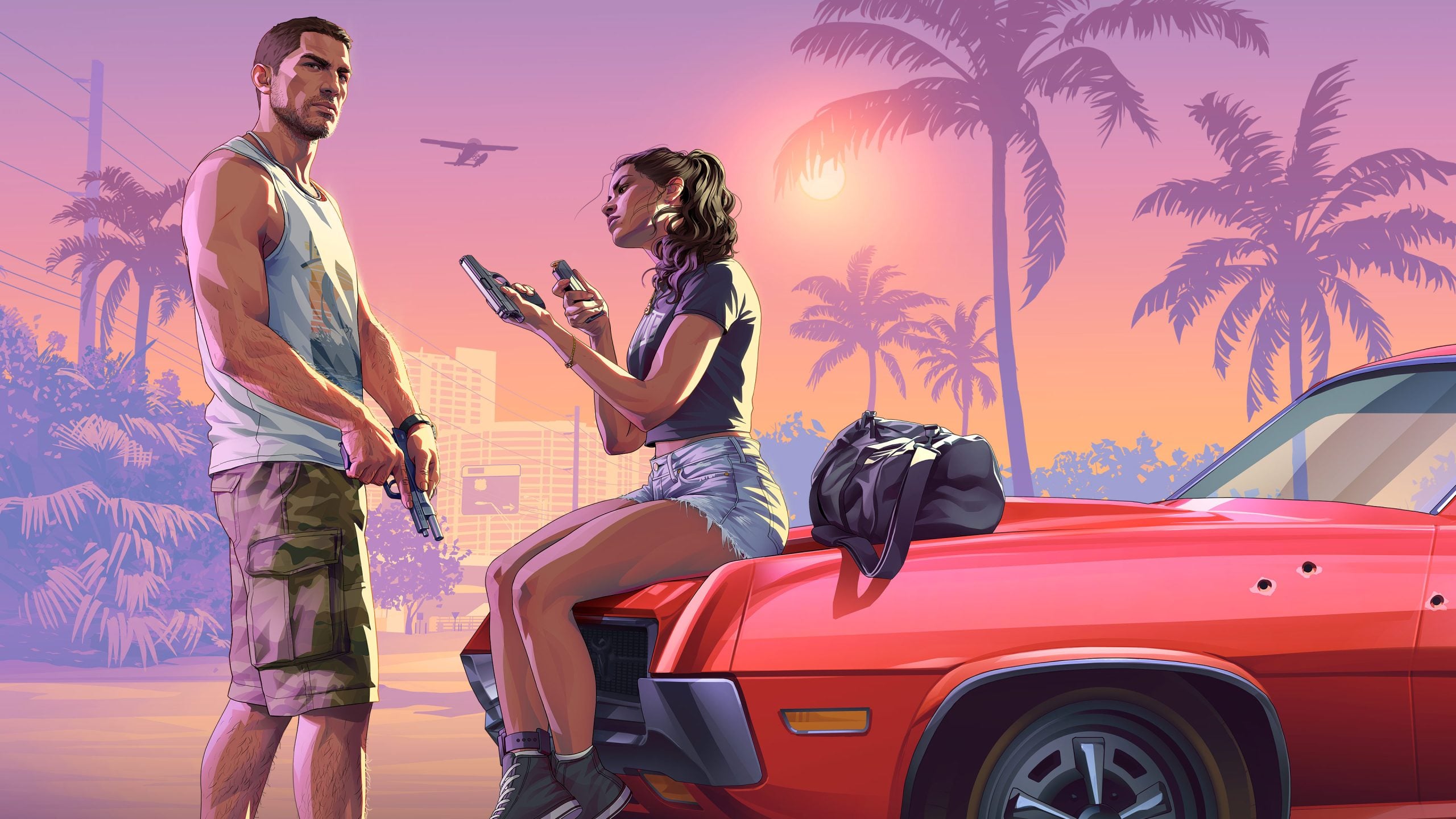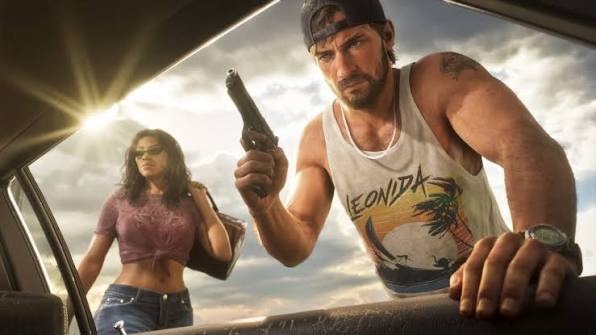
GTA VI is reportedly crashing on some PS5 consoles, with players seeing error CE-108255-1.
PlayStation lists CE-108255-1 as a general game or app error, not a sign that the console is overheating. According to TechPowerUp, Reddit threads appeared the day after the game’s 19 November launch, describing crashes to the home screen, full shutdowns, and sometimes repeated restarts. It’s unclear how many consoles are affected, and neither Sony nor Rockstar has confirmed a cause or announced a fix.
Liquid metal cooling has caused problems on some PS5s since the console’s launch year. Sony hasn’t addressed the issue publicly, but later models, including the PS5 Pro, have grooves machined into the heatsink’s contact surface to help keep the liquid metal in place.
Why liquid metal is under scrutiny
TechPowerUp writes that “those liquid metal issues appear to be rearing their ugly heads once more”. Its theory is that the compound may have shifted off the chip, leaving dry spots where it should transfer heat to the heatsink. But Techtroduce says “there is no verified evidence establishing that liquid-metal cooling problems are responsible for the reported GTA 6 crashes.”
Repair cases show what can go wrong with the cooling system, not what caused these crashes. In December 2025, a repair shop documented dried, oxidised liquid metal on a PS5 Slim that had been kept upright and was less than 18 months old. In August 2026, a technician found that liquid metal had corroded an older PS5’s heatsink plating down to bare copper without damaging the chip. Reapplying the compound won’t reverse that corrosion, and the heatsink may need replacing.
A software cause hasn’t been ruled out. One player reported seeing the error after about an hour of play on a roughly three-month-old PS5, and restarting, clearing the cache, and deleting save data didn’t help. Rockstar targets 30fps on PS5 and Xbox Series X|S and has ruled out 60fps on PS5 Pro, citing the console’s CPU.
What to try if GTA VI crashes on your PS5
If GTA VI shows CE-108255-1, PlayStation recommends updating the game first. Highlight GTA VI on the PS5 home screen, press Options and select Check for Update. If the digital copy keeps crashing, check that the game is fully installed and the PS5 system software is up to date, then try reinstalling the game. A factory reset is a last resort. It erases all data on the console’s storage, so back up first.
A confirmed cooling fault may mean a repair bill for owners of older consoles that are out of warranty. The error code alone isn’t a reason to pay for a repair or replace your PS5.