Microsoft is investigating reports that Windows 11 update KB5121003 — the August security release — is crashing games on some PCs, after the studio behind ARC Raiders and The Finals blamed the update.
The update rolled out on 11 August, taking Windows 11 24H2 to build 26100.9168 and 25H2 to build 26200.9168. It carried more than 400 security fixes and over 50 general improvements, none of which apparently covered the driver file it broke. The same release made apps launch faster; on some systems it also made games close without notice, throw EXCEPTION_ACCESS_VIOLATION errors and restart the PC mid-session.
Windows Latest reported the crashes first, and Microsoft has now acknowledged the problem on its Windows release health page.
“Following the release of Windows updates on August 11, 2026 (KB5121003) and later, Microsoft received reports of issues involving inability to run games as expected. We are presently investigating to determine if this is an issue caused by Microsoft. We will provide an update when more information is available.”
Microsoft, Windows release health page
Which games does the Windows 11 update break?
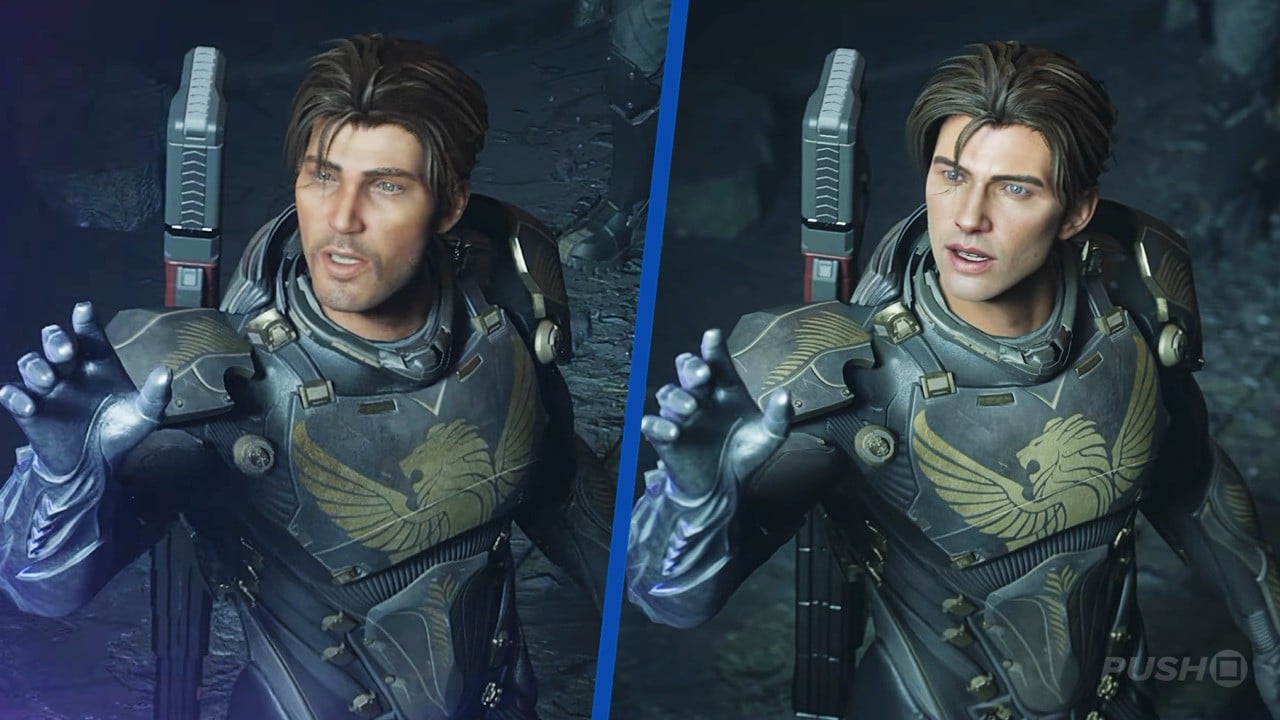
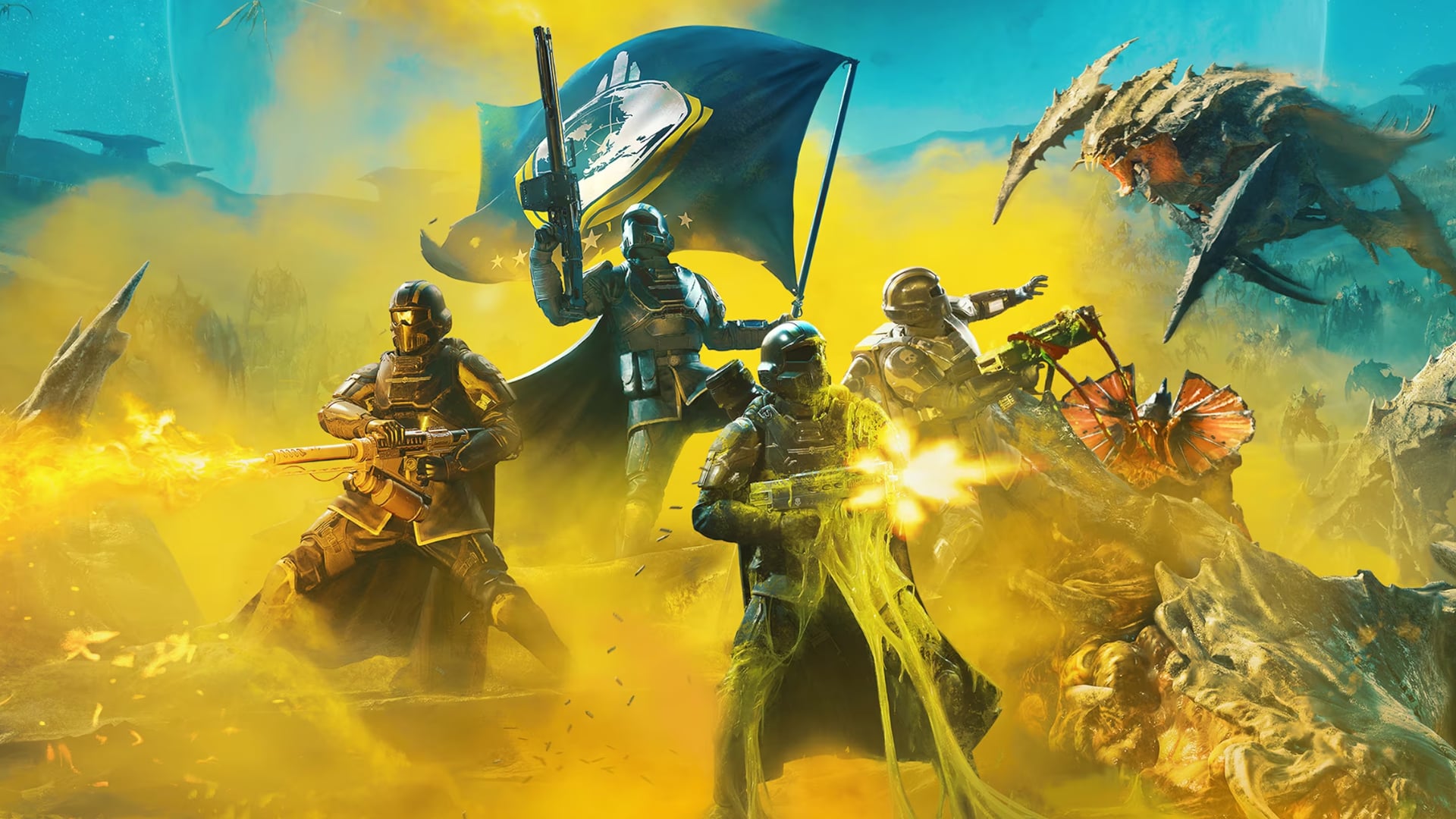
Microsoft has confirmed three titles so far: ARC Raiders, MARVEL Tōkon: Fighting Souls and The Finals. The first and third are both built by Swedish studio Embark, which identified the file inpoutx64.sys — changed by the update — as the culprit.
“This is a crash related to the file inpoutx64.sys, which changed with the Windows update. We’re working towards a long-term fix, but in the meantime there is a workaround solution that will safely remove the file in question and allow you to play the game without issue.”
Embark, in a Discord post
inpoutx64.sys is a low-level driver used by third-party hardware utilities rather than by games themselves — Razer’s keyboard backlight software is one example. PCWorld reports the same update has also caused broken HDR, black screens and corrupted Windows Hello PINs on some systems.
What to do if the Windows 11 update is crashing your games
Embark’s workaround is to stop and remove the driver service, then delete inpoutx64.sys from the drivers folder. Uninstalling KB5121003 also restores normal behaviour, but it removes the 400-plus security fixes with it, so it is best treated as a last resort. Microsoft is asking affected players to file reports through Feedback Hub while it investigates.
How do I fix game crashes after the Windows 11 August update?
Embark’s workaround is to open Command Prompt as administrator, run ‘sc stop inpoutx64’ followed by ‘sc delete inpoutx64’, then delete inpoutx64.sys from C:\Windows\System32\drivers. The step is safe because the driver is only used by third-party hardware utilities, not by Windows itself.
Should I uninstall KB5121003 to stop the crashes?
Only if a game you play is crashing and the driver workaround does not help. Uninstalling KB5121003 removes more than 400 security fixes, so it is best treated as a last resort while Microsoft investigates.
What is inpoutx64.sys and why does it break games?
inpoutx64.sys is a low-level driver used by third-party hardware utilities, such as Razer’s keyboard backlight software. The August update changed the file, which broke compatibility with games that load it — mainly ARC Raiders, The Finals and MARVEL Tōkon: Fighting Souls.