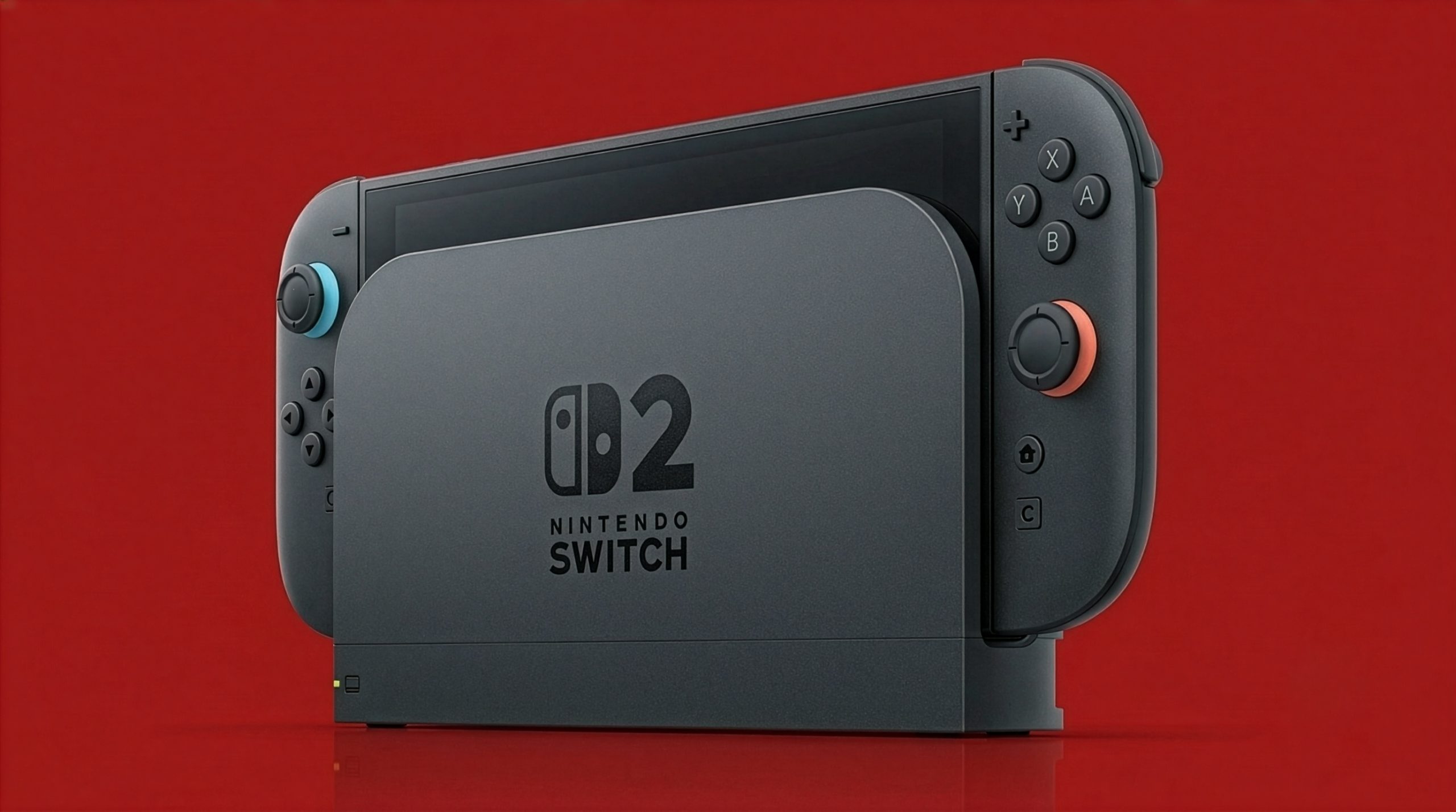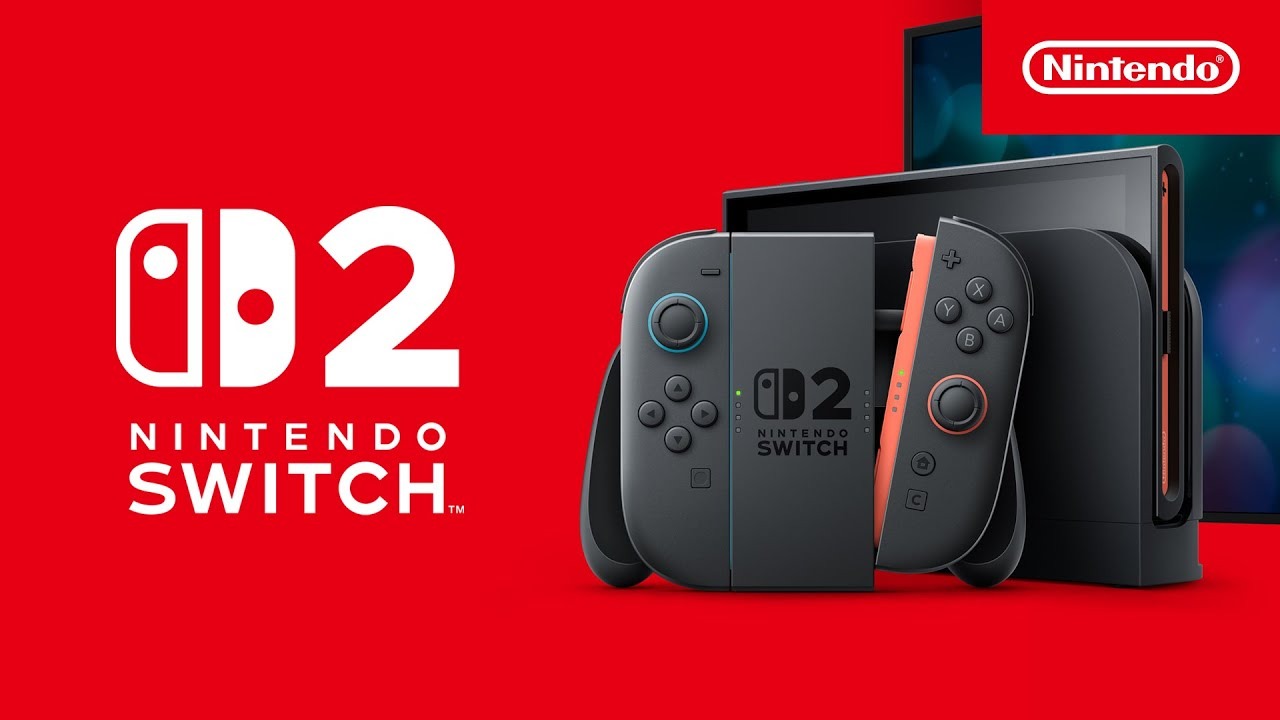
Nintendo Switch 2 system update 23.0.0 adds variable refresh rate (VRR) support in TV mode, complete transfers between two Switch 2 consoles and a collection of smaller changes. The update was released on 10 September 2026, according to Nintendo Life, reporting on Nintendo’s patch notes.
Nintendo Switch 2 system update finally adds docked VRR
The new VRR feature adjusts the TV’s refresh rate to match the game’s processing speed, provided both the software and TV support it. Nintendo says an update to the Nintendo Switch 2 Dock is also required, so updating the console alone will not enable the feature. The option appears under Settings > Display > VRR Settings.
VRR was originally listed among the Switch 2’s planned docked features before references to it disappeared from Nintendo’s website. Version 23.0.0 restores the feature after launch, although support still depends on individual games and compatible displays.
Full Switch 2-to-Switch 2 transfers arrive
The update adds a complete data transfer option under System > Transfer all to Nintendo Switch 2. It can move all data, including save data and screenshots, from one Switch 2 console to another.
The update also adds an online-license option for cases where a virtual game card cannot be transferred because the other console is offline. Only the user who bought the software can play it through that option.
Other changes include background music in the Mii editing screen, a QR-code sharing option for Mii characters, Portuguese (Brazil) accessibility support, TV-specific audio settings and the ability to toggle Handheld Mode Boost from Quick Settings. Other controllers can now be used during Handheld Mode Boost even when Joy-Con 2 controllers are attached.
The update also combines play time for the same software across multiple consoles, with games played after the update shown in chronological order. Nintendo says the release includes general stability fixes as well.
The Switch 2 system update should download automatically when the console is online. To check manually, open System Settings > System > System Update. Nintendo’s support page has the update instructions, while VGC’s original report includes the full list of changes.
What does the Nintendo Switch 2 system update add?
Version 23.0.0 adds docked TV-mode VRR, complete Switch 2-to-Switch 2 data transfers, Mii background music, Portuguese accessibility support and other system changes.
What is required to use VRR on a docked Switch 2?
The game and TV must support VRR, and the Nintendo Switch 2 Dock must also be updated. The setting is under Settings > Display > VRR Settings.
Can Switch 2 owners transfer all data to another Switch 2?
Yes. The complete data-transfer feature can move data including save data and screenshots to a new Switch 2 console.