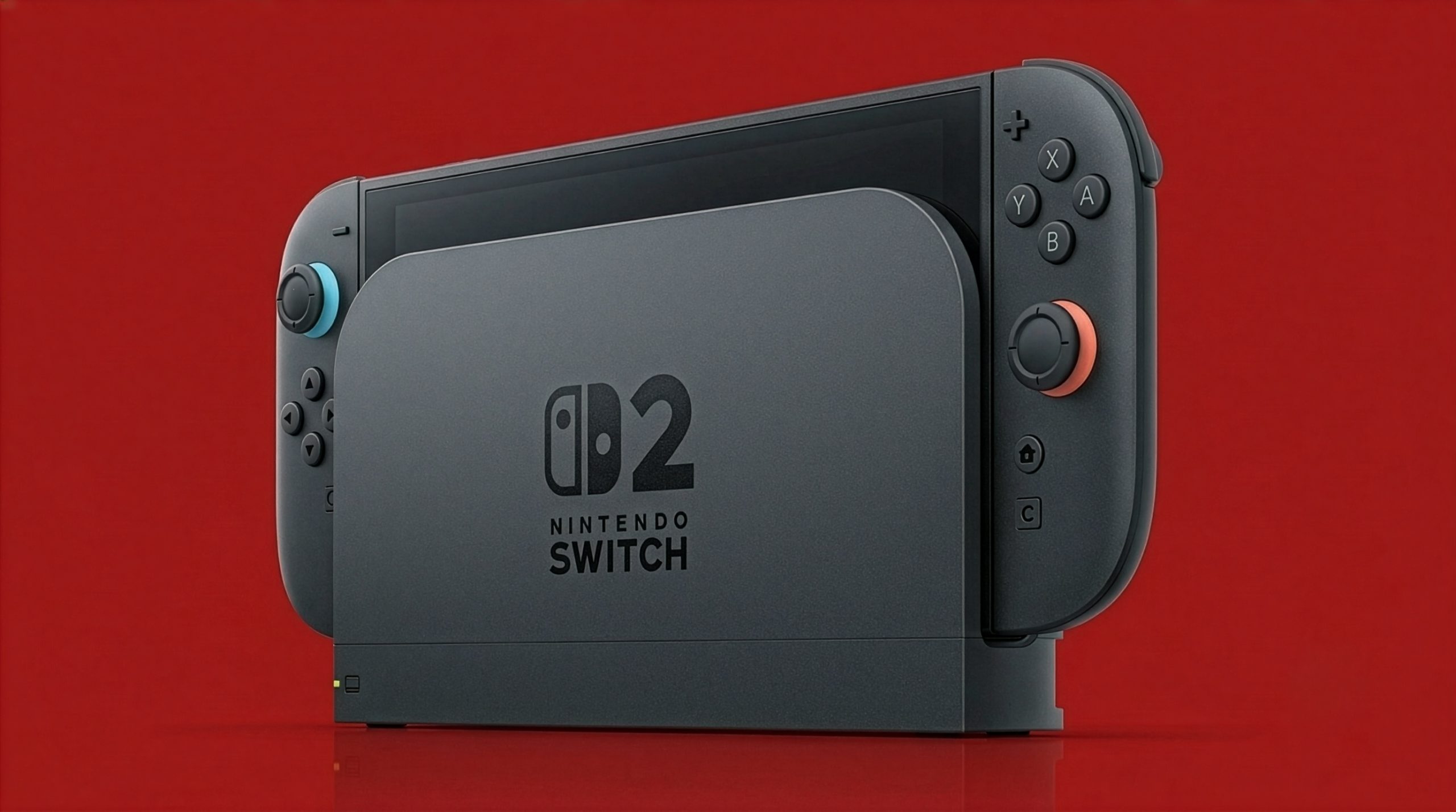
Nintendo Switch 2 docked VRR is finally here after Nintendo’s 23.0.0 firmware update, but your console, dock, game and TV all need to support it.
Nintendo Switch 2 docked VRR arrives in firmware 23.0.0
Nintendo’s Switch 2 firmware 23.0.0 adds VRR output in TV mode. When the game and television support variable refresh rate, the console can match the TV’s refresh rate to the game’s processing speed instead of sticking to a fixed output. That can reduce visible judder when frame rates move around.
The feature was expected before the Switch 2 launched, then disappeared from Nintendo’s documentation. Nintendo later said VRR would be limited to handheld mode. Firmware 23.0.0 changes that position, according to the update notes reported by Wccftech, with Nintendo’s official update page confirming the TV-mode support.
The update also adds a VRR Settings option under Display, alongside several GameChat and system changes. The useful part is the one that affects the picture: VRR output is now supported while the Switch 2 is docked.
What you need to use VRR on a TV
Nintendo’s update has a small condition attached. The software and TV must support VRR, and the Switch 2 Dock itself needs a firmware update before the feature is enabled. The console update alone is not enough.
Nintendo’s dock update instructions say to dock the console, install the latest system update, then open System Settings → System → Dock Update and choose Begin Update. If the update stops, Nintendo says to try the process again.
Once that is done, check the TV’s VRR support and the game’s settings. VRR does not turn a 30fps game into a 60fps game; it helps the display follow supported frame-rate changes within its range.
The Switch 2’s display and dock have already featured in other hardware coverage, including our guide to MicroSD Express on Nintendo Switch 2. This update is less about adding another headline menu option than making the docked hardware behave more like the launch specifications originally suggested.
For UAE owners, the steps are the same: update the console, update the dock and enable VRR on a compatible TV. Whether a particular game exposes a useful range still depends on the game and display. The dock now has one more setting to justify the cable management.
Which Nintendo Switch 2 update adds docked VRR?
Firmware version 23.0.0 adds VRR output in TV mode.
Does the Nintendo Switch 2 dock need its own update for VRR?
Yes. Nintendo says the dock must be updated after the console update before docked VRR can work.
Will docked VRR make every Switch 2 game run at 60fps?
No. VRR matches the display to supported frame-rate changes; it does not increase a game’s frame rate.