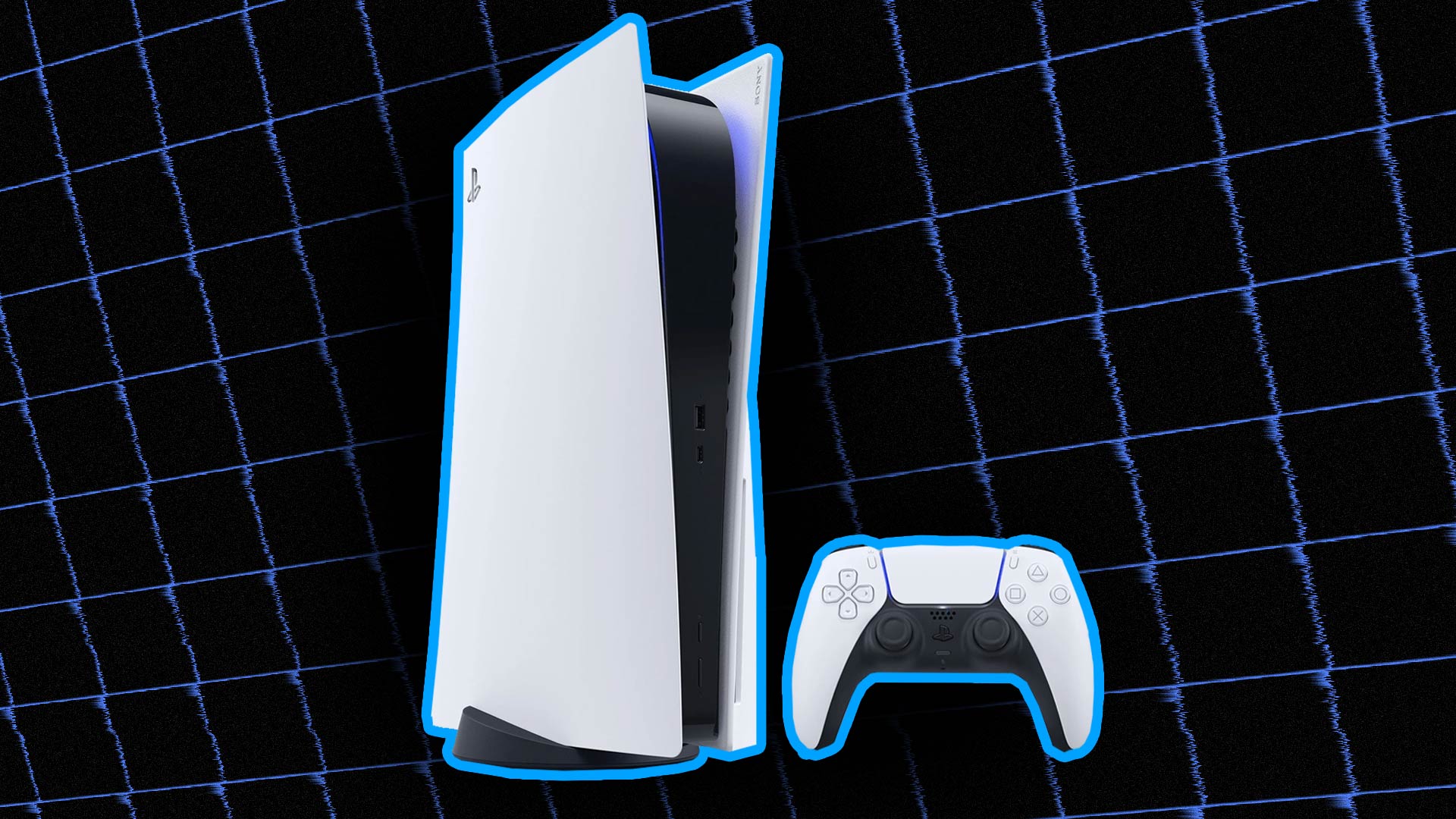
Microsoft GameInput 3.5 gives Windows developers new helper functions for Sony’s DualSense and DualSense Edge controllers, including adaptive triggers, rumble and lighting controls.

Microsoft GameInput adds DualSense controls for PC developers
The update adds controls for the DualSense RGB lightbar, player LEDs, rumble and microphone mute LED. Developers can also configure adaptive trigger effects for feedback, weapon and vibration responses. Microsoft previously added DualSense gyroscope support in GameInput 3.3.
The feature comes through DualSenseHelper.h, a header-only companion sample in Microsoft’s GameInput repository. It identifies the DualSense and DualSense Edge by their Sony vendor and product IDs, then sends raw output reports through the GameInput API. The helper requires GameInput API version 3 or later.
Microsoft GameInput is not system-wide native DualSense support on Windows. The helper builds a 64-byte USB-format output report and does not implement Bluetooth framing or claim Bluetooth support. Games will still need to handle the connection and device behaviour they support.
What GameInput 3.5 changes beyond DualSense
GameInput 3.5 also fixes duplicated DualSense Edge input in some games using Windows.Gaming.Input. The release adds support for XInput and background GIP raw-device reports, Agility SDK-style side-by-side deployment, and fixes input loss after suspend and resume on Xbox.
The new helper gives PC developers a clearer route to features that have usually required game-specific controller code. Players will still need a game that implements the support, and USB is the only transport covered by the published sample at launch.
Microsoft’s GameInput repository is available on GitHub, while the release was reported by VideoCardz. The update follows earlier DualSense Bluetooth haptics work on PC.
Does Microsoft GameInput 3.5 add native DualSense support to Windows?
No. It adds a header-only developer helper for sending DualSense output reports through GameInput, rather than system-wide native controller support.
Which DualSense features can developers control?
The helper supports the RGB lightbar, player LEDs, rumble, the microphone mute LED and adaptive trigger effects including feedback, weapon and vibration modes.
Does the GameInput DualSense helper support Bluetooth?
Microsoft’s published helper uses USB-format output reports and does not claim Bluetooth support. The README says transport behaviour can vary by device and firmware.