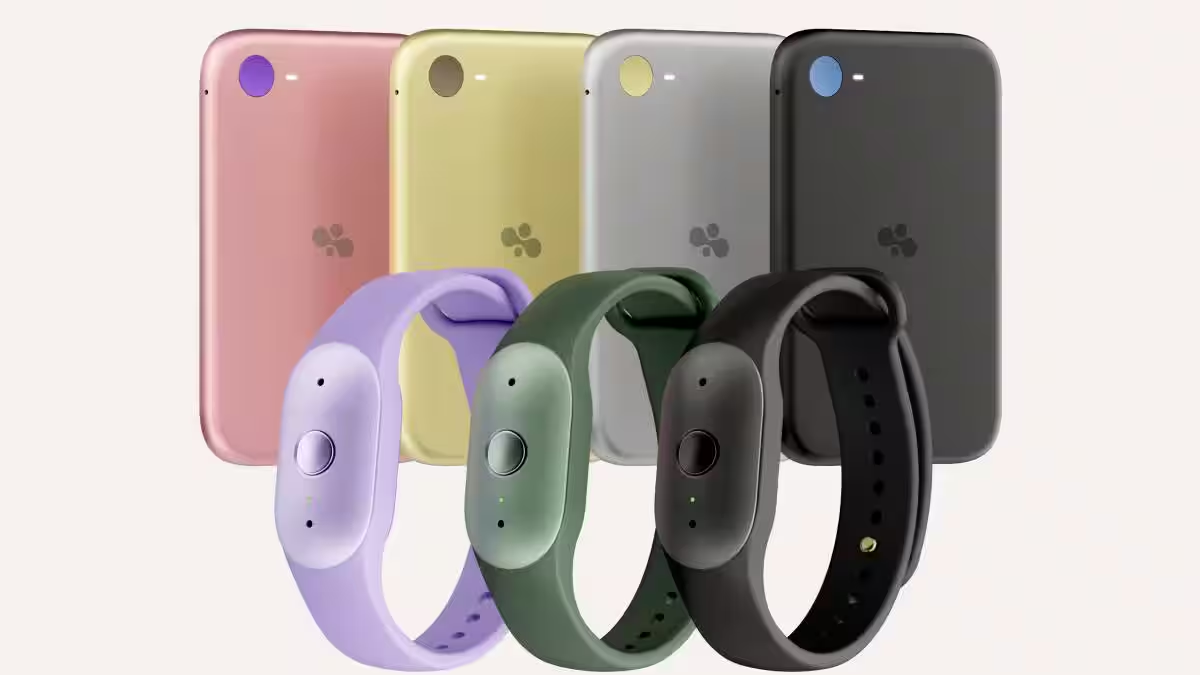
I switched from the iPhone 16 Pro Max to the iPhone Air last year, and I’ve loved using it. I understood the compromises Apple made to get to that thin and light form factor, and most of the time, I was happy with the trade-offs.
I’ve now spent a month with the iPhone 18 Pro Burgundy unit Apple sent me as my primary phone, and there’s no denying how capable it is. Battery life has been excellent, the cameras give me considerably more flexibility, and I stopped carrying a second iPhone for content creation. Even the extra weight eventually stopped bothering me.
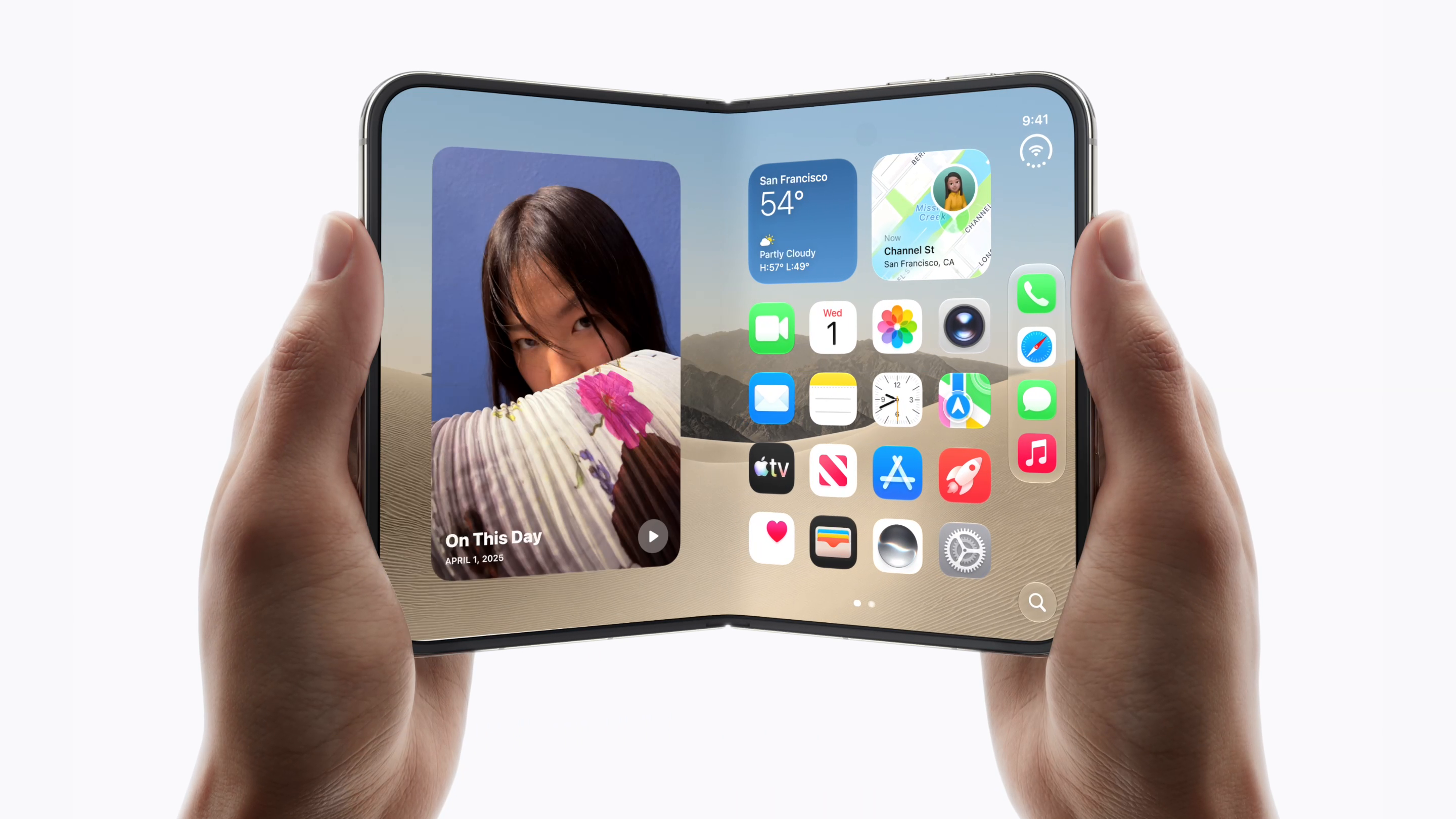
But every time I pick up the iPhone Air, it reminds me why I enjoyed it so much. So, even though I strongly recommend the iPhone 18 Pro, the Air has spoiled me and has made me very curious about the upcoming iPhone Duo, which feels like two iPhone Airs folded into one phone.
Apple iPhone 18 Pro
The iPhone 18 Pro is an excellent all-rounder, with full-day battery life, versatile cameras and excellent performance. I still prefer the Air's thinner, lighter design for everyday use though.
- Excellent full-day battery life
- Versatile cameras from 0.5x to 8x
- Variable aperture adds creative control
- Siri AI handles multi-step tasks well
- Throttles under sustained graphics load
- Noticeably heavier and thicker than the Air
- Main-camera gains over previous generation are modest
Where to buy · Prices checked October 17, 2026
Apple UAEAED 5,099View JumboAED 5,099View Sharaf DGAED 5,099View AmazonAED 10,199ViewTbreak Media UAE may earn a commission on purchases made through these links — it never affects our scores.
How much does the iPhone 18 Pro cost in the UAE?
Apple lists the iPhone 18 Pro from AED 5,099 for 256GB, with 512GB, 1TB and 2TB options also available. The 1TB configuration reviewed here costs AED 7,649, and the colour choices are Black, Silver, Glacier and Burgundy. Our Apple UAE pricing roundup covers the wider range.
The entry-level Pro is AED 400 more than the 256GB Air. For someone buying one phone to handle everything, the Pro’s extra capabilities make it a no-brainer. Choosing the Air is less about saving money and more about deciding how much its design matters to you.
I got used to the weight, but that didn’t change my preference
Burgundy looks fantastic in person. I showed it to my wife and kids, and everyone loves it, though it picks up fingerprints quickly. Construction quality is excellent, with rounded edges across the body and a nicely finished frame. The camera plates are the exception, with edges that feel a little sharper than the rest of the phone.

Coming from the Air, the Pro initially felt smaller but considerably thicker and heavier. Apple lists it at 211g versus the Air’s 165g, and I noticed that difference immediately. However, after about a week or ten days, I stopped noticing its weight and by the end of testing, it no longer felt like a compromise.
That doesn’t mean the Air’s appeal disappeared. Picking it up again made the difference obvious, and its thin, light form still feels like the future to me. I could comfortably live with the Pro; I simply enjoy the Air’s design more.
Specifications
Apple iPhone 18 Pro
Body
Camera
Hardware
Battery
Is the display noticeably better than the Air?
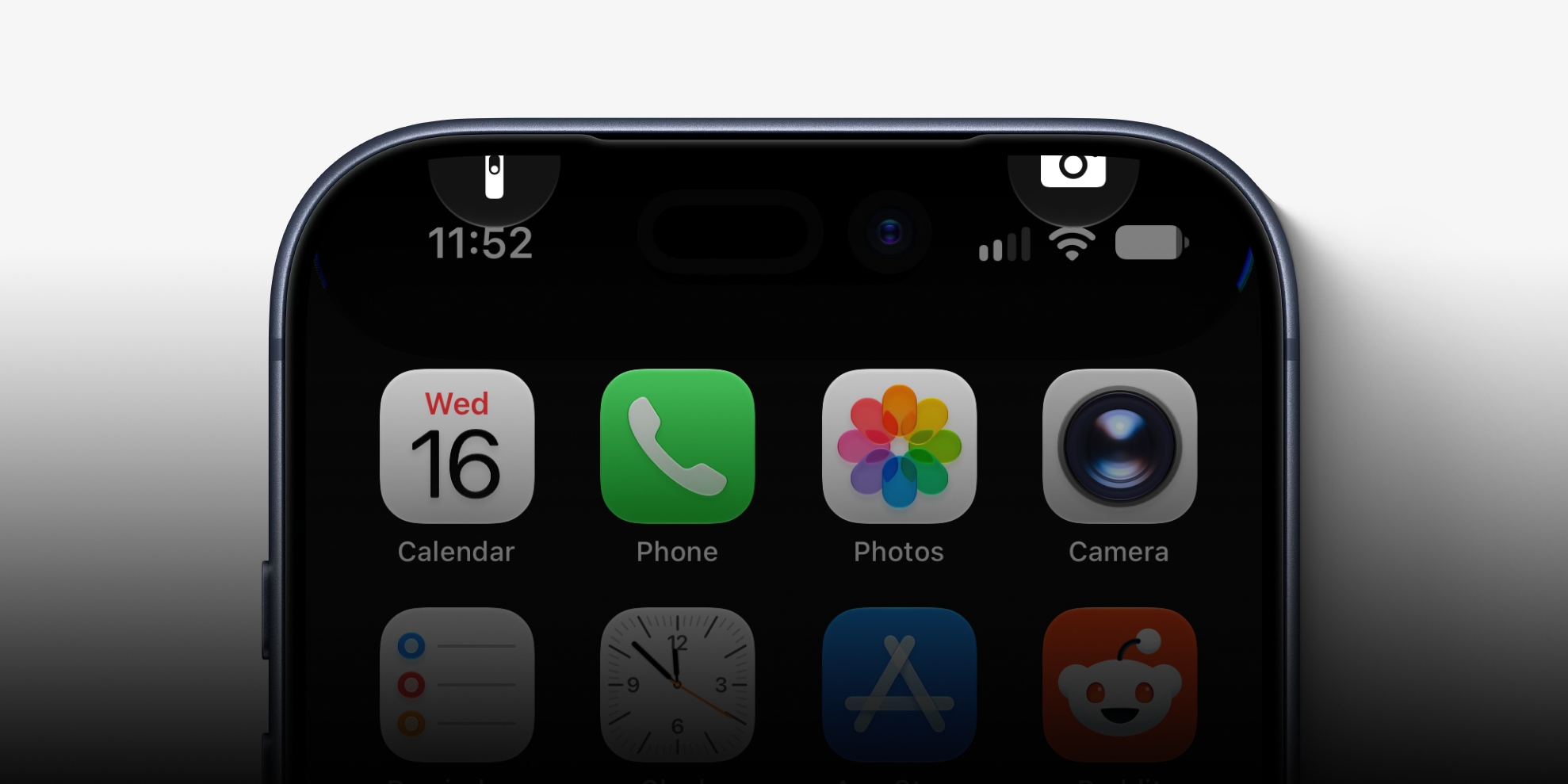
The most interesting display change is the one I couldn’t see. Apple moved the Face ID infrared camera behind active display pixels, which helps make the Dynamic Island smaller. I looked closely for differences in that part of the screen, whether in sharpness or uniformity, and couldn’t spot any. Face ID also worked just as well as it did on the phone where the camera wasn’t under the screen.
The narrower Dynamic Island was more visibly useful. I had timer, navigation and media playback showing together across the top of the display. Keeping three activities visible is a good change, though I wouldn’t choose the phone for that alone.

Outdoor visibility was less of a differentiator. I turned both phones up to maximum brightness and stood under direct sun on a hot Dubai morning for around two minutes. Both remained equally visible, and neither showed obvious dimming during that short test. A separate reflection comparison also looked very similar. The Air did start feeling hotter sooner outdoors, something that Apple’s redesigned cooling system on the 18 Pro clearly shows.
The speakers are a much bigger improvement
Switching from the Air’s built-in speakers to the Pro feels like moving from TV speakers to a soundbar. The Pro sounds richer and louder, but the improvement I notice most is balance. Audio feels fuller and more evenly presented, whereas the Air sounds lopsided in a direct comparison.
I’d forgotten how underwhelming the Air’s speakers were because I usually wear headphones or AirPods when listening to music or watching videos. That makes the difference less important to me personally, but someone who regularly listens through their phone will notice it right away.
The cameras are the biggest reason you would choose Pro
With the Air, I often carried my iPhone 17 Pro when I knew I’d be creating content. During this review, the 18 Pro became the only phone I took with me. I used it for photos, video, and audio recording without needing to pack another device. That is the clearest argument for returning to Pro.
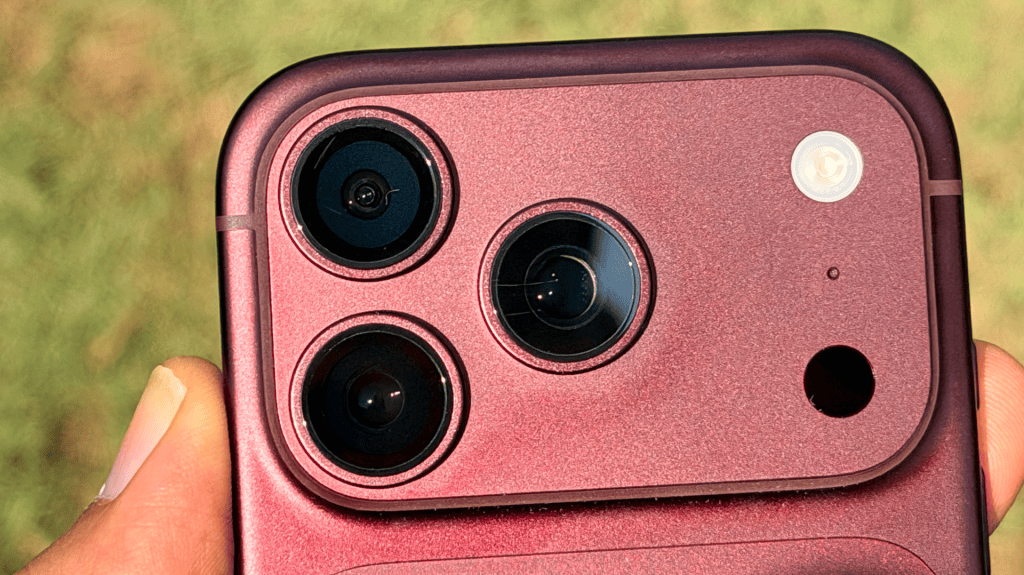
The flexibility starts with framing. I shot the same scene at 0.5x, 1x, 4x and 8x, from a wide garden view to a close-up of a plant and its textured pot. The Air can’t match that range. It has no ultrawide, and Apple’s spec sheet lists optical-quality zoom only up to 2x, which is more of a sensor crop than an actual zoom.
The iPhone 18 Pro keeps going where the 4x photos kept plenty of detail, and 8x is surprisingly usable in good light. Fine textures look more processed at that level, but I still ended up with photographs I’d use.


Compared directly with the Air’s main camera, the Pro’s advantage is not as obvious. In an outdoor night shot, the Air produced a brighter image. It showed more of the lawn, the walls and the inside of the building, while the Pro kept the scene darker.


In a second, dimmer indoor comparison, the Air’s photo was darker. The leaves and the pot’s texture looked much closer on both phones.


For stills, then, the Pro’s advantage is range. Photos taken from the same spot with the same framing didn’t show a dramatic improvement over the Air’s.
Does variable aperture make a visible difference?
The iPhone 18 Pro’s 48MP main camera offers four physical aperture settings: ƒ/1.48, ƒ/1.8, ƒ/2.8, and ƒ/4.0. Our variable-aperture explainer covers the technical background, but the useful question is whether changing it makes a difference to the photographs.


In my palm-trunk comparison, the trunk stayed clearly defined. The building and hedge behind it got softer or sharper depending on the setting. That gives me another way to control how much attention the surroundings get, beyond how I frame the shot.


The 18 Pro also adds Smart Focus Tracking. It kept a moving person inside a yellow tracking box for as long as they stayed in frame. When someone steps out of the shot for a couple of seconds, it picks them up again once they return.
Coming to the front camera, a selfie kept visible skin and beard texture, and my walking selfie video looked noticeably smoother on playback than it did while I was recording.

Adding a Cinematic effect after recording was less striking. I tried it on footage of a chef grilling kebabs in a restaurant kitchen at night. The person directly behind him stayed largely unchanged, and someone farther back picked up a slight blur. I had to look for the difference; it didn’t jump out at me.
Audio Mix made a more obvious difference. It removed background noise, but the foreground audio sounded slightly processed, and I preferred the original.
Of the video features above, only Smart Focus Tracking and Cinematic effects are Pro-only. Apple’s spec sheets list them for the 18 Pro but not the Air, while Audio Mix appears on both.
How does performance hold up under sustained load?
The iPhone 18 Pro holds up well for everyday work but still throttles under sustained graphics load. I never found the iPhone 18 Pro slow for my regular mix of Superhuman, Slack, WhatsApp, WordPress, ChatGPT and content creation. Where the Air would stutter time and again, the Pro just kept going.
The first Geekbench CPU run barely warmed it up. It went from cold to roughly room temperature. Longer graphics workloads were a different story, though. Here are the results from the review unit, which was running iOS 27.0.1:
| Benchmark | Result |
|---|---|
| Geekbench 7.1.0 CPU, single-core | 4,015 |
| Geekbench 7.1.0 CPU, multi-core | 11,198 |
| Geekbench 7.1.0 GPU | 61,851 |
| Geekbench AI 1.8.0, single precision | 6,979 |
| Geekbench AI 1.8.0, half precision | 43,093 |
| Geekbench AI 1.8.0, quantized | 61,172 |
| 3DMark Steel Nomad Light | 3,514 / 26.0 FPS |
| 3DMark Solar Bay Extreme | 2,837 / 19.8 FPS |
| 3DMark Wild Life Extreme | 7,202 / 43.1 FPS |
Geekbench AI used Core ML with the Neural Engine backend. The CPU, GPU and AI results are separate tests, not interchangeable measures of performance. The three graphics results came from their respective single-run benchmarks.
The 20-loop Wild Life Extreme Stress Test exposed the limit. The best loop scored 8,336, while the lowest was 4,662, for 55.9% stability. Performance dropped sharply after the first loop, declined further over the next few, then largely settled around the high-4,000s to low-5,000s.

For context, our separate Galaxy Z Fold8 Ultra review recorded 73.2% stability, with best and lowest scores of 3,927 and 2,907. The Motorola Edge 70 Pro recorded 46%, falling from 4,380 to 2,016. The iPhone retained a higher absolute score, but lost a larger proportion of its peak than the Samsung.
During the stress test, like every other phone, the 18 Pro got somewhere between hot and uncomfortable to hold, though it cooled noticeably faster—within about a minute after the test ended. I didn’t notice any display dimming indoors, where brightness wasn’t near maximum. The sustained-performance drop and heat are expected limitations, though they didn’t stop the phone from handling the work I actually needed it for.
Siri AI is finally useful and actually quite good
Siri hasn’t had the best reputation as an assistant, but the revamped Siri AI surprised me with some of the most convincing software moments during testing. With an event email open in Superhuman, I asked Siri to add the event to my Work calendar. It pulled out the name, date and time correctly and used the right calendar. I didn’t have to repeat the details or move them between apps myself.
I then asked it to retrieve details I had previously sent my dad in a message about his next doctor’s appointment. Siri found the doctor’s name, hospital, date and time correctly. The follow-up was better still. I asked Siri to email me the appointment details, and it presented three possible appointments rather than guessing which one I meant. After I selected the doctor’s appointment, it composed the email, chose my Gmail address instead of my iCloud address, and showed me the message for confirmation before sending.
Just to be clear, these features aren’t an exclusive reason to buy the 18 Pro. Apple also supports Siri AI on compatible older iPhones, including the Air. The tasks I tried worked well in my setup, but it’s still a beta feature with language and regional requirements. Apple’s footnotes also say Siri AI is subject to daily usage limits and that expanded access will be available for a fee in the future.
The photo-editing tools are also useful. Clean Up needed a download the first time I used it. I then highlighted a distracting stretch of garden hose in a product photo. Fast mode removed the selected section without an obvious seam in the lawn or any visible change to the headphones.

Extending the same photograph gave me more room around the headphones. I thought the added surroundings looked believable, and the headphone shape and lettering weren’t distorted. It felt quick, though I didn’t time it.

How reliable is connectivity, and how fast is USB-C?
I had no real connectivity problems. Over the four weeks I used it as my main phone, I didn’t notice unusual disconnections or persistent issues on Wi-Fi or cellular. I travelled to Oman for a weekend, and the phone stayed connected on roaming, taking calls and using data.
My Virgin Mobile 5G test reached 1,557Mbps download and 63.6Mbps upload, with a 14ms idle ping. That’s a strong result for that connection, but the uneventful daily experience mattered more to me than the speed figure.

AirDrop was reliable, though slower than I expected. Sending a 2.57GB file to my Mac Studio took five minutes and 40 seconds, and I was listening to Apple Music through AirPods Max connected to the iPhone the whole time. Neither the music nor the transfer was interrupted, and the transfer kept a steady pace.
Copying the same file to a SanDisk Extreme portable SSD over USB-C took under six seconds. Copying it back to the iPhone took around ten. The drive worked directly with the phone, which makes external storage a much more appealing way to move footage.
Does the battery last a full day?
After a rough first two days, yes. Siri was still indexing during that time, and I was running out of battery around 10PM. Once that finished, the phone settled into a much more reassuring pattern.
On one normal workday, I took it off the charger at around 7:15AM and finished at 11PM with 21% remaining, without a top-up. That day included 54 photos and 14 videos totalling 170 seconds, plus my usual apps.
The next day, I unplugged at around 7AM and reached 11:07PM with 25% remaining. I used the screen less, but Photos, WhatsApp, and other apps ran in the background. After those two days, I stopped thinking about charging it in the evening — something I’d have to deal with on the Air at least once a week. The Pro gave me much more breathing room in these tests; over the four weeks I used the phone, I never felt it would run out of charge before I did.
How fast does the iPhone 18 Pro charge?
Fast enough to be useful. Using my Anker A2667 65W-rated wall charger, I charged the phone from 8% to 80% in 31 minutes. At 42 minutes, it had reached 89%, and I stopped the test there because I needed to leave.
| Elapsed time | Battery level |
|---|---|
| Start | 8% |
| Approximately 23 minutes | 64% |
| Exactly 30 minutes | 79% |
| 31 minutes | 80% |
| 42 minutes | 89% |
The phone felt warm and briefly bordered on hot early in the charging session. It was comfortable to hold by the half-hour mark and lukewarm by the end. Charging had slowed considerably by then: the first 72 points took 31 minutes, and the last nine took another 11.
Should you buy the iPhone 18 Pro?
Yes, if you’re choosing one iPhone for everyday work and regular content creation. It replaced the two-phone setup I’d been carrying.
I’d still rather use the Air every day and bring a Pro when I know I’ll be creating content. That’s my arrangement, not advice to buy two phones. If you need a Pro’s capabilities with you all the time, I’d recommend the 18 Pro. I’m just not that person.
- You want one iPhone for everyday work and content creation
- You want 0.5x to 8x range and variable aperture control
- You want battery to spare at the end of a long day
- You already own a 17 Pro and have no specific problem to solve
- You'd rather carry the lighter phone (211g vs the Air's 165g)
- Siri AI is your main reason to upgrade; other phones support it too
What else should you know before buying?
Does the UAE iPhone 18 Pro have a physical SIM tray?
No. Apple’s UAE models use eSIM rather than a physical SIM. You’ll need a compatible carrier and plan; the available activation or transfer method depends on the carrier.
Can you copy files directly to an external SSD?
Yes. I copied a large file to a SanDisk Extreme SSD connected directly over USB-C and copied it back onto the phone. That worked without a separate computer or powered hub in my test.
Do you need an iPhone 18 Pro to use Siri AI?
No. Apple supports Siri AI on other Apple Intelligence-capable iPhones, including the Air, subject to its software, language and regional requirements.