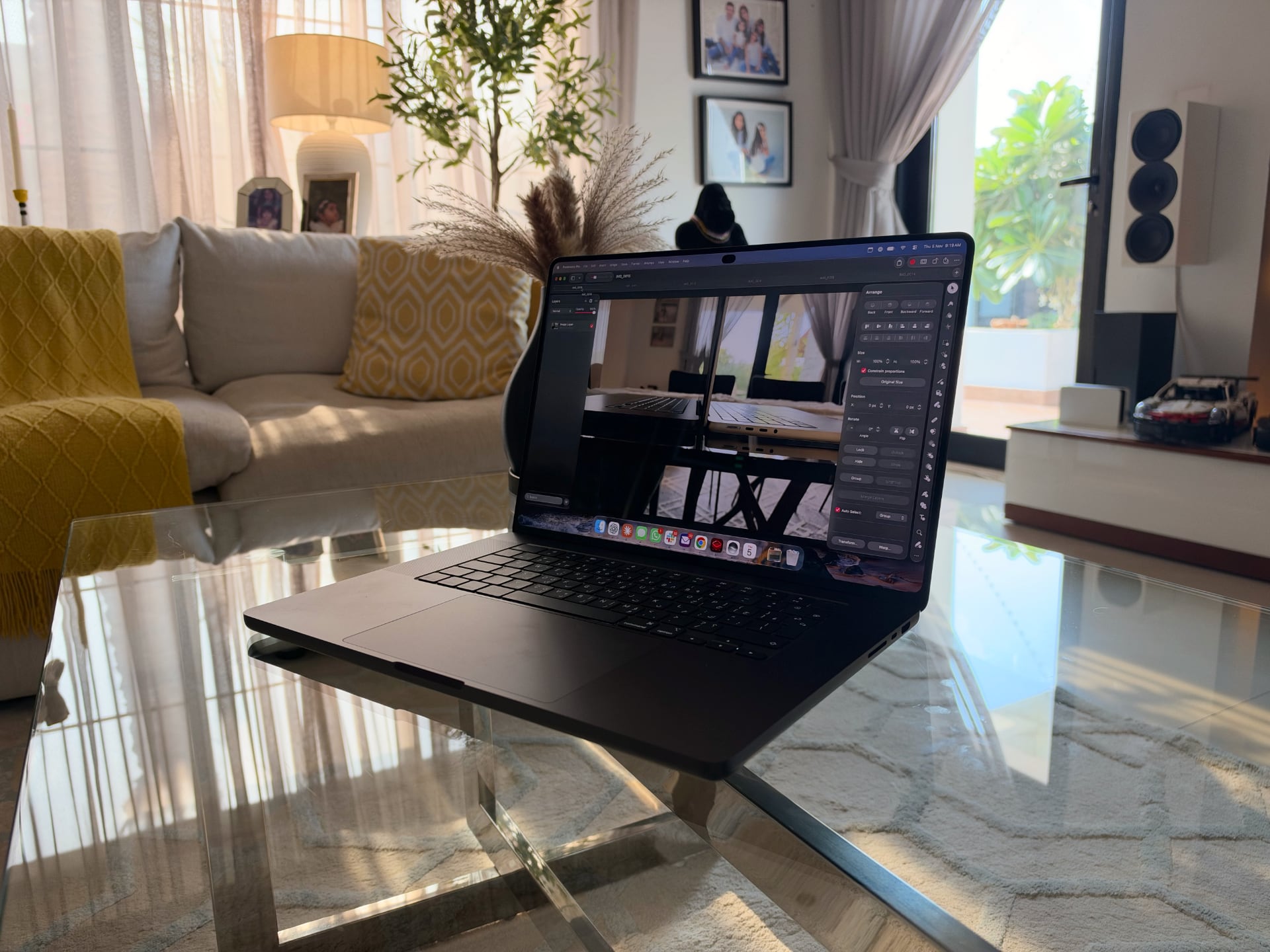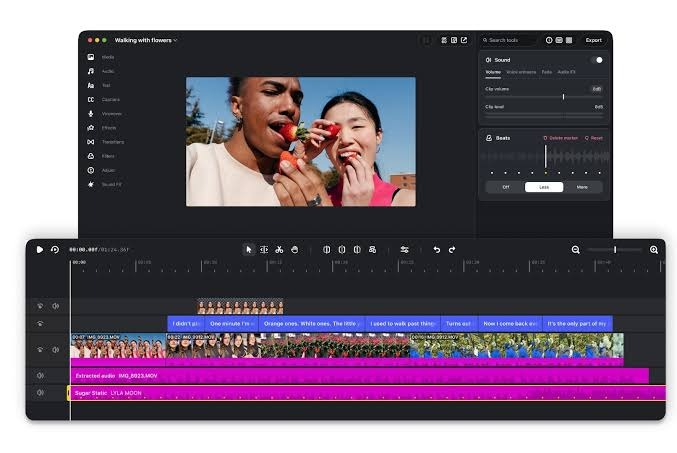
Instagram has taken its Edits video editor to the desktop, and the first version is a free app for Mac. In a post on the Edits blog dated 5 November 2026, the company says the editor adds watermark-free 4K export and lets users connect AI agents through the Model Context Protocol (MCP). It’s a clear step beyond the phone-first tool creators have used for short clips.
Instagram’s pitch is that projects outgrow a phone. Brett Westervelt, who leads the Edits app, writes that 50 million people have made Edits part of how they work in just over a year, and that the desktop version targets more involved projects where a bigger screen, a mouse and a keyboard help. As MacRumors reports, the app can be downloaded from Instagram’s website.
What the Mac editor adds
The headline change is a proper timeline. Instagram lists a full multi-track timeline, keyframes for transitions and audio waveforms for beat-accurate cuts, plus colour wheels, log conversions and curves for grading. Creators can also import their own LUTs and font files, which suits anyone who wants clips to match a brand look.
The rest carries over from mobile. The app includes Instagram’s licensed and royalty-free audio libraries, hundreds of sound and video effects, and unlimited automatic captions in multiple languages. Audio and text styles saved on a phone appear on the desktop version, and users can set keyboard shortcuts of their own or ones carried over from another editor. Instagram quotes filmmaker Alex Cissé, an early tester, saying the desktop version keeps the Instagram music library, profile sync and direct upload.
AI agents through MCP
The more unusual addition is MCP, the open standard that lets AI tools call an app’s functions. Instagram says anyone who uses AI agents can connect them to the desktop editor so they can help with projects. The wording is open-ended, so the company isn’t tying Edits to one assistant, and the agent sits alongside manual editing rather than replacing it.
It also fits a pattern. Software makers are building agent access into products at the system level, as Huawei did with HarmonyOS 7’s system-level AI agents, and into consumer assistants, as Google did when it gave Gemini Live agents animated video avatars. Edits takes a different route by exposing its tools to whichever agent a creator already uses.
Publishing and exporting
Finished videos can go straight from the desktop editor to Instagram. Instagram says native features such as tagging, location and trial reels are built in, which removes the usual detour of exporting a file, moving it to a phone and posting from there. For other platforms, Edits supports horizontal and vertical aspect ratios with 4K export and no watermark, so it also works for projects that never touch Instagram.
What’s still missing
This is the first version, and Instagram says it will ship updates every week, as it does for the mobile app. The most requested feature during testing isn’t ready yet: creators asked to edit one project seamlessly across desktop and mobile, and Instagram says it’s working on that now. Until it lands, the saved audio and text styles are the main link between the two versions.
Is Instagram Edits for Mac free?
Yes. Instagram describes the desktop editor as free, and MacRumors says it can be downloaded from the Instagram website. The 4K export is watermark-free.
Can I post to Instagram directly from the Mac app?
Yes. Instagram says you can publish from the desktop editor with tagging, location and trial reels built in. You can also export horizontal or vertical files, up to 4K, to share elsewhere.
Can I start a video on my phone and finish it on my Mac?
Not as one shared project yet. Instagram says it’s working on editing a single project across desktop and mobile. For now, audio and text styles saved on your phone show up in the desktop app.