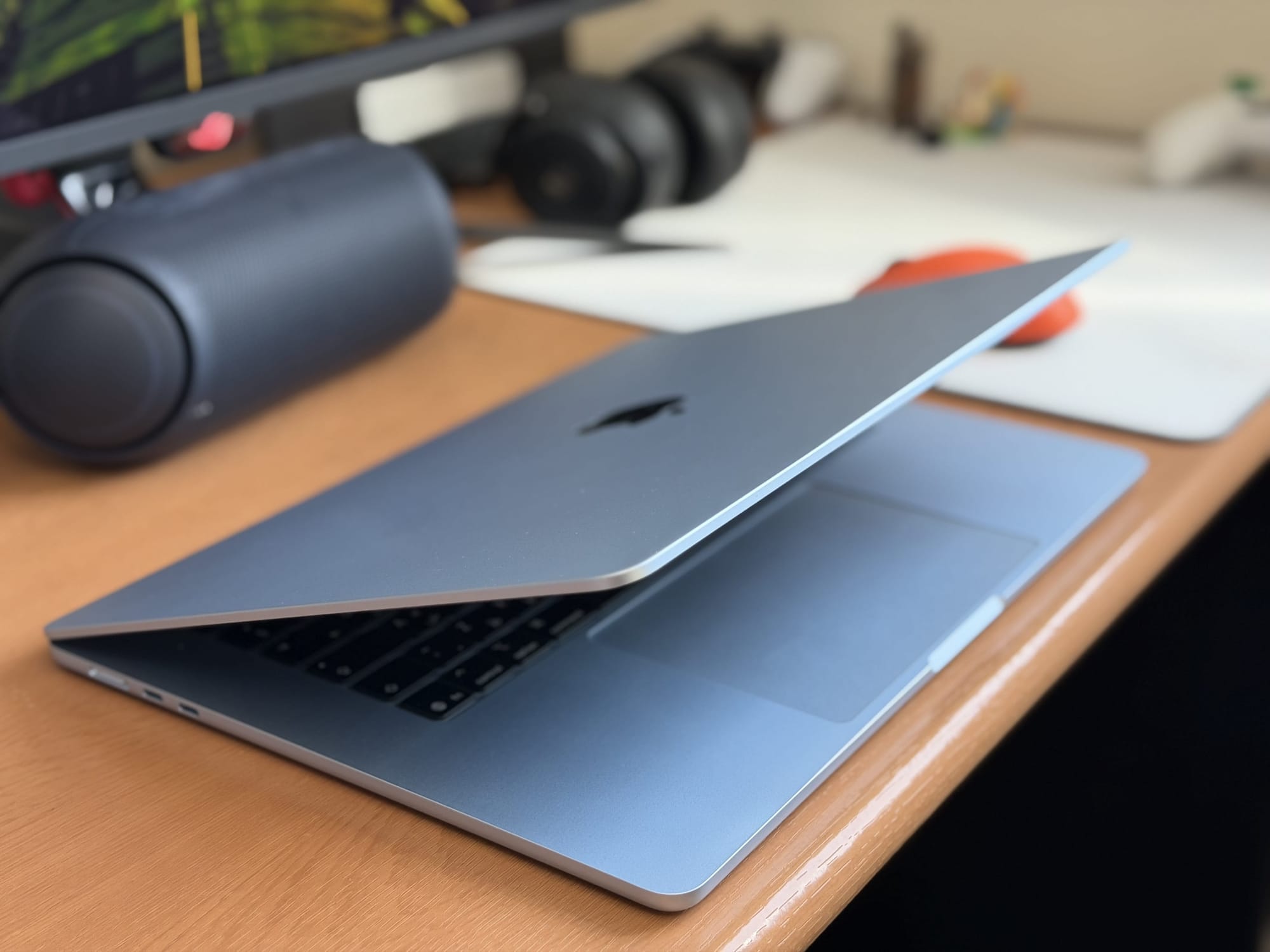
You’ve just bought a MacBook Air for university, and the first time you open it, Apple’s setup assistant walks you through setting up your Apple ID, Wi-Fi, and Touch ID, then drops you on the desktop. That gets you a working laptop. It doesn’t get you a laptop set up to actually carry you through a UAE university degree.
These eight steps fill the gap. Some are five-minute toggles you’ll never think about again. Others — like getting your university Microsoft 365 account set up and your phone properly integrated — make the difference between a Mac that just works and one that genuinely makes your college life easier.
Run through them in order on your first day. They take about an hour total. If you haven’t bought yet, our Best MacBook for UAE Students guide walks you through choosing the right model first, and our MacBook Air M5 vs MacBook Neo comparison breaks down the two student-friendly options.
Quick Answer: The most important MacBook Air setup steps for UAE university students are setting your Apple ID region to UAE, turning on FileVault encryption and Find My Mac, claiming your free university Microsoft 365 subscription, joining eduroam Wi-Fi (which works on most UAE university campus), and connecting your phone — easy if you have an iPhone, workable if you have Android. The full setup takes about an hour.
1. Set Your Apple ID Region to UAE Before Anything Else
If you’re creating a new Apple ID during setup, make sure the region is set to the United Arab Emirates. If you’re using an existing Apple ID, check the region in System Settings → Apple ID → Media & Purchases.
Why this matters: your Apple ID region controls which App Store you see. A UAE-region Apple ID gets you AED pricing, regional apps, and any UAE-specific Apple services like Apple Pay with your local bank card. A US, Indian, or UK Apple ID imported from a previous device will continue to show prices in those currencies and won’t let you set up Apple Pay with a UAE card.
If you’ve imported an old Apple ID, you can change region — but you need to spend any remaining App Store credit, cancel active subscriptions, and update your billing address first. Easier to do this on day one than three months in.
2. Switch On These Five Settings Before You Touch Anything Else
Five toggles that take five minutes and pay back forever:
FileVault (System Settings → Privacy & Security → FileVault). Encrypts everything on your MacBook with your login password. If your laptop is ever stolen, your assignments, photos, and saved passwords stay yours.
Touch ID (System Settings → Touch ID & Password). Add at least two fingerprints. You’ll use it for unlocking, app installs, Apple Pay, and password-protected websites. Faster than typing your password every time.
Find My Mac (System Settings → Apple ID → iCloud → Find My Mac). If you misplace it, you can locate it, lock it remotely, or wipe it before someone digs through your files.
iCloud Drive (System Settings → Apple ID → iCloud → iCloud Drive). The free 5GB tier syncs your Desktop and Documents folders to iCloud, so your assignments survive a dropped laptop. The 50GB tier at AED 3.69/month is worth it if you have more than a few coursework files, photos or videos.
Optimised Battery Charging (System Settings → Battery → Battery Health). Stops charging at 80% when it predicts you’ll be plugged in for hours, slowing battery wear over four years of degree.
3. The Education Apps Every Student Should Install on Day One
Eight global apps that earn their place on a student’s Mac:
- Notion — project organisation, lecture notes, group work. Free for students with a
.eduuniversity email. - Notability or GoodNotes — handwritten notes that sync to your iPad and iPhone if you have them. Pick whichever your friends use, since import/export between the two is painful.
- Zotero — citation manager. Free. Hooks into Word and Google Docs to insert bibliographies. Saves hours during essay deadlines.
- Microsoft Teams / Slack — install whichever your university uses for class communication. Many UAE universities use Teams via Microsoft 365.
- WhatsApp Desktop — group chats with classmates without unlocking your phone every other minute.
- Canva — presentations, posters, social-media coursework. The free tier covers most student work.
- Forest — Pomodoro timer with a guilt mechanism. Plant a virtual tree, kill it by leaving the app, repeat until you stop scrolling Instagram during lectures.
If your university offers free Adobe Creative Cloud (most UAE ones do for design, film, and architecture students), install that as well.
4. Hook Up Your University Microsoft 365 (It’s Probably Free)
Most UAE universities — including the American University of Sharjah, Heriot-Watt Dubai, BITS Pilani Dubai, NYU Abu Dhabi, Khalifa University, Zayed University, and the University of Sharjah — give students a free Microsoft 365 subscription as part of enrolment. That’s the full Word, Excel, PowerPoint, OneNote, and Outlook stack, plus 1TB of OneDrive cloud storage.
Find your university’s Microsoft 365 sign-in page (usually office.com with your university email and password). Sign in once on the web, then download the Office apps from the Mac App Store and sign in there. Your subscription auto-detects from your email.
If your university uses Google Workspace for Education instead — Murdoch University Dubai is one example — the equivalents are Google Drive, Docs, and Sheets, all browser-based with no installation required. Install the Google Drive desktop client for proper file syncing.
5. Connect to eduroam once and skip Wi-Fi setup at other UAE Universities
Eduroam is a global Wi-Fi federation that lets students sign in once with their home university credentials and automatically connect to Wi-Fi at thousands of other participating universities — including many UAE ones (American University of Sharjah, Khalifa University, NYU Abu Dhabi, University of Sharjah, Heriot-Watt Dubai, American University in Dubai, BITS Pilani Dubai, Zayed University).
Setup: open your university’s eduroam configuration page (search “[your university name] eduroam”), download the configuration profile, and install it. macOS will then automatically connect at any participating university worldwide.
Why this is worth ten minutes: if you ever attend a guest lecture, study group, or exchange programme at another UAE university — or travel to Europe or the US during your degree — eduroam will already work. You won’t waste 20 minutes hunting Wi-Fi credentials at a new campus.
6. iPhone or Android? Here’s How to Connect Your Phone to Your Mac
The honest answer first: if you have an iPhone, your Mac integration will be dramatically better than if you have an Android. Apple built Continuity to make the iPhone and Mac feel like one device. Android-to-Mac is workable, but it’s always two separate devices.
If you have an iPhone:
- iPhone Mirroring (macOS Sequoia and later) — control your iPhone from your Mac, drag files between them, and see iPhone notifications on the desktop. We’ve got a full walkthrough on how to use iPhone Mirroring.
- AirDrop — instant file transfer between iPhone and Mac.
- Universal Clipboard — copy text or images on one device, paste on the other.
- Continuity Camera — use your iPhone as your Mac’s webcam (sharper than the Air’s built-in camera for important calls).
- iMessage and phone calls on Mac — answer texts and calls from the Mac without grabbing your phone.
If you have an Android:
- Google Drive desktop app — syncs your phone files to your Mac.
- Messages for web — both Samsung Messages and Google Messages have web versions you can keep open in a browser tab.
- Blip — closest equivalent to AirDrop for transferring files between phone and Mac.
- Snapdrop — open
snapdrop.neton both devices to send files browser-to-browser, no install needed.
For everyone: WhatsApp Desktop and Telegram Desktop work on Mac regardless of which phone you use.
7. Set Up Your Academic Year in Calendar, Tasks, and Notes
Three apps, set up once, and your semester runs itself.
For iPhone users, Apple’s stack is unbeatable for the price of nothing: Apple Calendar (drop in your full semester timetable), Apple Reminders (set assignment due dates with location reminders so they ping you when you arrive at the library), and Apple Notes for everything else. All syncs between iPhone and Mac instantly.
For Android users, the equivalents are Google Calendar, Google Tasks, and either Google Keep or Notion. Same idea, all browser-accessible from your Mac, all synced to your phone.
Add your semester timetable in one go: most UAE universities export your schedule as a .ics file from the student portal. Import it once, and your Mac and phone both know your week. Set assignment deadlines as recurring reminders 7 days, 3 days, and 1 day before due — three nudges before you actually have to start panicking.
8. What to Switch Off So Your Mac Stays Out of Your Way
Macs ship with everything on by default. A few things to switch off so your laptop stays focused on what you’re doing:
- Notification noise (System Settings → Notifications) — turn off banners for everything except Messages, Calendar, and your university apps. Group projects don’t need a desktop ping every time someone reacts to a message.
- Auto-updates during the day (System Settings → General → Software Update) — uncheck “Download new updates when available.” Schedule updates for overnight instead. The last thing you need is a 4GB macOS update halfway through writing an essay.
- Spotlight web suggestions (System Settings → Spotlight) — useful occasionally but slow on a fanless Air when you’re trying to launch an app fast.
- Distraction apps during study hours — set up a Focus mode (Settings → Focus → University) that silences social apps, allows only school contacts, and auto-activates during your timetabled lecture hours.
The Bottom Line
Done correctly, all eight steps take an hour. Skip them, and you’ll spend the whole first month of term tripping over a Mac that isn’t quite set up for the way you actually study. For more on what the MacBook Air M5 offers — performance, design, battery, what’s new from the M4 — read our full MacBook Air 15″ M5 review.
Set the Apple ID region first. Turn on the security settings. Install the apps. Hook up Microsoft 365 and eduroam. Get your phone talking to your Mac. Then go to your first lecture knowing your laptop is actually ready.
MacBook Air for University: Frequently Asked Questions
Do I need to set my Apple ID region to UAE for my MacBook?
Yes. Your Apple ID region controls which App Store you see, what currency App Store prices appear in, and which Apple services (like Apple Pay with a UAE bank card) work for you. Set the region to UAE during initial setup, or change it later in System Settings → Apple ID → Media & Purchases. You’ll need to use any existing App Store credit and cancel any active subscriptions before changing the region.
Does my UAE university give me free Microsoft Office?
Most do. The American University of Sharjah, Heriot-Watt Dubai, NYU Abu Dhabi, Khalifa University, Zayed University, BITS Pilani Dubai, and others provide free Microsoft 365 subscriptions to enrolled students. This includes Word, Excel, PowerPoint, Outlook, and 1TB of OneDrive storage. Sign in at office.com with your university email to claim it.
Can I connect an Android phone to a MacBook properly?
Yes, but with limits. Android-to-Mac integration is functional but never matches iPhone-Mac Continuity. Use Google Drive for file sync, Messages for web for SMS, KDE Connect or AirDroid for AirDrop-style transfers, and Snapdrop for quick browser-to-browser file sends. WhatsApp Desktop also works on Mac, regardless of which phone you use.
What is eduroam and which UAE universities support it?
Eduroam is a global Wi-Fi federation. Sign in once with your home university credentials, and your Mac automatically connects to Wi-Fi at thousands of participating universities worldwide. Most UAE universities — including American University of Sharjah, Khalifa University, NYU Abu Dhabi, University of Sharjah, Heriot-Watt Dubai, American University in Dubai, BITS Pilani Dubai, and Zayed University — are part of eduroam.