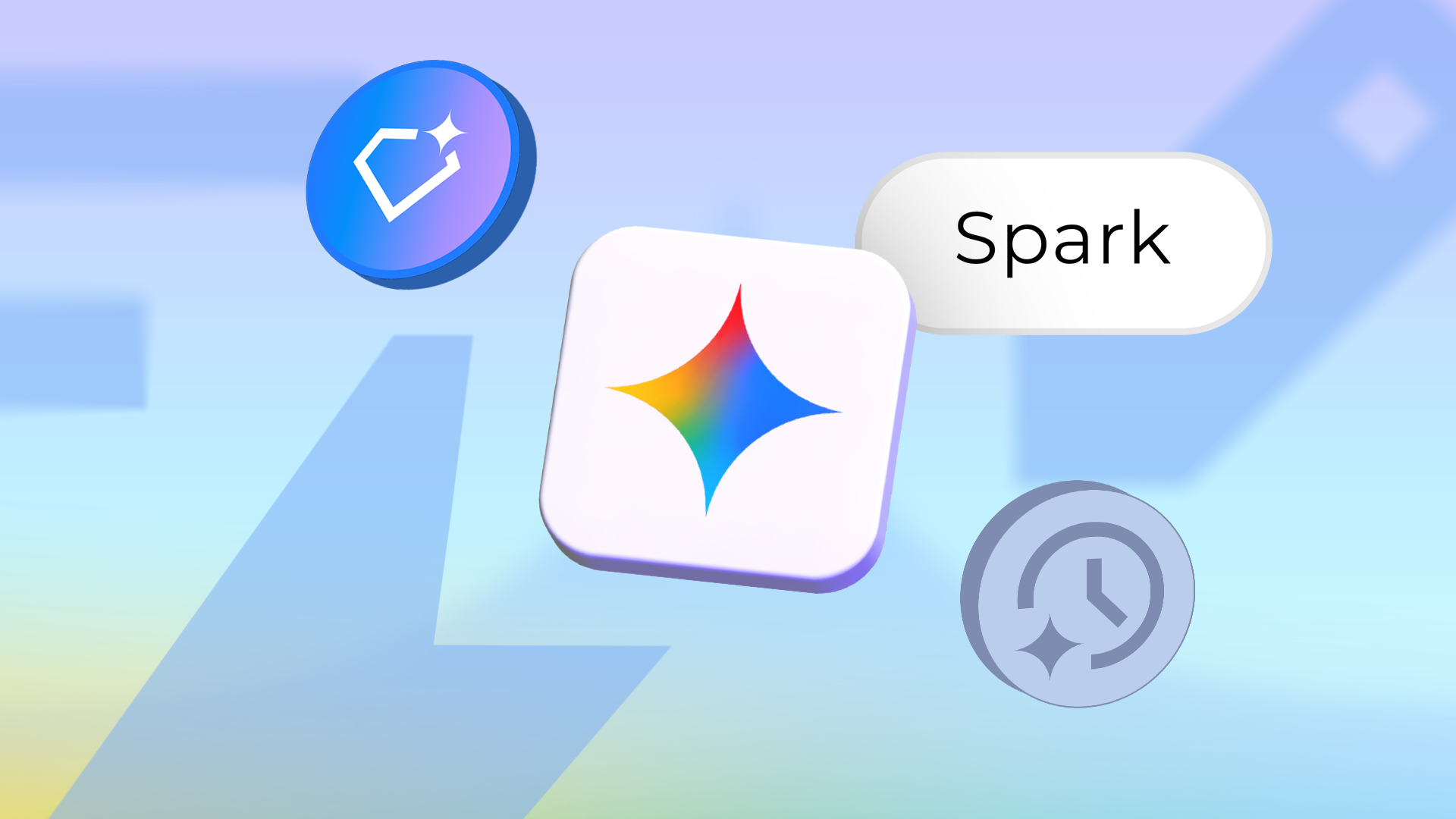
Google will start converting personal Gems in Gemini to a new format called Skills on November 17, and Spark, its background agent, will now appear as Task. According to Android Police, work and school accounts follow in 2027. If you use Gemini daily, you’ll need to address a few saved workflows soon, and untangle a few similar-sounding features.
Gems become Skills inside your chat
Gems were standalone custom bots: you picked one from a sidebar and talked to it in its own window. Skills move those custom instructions into the main chat, where you type a forward slash in the prompt bar and pick the one you want.
Android Police reports that Gemini can also apply a Skill on its own when it decides one fits your prompt, and that you can stack several in one conversation, for example, one for company branding and another for writing tone. That removes the habit of carrying outputs between bots.
The catch is that Skills don’t do everything Gems did. Android Police says most built-in tools you can switch on in a Gem, including Canvas, Deep Research, Guided Learning, and video and music generation, don’t work with Skills yet. You also can’t share a Skill or attach Drive files, though Google says both are coming soon. You can keep using Gems until they convert; after that, they’re gone on personal accounts, so test any Gem that relies on those tools before November 17.
Scheduled Actions: a prompt with an alarm clock
Scheduled Actions have been around since 2025 and are the simplest of the three. You write a prompt, set when and how often it runs, and Gemini prepares the result in the background, with up to 10 running at once. On the web, the chat is marked unread, while on mobile you get a push notification that may show on the lock screen depending on your settings.
Android Police says you no longer need a Google AI subscription for this, though the rollout to free accounts is still underway and Keep Activity must be on. Because Gemini prepares each result an hour before delivery, it suits things that don’t change by the minute, like a morning digest of your calendar, to-do list, and emails, or a daily forecast with outfit ideas. Location-based actions use the place you were in when you created them, so a traveller keeps getting home forecasts until they edit the action to name a new city. Google has also expanded free access to Gemini Daily Brief, worth a look if you just want a morning summary.
Spark, now Task: the agent that keeps working
Spark is the heavy-duty option, and the name is changing. In a redesign rolling out now, it appears as “Task” in a new Chat and Task switch beside the prompt box, and its settings page is called Task settings. Android Police notes that Google’s help pages still say Spark.
Whatever the label, it runs on Google Cloud virtual machines, so it keeps going after you close your laptop or lock your phone. You give it a high-level goal, such as researching competitors across the web, and it works through the steps on its own. Google built in checkpoints: Spark is designed to ask for your OK before it sends a message, changes your data, makes a purchase or submits a web form, and to hand control back when a site wants a password or payment details. Google says these safeguards aren’t foolproof. Up to 15 tasks can run at once, and you need a Google AI Pro or Ultra subscription with Keep Activity on. We covered how it is already reaching into Google’s own apps in our piece on Spark managing your Google Photos library.
The difference from Scheduled Actions is that you can schedule both, but only Spark can start when something happens rather than at a set time. It can also run multistep jobs across your apps and the web, such as watching flight prices and alerting you when a fare drops into your budget. That cross-app reach sits alongside Gemini’s ability to search your emails and photos for answers.
What to do before November 17
Android Police recommends copying each Gem’s instructions into a Markdown file and downloading any knowledge files. Skills are free, Scheduled Actions need no subscription, and Task is only worth paying for if you want Gemini to react to events and work across apps while you’re away. Given Google’s record with names, keeping your own copy of your prompts is the safest move.
Do I lose my Gems on November 17?
Not instantly. Android Police says Google will start converting personal Gems to Skills on that date, and you can use Gems until yours converts. Back up the instructions and knowledge files first.
Do I need to pay for Scheduled Actions?
No. Android Police says a Google AI subscription is no longer required, though the rollout to free accounts is still in progress and Keep Activity must be on. UAE availability hasn’t been confirmed.
Is Task a new feature or Spark under a new name?
It’s Spark. The agent appears as Task in the new Chat and Task switch, while Google’s help pages still call it Spark. It needs Google AI Pro or Ultra.