Microsoft Azure CTO Mark Russinovich says AI helped him build a largely working ZoomIt for Mac in two days, turning a Windows utility he has maintained for more than 20 years into a macOS app over one weekend, according to Windows Latest.
ZoomIt began as a teaching aid. Russinovich built it while teaching Windows Internals, using screen magnification, drawing tools and a break timer to show large rooms exactly where to look. It later added screen recording, webcam overlays, panorama captures and video editing.

How AI built ZoomIt for Mac
Microsoft employees who demonstrate Git, GitHub, Copilot and Visual Studio Code on Macs had asked for the tool, but Russinovich said he had never expected to find the time. He eventually bought a Mac, set up Microsoft’s corporate environment and gave an AI model the existing Windows code as a reference.
The first foundation took about half an hour and roughly a dozen prompts. Russinovich then added features one by one, while adapting screen capture, audio, video, permissions and keyboard input to macOS. He said the result was 90-plus per cent complete by the end of the weekend, although it still had bugs.
“Not to say that it didn’t have a few bugs, but it was 90-plus percent of the way there. I was flabbergasted.”
Mark Russinovich, Microsoft Azure CTO
The existing Windows code did much of the explanatory work for the model. Russinovich knew what ZoomIt should do; the software had to work out how to reproduce those behaviours on Apple’s operating system. That spared him the usual tour of macOS’s capture and permission systems, which is a fairly large bit of homework to skip.
What the Mac version can do
The open-source project provides live zoom, drawing and typing annotations, screenshots, screen recording, webcam picture-in-picture and scrolling panorama capture. The current repository also lists Demo Mirror, which can show a full screen, window or selected region on a second display.
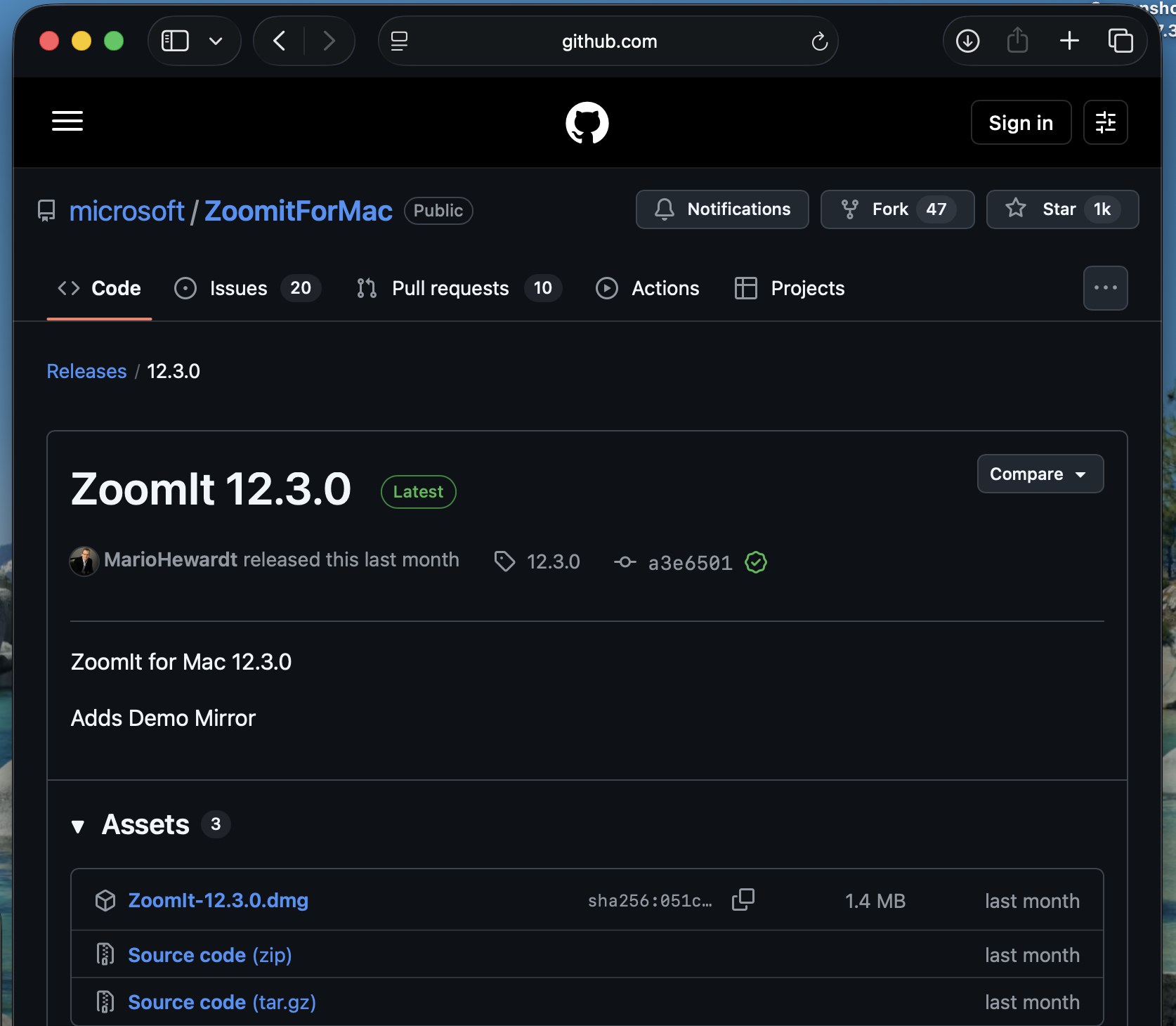
The project is available from Microsoft’s ZoomItForMac GitHub repository, with macOS 14 Sonoma or newer required. The latest release listed by Microsoft’s Sysinternals team is version 12.3.0, and users need to grant Screen Recording permission for capture features.
Mac users can install it through Homebrew with brew install --cask microsoft/sysinternalstap/zoomit, or download the release directly from GitHub. The app is free and open source, while microphone and camera permissions are only needed for the related recording features.
Microsoft has been adding more AI-assisted development to its own tools, including a standalone Google app for macOS that may be in preparation. ZoomIt is a smaller example, but a useful one: an engineer with a working reference implementation can spend less time learning a second platform before testing whether the port is worth finishing. The company’s wider macOS push has also included unreleased Apple-device references found in macOS Tahoe code.
What is ZoomIt for Mac?
It is Microsoft’s open-source macOS version of ZoomIt, a menu-bar utility for live zooming, annotations, screenshots, recording and presentation tools.
Which Macs can run ZoomIt for Mac?
The project requires macOS 14 Sonoma or newer.
How can I install ZoomIt for Mac?
Users can install it from Microsoft’s Homebrew tap with brew install –cask microsoft/sysinternalstap/zoomit, or download a release from the official GitHub repository.