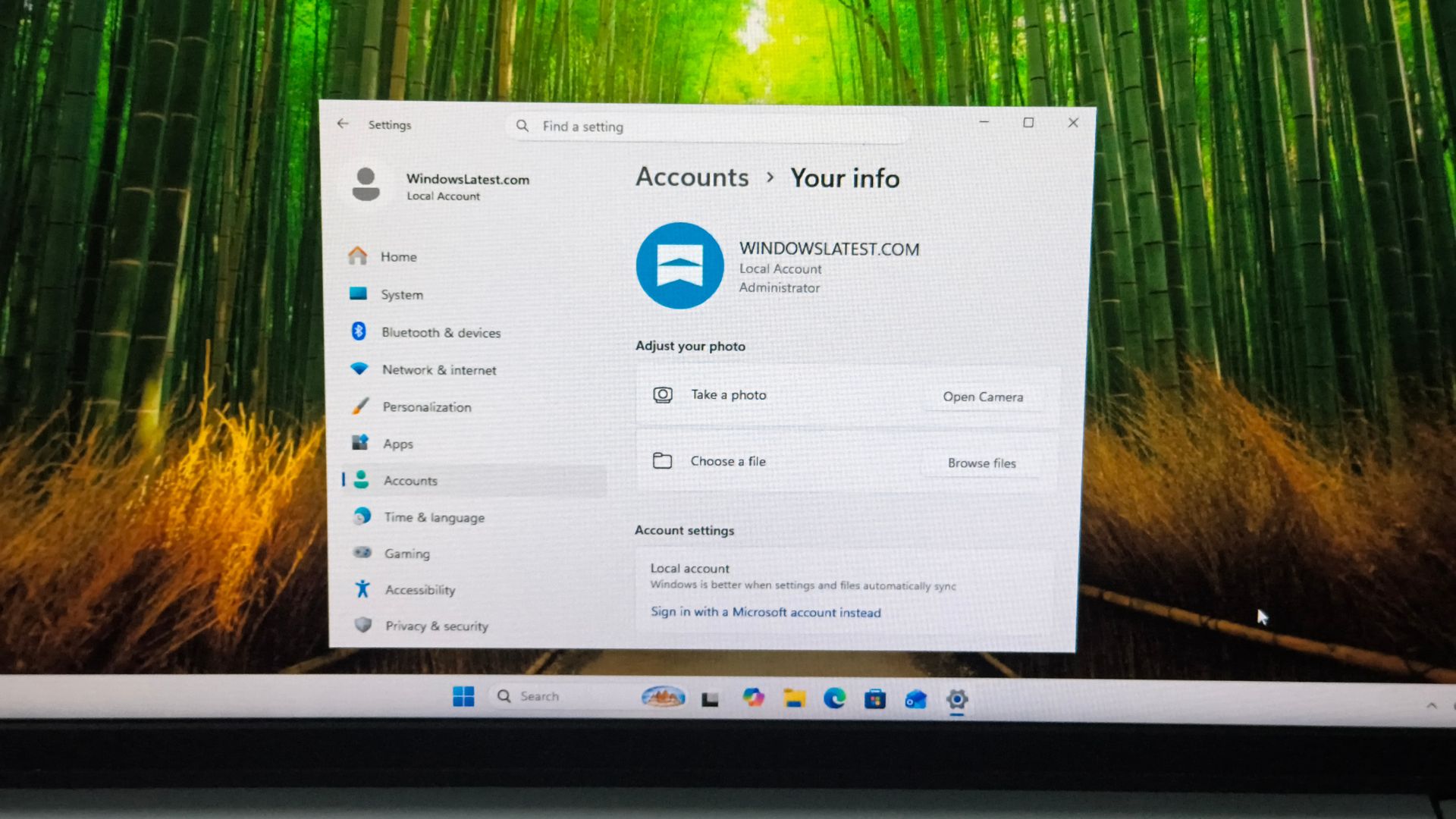
Microsoft has reportedly found a new way to let Windows 11 Home users create a local account during setup: click the small “Learn more” link beneath “Sign-in options” on the Microsoft account page. Windows Latest tested the route on a fresh virtual machine using the latest Windows 11 Home ISO and reached the local-account screen without using Command Prompt, Registry Editor or disconnecting from the internet.
Windows 11 local account setup now has a very small link
The route reportedly works after the normal out-of-box setup reaches the “Let’s add your Microsoft account” page. Under “Sign-in options”, the long explanatory paragraph contains a small “Learn more” link. Clicking that link, rather than the larger Learn More button lower down the page, takes the installer to “Who’s going to use this device?”
From there, users can enter a local username, password and three security questions. Windows Latest says it has not confirmed whether the same link works on every Windows edition or build. The report also says the workaround works on Microsoft’s latest Experimental Insider build, 29677.

Microsoft has been removing the older workarounds
Microsoft has spent the past year closing the familiar routes around the Microsoft account requirement. The company removed the oobe\\bypassnro script, while newer builds also blocked registry-based BypassNRO changes and the start ms-cxh:localonly commands, according to earlier reporting from The Verge.
Windows Latest says those methods now fail or loop back into setup on newer media. Rufus-created installation media and Windows 11 Pro’s work-account setup remain separate options, but neither is the same as a small link inside the standard Home setup flow.
The link may disappear when Microsoft updates the setup experience. Anyone relying on it should check the Windows edition and build first, and keep a supported fallback available before reinstalling Windows.
Windows 11 Memory Integrity will turn on for more PCs in October — here is what that could mean for gaming.
Does the Windows 11 local account link work on every PC?
Not yet confirmed. Windows Latest tested it on Windows 11 Home installation media and said the result may vary by edition or build.
What does the Learn more link do?
On the reported setup screen, the small link beneath Sign-in options opens the local-account creation screen instead of requiring a Microsoft account.
What should I do if the link is gone?
Check the Windows edition and build, then use a supported alternative such as converting to a local account after setup or preparing installation media with a trusted tool.