Microsoft will begin enabling Windows 11 Memory Integrity on more eligible PCs through standard quality updates from October 2026. The security feature can affect gaming performance on some older processors, although systems where users have already switched it off will keep that choice, according to Microsoft and reporting from PCMag and BetaNews.
Windows 11 Memory Integrity, also called Hypervisor-protected Code Integrity (HVCI), checks kernel-mode code and drivers before they run. It relies on Virtualization-based Security (VBS), which uses the processor’s virtualisation hardware to isolate that checking from the rest of Windows.

Microsoft’s Windows IT Pro announcement says the rollout will use Windows quality updates rather than a major feature update. Where VBS is not already active, the same updates can enable it as well. Windows will assess hardware capability, compatibility and performance before applying the change.
Windows 11 Memory Integrity: which PCs are affected?
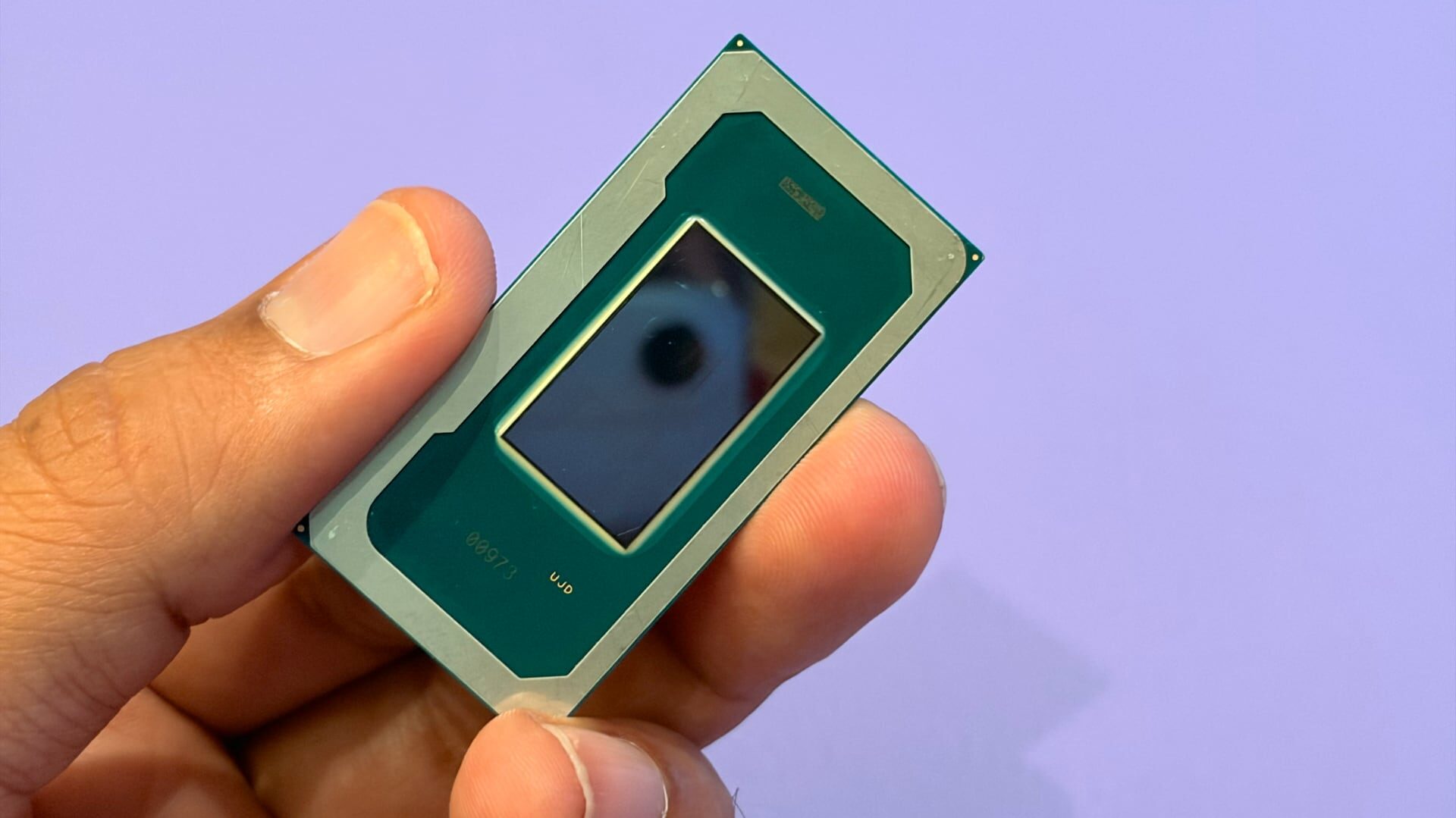
The automatic-enablement requirements listed by Microsoft include Intel 8th-generation processors or newer, AMD Zen 2 or newer, and Qualcomm Snapdragon 8180 or newer. The x64 requirements also include at least 8GB of RAM, a 64GB SSD and enabled hardware virtualisation; compatible drivers and Secure Boot are part of the wider check.
Microsoft already enables Memory Integrity by default on clean Windows 11 installations and Secured-core PCs. The October change extends that default to more machines, including some systems upgraded from earlier Windows versions or shipped with the protection disabled.
Why Memory Integrity can affect gaming performance
The extra kernel checks have little effect on frame rates on current processors with the relevant hardware support. Older CPUs can take a larger hit because they rely more heavily on software emulation, and the change may lower or make frame rates less steady in some games. Microsoft does not give one universal FPS penalty because the result depends on the hardware and software involved. Tbreak has also covered a Windows 11 update that broke games and a graphics-driver issue affecting Windows PCs.
Microsoft says existing user and administrator decisions remain in effect. If you have already disabled Memory Integrity through Windows Security, the registry, Group Policy or Intune, the October updates should not turn it back on automatically.
To check the setting, search Windows for Core isolation, open Device security, then select Core isolation details. Microsoft’s guidance for gamers who want the highest possible frame rates is to turn Memory Integrity off before a session and enable it again afterwards. That trades some kernel protection for performance, so leaving it on is the safer default for general use.
For the UAE, there is no separate local rollout or pricing question: this is a Windows update policy that applies to eligible PCs worldwide. The setting is available through Windows Security wherever the feature is supported.
When will Windows 11 Memory Integrity turn on for more PCs?
Microsoft says eligible devices will begin receiving the change through standard Windows quality updates from October 2026.
Does Memory Integrity always reduce gaming FPS?
No. Microsoft and corroborating reports indicate the impact depends on the processor, drivers and game. Modern CPUs with suitable hardware support are expected to see little change, while older systems may lose performance in some games.
How do I check Windows 11 Memory Integrity?
Search for Core isolation in Windows, open Device security, and select Core isolation details. The Memory integrity toggle appears there when supported.