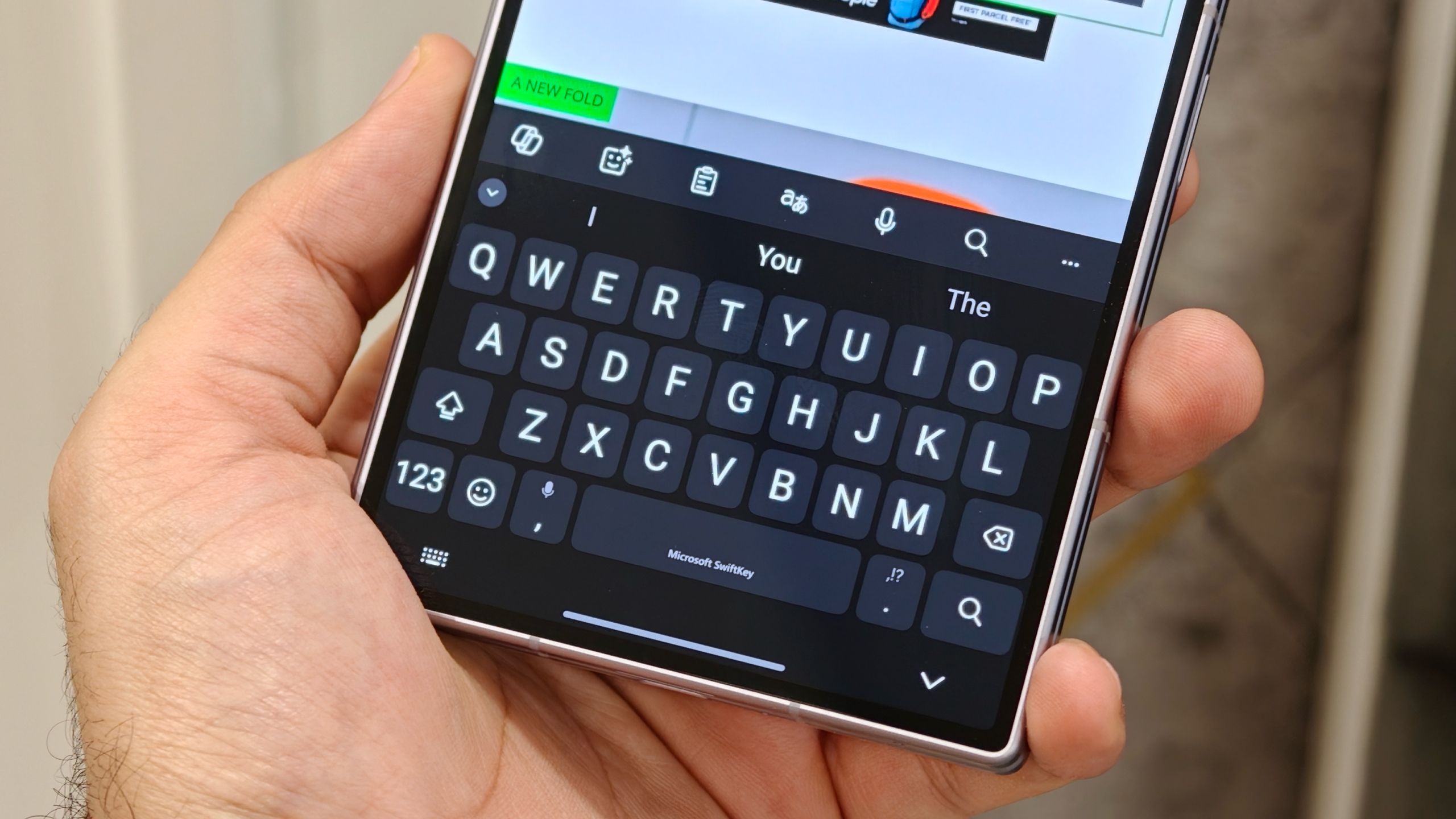
SwiftKey AI voice typing is rolling out in beta to Android phones beyond the Pixel 11 series, giving users a way to dictate naturally and receive cleaner, formatted text without sending the audio to the cloud.
The feature appears in SwiftKey beta version 9.13.16.4 as an “AI voice” option beside the microphone button. You speak normally while the app records a waveform, then it processes the finished dictation after you stop. It removes filler words such as “um” and “ah”, adds punctuation and formats the result.
Android Central tested SwiftKey AI voice typing on a Galaxy Z Fold 8 with Wi-Fi and mobile data disabled. The feature continued to transcribe, after the app downloaded an AI model of about 163MB. PhoneArena separately reported an offline model download of 152MB, so the exact size appears to vary by build or device.

SwiftKey AI voice typing works beyond Pixel 11
Google’s comparable Rambler feature is currently tied to the Pixel 11 series. SwiftKey AI voice typing can run on other Android phones through the beta app, including Samsung devices tested by the outlets above. It currently supports English, according to Android Headlines, and the feature may change before a stable release.
The offline processing is the practical difference. Gboard’s Rambler still requires an internet connection in the reported tests, while SwiftKey completed the transcription with connectivity switched off. That makes the mode more useful on flights, in weak-signal areas or for users who would rather keep dictated text on the phone.
SwiftKey’s version is less capable after the words appear. It does not currently let you change the tone, reformat the text further or add emoji through voice commands. It also waits until you finish speaking before showing the completed transcription, rather than displaying a live word-by-word result.
How to try SwiftKey AI voice typing on Android
Install the latest SwiftKey beta from Google Play, open an app with a text field and tap the microphone icon. If the AI voice option has reached your account, SwiftKey will offer to download the local model before the first use. The rollout is still in beta, so its availability may differ between phones and regions, including the UAE.
The feature adds another option alongside Google’s Pixel-only tools. Pixel 11 already has other search and notification changes, while Google’s Gemini 3.5 Transcribe targets voice notes. SwiftKey is aimed at the less glamorous job of turning a long message into something you can send without editing every sentence.
Sources: Android Central and PhoneArena.
What is SwiftKey AI voice typing?
It is a beta Android feature that turns natural speech into cleaned-up, punctuated and formatted text after you finish dictating.
Does SwiftKey AI voice typing work offline?
Yes. After downloading its local AI voice model, reported tests found that it could transcribe with Wi-Fi and mobile data disabled.
Which phones support SwiftKey AI voice typing?
The beta is available across Android phones rather than being limited to the Pixel 11 series, although rollout and language support can vary.