Apple’s new touchscreen MacBook Pro comes with an off switch for the touchscreen. MacRumors reports that the OLED models have an accessibility setting that disables touch input entirely, a detail first flagged by MacStories editor-in-chief Federico Viticci in a post on X. If you want the new display but not the fingerprints, you can keep using the Mac exactly as you did before.
Viticci’s post lists two Accessibility options. The first turns touch input off, and the second lets you pinch with two fingers to zoom anywhere in the macOS interface. In his hands-on write-up after Apple’s Los Angeles launch experience, he says the zoom preference is called Display Zoom and ships turned off by default. He also describes the touch toggle as the setting for anyone who wants an OLED MacBook Pro purely for the screen.
Touch is a secondary input by design
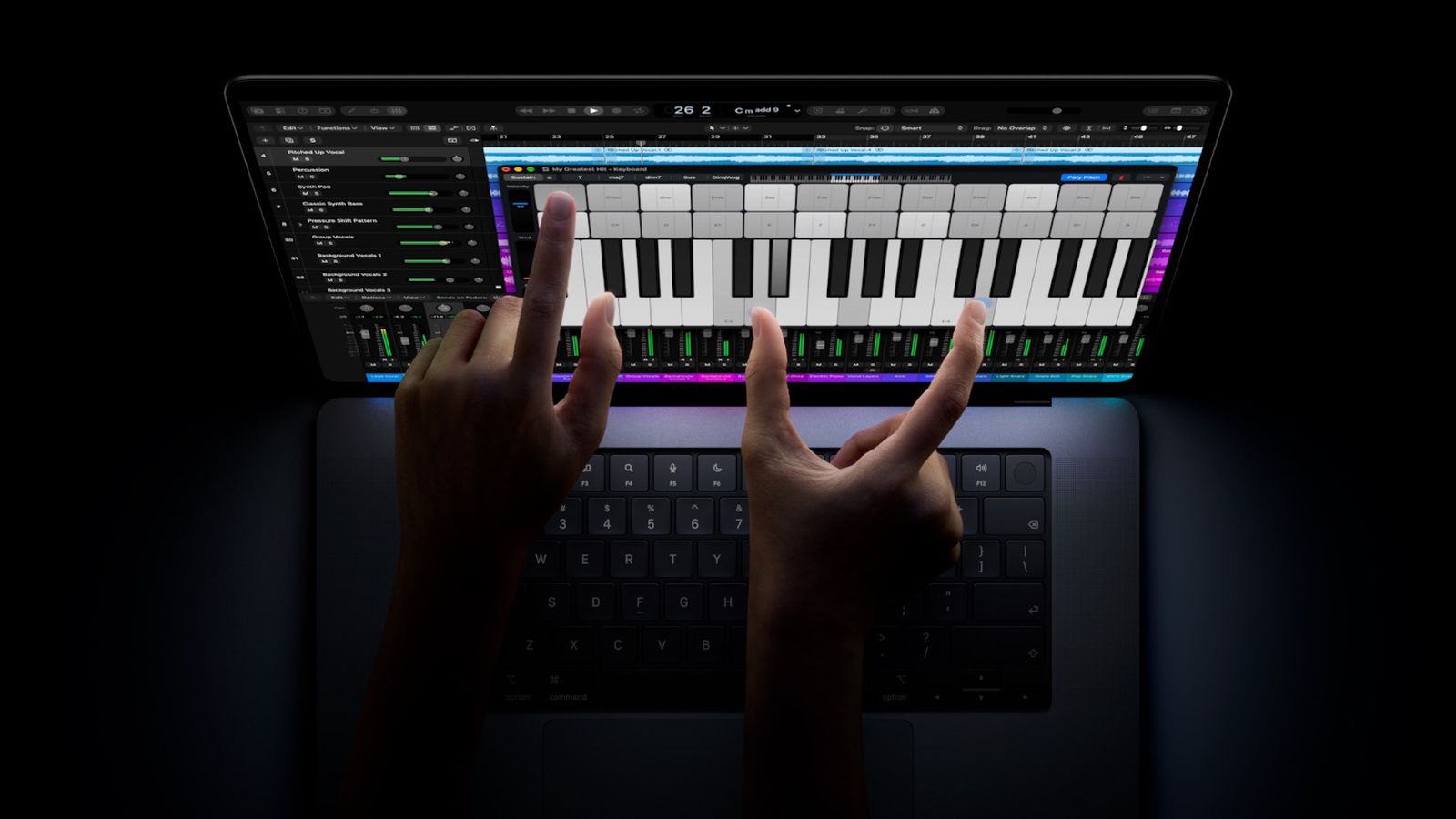
The off switch fits how Apple has framed the feature. Viticci describes touch as an optional second input method that sits alongside the trackpad and keyboard rather than replacing them, and says macOS translates finger input into cursor input so that system apps, and in his understanding older third-party apps, respond without changes. Apple’s own pitch, as covered in our launch report, says the touch sensor is built into the display panel and that the keyboard and trackpad stay in play, with a redesigned hinge meant to keep the screen steady when you tap it.
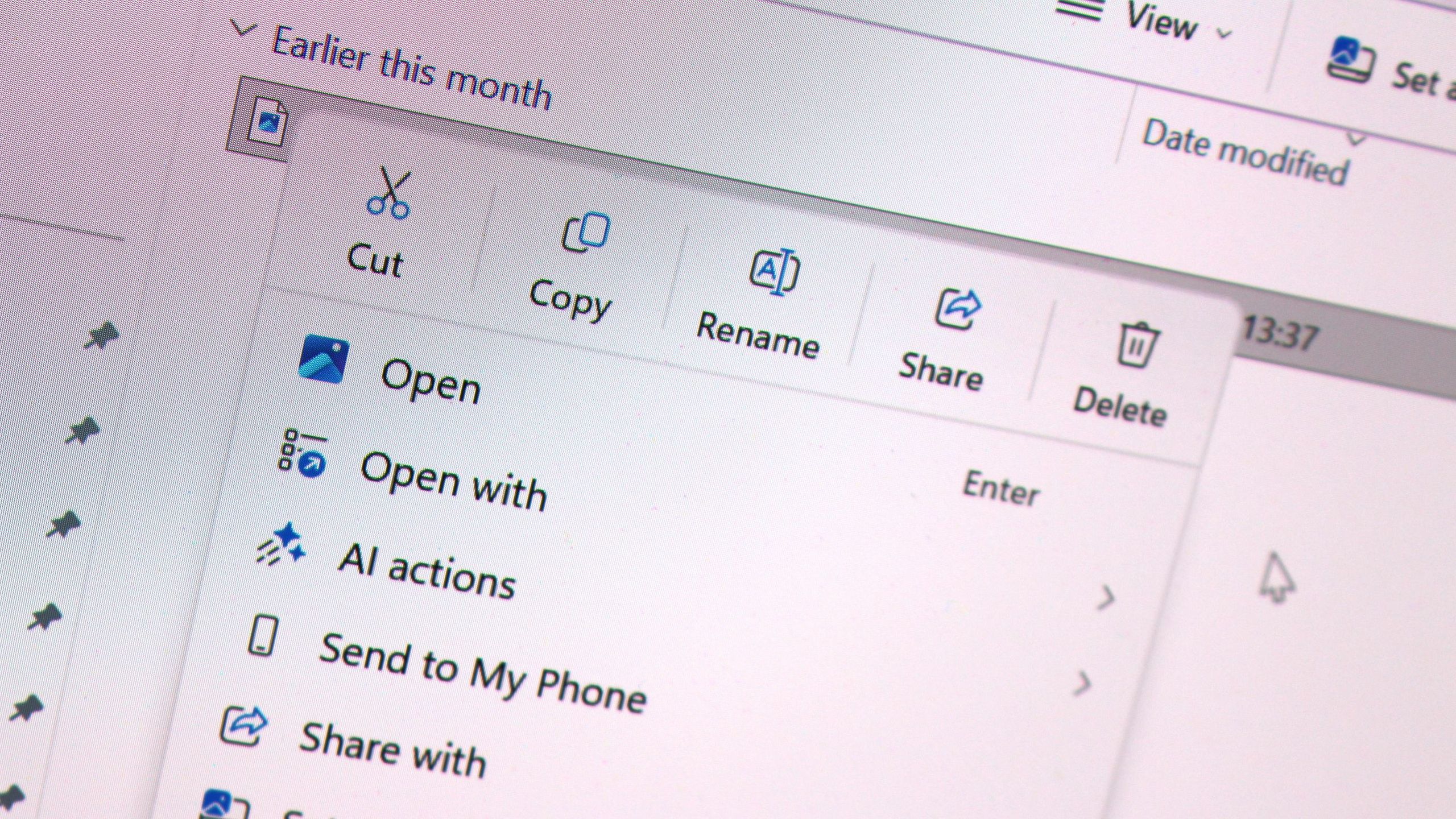
The macOS layer changes when a finger is involved. Viticci says that when macOS detects touch, it spaces out interface elements to give larger targets, so a context menu opened by touch is looser than the same menu opened with the pointer. Long-pressing a file in Finder lifts it under your finger, borrowing a cue from iOS and iPadOS. Those adjustments only matter if you use touch, which makes the Accessibility toggle a clean opt-out rather than a feature you have to work around.
Viticci is a supporter of the idea. He argues in the same piece that Steve Jobs’ 2010 description of laptop touchscreens as “ergonomically terrible” shouldn’t carry so much weight 16 years on, and that touch as an option on the Mac is overdue. He also notes there’s no Apple Pencil support on the Mac yet.
What it means for UAE buyers
The touch-enabled models are the MacBook Pro with PROLED XDR Display. As we reported on launch day, UAE pre-orders opened on 28 October from AED 11,999 for the 14-inch M5 Pro, with units arriving from Friday, 6 November, which matches the date in our earlier rumour coverage. Touch is part of the PROLED XDR display, so you can’t buy the panel without the touch hardware. The Accessibility setting only controls whether macOS responds to it.
That matters for anyone who bought into the pitch for the display and not the gestures. Apple’s Dynamic Island and the tandem OLED panel arrive with the same machine, and neither depends on touch being enabled. We haven’t tested the setting ourselves, so we’d recommend checking it works as described once the first units reach customers.
Can I turn the MacBook Pro’s touchscreen off completely?
Yes. According to Viticci, the new MacBook Pro has an Accessibility setting that turns touch input off entirely. The keyboard and trackpad remain the main way to use the Mac either way.
Can I pinch to zoom on the new MacBook Pro?
Yes, but you have to enable it. Viticci says Display Zoom sits in Accessibility, is off by default, and lets you pinch with two fingers to enlarge any part of the macOS interface.
Does the touchscreen MacBook Pro support Apple Pencil?
Not yet. Viticci says there’s no Apple Pencil support on the Mac for now, so touch on these models means fingers only.