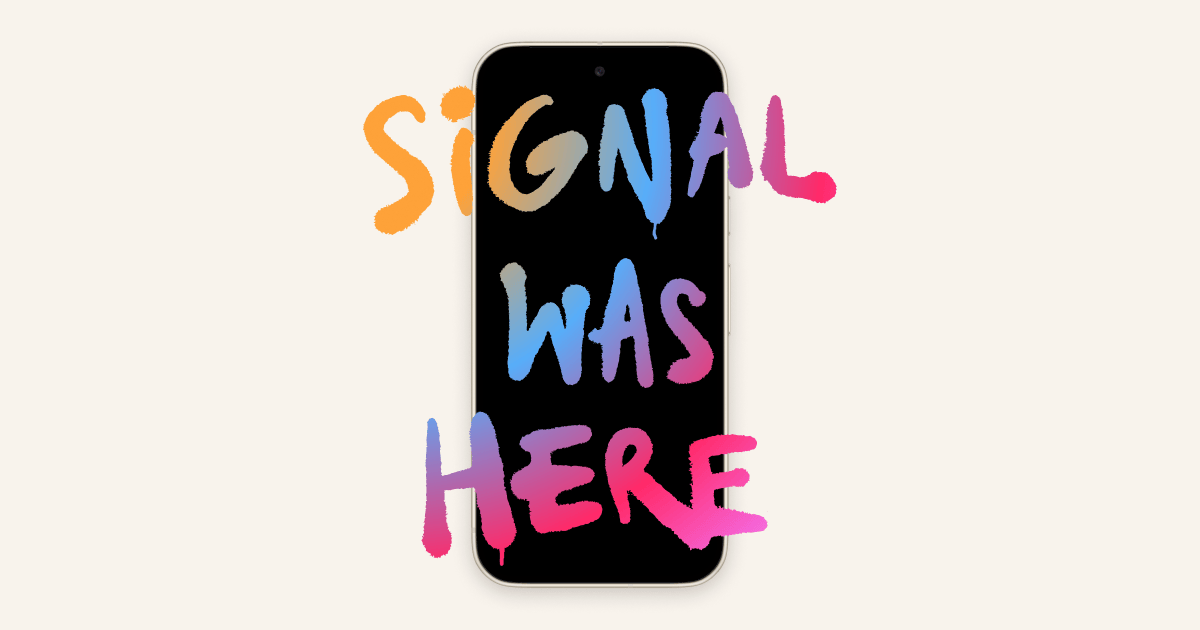
Signal, the encrypted messaging app, is restricting screenshots on iPhones and some Android devices to stop AI assistants from reading private chats.
On iOS 27, that means you can’t take screenshots inside Signal unless you turn the protection off. Android only switches the block on when Signal detects an assistant trying to read the screen, and detection doesn’t work on every manufacturer’s version of Android.
Signal’s Meredith Whittaker laid out the changes in a Signal blog post. Signal used the same approach last year on Windows 11 to stop Microsoft Recall from taking and storing screenshots of chats by default. Now it’s applying that defence to assistants built into phones, including Google’s Gemini Intelligence and Apple’s Siri AI.
This is an existential threat to Signal, and our ability to responsibly uphold our mission.
Meredith Whittaker, Signal
What Signal blocks on iPhone and Android
On iOS 27, Signal adds a setting called Block Siri AI. On Android, it automatically enables its existing Screen security setting when it detects an assistant trying to capture screen data. You can turn the protection off in Signal’s settings to take screenshots again, but Signal warns that doing so could expose both your messages and your contacts’ to AI assistants.
Tbreak previously covered Signal’s separate beta for registration without a phone number. WhatsApp’s Restricted Chat beta tackles a different problem: it blocks Meta AI and chat exports.
What you can turn off yourself
Apple launched Siri AI on 14 September 2026 with Onscreen Awareness, which lets it answer questions and take actions based on what’s on your screen. Apple added app exclusions in iOS 27.2. The EFF says you can go to Settings > Siri > Excluded Apps and add Signal to stop Siri AI reading its content, including through Onscreen Awareness.
EFF says Gemini has no per-app switch for screen context, and Signal doesn’t appear in its connected-app list because Signal doesn’t support that feature. It also says Gemini can read notifications through Device Assistance, which may expose Signal messages. Gemini’s scam detection in Google Messages is a separate feature, and it reads chats in Google’s own app.
What a screenshot block can’t stop
Signal acknowledges that “restricting screenshots does not address other more sneaky ways AI agents could potentially access application data,” such as reading files already on the device. It also flags Meta’s Muse as a third-party agent that needs stopping from reaching app data. On macOS, Signal can’t reliably block screenshots, so it recommends adding Signal to Excluded Apps under System Settings > Siri on macOS 27.
Signal says its developers have had to investigate what assistants can access on Android and iOS. Whittaker says Signal is “cautiously optimistic” that Google and Apple are engaging with it on how assistants should work with apps like Signal.
Signal is asking Apple, Google, and Microsoft to let developers opt their apps out of AI data access at the operating-system level and to document how assistants work.