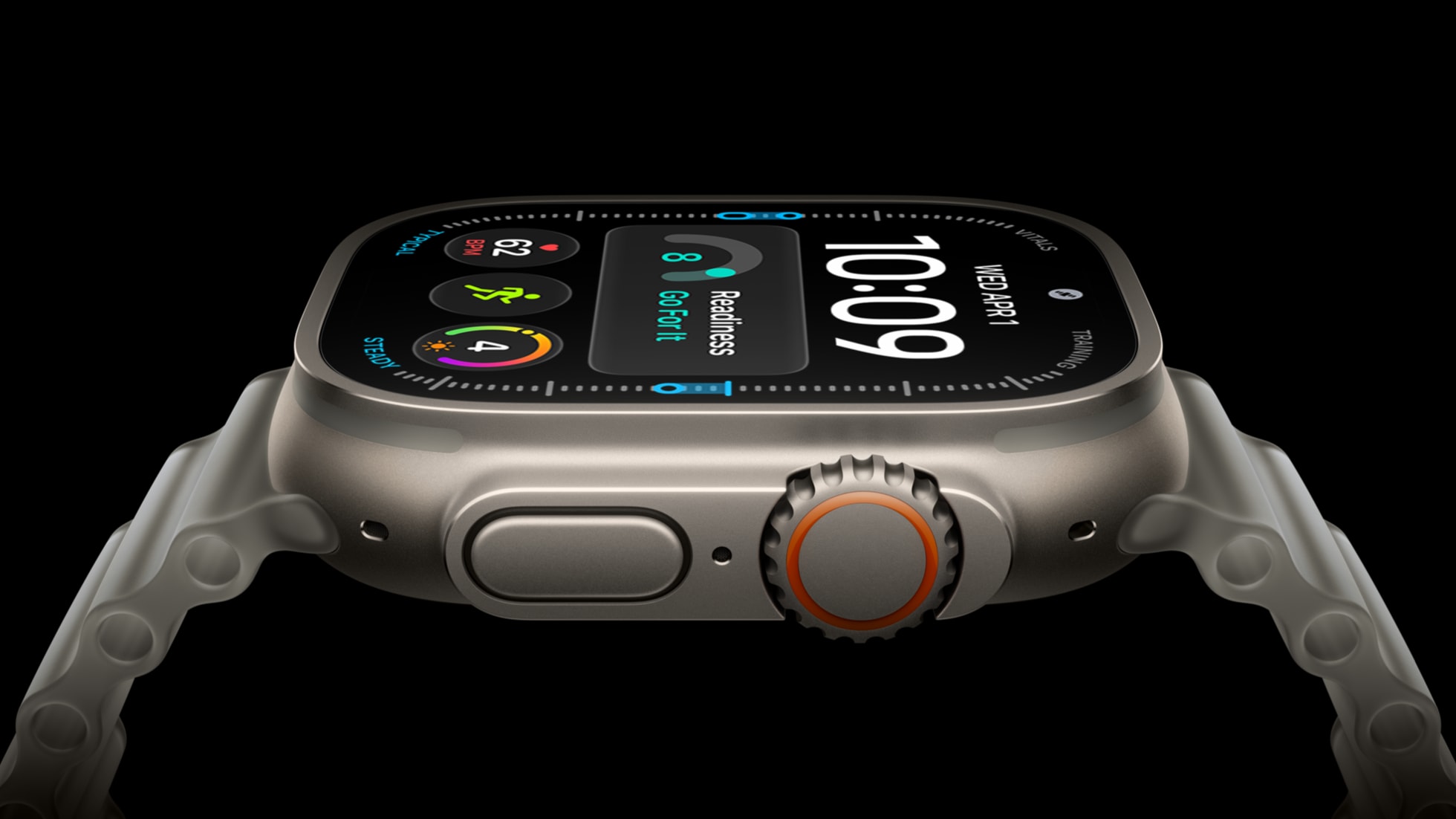
watchOS 27 removes the Apple Watch app switcher shortcut that appeared when users double-clicked the Digital Crown. The gesture now opens the new dynamic app grid instead, giving owners one less quick route through watchOS.
The change affects compatible Apple Watch models updating to watchOS 27, which Apple released on September 14. Apple lists support for Apple Watch Series 9 or later, Apple Watch SE 3 and Apple Watch Ultra 2 or later, although some features depend on the model and region.

What changed in watchOS 27 double-click behaviour
In watchOS 26, pressing the Digital Crown twice opened the App Switcher. That Apple Watch app switcher made it possible to jump between the current app and the last one used, or move from the watch face back into an app, without touching the display.
As MacRumors reports, watchOS 27 now gives the same dynamic app grid response to a single or double press. The grid highlights five suggested apps, including frequently used and recently used apps, according to Apple’s watchOS 27 overview.
The update also changes what the gesture does on the newest watches. Apple Watch Series 12 and Apple Watch Ultra 4 use the double-click to activate Live Rewind, which displays a text transcript of the previous 15 seconds of spoken audio. That leaves older supported watches with the app-grid behaviour but without the hardware-dependent feature that took over the shortcut.
Can you get the old Apple Watch app switcher back?
Apple does not currently offer a setting to restore the previous Apple Watch app switcher gesture. The Digital Crown can still open the app grid, and users can launch apps from there, but it takes an extra selection step compared with the old shortcut.
For UAE owners, the change arrives as part of the watchOS 27 update rather than a separate local feature rollout. Our watchOS 27 UAE compatibility guide covers supported models, while the Apple Watch Series 12 UAE guide covers the new hardware and its feature limits.
Apple could change the behaviour in a later watchOS update, but it has not announced a replacement shortcut. For now, double-clicking the Digital Crown is an app-grid command on older supported watches, and a Live Rewind command on the newest models.
What does double-clicking the Apple Watch Digital Crown do in watchOS 27?
On older supported Apple Watch models, it opens the dynamic app grid. On Apple Watch Series 12 and Apple Watch Ultra 4, it activates Live Rewind.
Can you restore the Apple Watch app switcher in watchOS 27?
No. Apple does not currently provide a setting to bring back the previous double-click app switcher.
Which Apple Watches support watchOS 27?
Apple lists Apple Watch Series 9 or later, Apple Watch SE 3 and Apple Watch Ultra 2 or later as compatible, although some features vary by model and region.