Arc for macOS and Windows will stop working on December 22, 2026. The Browser Company is directing users to its replacement, Dia, or to export their tabs before the shutdown.
The official farewell notice says Arc accounts will be deactivated that day, with associated personal data deleted within 30 days. Existing desktop users will receive basic updates until the cutoff.
What should you save before Arc shuts down?
Arc’s migration FAQ explains how to export tabs as a list of links. Importing into Dia is a separate option that also brings across passwords, history, bookmarks and extensions.
Before switching, make a list of the parts of your setup you actually rely on: saved sites, work accounts, extensions and tab organisation. Check those in the new browser before treating the move as complete. A saved list of links is useful, but it is not a substitute for checking that you can still access your accounts.
What is Dia offering Arc users?
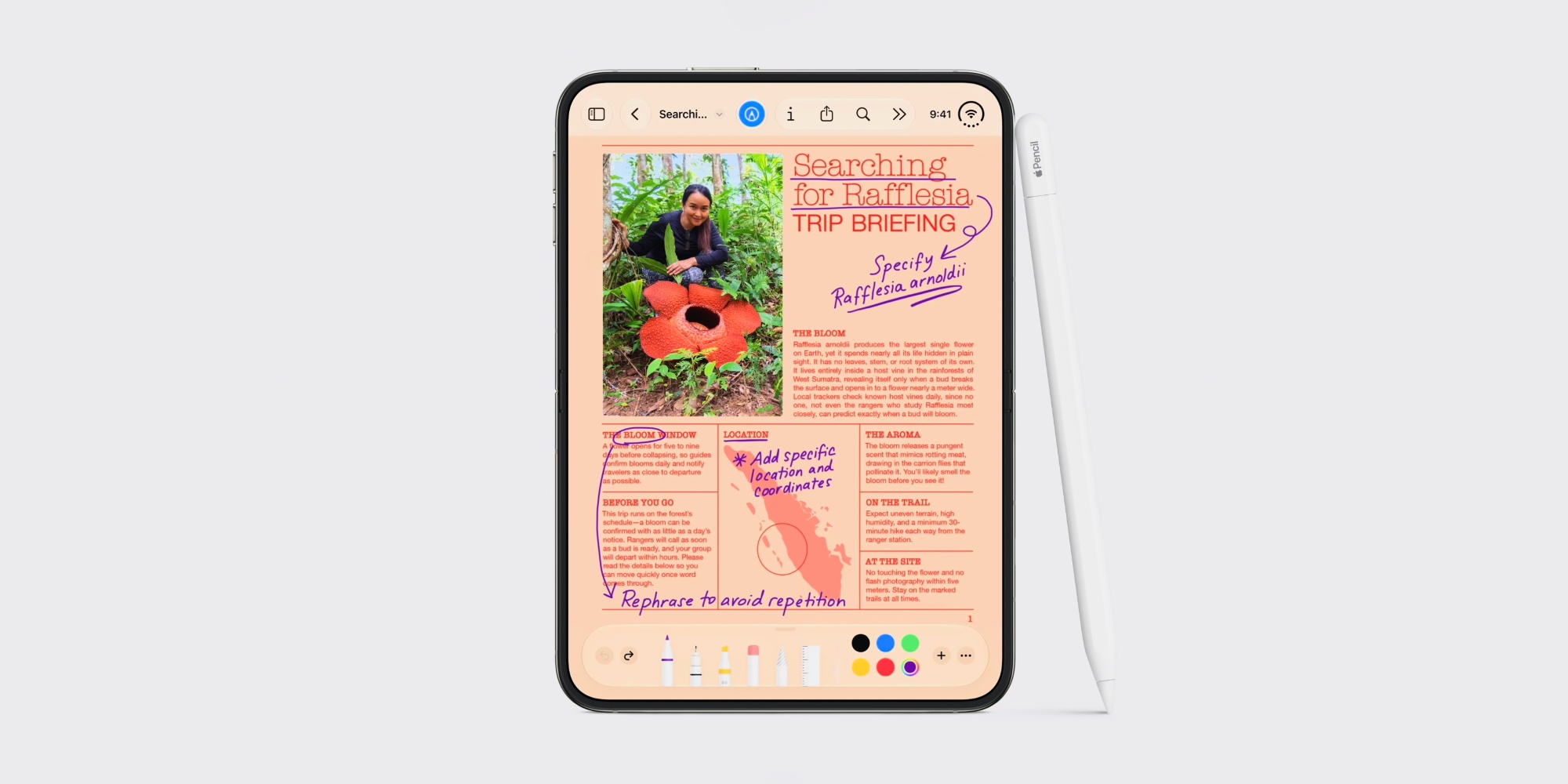
Dia is available as a free download for macOS and Windows. Its product page describes Profiles for separating work and personal tabs, logins and AI context, along with grouped tabs and split views. It also places more emphasis on connected work tools, with features for bringing together information from services such as Slack and Notion.
Those additions may appeal if you want more of your work inside the browser. If your main priority is a familiar tab layout, it is worth comparing the options rather than moving automatically. Our Chrome vertical-tabs guide covers another approach to organising tabs down the side of the window.
What happens to Arc Search on phones?
On November 23, Arc Search loses AI features, sign-in and sync. The iOS version remains a lightweight browser; the Android version is fully discontinued on December 22.
The desktop deadline is the immediate planning point: choose where your browsing setup will live and move it before access ends. We have also covered the retirement of ChatGPT Atlas, another reminder to keep important browsing information portable rather than tied to one app.
Frequently Asked Questions
Can I download Dia on Windows as well as Mac?
Yes. Dia’s website offers a free download for both macOS and Windows.
Can Dia keep work and personal browsing separate?
Dia has Profiles that separate tabs, logins and AI context. You can use these to keep different parts of your browsing organised.
Does Dia offer split views and tab groups?
Yes. Dia lists Splits for viewing pages side by side and organised tab groups among its browser features.