Perplexity has added a fully local mode to Computer, its AI agent, so the model and the agent that directs each task can now run entirely on a Mac. The catch is memory: Perplexity says 36GB or more is recommended for running Computer locally.
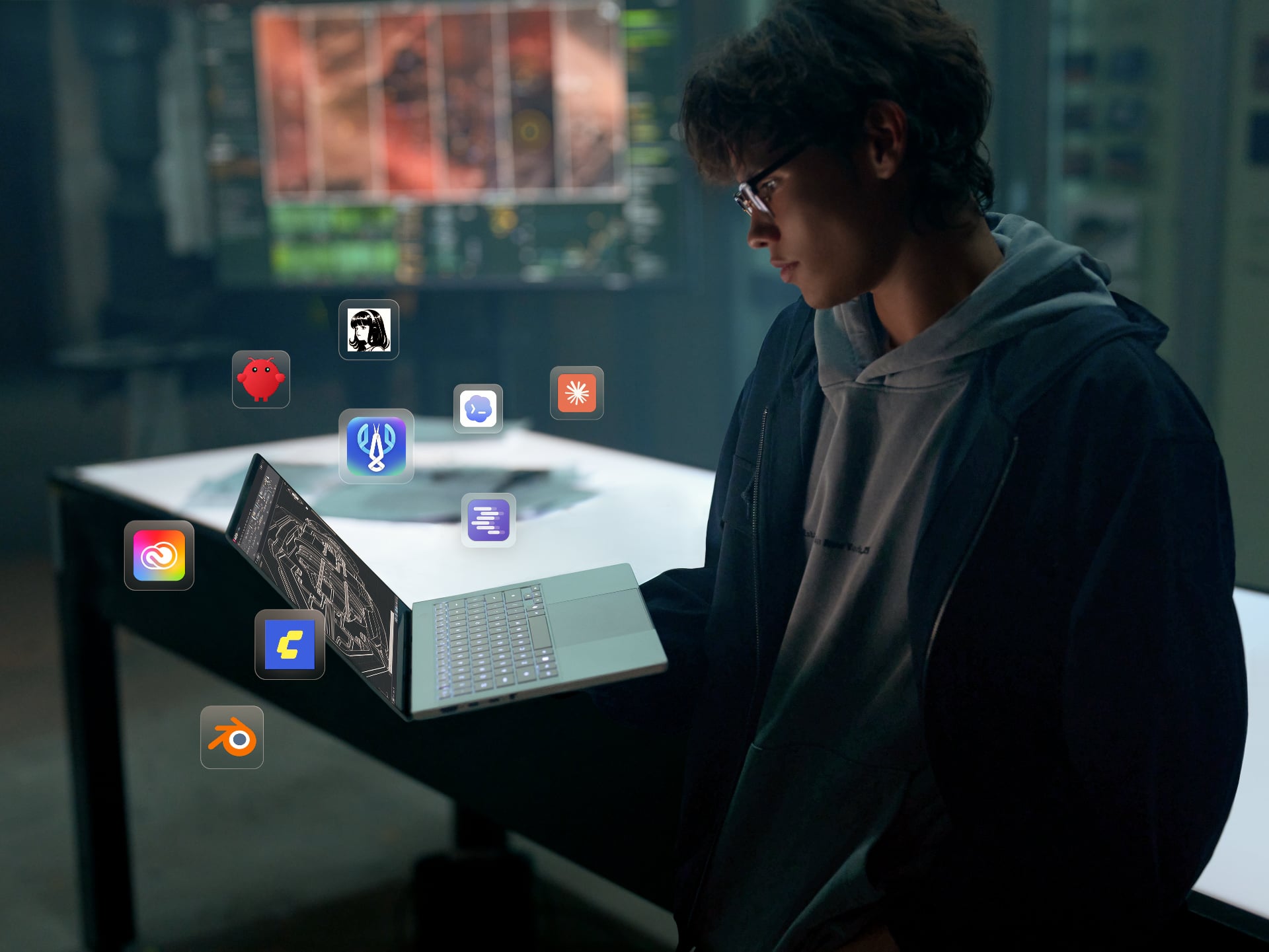
According to Perplexity’s launch post, the mode keeps a task’s planning, reasoning and file processing on the device. With permission, Computer can work across local files and supported apps including Notes, Messages, Mail and Numbers, without sending personal data to the cloud. Perplexity’s own examples include reviewing recent Messages and Mail threads, spotting deadlines and building an action list in Notes.
Which Macs and which models
Local mode runs in the Perplexity Mac app on supported Apple silicon Macs, and it’s available now to Pro, Max and Enterprise subscribers. It launches with two local model options: Qwen 3.6, and PPLX Pro, which Perplexity describes as a post-trained version of Qwen. Setup is in-app. You update the Mac app, download a local model and choose the fully local option when you start a task.
Perplexity frames 36GB as a recommendation rather than a hard minimum. For anyone shopping for a Mac to run this, though, it’s the figure to plan around, since the model, the agent and your working files all draw on the same unified memory.
Local doesn’t mean cut off
Fully local still leaves the cloud open if you want it. Users can authorise Computer to go online for current information, browser use and connected apps, and the local orchestrator can call on one of more than 15 frontier models for harder reasoning. Anything that touches an online service will naturally need a connection, so “offline” applies to tasks that stay on the Mac.
Code and tool execution run in isolated sandboxes, with controlled access to files and connected apps, and Perplexity says the same protections apply in the cloud version of Computer. Perplexity also pitches the local route as a way to control credit spend as well as privacy.
The release follows two earlier steps. Perplexity brought Computer to local files and native Mac apps with Personal Computer in May, then added Hybrid Compute on 1 September. Hybrid Compute starts in the cloud and pairs frontier reasoning with local models that handle private data. Local mode reverses that order and starts on the Mac. Both options now sit in the same app, so you can pick per task: a private portfolio review on-device, or a deal review that needs live market research through Hybrid.
Perplexity has been pushing local agents beyond Apple hardware too. We’ve covered its Portable Computer arriving on Windows RTX PCs, which targets the same idea of running Computer on hardware you already own.
Do I need an internet connection to use Perplexity Computer locally?
Not for tasks that stay on the Mac. Perplexity says planning, reasoning and file processing happen on-device, but tasks that need current information, browser use or connected apps require you to authorise cloud access.
Which Macs can run it?
Perplexity lists supported Apple Silicon Macs and recommends 36GB or more of unified memory for local mode. Its launch post doesn’t give a lower figure, so that’s the number to check against your configuration.
Who can use it?
Perplexity Pro, Max and Enterprise subscribers can use it now through the latest Perplexity Mac app. Perplexity’s launch post doesn’t mention regional availability.