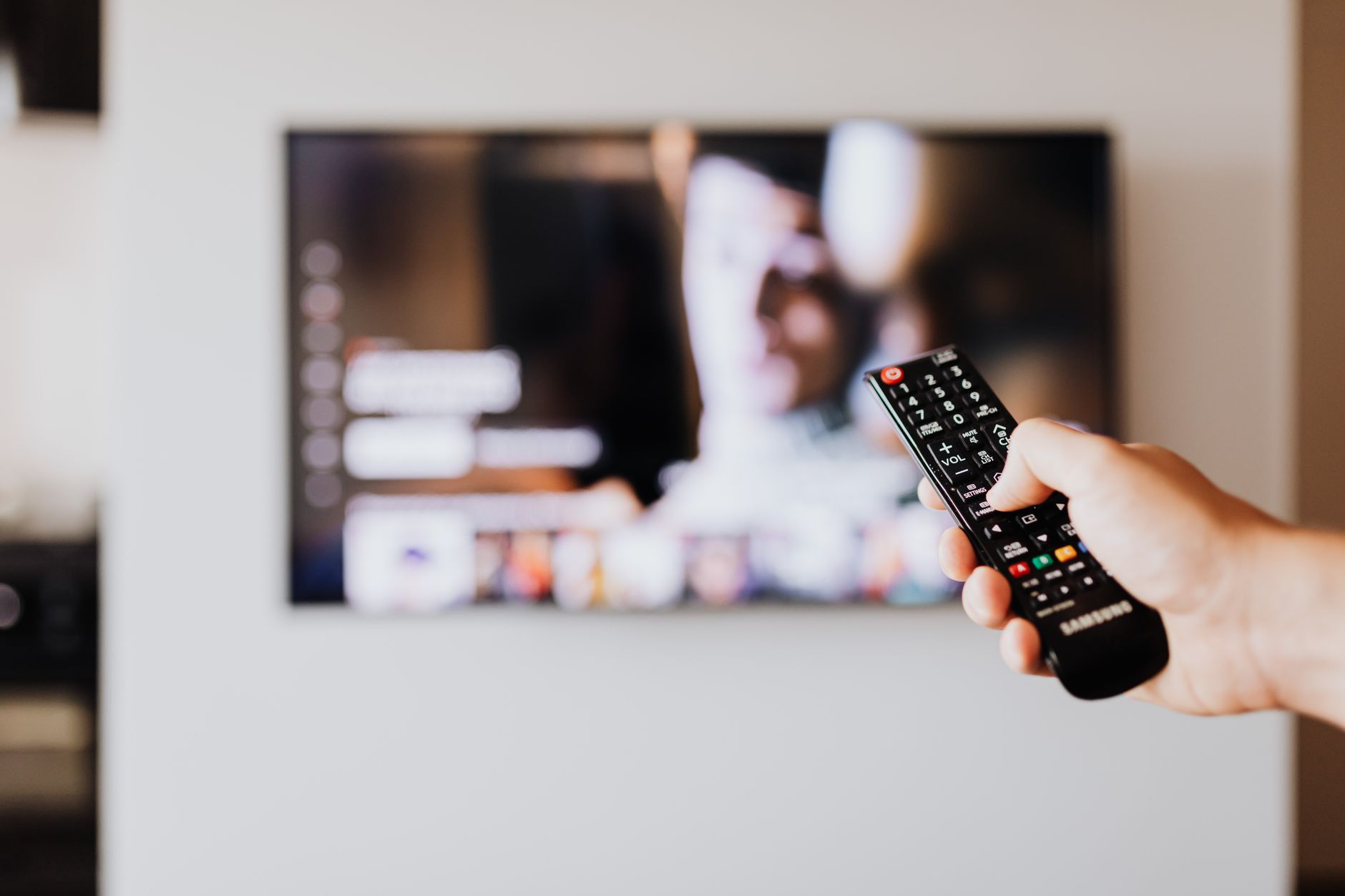
Developers and hobbyists are pointing AI coding agents at their smart TVs to strip out sponsored ads, tracking and preinstalled bloat. TechCrunch reports that two GitHub projects, dumbtv and cleanyourtv, now package the approach so anyone can try it. Neither is a polished product. Both are community projects that hand an AI agent the instructions to do the job.
The idea behind cleanyourtv began with a TV that showed an ad before Netflix. Its creator, Gathin T., grew tired of the sponsored content on his parents’ set and let Claude Code handle it, as he described in a post on X.
According to the developer, a few thousand people copied the prompt on their own TVs within two days. The project’s prompt file on GitHub tells the agent to back up the package list first, write a restore script, and disable manufacturer telemetry and ad services instead of uninstalling them. It then builds a small Apple TV-style launcher and sets it as the default home screen. The prompt says it works on Android TV and Google TV sets from brands such as Xiaomi, TCL, Hisense and Sony, but not on Samsung Tizen, LG webOS or Fire TV. You also need to switch on USB debugging on the TV and run the agent from a computer on the same Wi-Fi network.
The second project takes a similar route. dumbtv says its aim is a TV that offers only your apps and HDMI inputs, with no on-TV ads, watch tracking or unrequested updates. According to TechCrunch, its developer, Muzzammil Yasin Sabuwala, has tested it end to end on a Fire TV Edition set and on Android and Google TV models from Sony, TCL, Philips, Hisense, Xiaomi and Shield. Sabuwala told TechCrunch he built it with Deepseek V4.1 Flash, Claude Opus 5.5 and Claude Sonnet 5.5, and plans to add support for more models. To use it, you point your preferred AI agent at the repository.
You don’t need either repo, though. Ryan Doyle says he sent Claude Code the listing for his TV, asked whether it could hack it, and followed the agent’s guidance to remove ads and bloatware, speed up a laggy interface and change the screensaver. His video shows the faster interface.
Another X user, Mihir Gupta, wrote that one afternoon with Claude Code disabled 25 bloat apps and swapped a 192 MB stock launcher for a custom 83 MB one with rotating wallpapers.
Results vary
TechCrunch notes that the outcomes are mixed. Some users found Claude wouldn’t act on a bare “hack my TV” request and needed longer prompts. Others warned that agents can disable important packages by mistake. One person said they bricked an Android TV, and another got stuck partway through a Fire TV hack. The projects are works in progress, and users are still testing them across platforms and suggesting fixes. We’d treat the backup and restore steps in the cleanyourtv prompt as essential, not optional.
The broader context is ad-funded TV software. TechCrunch says modern smart TVs use automatic content recognition (ACR), which identifies what’s on screen through screenshots, audio clips or other fingerprinting. Makers can sell that viewing data to advertisers or use it for personalised ads on their own interfaces. If the DIY fixes spread beyond enthusiasts, TechCrunch says they could disrupt that business, though that remains a possibility rather than something the trend has shown so far.
For people who’d rather not hand the job to an AI agent, TechCrunch also points to existing launcher replacements for Android-based TVs: ATV Launcher, Projectivy Launcher and FLauncher.
Will this work on my Samsung or LG TV?
Probably not with these projects. The cleanyourtv prompt says it doesn’t work on Samsung Tizen, LG webOS or Fire TV, and both projects focus on Android TV and Google TV. dumbtv’s developer lists tested Fire TV Edition hardware, so check each repository for your model before you start.
Can I undo the changes?
TechCrunch says cleanyourtv doesn’t need root access and still lets you return to factory defaults. Its prompt also tells the agent to back up your settings and write a restore script that re-enables whatever it disables.
What’s the main risk?
An agent can disable a package your TV needs, and some users report bricked or half-configured sets. Keep the backup and review each batch of changes before you approve it.