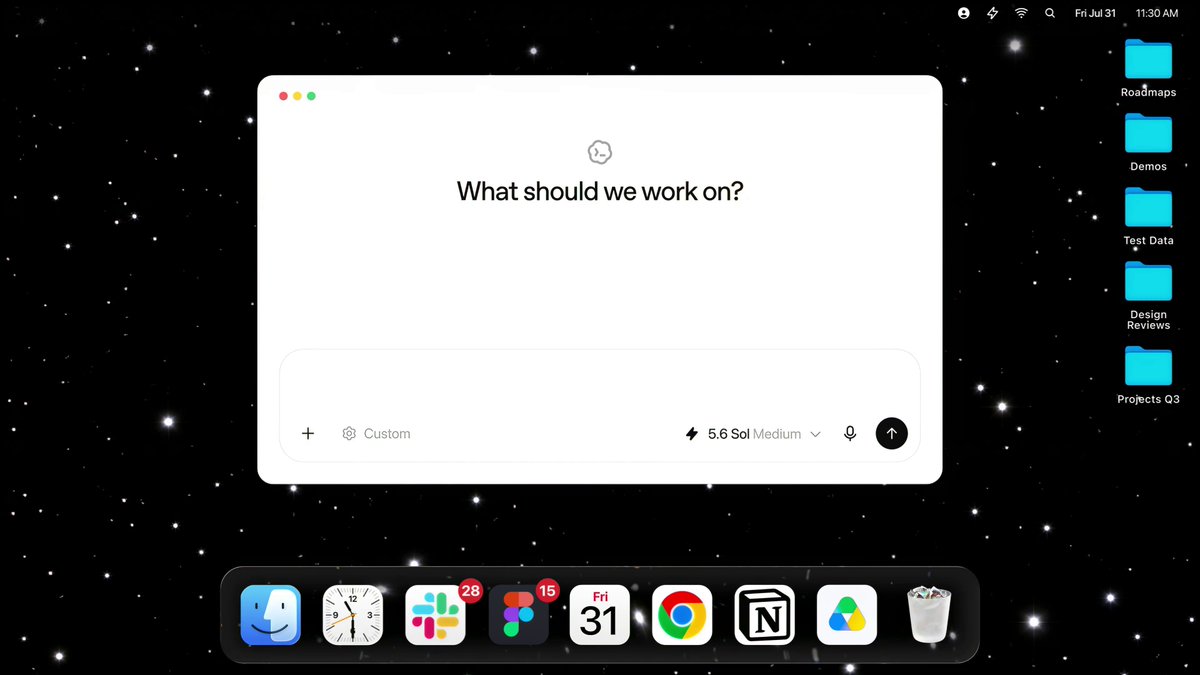
ChatGPT Computer History is now rolling out to the ChatGPT desktop app on macOS. The opt-in feature turns your clicks, typing and app-switching into a searchable timeline ChatGPT and Codex can use, and it is live for Pro, Business and Enterprise subscribers — unlike users in the EEA, Switzerland and the UK, people in the UAE can turn it on.
Computer History records “interaction events” through macOS’s accessibility system: clicks, keystrokes, keyboard shortcuts and app switches. It replaces the Chronicle research preview, which captured screenshots; OpenAI says Computer History captures no screenshots, screen recordings, microphone input or system audio, and never includes private-browsing activity. It also requires the Memories feature, and it is not available through the API or Amazon Bedrock.
“Computer History doesn’t rely on screen or audio capture.”
Dominik Kundel, OpenAI developer experiences team
Once enabled, the app builds a daily timeline. Users can ask what they were working on before a break, find a document they viewed earlier, or get a summary of the day for standup; when the timeline spots a repeated workflow, it suggests turning it into a skill or automation.

“Today we’re releasing Computer History in ChatGPT. It lets ChatGPT learn from everything you do on your computer, so it can better understand how you work, finish tasks that you’re in the middle of, and suggest skills and automations based on how you use your computer.”
Ari Weinstein, product and engineering manager at OpenAI
The feature is off by default. Pro users choose to enable it; Business and Enterprise members only get the choice after an administrator grants access. Everyone who opts in can exclude specific apps and websites, pause collection from the menu bar, delete individual timeline entries, or clear the last ten minutes, hour, day, or everything.
How Computer History handles your data
Interaction events stay on the Mac for up to 48 hours before OpenAI processes them on its servers to generate memories; the company says it does not retain them afterwards or use them for training. The memory files themselves are plain-text Markdown stored locally, and OpenAI’s own documentation warns they are not encrypted — other programs running as your user may be able to read them. The company also warns that Computer History increases prompt-injection risk, and suggests pausing it during conversations with other people unless they have given consent.
It is Windows Recall without the screenshots, which is The Verge’s line and the right one: the convenience is real, and so is the discomfort.
What ChatGPT Computer History means for the UAE
The UAE is not on the exclusion list. While OpenAI blocks Computer History in the EEA, Switzerland and the UK, Pro, Business and Enterprise subscribers here can enable it now — no workaround required. ChatGPT’s global user base has passed a billion, and the UAE is one of its stronger markets.
For local businesses, the admin gate is the practical control: workspaces decide before individuals do. Teams already running ChatGPT for work will want to weigh the server-side processing and the unencrypted local memory files against their own data rules — the safeguards here are mostly switches rather than defaults.
What is ChatGPT Computer History?
It is an opt-in feature in the ChatGPT desktop app on macOS that records your activity across allowed apps and websites — clicks, typing, keyboard shortcuts and app switches — into a searchable timeline ChatGPT and Codex can reference.
Is ChatGPT Computer History available in the UAE?
Yes. OpenAI blocks the feature in the EEA, Switzerland and the UK, but it is rolling out to Pro, Business and Enterprise users in the UAE. It is off by default, and Business or Enterprise workspaces need an administrator to grant access first.
Does Computer History capture screenshots or audio?
No. It records interaction events only — no screenshots, screen recordings, microphone input or system audio, and private browsing is never included. Events stay on your Mac for up to 48 hours, are processed on OpenAI’s servers to create memories, and are not retained after processing or used for training.