Verdict: blistering RTX 5090 performance in a 16-inch chassis at AED 16,099 (Back to School) / AED 17,599 MSRP — undone mainly by the baffling lack of VRR.
There is one number on the MSI Raider 16 Max HX’s spec sheet that tells you almost everything you need to know about this laptop: 300W.
RTX 5090-powered 16” gaming laptops aren’t exactly uncommon anymore, but MSI is allowing the CPU and GPU on the Raider 16 Max HX to share up to 300W of power in its Apex performance mode. That’s an unusually aggressive power budget for a laptop this size, and it makes clear that MSI is far more interested in extracting every bit of performance from the hardware than chasing a thinner or lighter design.
MSI Raider 16 Max HX
The MSI Raider 16 Max HX delivers exceptional RTX 5090 performance for the money, but the lack of VRR and a handful of frustrating design choices keep it from greatness.
- Exceptional gaming performance
- Surprisingly manageable fan noise
- Solid build quality
- Good 1600p 240Hz IPS display
- Excellent port selection and easy upgrade access
- Decent battery life for the hardware
- No G-Sync, FreeSync or any form of VRR
- Right-side exhaust is a no-go for me
- Cheap-feeling trackpad
- Numpad on a 16" chassis is a no-go for me
My review unit comes equipped with an Intel®️ Core™️ Ultra 9 275HX processor, an NVIDIA GeForce RTX 5090 Laptop GPU, 32GB of DDR5 RAM, 1TB of storage, and a 16″ 2560×1600 IPS display running at 240Hz. OLED configurations are also available, while this particular model has an MSRP of AED 17,599 and is currently available for AED 16,099 as part of MSI’s Back to School promotion.
The Raider 16 Max HX is still chunky, fairly heavy, built mostly from plastic and comes with an enormous 400W power adapter, so the 16″ chassis doesn’t suddenly make this an ultraportable gaming laptop. There are also a few odd omissions for something this expensive, most notably the complete lack of VRR support across both the IPS and OLED models, while switching to a discrete GPU still requires a restart rather than using Advanced Optimus.
But MSI has managed to give all of that hardware plenty of breathing room inside what otherwise feels like a fairly normal 16” footprint. Whether throwing this much power at the hardware actually results in meaningful performance gains is something we will get to later.
Design & display
At around 2.6kg and nearly 29mm thick, the Raider 16 Max HX isn’t particularly light or slim. You could certainly carry it to work or school if you wanted to, and the 16” chassis makes it more manageable than the gigantic 18” desktop replacements out there, but this is still very much a laptop that would rather live on your desk. Add the chunky 400W power brick to your bag, and you will quickly be reminded of that.

I really like how it looks, though. The RGB lightbar stretching across the front is unapologetically gamer-ish, but I think MSI has implemented it rather well. Unlike underglow lighting that disappears beneath a laptop, you can actually see this one while using the device, and it gives an otherwise fairly restrained black chassis some much-needed character. The transparent WASD, arrow and power keys are another nice styling touch, while the per-key RGB keyboard rounds things out without making the whole thing look ridiculous.

Most of the chassis is made from plastic, with aluminium reserved for the lid. It doesn’t necessarily feel premium, but I have no complaints about the build quality itself. The laptop feels sturdy in the hands; there is very little flex around the keyboard deck, and I haven’t noticed any creaking or other cheap-feeling areas. The hinge is excellent as well, opening smoothly with a single finger, holding its position firmly and exhibiting practically no wobble.
What you will notice are fingerprints. Lots of them. The dark finish on both the lid and palm rest picks up smudges almost immediately, so keeping the Raider looking clean will require a microfiber cloth nearby.


Port selection is excellent, with two Thunderbolt 4 USB-C ports and an SD card reader on the left, and two USB-A 3.2 Gen 2 ports and a 3.5mm audio jack on the right, while another USB-A port, HDMI 2.1, 2.5Gb Ethernet, and the proprietary power connector are on the back. I would have preferred the headphone jack on the left or at the rear, though. Headphone plugs can stick out quite far, and having one sitting directly beside your mouse hand is needlessly awkward. Swapping its position with the SD card reader would have made much more sense.
There is also a dedicated access panel underneath the laptop that provides easier access to the RAM and M.2 storage slots without requiring you to remove the entire bottom cover. It’s a small thing, but a clever addition to a machine where upgrades are likely to be part of its long-term appeal (if the prices normalise in our lifetimes).

My unit uses the 2560×1600 240Hz IPS display rather than the OLED panel available on other configurations. It’s a perfectly decent IPS screen, with good brightness, decent colours and respectable contrast during normal use.
Put something dark on screen, however, and the limitations of IPS become obvious, with visible backlight bleed around the edges of the panel. The matte coating does a good job of keeping reflections under control, but if the price difference isn’t enormous, I would personally take the OLED version every time.

What I find much harder to excuse is the complete lack of VRR support. There is no G-Sync or FreeSync here, and the OLED configuration has the same limitation. On a 240Hz gaming laptop equipped with an RTX 5090, that makes absolutely no sense to me. Screen tearing can obviously be mitigated through V-Sync and frame caps, but VRR has been a basic expectation on premium gaming displays for years now, and there really shouldn’t be a conversation about whether a laptop this high-end supports it.
The Raider also lacks NVIDIA Advanced Optimus. MSI’s MSHybrid mode can automatically switch workloads between the integrated and discrete GPUs, but the display remains routed through the iGPU. If you want the RTX 5090 to drive the panel directly, you have to switch to Discrete Graphics Mode in MSI Center and restart the laptop. This isn’t nearly as bothersome as the missing VRR. I suspect most people buying this machine will simply leave it in discrete mode while gaming, but Advanced Optimus would have made switching between max performance and better battery life far more convenient.
Are the Keyboard, Trackpad and Webcam Any Good?
I have a bit of a personal pet peeve with full-sized numpads on 16″ laptops. There simply isn’t enough horizontal space to accommodate one without shifting the entire keyboard towards the left, which means your hands no longer naturally sit around the centre of the laptop or trackpad. It’s not a huge problem, and you will eventually rebuild the muscle memory after a few weeks, but switching between the Raider and a regular keyboard does take some adjustment.


The keyboard itself is decent. The chiclet-style keys are soft and slightly mushy, with a fairly hard bottom-out that can get uncomfortable when typing longer documents. I found my fingertips starting to feel a little numb after extended sessions, although for everyday typing and gaming I don’t have any major complaints. The keycaps feel sturdy with no noticeable wobble, while the transparent WASD, arrow, and power keys don’t really serve a functional purpose beyond looking cool.
You also get per-key RGB lighting, which is bright, evenly distributed and works well with the transparent keys. Lighting customisation is handled through SteelSeries GG rather than MSI Centre, including the keyboard and other RGB elements around the laptop. There is plenty of customisation if that’s your thing, but the default lighting already looks good enough that I didn’t feel compelled to spend much time messing around with it.

The trackpad is a little more disappointing. Functionally, it’s perfectly acceptable: tracking is reasonably accurate, palm rejection works well, and I had no problems navigating around Windows with it for the most part. It’s still nowhere near as nice to use as a MacBook trackpad, but honestly, barely any Windows laptops are.
What bothers me more is how it feels. Tapping against the surface produces this hollow, plasticky clack, almost as if a thin plastic panel has simply been screwed onto the chassis. Only the lower portion can be physically clicked, rather than the entire surface, using a haptic mechanism. It works, but on a laptop costing this much, I would have liked to see a proper glass or haptic trackpad. That being said, you will be plugging in a mouse for gaming anyway.

The 1080p webcam fares better. Image quality is decent, with enough detail and fairly natural colours for normal video calls. It handles bright backgrounds reasonably well, although highlights can still blow out and the exposure and white balance take a moment to settle. It’s not something I would use if presentation quality really mattered, but for Teams calls, meetings with friends and family, or the occasional work call, it gets the job done.
The webcam also supports Windows Hello facial recognition and includes a physical privacy shutter, which is always good to have.
Gaming
As mentioned above, our review unit came equipped with an Intel®️ Core™️ Ultra 9 275HX processor, NVIDIA GeForce RTX 5090 Laptop GPU, 32GB of DDR5 memory and a 1TB SSD. All of the benchmarks below were performed with the laptop plugged into its 400W power adapter, set to Discrete Graphics Mode and running the Extreme Performance + Apex profile in MSI Center. I left the fans on their automatic setting rather than enabling Cooler Boost.
The Raider posted the following results in our synthetic benchmarks:
3DMark Performance
MSI Raider 16 Max HX
3DMark
PCMark
As expected from this configuration, general performance is excellent. Windows is snappy, applications load quickly, and the Raider has more than enough CPU and GPU performance for demanding productivity and creative workloads. The PCMark 10 Digital Content Creation score of 18192 is particularly strong, although gaming is obviously where this hardware starts to earn its keep.
Gaming Benchmarks
MSI Raider 16 Max HX
Details
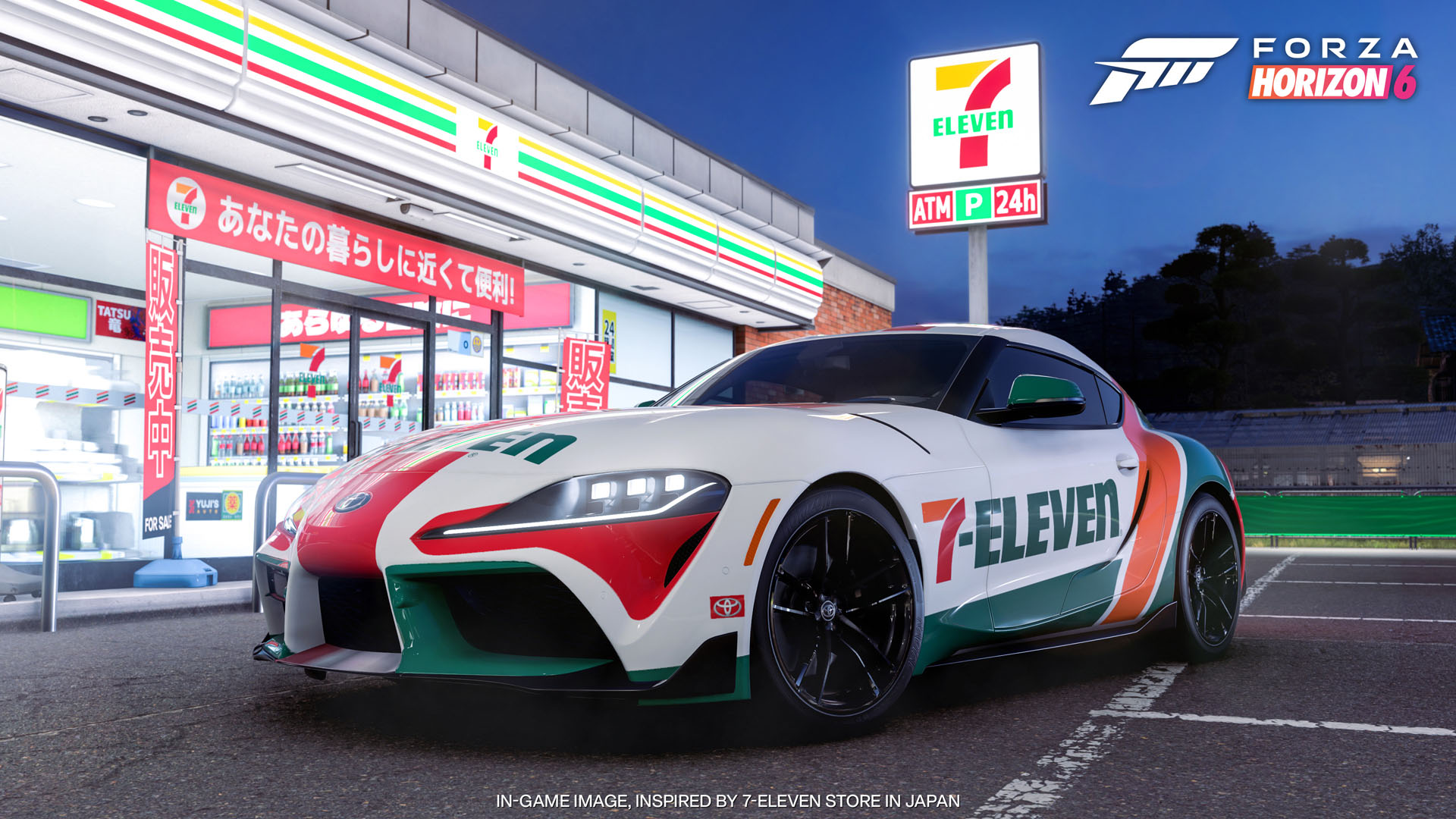
Forza Horizon 6 was tested at the native 2560×1600 resolution. With the Ultra preset and DLAA, the Raider averaged 112fps. Enabling ray tracing brought that down to 80fps, while switching to DLSS Balanced recovered almost all of the lost performance at 111fps. It remained smooth throughout, although the lack of G-Sync or any other VRR support became noticeable, with occasional judder despite having more than enough performance.
Cyberpunk 2077 naturally proved more demanding, but the results were excellent. At 1600p Ultra without upscaling, it averaged 106fps, dropping to 48fps with the RT Ultra preset. Turning on DLSS Performance and MFG x2 pushed it to 169fps.
Path Tracing is still far too demanding to run natively even on an RTX 5090 Laptop GPU, with the Raider managing just 26fps. DLSS Performance and MFG x2 completely change that equation, boosting the result to 132fps and making one of the most demanding visual modes currently available comfortably playable.
Benchmarks compared
MSI Raider 16 Max HX vs Asus ROG Strix SCAR 18 (2026)
| Benchmark | MSI Raider 16 Max HX | Asus ROG Strix SCAR 18 (2026) |
|---|---|---|
| 3DMark | ||
| 3DMark Speed Way | 6306 | 6543 |
| 3DMark Port Royal | 16681 | 16614 |
| 3DMark Time Spy Extreme | 12321 | 12595 |
| Gaming Benchmarks | ||
| Cyberpunk 2077 – Ultra Native | 106 fps | 49 fps |
| Cyberpunk 2077 – RT Ultra Native | 48 fps | 23 fps |
| Cyberpunk 2077 – RT Ultra, DLSS Performance, MFG X2 | 169 fps | 100 fps |
| Cyberpunk 2077 – Path Tracing Native | 26 fps | 12 fps |
| Cyberpunk 2077 – Path Tracing, DLSS Performance, MFG X2 | 132 fps | 75 fps |
For some perspective, I previously reviewed the Asus ROG Strix SCAR 18 with the same Core™️ Ultra 9 275HX and RTX 5090 combination. In our comparable 3DMark tests, the Raider was effectively neck and neck with the much larger machine, scoring 6306 to 6392 in Speed Way, while actually coming out ahead in Port Royal at 16681 versus 15680 and in Time Spy Extreme at 12321 versus 12036.
The Cyberpunk results lean even further in the Raider’s favour. The SCAR 18 posted 95fps at Ultra, 45fps with RT Ultra and 23fps with PT, compared to 106fps, 48fps, and 26fps, respectively, on the Raider. With DLSS Performance and MFG x2, the Raider managed 169fps with RT Ultra and 132fps with PT, compared to 154fps and 117fps on the SCAR 18.
Of course, the two laptops were tested months apart, and the NVIDIA drivers could have improved performance, but realistically, that shouldn’t change the results much. But it does show that squeezing this hardware into a 16″ chassis hasn’t resulted in an obvious performance compromise. If anything, the Raider is punching comfortably within the same class as the much larger desktop-replacement machines I have tested, and it’s cheaper too.
The RTX 5090 itself is rated for up to 175W, although during actual gameplay I mostly saw it hovering between 160W and 165W, occasionally climbing towards 170W when the workload became particularly demanding. MSI’s advertised 300W figure refers to the combined CPU and GPU power ceiling available in Apex Mode, not something you should expect the laptop to consume constantly while gaming.
The extra power comes with some heat. The RTX 5090 generally ran between 75C and 80C during demanding games, which is warmer than some of the larger gaming laptops I have tested. The SCAR 18, for example, rarely pushed its RTX 5090 beyond 75C. Still, performance remained remarkably consistent throughout my testing, with no crashes, major stutters or obvious throttling.

More impressively, the heat doesn’t transfer particularly badly to the keyboard and palm rest. Both remain comfortable even during extended gaming sessions, and the fans are surprisingly manageable considering the hardware MSI is cooling. You can certainly hear them under load, but they never get annoyingly loud, and the built-in speakers can overpower most of the fan noise.
I am less fond of MSI exhausting hot air through both sides of the chassis. The right-side exhaust, in particular, blows directly towards your mouse hand, eventually warming up the mousepad and your palm during longer sessions. Rear exhausts would have made much more sense on a laptop that will spend most of its life being used with an external mouse.
Can the MSI Raider 16 Max HX Handle AI Workloads?
MSI also highlights the Raider’s AI capabilities, so I ran Geekbench AI across all three available acceleration paths.
Geekbench
MSI Raider 16 Max HX
Details
The results show the various hardware options available for local AI workloads. The Core™️ Ultra 9 275HX includes Intel’s dedicated AI Boost NPU, allowing supported workloads to run away from the CPU and GPU, which is particularly useful for lighter or persistent AI tasks where power efficiency matters more than outright speed.
For heavier workloads, the RTX 5090 remains the fastest option in Geekbench AI, posting the highest score of the three. That’s where GPU-accelerated local inference, generative AI applications and other compute-heavy workloads are likely to benefit most from the Raider’s hardware.
These three tests use different AI frameworks and backends, so the scores shouldn’t be treated as a perfectly controlled comparison of CPU vs NPU vs GPU performance. What they demonstrate more usefully is that the Raider has three distinct acceleration paths, depending on the workload: conventional CPU processing, a dedicated low-power NPU, and considerably more powerful GPU acceleration via the RTX 5090.
Battery
Performance does change considerably once you unplug the laptop. In MSHybrid mode, responsiveness and performance drop noticeably as MSI reins in the hardware to preserve battery life (approx. 5-6 hours). You can force Extreme Performance while unplugged and restore much of that responsiveness, but battery life then drops to barely more than two hours in my use. For anything remotely demanding, this is a laptop that really wants its 400W brick nearby.
Should You Buy the MSI Raider 16 Max HX?
The MSI Raider 16 Max HX isn’t the most refined gaming laptop I have used, but it might be one of the most impressive from a pure performance standpoint.
MSI has clearly put most of its efforts into getting as much performance as possible out of the Core™️ Ultra 9 275HX and RTX 5090, and it has paid off. The Raider matched and, in several comparable benchmarks, outperformed the much larger RTX 5090 gaming laptops I have tested previously. It does this without unbearably loud fans or turning the keyboard and palm rest into a hot plate, either, which makes the performance all the more impressive.
- You want maximum gaming performance without moving up to an 18-inch laptop.
- Performance matters more to you than premium materials.
- You also run demanding creative or local AI workloads.
- You consider G-SYNC or VRR essential.
- You want the most premium laptop for your AED 16K–18K.
At AED 17,599, the Raider sits roughly where you would expect a high-end RTX 5090 laptop to be, but the current AED 16,099 Back to School price makes the proposition considerably more attractive. Similarly specced competitors are around this price, some with better displays and more premium construction, so I wouldn’t necessarily call the Raider cheap. What MSI offers instead is strong performance for the money, which is ultimately the strongest reason to consider it.
Frequently Asked Questions
Does the MSI Raider 16 Max HX support G-Sync or FreeSync?
No. Neither the IPS nor the OLED configuration supports VRR, which is our biggest complaint in this review.
How much does the MSI Raider 16 Max HX cost in the UAE?
The MSI Raider 16 Max HX carries an MSRP of AED 17,599 and is currently reduced to AED 16,099 as part of MSI’s Back to School promotion.
What is the battery life like on the MSI Raider 16 Max HX?
Around 5–6 hours in MSHybrid mode, dropping to roughly two hours if you force Extreme Performance while unplugged.
Can you upgrade the RAM and storage on the MSI Raider 16 Max HX?
Yes. A dedicated access panel underneath provides access to the RAM and M.2 slots without removing the entire bottom cover.