Only install the iOS 27 developer beta if you have an iPhone to spare — not your daily driver. Betas can be buggy and chew through battery, and most of the headline features depend on Apple Intelligence, which in the UAE means an iPhone 15 Pro or newer. If you want the new Siri AI and the extra Liquid Glass options without the risk, wait for the public beta next month or the stable release in autumn.
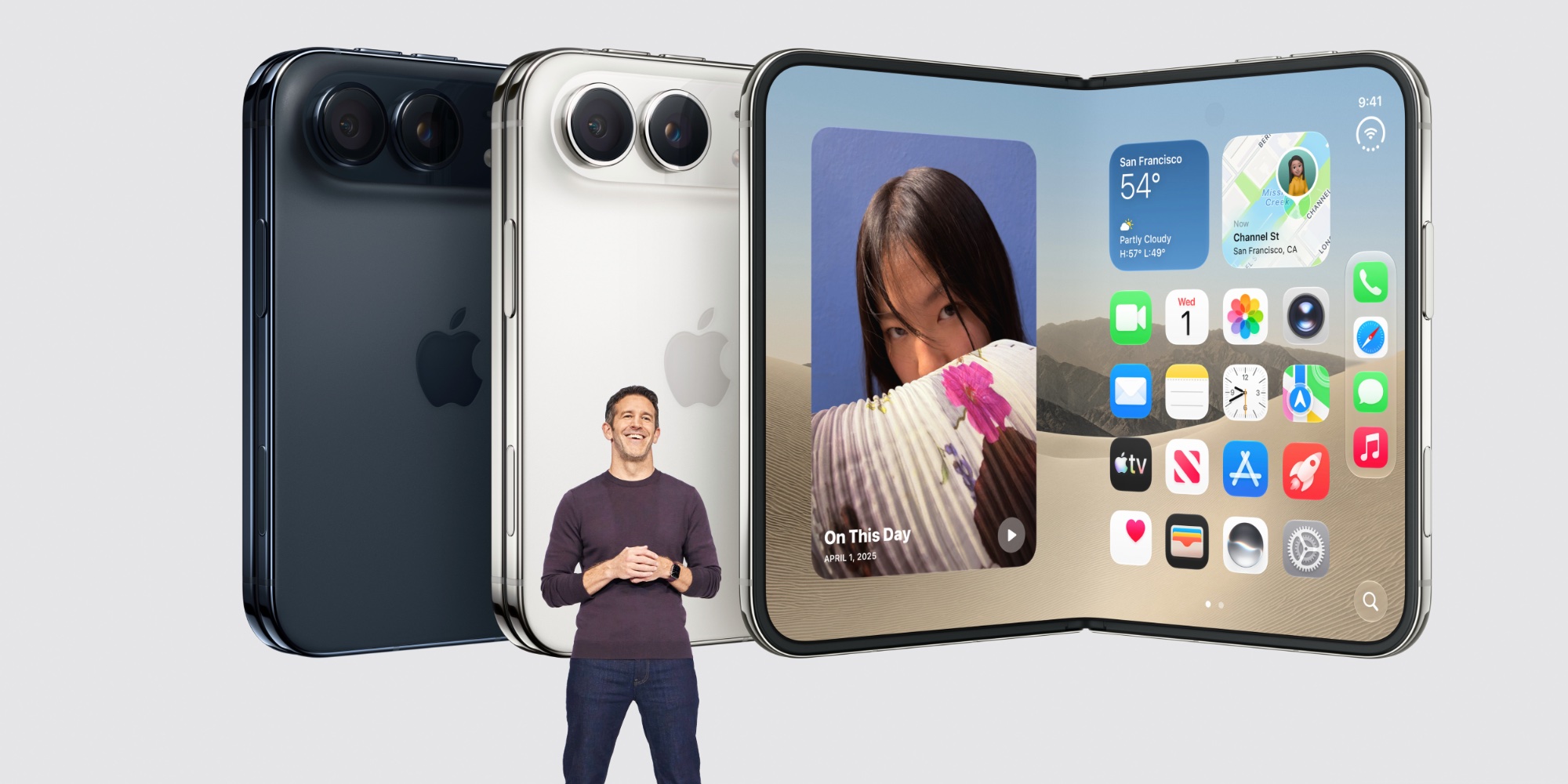
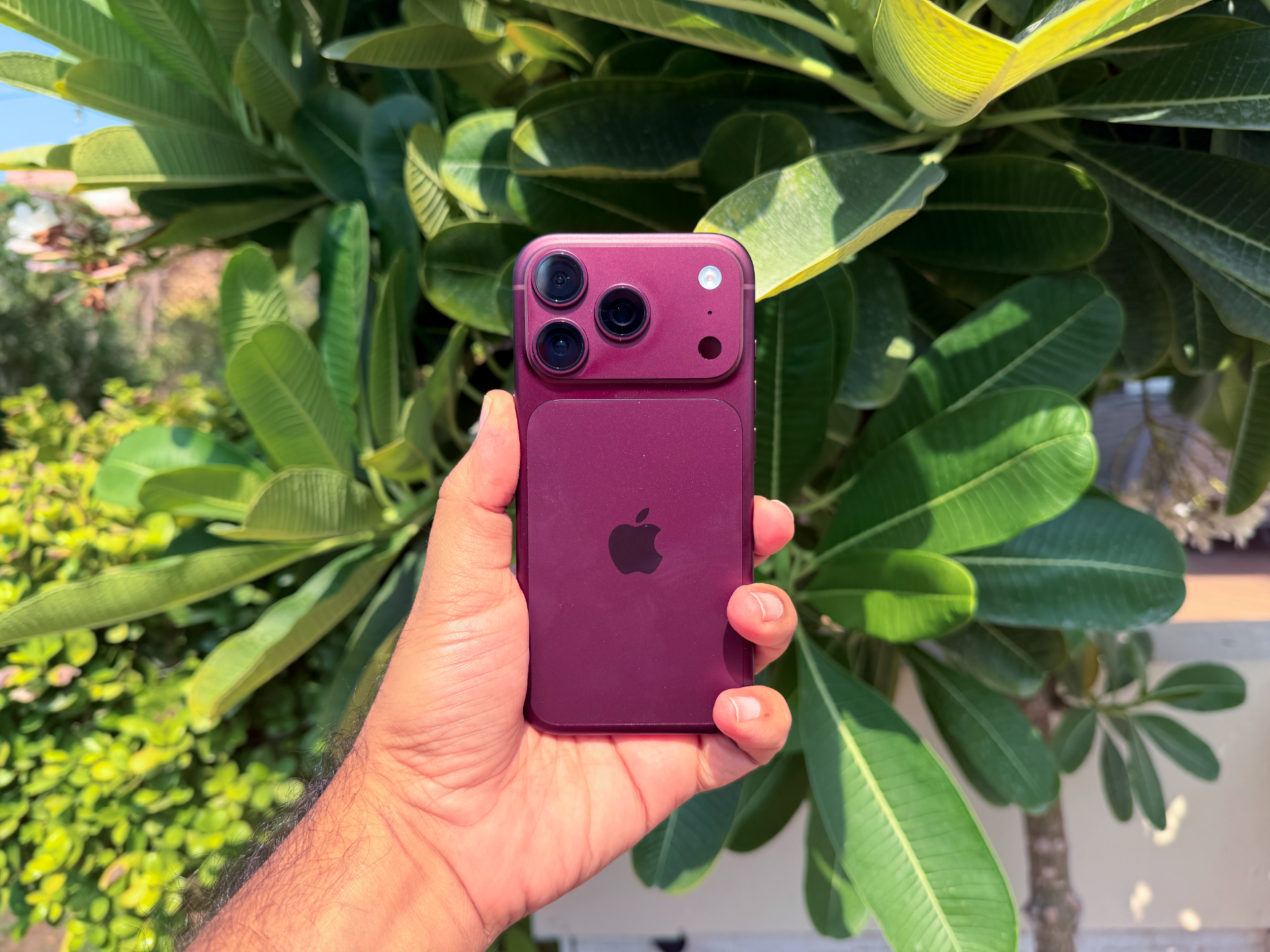
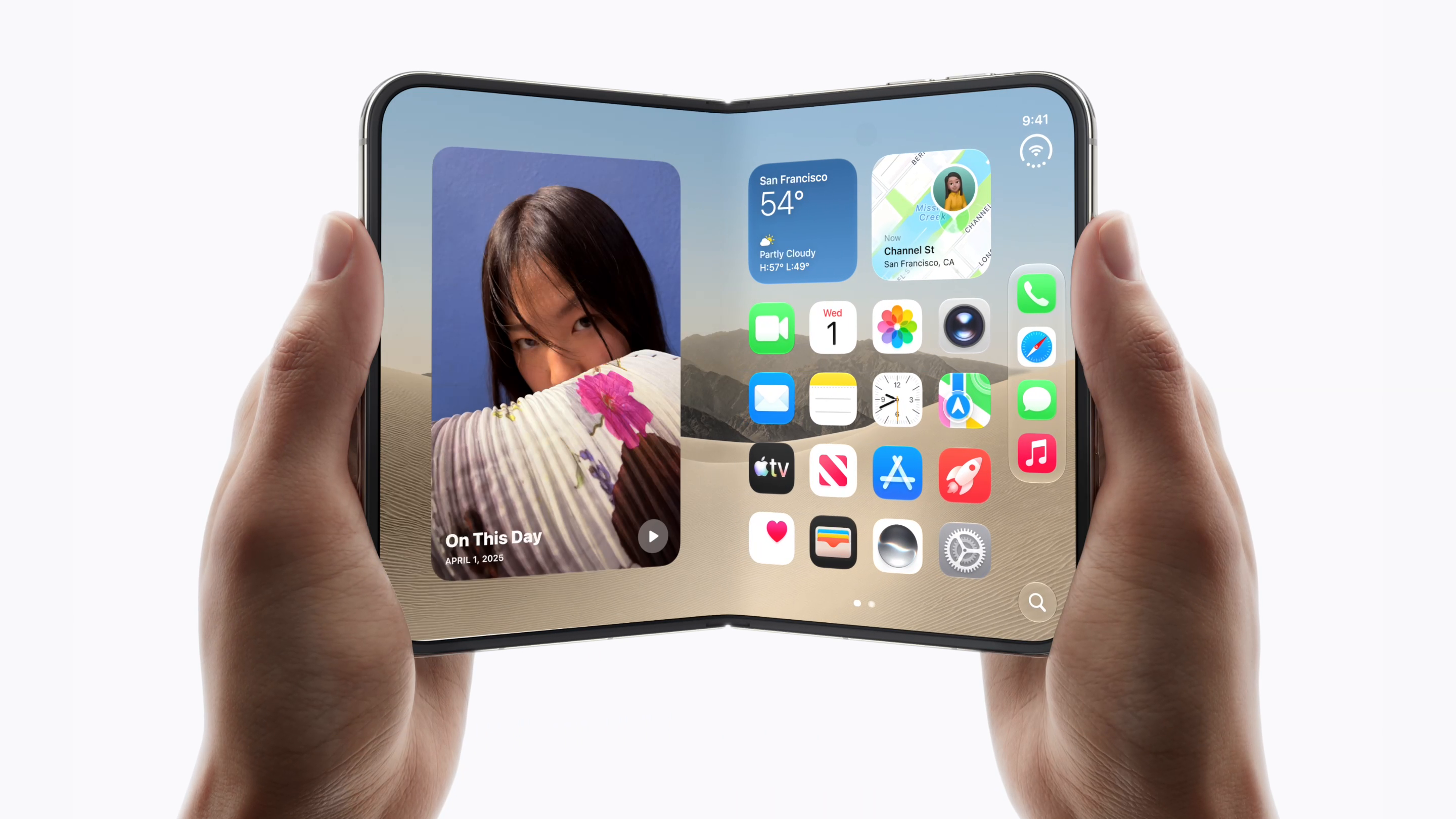
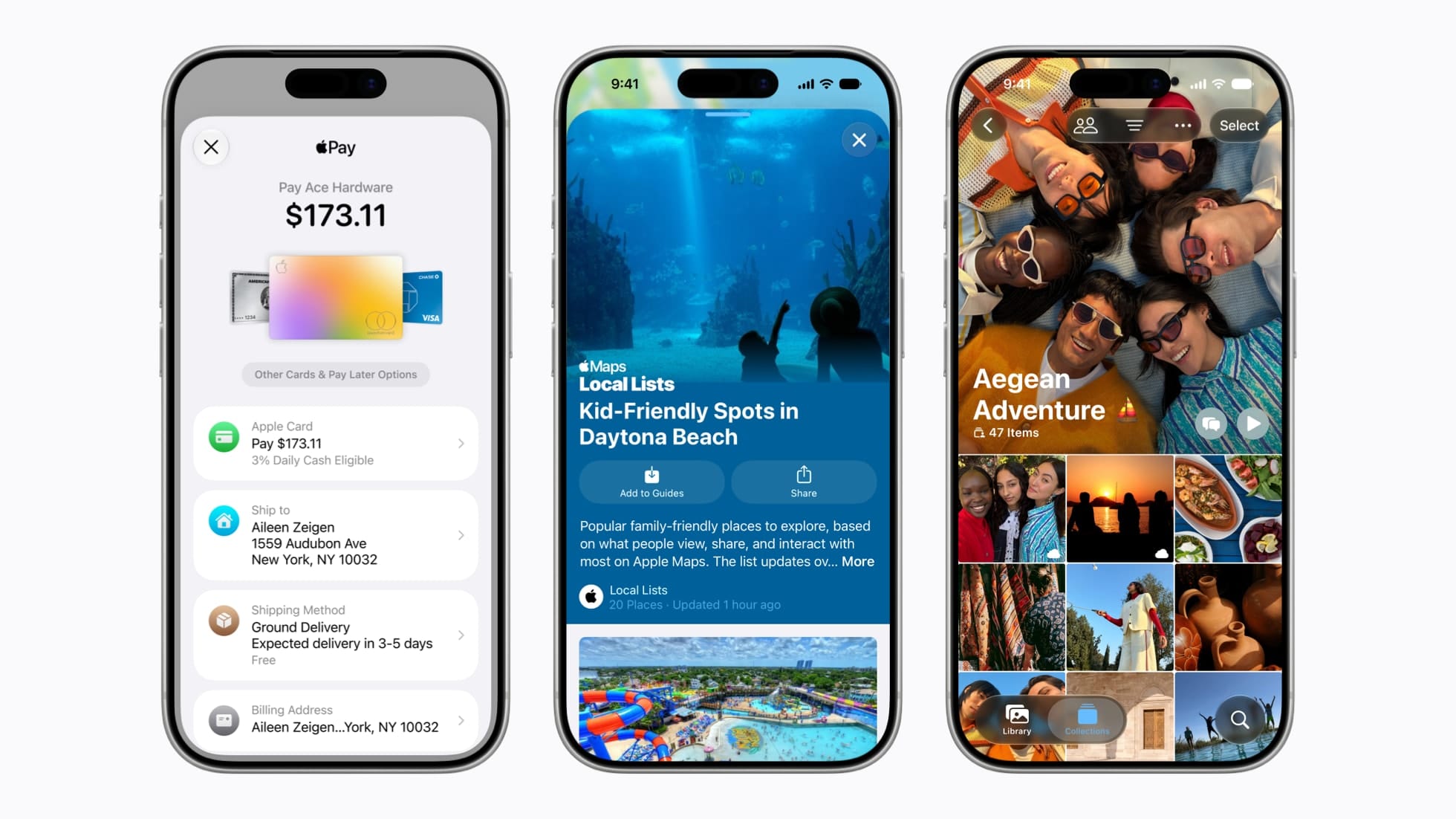
Apple used WWDC to unveil iOS 27, the next major version of the iPhone software, headlined by an AI-powered Siri — now branded Siri AI — a redesigned Screen Time app, expanded Liquid Glass customisation, and deeper Apple Intelligence throughout the system.
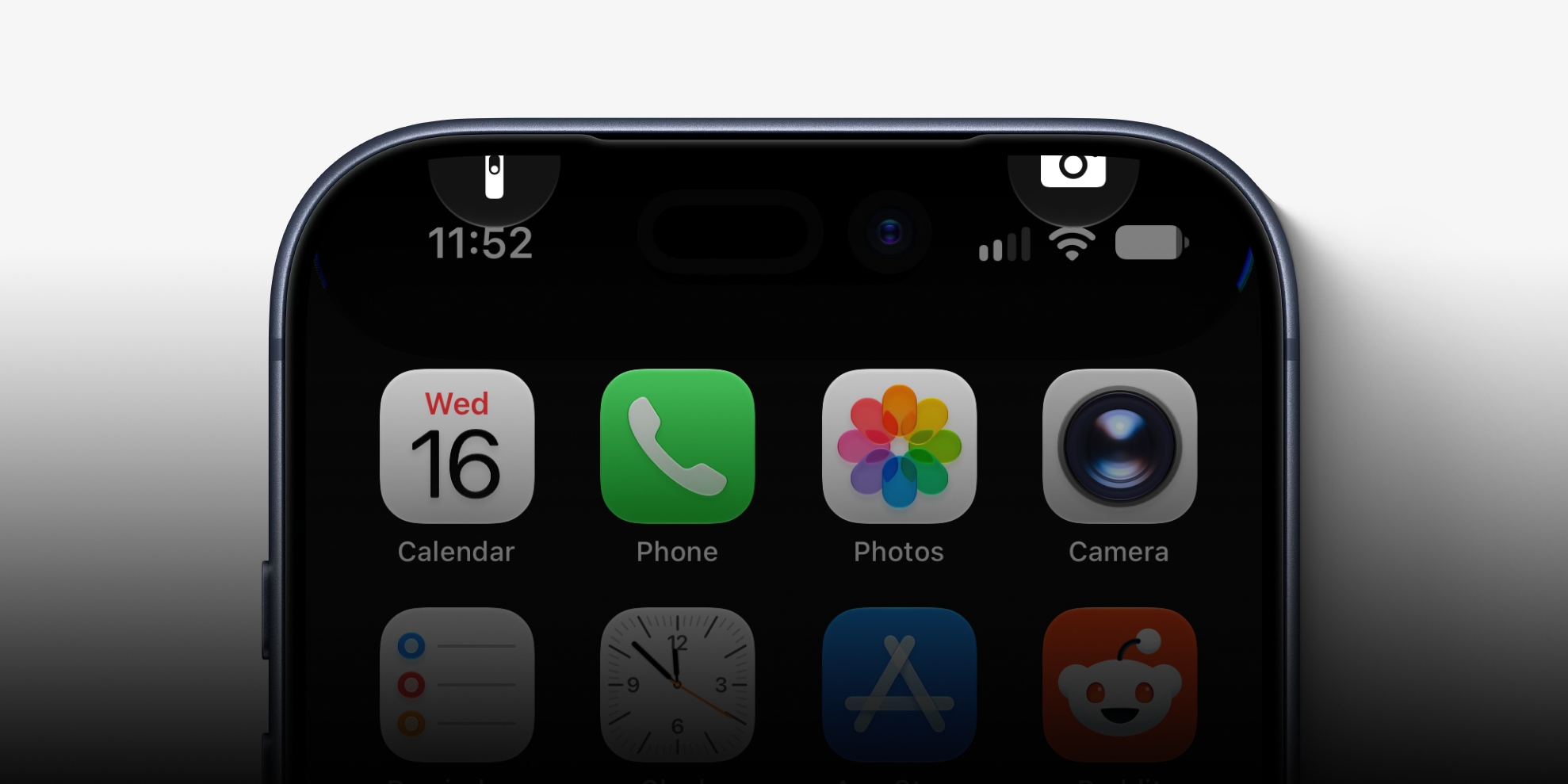
Siri AI is woven in everywhere: a dedicated Siri app, the Dynamic Island, and across the OS itself. For the full feature-by-feature rundown of what’s new, PCMag Middle East has the complete breakdown. This piece answers a narrower, more practical question for readers here: should you actually put the beta on your phone in the UAE — and if so, which one and on what device?
The real question: spare device or daily driver?
Apple itself is blunt about this — beta software can be buggier than the public release and can drain your battery faster, and the company recommends installing on a spare device rather than the phone you depend on. That advice matters more here than you might think. If your iPhone is the thing that holds your Emirates ID wallet pass, your du or e& eSIM, your banking apps and your Salik account, a mid-week beta crash is not a minor inconvenience.
There’s a second catch worth flagging: the developer beta available now may not yet include every iOS 27 feature. Apple adds and refines features across successive betas through the summer, so installing on day one doesn’t guarantee you’ll see Siri AI or every Liquid Glass tweak immediately. You’re signing up for a work in progress.
The honest verdict: if you have an older iPhone sitting in a drawer, the beta is a fun, low-stakes way to explore early. On your only phone, the maths rarely favours it.
Which UAE iPhones actually get the good stuff
Two different compatibility lists are in play here, and conflating them is the most common mistake.
iOS 27 itself reaches a long way back — all the way to 2019’s iPhone 11. That covers the iPhone 11, 11 Pro and 11 Pro Max; iPhone SE (2nd generation and later); the 12, 13, 14, 15, 16 and 17 lines including their mini, Plus, Pro, Pro Max, “e” and Air variants. If you bought your iPhone in the UAE any time in roughly the last six years, you’ll almost certainly get the update.
Apple Intelligence — the engine behind Siri AI and most of the marquee additions — is far stricter. It requires an iPhone 15 Pro, 15 Pro Max, or newer. That single line redraws the whole picture for buyers here. A standard iPhone 15 or 15 Plus, despite being relatively recent, does not make the cut; only the 15 Pro models and the entire 16 and 17 generations do.
So in practical UAE terms:
- An iPhone 11, 12, 13, 14, SE, or non-Pro 15 will run iOS 27, but you’ll get the redesign and Screen Time changes — not the full Siri AI experience.
- The cheapest new route into Apple Intelligence in the UAE is the iPhone 16e at around AED 2,599 (approx. US$710), with the iPhone 17e sitting at a similar entry point.
- Stepping up, the iPhone 17 starts at AED 3,399 (approx. US$925), the iPhone 17 Pro at AED 4,699 (approx. US$1,280), and the iPhone 17 Pro Max at AED 5,099 (approx. US$1,390) — all Apple Intelligence-capable.
If you already own a 15 Pro, you’re set. If you’re shopping specifically to try the new AI features, you don’t need to spend flagship money — the 16e clears the bar.
The Arabic caveat nobody mentions at launch
Here’s the regional wrinkle. Apple Intelligence has so far rolled out in English first, with a handful of additional languages following in waves — and Arabic has not yet appeared on Apple’s published list of supported languages.
For UAE and wider GCC readers, that means even on a fully capable iPhone, Siri AI and the writing tools are likely to operate in English at first, not Arabic. If your phone lives primarily in Arabic, there’s little urgency to chase the beta — the headline AI features may not speak your day-to-day language yet.
Two ways in: developer beta now, public beta next month
There are two early-access routes, and the difference is mostly about stability.
- Developer beta (available now): requires registering as an Apple developer at developer.apple.com/register. It’s the earliest access — and the roughest.
- Public beta (expected next month): sign up at beta.apple.com. It’s typically more stable and a far better fit for most people who simply want an early look.
For the overwhelming majority of UAE readers, the public beta is the sensible choice — and waiting the extra few weeks costs you almost nothing.
How to install the iOS 27 beta — step by step
- Back up first. Run an iCloud or computer backup before anything else, so you can roll back if the beta misbehaves.
- Use a spare iPhone if you possibly can — not the device running your eSIM, banking and wallet passes.
- Enrol: for the developer beta, register at developer.apple.com/register; for the public beta, sign up at beta.apple.com once it’s live.
- On the iPhone, go to Settings > General > Software Update > Beta Updates and select the iOS 27 beta.
- Return to Software Update, download and install, and keep the phone on Wi-Fi and charging while it works.
Expect occasional bugs and heavier battery use, and remember features will keep arriving in later betas rather than all landing at once.
The verdict
Install the beta if:
- You have a spare iPhone 15 Pro or newer to test on — not your main phone.
- You use your iPhone mainly in English and want hands-on time with Siri AI early.
- You’re comfortable with bugs, shorter battery life, and features that fill in over the summer.
Wait if:
- This is your only iPhone and you rely on it daily for work, banking, eSIM or wallet passes.
- Your device runs iOS 27 but isn’t Apple Intelligence-capable (iPhone 14 or older, or a non-Pro 15) — you’ll get the look, not the AI.
- You use your phone primarily in Arabic, since the AI features may not support it yet.
- You’d rather have a stable phone — in which case the public beta next month, or the full autumn release alongside the next iPhone line-up, is the smarter call.
FAQ
Can I install the iOS 27 beta on my daily iPhone in the UAE?
You can, but Apple advises against it. Beta software can be buggy and drain battery faster, and Apple recommends installing on a spare device. If your iPhone holds your eSIM, banking apps and wallet passes, it’s safer to wait for the stable autumn release.
Which iPhones sold in the UAE support Apple Intelligence?
Apple Intelligence — and so most of the new Siri AI features — needs an iPhone 15 Pro, 15 Pro Max, or newer. The cheapest new way into it locally is the iPhone 16e at around AED 2,599. Older iPhones back to the iPhone 11 will still run iOS 27, but without the full AI feature set.
Will the iOS 27 AI features work in Arabic?
Not necessarily at launch. Apple Intelligence has rolled out in English and a limited set of other languages, and Arabic has not yet been confirmed on the supported list. UAE readers who use their iPhone mainly in Arabic should expect the AI features to run in English for now.
Is the public beta safer than the developer beta?
Generally, yes. The developer beta is available now but is the earliest and least polished build. The public beta, expected the following month at beta.apple.com, is usually more stable and is the better choice for most people who just want an early look.