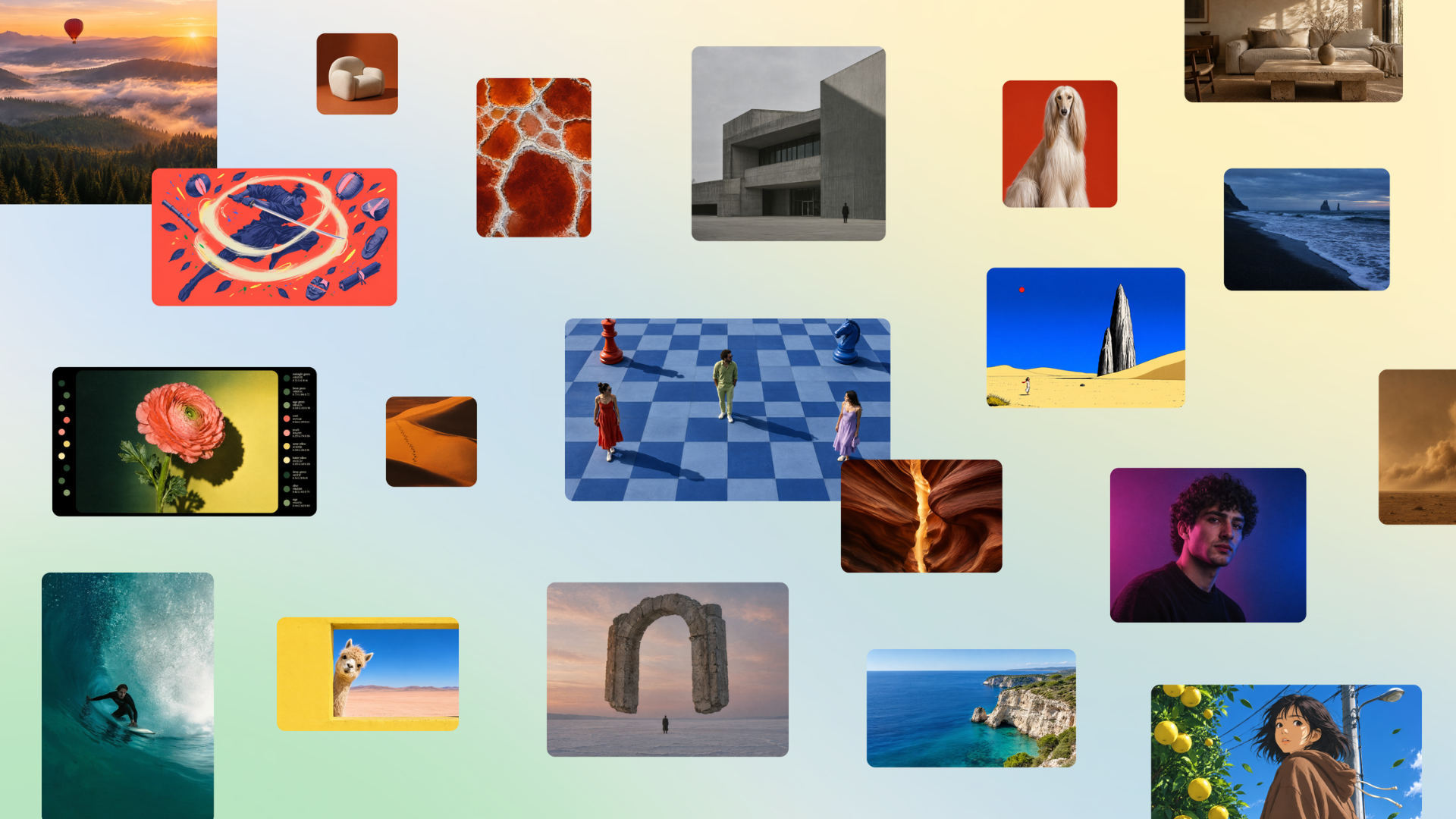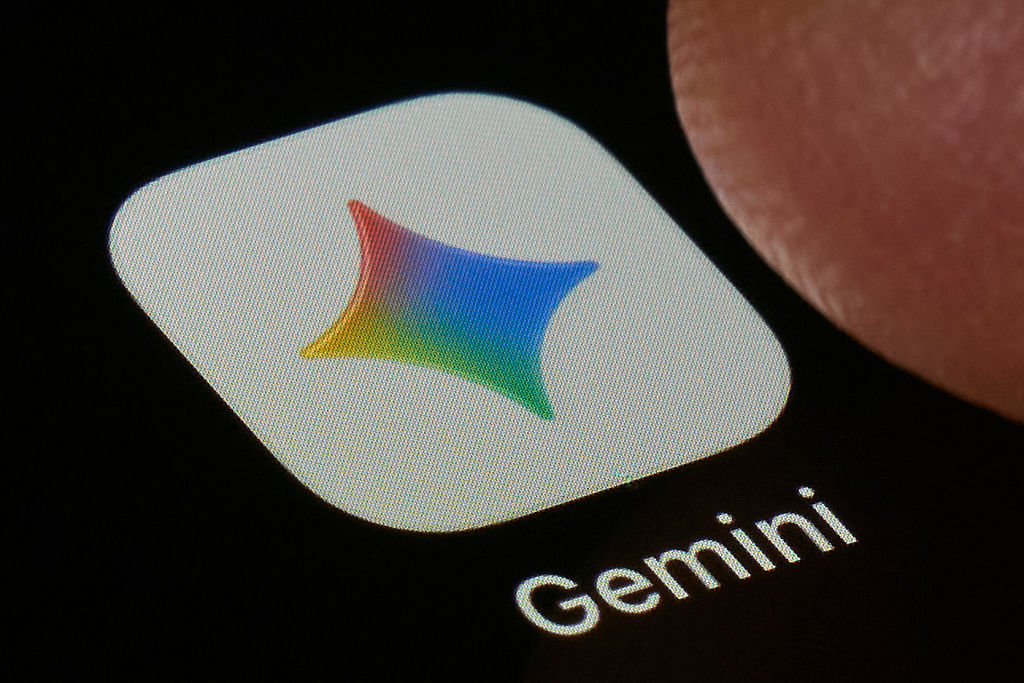
Google is making its Gemini AI watermark optional. A new Media watermark setting lets users remove the visible sparkle from AI-generated images, video and music, while invisible SynthID watermarks and C2PA metadata stay embedded. Google announced the change on Friday, and it is rolling out over the coming days.

How the Gemini AI watermark toggle works
The setting lives in the Gemini app and Google’s video editor, Flow, with Search support to follow. It covers output from the Nano Banana, Omni and Lyria models — the ones that currently stamp a small sparkle in the bottom-right corner. Flip the toggle and new generations come out clean. The change lands as Google pushes Gemini across its products: the assistant crossed a billion users alongside ChatGPT earlier this year.
“We’re striking a balance here between creative control and safety: while the visible watermarks are now optional, invisible SynthID watermarks and C2PA metadata are still being used for transparency. So you can still use Gemini or Search to see if an image was AI-generated.”
Josh Woodward, vice president for Google Labs, Gemini and AI Studio
The change brings Google in line with everyone else. OpenAI and Meta have never stamped visible marks on their generations, relying on SynthID and C2PA-style provenance instead, and users were cropping the sparkle out of professional work anyway.
SynthID has so far watermarked more than 100 billion images and videos and 60,000 years of audio. Anthropic went the other way this week, announcing invisible watermarks on Claude text and files that users cannot opt out of, introduced to comply with EU regulations.
Google also open-sourced Credentio, the C++ library that validates C2PA Content Credentials entirely on-device. It is the code behind nearly 40 C2PA-enabled Google products, which have processed tens of billions of generated assets; developers can now embed the same local validation in their own apps without sending media to a server.

What it means in the UAE
For UAE creators, marketers and agencies producing campaign images and video in Gemini, the practical effect is cleaner exports: no sparkle in the corner of client work. Google has been working to make Gemini feel native here — it topped tbreak’s test of how well 11 AIs understood Emirati culture. Google says the toggle will not launch in countries that require visible watermarks; the UAE has no such mandate, so the setting should reach local accounts as the rollout completes. The provenance trail does not disappear — you can still ask Gemini or Search whether an image is AI-generated.
How do I turn off the Gemini AI watermark?
Open Gemini and go to Settings > Media watermark, then switch the toggle off. The setting is rolling out over the coming days in the Gemini app and Google’s Flow video editor, with Search support to follow.
Does turning off the visible watermark make AI content undetectable?
No. Invisible SynthID watermarks and C2PA metadata remain embedded in every generation, and you can still ask Gemini or Google Search whether an image is AI-generated. The toggle only removes the corner sparkle.
What is Credentio, and who is it for?
Credentio is Google’s open-source C++ library for validating C2PA Content Credentials locally, without sending media to a cloud server. It powers nearly 40 C2PA-enabled Google products and is aimed at developers building provenance tools; the code is on mediaprovenance.googlesource.com.