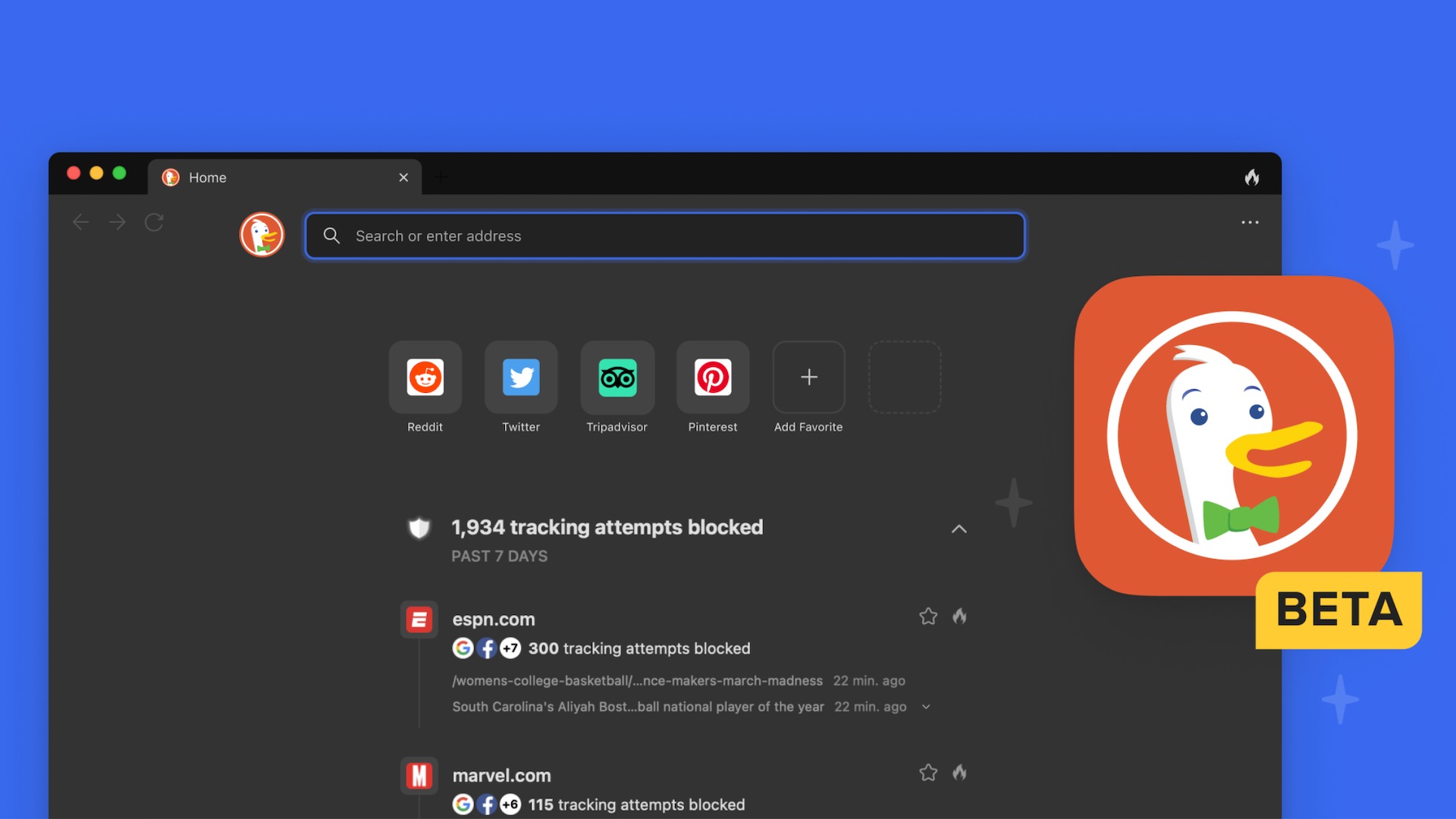
DuckDuckGo's browser now blocks most YouTube pre-roll and mid-roll ads on the standard YouTube website for free, with no extension needed and your watch history, playlists and recommendations left intact.
- The feature is on by default for most iPhone, Windows and Mac users; Android users need to enable it manually in Settings for now.
- Blocking uses filter lists sourced from uBlock Origin, and DuckDuckGo warns of extra buffering before playback starts.
- On mobile, it only works when YouTube is opened inside the DuckDuckGo browser — links that open the YouTube app aren't covered.
DuckDuckGo has quietly given its browser one of the most requested features in consumer tech: free YouTube ad blocking that works on the actual YouTube website. Pre-roll and mid-roll ads are stripped out, no extension is required, and — crucially — your account keeps behaving normally. Watch history, playlists and recommendations all stay put, which is what separates this from DuckDuckGo’s older Duck Player, a distraction-free embed that never quite felt like real YouTube.
What you’re actually getting
The blocking is built directly into the browser rather than bolted on as an extension. Under the hood, DuckDuckGo uses filter lists sourced from uBlock Origin — the open-source project that powers most serious ad blockers — topped up with its own rules to reduce site breakage, as PCMag reports.
There is one trade-off DuckDuckGo is upfront about: you may see additional buffering before a video starts while the browser filters out ad requests. Once playback begins, the mid-roll interruptions should be gone. For most people, a slightly slower start in exchange for an uninterrupted video is a swap worth making.
If you’d rather stay on your current browser, a well-chosen extension can still get you part of the way — we’ve covered a tiny YouTube extension that fixes most of the site’s annoyances — but DuckDuckGo’s pitch is that you shouldn’t need to install anything at all.
Where it works, and where it doesn’t
The rollout is broad but not universal, and it’s tied to app updates and Preview builds, so not every stable install will show the option immediately.
| Platform | Status |
|---|---|
| Windows | On by default for most users |
| Mac | On by default for most users |
| iPhone | On by default for most users |
| Android | Enable manually in Settings for now |
The bigger caveat is on mobile. The blocking only applies when YouTube is opened inside the DuckDuckGo browser itself. If tapping a link kicks you out to the native YouTube app — which is what most phones do by default — the ads come back. You’ll need to deliberately open youtube.com within DuckDuckGo, and that’s a habit that takes some forming. It also means the browser does nothing about in-app irritations like Shorts, which YouTube still won’t let you properly disable.
How long will Google let this last?
This is the open question. YouTube has spent the past year cracking down on ad blockers globally — warning users, restricting playback and nudging people towards Premium — so DuckDuckGo has effectively picked a fight it will need to keep re-fighting. Thurrott notes the feature currently blocks most video ads, but Google’s detection systems are an active, moving target, and filter lists have to keep pace.
Still, the price is right. DuckDuckGo is giving this away in a free browser at a time when others are charging for premium browsing tiers — PCMag was notably unimpressed by Brave’s $60 Origin browser, for instance. For UAE readers, there’s nothing to buy and nothing to subscribe to: update the DuckDuckGo app on your device, check Settings if you’re on Android, and see whether the rollout has reached you yet.
FAQ
Does DuckDuckGo's YouTube ad blocking work on Android?
Not by default yet. Android users can enable it manually in the DuckDuckGo browser's Settings, while iPhone, Windows and Mac users get it switched on by default in most cases.
Do I lose my YouTube watch history or playlists?
No. Unlike DuckDuckGo's older Duck Player, the ad blocking works on the standard YouTube website, so watch history, playlists, recommendations and other account features keep working normally.
Why do videos buffer before playing in DuckDuckGo?
DuckDuckGo warns that filtering ad requests can add extra buffering before playback starts. Once the video begins, pre-roll and mid-roll ads should be gone.
Does it block ads in the YouTube app?
No. On mobile, the blocking only applies when YouTube is opened inside the DuckDuckGo browser. Links that open the native YouTube app are not covered.