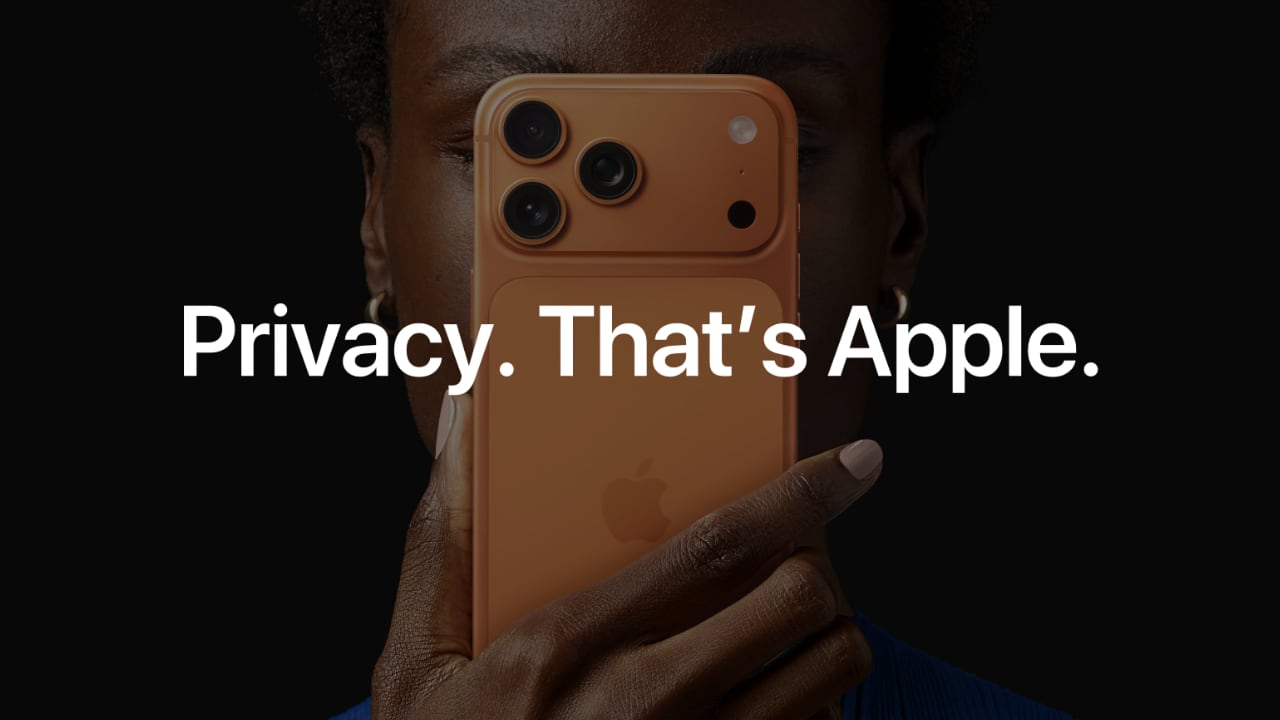
Apple has launched a new digital marketing campaign in Saudi Arabia focused on privacy, with a particular spotlight on one feature: Locked and Hidden Apps. The campaign, which runs through the summer, uses a series of four ads to illustrate how iPhone users can control who sees what on their device — even when the phone is in someone else’s hands.
It’s a scenario most of us know well. You hand your iPhone to a friend or family member to show them a photo, and part of you quietly hopes they don’t wander into your messages, banking app, or anything else you’d rather keep private. Apple’s answer is app locking: any app on your iPhone can be locked behind Face ID, Touch ID, or your passcode, meaning nobody gets in without your face, your fingerprint, or your code.
Locking an app does more than gate the icon. Content inside a locked app won’t surface elsewhere on the system — it stays out of search, notifications, Siri suggestions, and call history — so nothing leaks out through a stray notification while someone’s looking over your shoulder. If you want to go a step further, you can hide an app entirely, moving it into a dedicated Hidden Apps folder that’s locked and opens only with your biometrics or passcode.
The campaign is specific to Saudi Arabia and separate from Apple’s global Safari campaign, which has been running on billboards in Dubai for around a month. The decision to run a privacy-focused campaign in the Kingdom comes down to customer interest: as users in the region learn more about these features, they’ve been asking for more, and Locked and Hidden Apps in particular has resonated locally.
Privacy by default, not by settings menu
Beyond the ads themselves, the campaign is a vehicle for Apple’s broader privacy pitch, which rests on four principles: collect less data, process more of it on-device rather than on servers, give users transparency and control over what is collected, and treat security as the foundation for all of it. The end result is that privacy on its devices is on by default — you don’t have to dig through settings to be protected.
Face ID underpins much of this. Apple’s facial authentication is the most secure on any smartphone, with a less-than-one-in-a-million chance of a random person unlocking your device with their face. The system doesn’t store a photo of you, and the Face ID data itself can’t be accessed by the operating system, by apps, or by Apple.
Safari, Messages and the “is my phone listening?” question
On the web, Apple points to Safari’s Intelligent Tracking Prevention, which uses machine learning to block cross-site trackers — some web pages carry a hundred or more trackers from different companies. Safari’s private browsing blocks trackers and fingerprinting attempts, and includes an advanced fingerprinting protection feature that disguises your device to help shield your identity. Apple was keen to draw a contrast with Chrome, where incognito mode does not hide you from trackers.
Communications get similar treatment. Messages has been end-to-end encrypted since it launched in 2011 and now incorporates post-quantum cryptography. More practically for users in the region, spam texts are routed to a dedicated spam folder where links are disabled, and replies blocked, while unknown senders sit silenced in their own area until you decide whether to engage. Call screening extends the idea to phone calls, automatically answering unknown numbers and asking callers to identify themselves before your phone ever rings. All of this categorisation happens on-device.
And for anyone convinced their iPhone is listening to their conversations to serve them ads: Apple’s position is that apps simply cannot access the microphone without explicit permission, and an indicator light — green for mic, orange for camera — appears whenever access is in progress. The more likely culprit is cross-app tracking, which is exactly what App Tracking Transparency addresses. A single toggle in Settings > Privacy & Security > Tracking can automatically deny all tracking requests before you ever see a prompt.
The full rundown of Apple’s privacy features is available at apple.com/privacy.