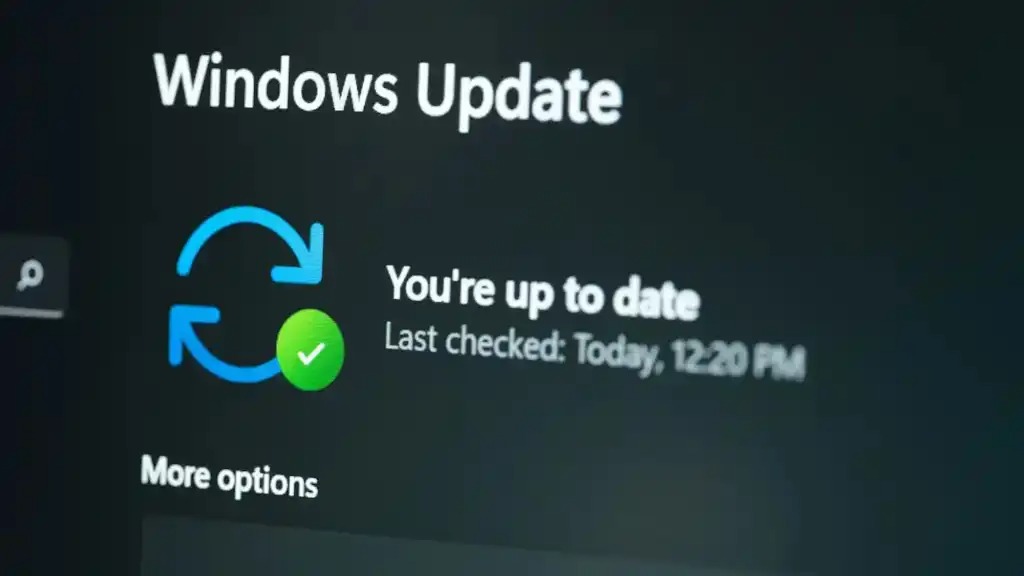
KB5101650 is a Windows 11 update that bundles several user-facing changes rather than just background fixes, according to a report from Windows Latest. The headline additions are a screen tint control, a Bluetooth upgrade and point-in-time restore, alongside direct download links that let users grab the offline installer instead of waiting for Windows Update to serve it up. For a cumulative update, that is a fairly full bag.
What is new in Windows 11 KB5101650?
The most notable additions in KB5101650 are a screen tint accessibility option, a Bluetooth upgrade and a point-in-time restore feature, per Windows Latest. Screen tint sits in the accessibility bracket, giving users a way to adjust on-screen colour, which matters for anyone who finds the default display straining over long sessions. The Bluetooth change is framed as an upgrade to how Windows 11 handles wireless peripherals, the sort of thing that quietly affects every pair of earbuds, mouse and keyboard connected to a PC.
Point-in-time restore is the piece worth paying attention to. It gives Windows 11 another route to roll a machine back to an earlier state, which is the kind of recovery safety net that only feels important the moment an update or a bad install goes sideways. It is a recurring theme in recent Windows 11 servicing, and it slots in alongside the smaller quality-of-life fixes Microsoft has been shipping through the year, from a network speed test and sleep performance tweaks to broader interface changes.
How do you install KB5101650 offline?
KB5101650 can be installed manually using the direct download links Windows Latest has flagged for the offline installer (.msu). That is the practical detail for anyone who does not want to rely on Windows Update pushing the package automatically, or who manages more than one machine and prefers to apply the same file across several PCs. Offline installers are the standard way to sidestep a stalled or delayed rollout, and Microsoft distributes these packages through its own update catalogue for exactly that reason.
Grabbing the .msu and running it applies the update directly, which is handy when Windows Update is being slow to offer it or when a PC is behind on servicing. The trade-off is the usual one with manual installs: you are opting to apply a cumulative update on your own timeline rather than the phased schedule Microsoft normally uses.
Should UAE users install it?
For anyone running Windows 11, KB5101650 is worth taking, because the changes touch accessibility, Bluetooth peripherals and recovery rather than niche edge cases. The screen tint control and the Bluetooth work are broadly useful, and point-in-time restore is the sort of feature you want in place before you need it, not after. There is no UAE-specific rollout, pricing or retailer angle here; this is a standard Windows 11 servicing update that reaches PCs the same way any cumulative update does.
The wider context is that Microsoft has spent the year steadily reshaping Windows 11, from decluttering search to feeding Copilot more system-level information. If you want the fuller picture of where the platform is heading, our look at the bigger changes arriving in the 2026 update sets out the direction of travel. KB5101650 is another incremental step along that path, and the offline installer route means you do not have to wait for it.