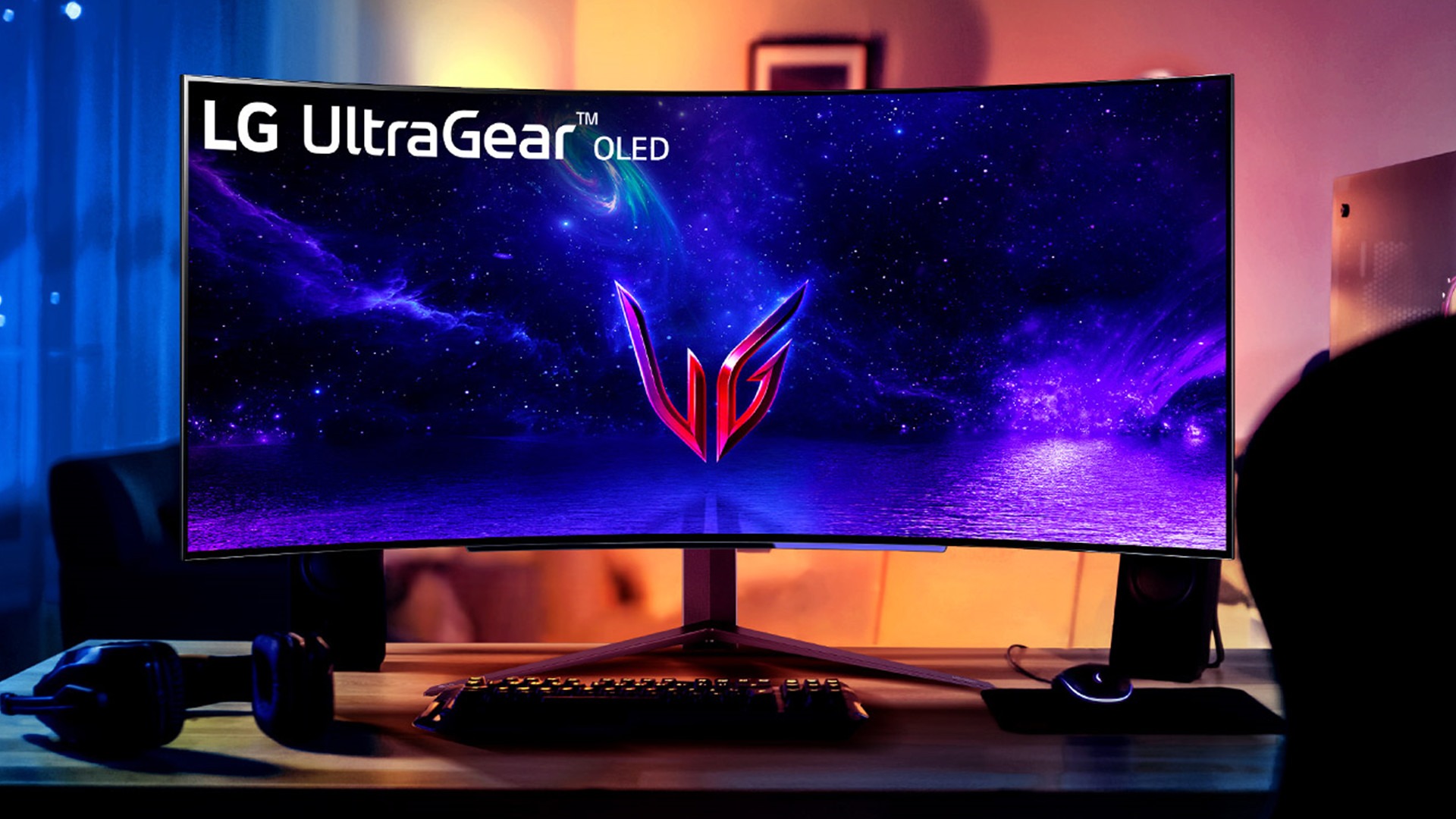
LG will disable a McAfee advert shown through its Monitor App Installer after Microsoft contacted the company, as our colleagues at PCMag Middle East report. The intervention followed reports that at least eight LG UltraGear monitors were prompting Windows PCs to run the installer without users deliberately downloading it.
The installer recommends LG software and displays a promotion for McAfee’s Scam Detector. Users objected because the app and advert appeared after connecting a monitor, turning a routine hardware setup into an unexpected software distribution channel.
What is LG actually changing?
LG has agreed to disable the McAfee pop-up, but it has not promised to stop distributing the LG Monitor App Installer through Windows.
Pavan Davuluri, Microsoft’s EVP for Windows and Devices, said LG had agreed to disable the pop-up as an immediate next step.
LG told Windows Latest that McAfee is not installed automatically and requires explicit consent. It said the LG Monitor App Installer is delivered through Microsoft’s official Windows distribution process, with McAfee offered as an option.
Those points do not fully answer the complaint. Users reported seeing the installer and McAfee advert despite never choosing to download LG software. Whether McAfee was installed is separate from whether a peripheral should be able to place a promotional prompt on a PC without a clear request from its owner.
Why can an LG monitor trigger software in Windows?
Windows 11 can automatically deliver drivers and device-related software when compatible hardware is connected.
The capability is useful when it installs software needed to make a monitor, printer, or other peripheral work correctly. LG used that official route for its Monitor App Installer, which then presented users with additional software recommendations and the McAfee promotion.
This matters because Windows treats trusted device-distribution channels as part of a convenient setup process. Promotional software inserted into that process weakens the distinction between a required driver and an optional advert. Users should not have to audit every new peripheral as if it were a prebuilt PC loaded with bundled applications.
The available evidence does not show that LG automatically installed McAfee without consent. It does show that users received an LG installer and saw a McAfee advert they had not knowingly requested. Microsoft was right to intervene, although removing one pop-up leaves the broader question of how much software a peripheral vendor should be allowed to push through Windows.
How do you check for and remove the LG Monitor App Installer?
Windows users can look for the LG Monitor App Installer under Settings, Apps, and Installed apps, then uninstall it if they do not want it.
The entry may appear as “LG Monitor App Install”, “LG Monitor App Installer”, or a similar LG monitor utility. On systems using the older Control Panel interface, check Programs and Features instead. A McAfee Scam Detector prompt appearing after an LG monitor was connected or after Windows Update is another indication that the installer may be present.
Select the unwanted LG app and use the uninstall option. If McAfee software was separately installed after consent was given, it will need to be removed through its own entry in the installed-apps list.
Windows also offers controls for automatic device software installation, but disabling them can prevent automatic driver delivery as well. Removing the LG installer is the more targeted response for anyone who wants to keep routine driver updates without retaining the unwanted utility.
LG’s promised change deals with the most visible symptom. The more important lesson is that software arriving through an official Windows channel still deserves scrutiny, even when the device that triggered it appears to be only a monitor.