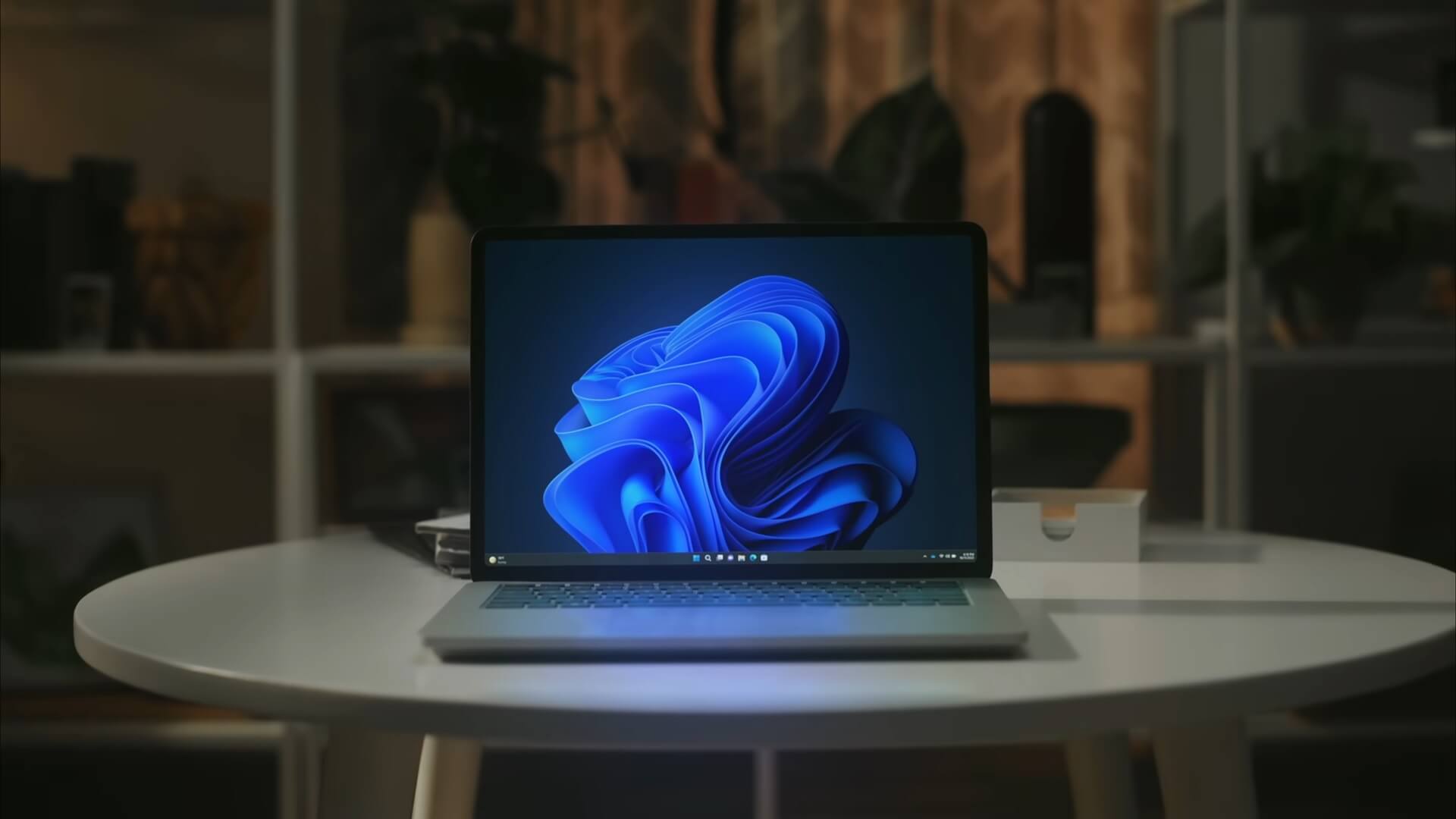
Windows 11 26H2 began rolling out to eligible PCs on 29 September 2026, giving users on versions 24H2 and 25H2 a small enablement-package update rather than a full Windows reinstall. Microsoft says the release is available now, but distribution is controlled and some devices may have to wait. Microsoft’s announcement sets out the rollout and support terms.
The update is chiefly a version change for PCs that have kept up with monthly servicing. Most of the components are already on eligible devices; the package activates them and requires a restart. It is not a reason to expect an entirely new desktop after installation.
Windows 11 26H2 is a small update for eligible PCs
Microsoft is delivering Windows 11 26H2 as an enablement package to eligible devices running 24H2 or 25H2. Those versions share a servicing branch, so the update can be installed much like a regular Windows update rather than replacing the operating system. Microsoft describes the download as small and says installation needs a quick restart.
That is the fuller version of the lightweight-update explanation we published in August, when the release date was still unknown. The timing is now confirmed; the core mechanism has not changed. The update does not require a 24H2 PC to install 25H2 first.
Windows Latest reports that the opt-in setting and a manual update check can surface the download on eligible consumer PCs. Its screenshots show the Windows Update page and the 26H2 download prompt.

How to download and install Windows 11 26H2
On a personal PC running 24H2 or 25H2, open Settings → Windows Update and switch on Get the latest updates as soon as they’re available. Then select Check for updates. If Windows 11, version 26H2 appears, choose Download and install and restart when prompted.
Microsoft is using a controlled rollout, so the option will not appear on every compatible PC at the same time. The company may apply a safeguard hold where it detects a compatibility issue, and enabling the latest-updates toggle will not bypass that hold. Work and school devices may also be governed by an organisation’s update policies.
If the offer is missing, keep installing regular Windows updates and check again later rather than trying to force the feature update. Microsoft says it will expand availability over time and publish known issues and rollout information through its Windows release-health hub.
The small-package route is for eligible 24H2 and 25H2 devices, not every Windows 11 PC. Devices running 26H1 use a different Windows core and cannot move directly to 26H2; Microsoft says they will have an upgrade path to a future release, as set out in its Release Preview announcement.
What changes in Windows 11 26H2
The update is an annual servicing release, not a clean break from the versions before it. Microsoft says many of the improvements associated with 26H2 have already been introduced through monthly updates, so people who have installed those updates may find little visibly different after the restart. The release also turns on some features that were previously disabled by default in 25H2.
For readers tracking those monthly changes, our coverage of a recent Windows 11 update with screen tint, Bluetooth changes and point-in-time restore shows how features can reach PCs before the annual version number changes. The specific features enabled by default in 26H2 vary by edition and deployment; Microsoft’s Windows IT Pro guidance has the commercial deployment details.
Windows 11 26H2 resets the support clock
The practical reason to move is the support lifecycle. Microsoft says installing 26H2 starts a fresh servicing period for supported editions: 24 months for Home and Pro, and 36 months for Enterprise and Education.
| Windows 11 26H2 edition | Support period |
|---|---|
| Home and Pro | 24 months |
| Enterprise and Education | 36 months |
That is especially relevant to anyone still on Windows 11 24H2 Home or Pro. Microsoft’s release information page lists 13 October 2026 as the end of updates for those editions, two weeks after 26H2’s rollout began. Installing the new version before that date gives the PC a newer support window; it does not change the date for a machine that stays on 24H2.
What the Windows 11 26H2 rollout means for UAE users
There is no separate UAE download or local launch date in Microsoft’s announcement: the update arrives through Windows Update, subject to device eligibility and rollout safeguards. The support deadline applies to UAE PCs on 24H2 Home or Pro too. If that describes your computer, check its current version under Settings → System → About and make a plan before 13 October.
The change is deliberately modest for updated 24H2 and 25H2 machines: download the enablement package when Windows Update offers it, restart, and confirm that the edition now reports 26H2. Users on an organisation-managed PC should follow their IT team’s deployment schedule instead.
Does a fully updated Windows 11 25H2 PC need 26H2 immediately?
There is no 24H2 Home and Pro end-of-updates deadline for a PC already on 25H2. Most visible changes have been delivered through monthly updates, so 26H2 is mainly a fresh servicing window; users can take it when Windows Update offers it.
What should I do if a 24H2 Home or Pro PC has no 26H2 offer near 13 October?
Keep installing monthly updates and check Microsoft’s release-health page for rollout notices. Availability is staged and compatibility holds can block the offer; the opt-in toggle does not override them, so do not try to bypass a safeguard hold.
Should an organisation deploy Windows 11 26H2 across every PC now?
Microsoft recommends starting with targeted deployments to validate applications, devices and business-critical workflows before widening rollout. IT teams can continue using existing update rings and policies rather than applying the consumer opt-in steps to managed devices.
What happens if a PC stays on Windows 11 24H2 after support ends?
The PC will continue to run, but 24H2 Home and Pro will have reached end of updates. Move to a supported Windows release before the deadline if you want to keep receiving updates for the operating system.