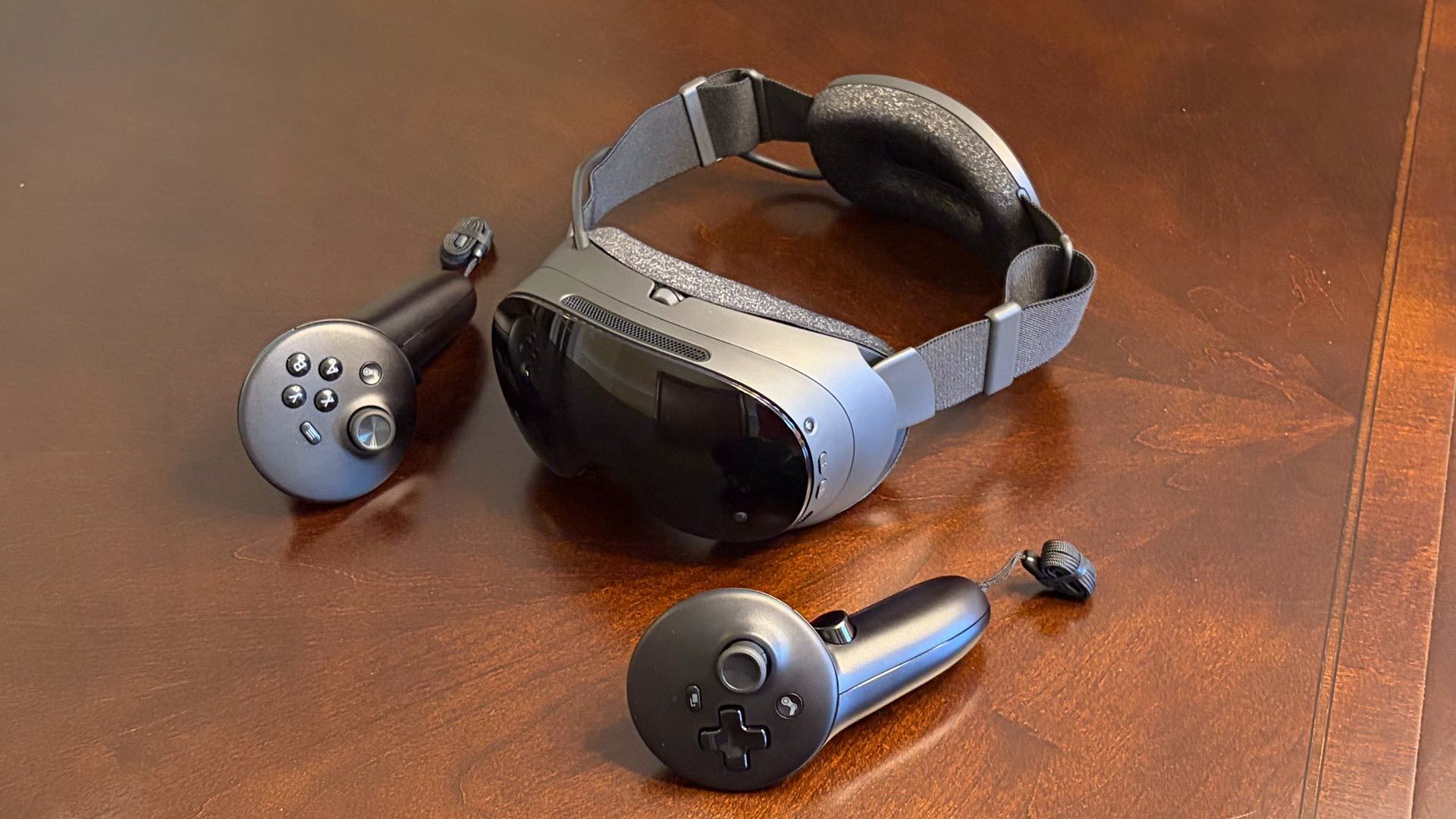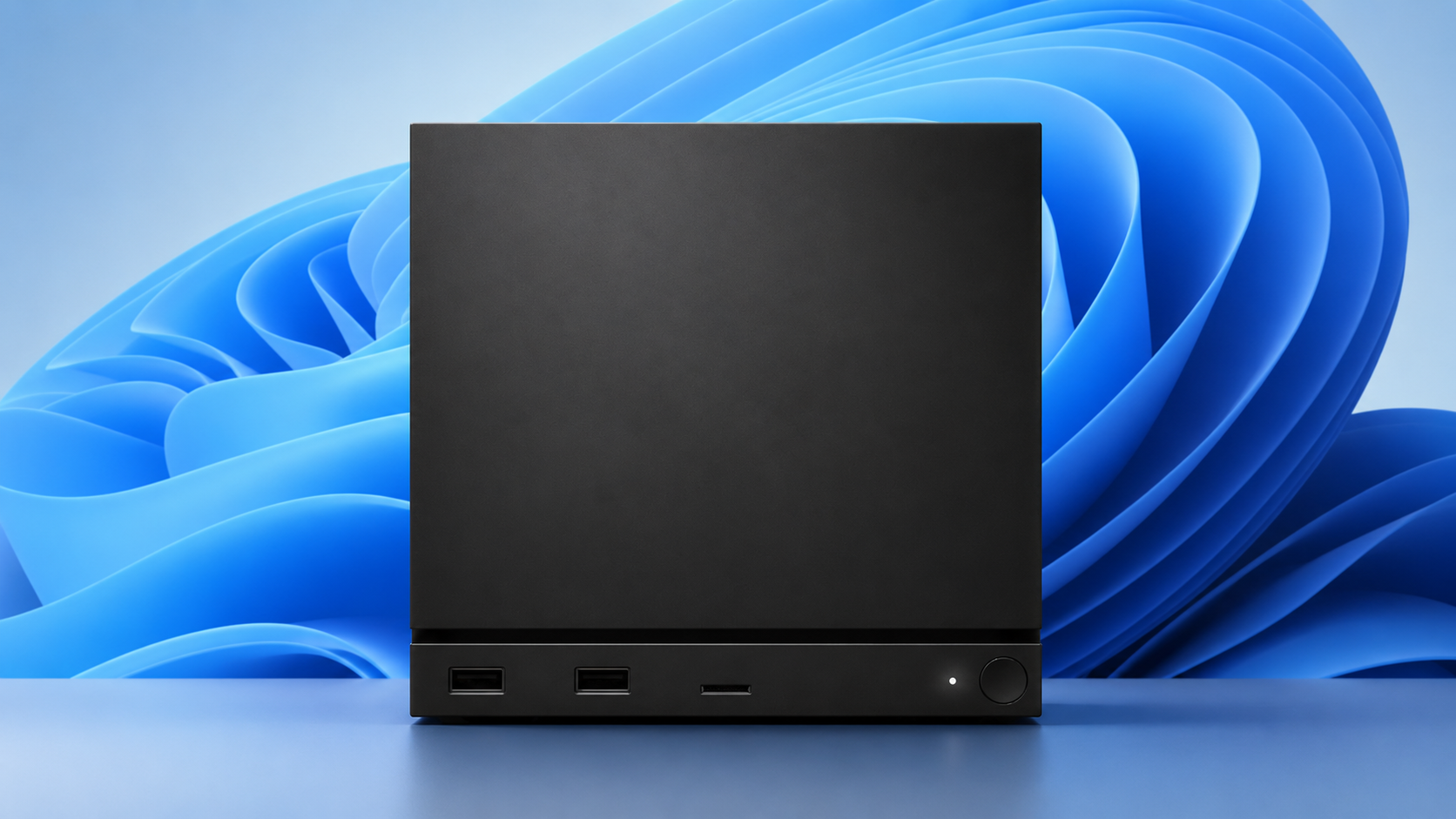
Valve has released the drivers needed to run Windows on the Steam Machine, covering graphics, Wi-Fi, Bluetooth and the SD card reader, though Valve won’t officially support the setup.
- Dual-booting isn’t available yet because the SteamOS installer with the dual-boot wizard isn’t finished, so installing Windows wipes the Steam Machine’s storage completely.
- Installation requires a USB installer, the Escape key to reach the Boot Menu, and an Ethernet connection, since Wi-Fi drivers can’t be loaded during setup.
- Troubleshooting falls to community forums and Steam Discussions rather than Valve support channels.
Valve has quietly handed Steam Machine owners the keys to Windows. The company has released the drivers and files needed to run Microsoft’s operating system on the hardware, including graphics, Wi-Fi, Bluetooth and SD card reader drivers that can be downloaded and installed once Windows is up and running.
It’s a notable move given that SteamOS is arguably the Steam Machine’s biggest selling point. The Linux-based operating system, the same one that powers the Steam Deck, is built around gaming and accessibility, and its leaner design typically outperforms Windows in games. But Windows brings functionality that Linux desktop mode can’t match, and some owners will simply want to compare the two on identical hardware.
How the Windows Install Actually Works
The process is straightforward but not painless. You power down the Steam Machine, boot it with a Windows installer USB plugged in, and repeatedly press the Escape key to reach the Boot Menu. From there, the on-screen prompts walk you through entering your Windows key and completing setup.
Two catches deserve attention before anyone reaches for a USB stick. First, Wi-Fi drivers can’t be installed during setup, so the machine needs to be connected via Ethernet until Windows is running and the drivers are in place. Second, and far more importantly, there is no dual-boot option yet. Valve says the SteamOS installer that includes a dual-boot wizard isn’t ready, and it will ship alongside SteamOS once complete. Until then, installing Windows wipes the Steam Machine’s storage entirely. Back up anything you care about first.
Valve is also clear that it does not officially support what it calls “Windows on Steam Hardware”. If something breaks, Valve’s support channels won’t help; you’ll be relying on community forums and Steam Discussions instead. Given how active the SteamOS community has been since SteamOS 3.8 added Steam Machine support, that’s not the worst safety net, but it’s a safety net all the same.
Why Valve Is Allowing This at All
Valve could have locked the Steam Machine down to SteamOS only, and plenty of console makers would have done exactly that. Instead, the company is treating the device as what it is: a small-form-factor PC. The freedom to install whatever operating system you like is a core principle of the PC space, and Valve has chosen to preserve it, even at the cost of people running Windows on hardware designed to showcase SteamOS.
That openness also explains the pricing philosophy. Valve isn’t selling the Steam Machine at a loss to inflate SteamOS adoption, because if it did, buyers could simply snap one up as a cheap Windows home or work PC. There’s a reasonable argument that SteamOS itself is Valve’s real win here, with the hardware serving as the flagship rather than the endgame.
FAQ
Can the Steam Machine dual-boot Windows and SteamOS?
Not yet. The SteamOS installer that includes a dual-boot wizard isn’t ready, so installing Windows currently wipes the Steam Machine’s storage entirely. Valve says the dual-boot option will ship alongside SteamOS once it’s complete.
Does Valve officially support Windows on the Steam Machine?
No. Valve has released the necessary drivers for graphics, Wi-Fi, Bluetooth and the SD card reader, but it does not officially support Windows on Steam Hardware. Any troubleshooting is handled by the community via forums and Steam Discussions.
How do you install Windows on a Steam Machine?
Boot the machine with a Windows installer USB plugged in, press Escape repeatedly to reach the Boot Menu, then follow the on-screen prompts to enter your Windows key and complete setup. You’ll need an Ethernet connection during installation, as Wi-Fi drivers can’t be loaded until Windows is running.
Is the Steam Machine available in the UAE?
Not yet. Valve says the Steam Machine will ship in early 2026 in every region where the Steam Deck is sold today, but there are no UAE retail listings or local pricing details so far.