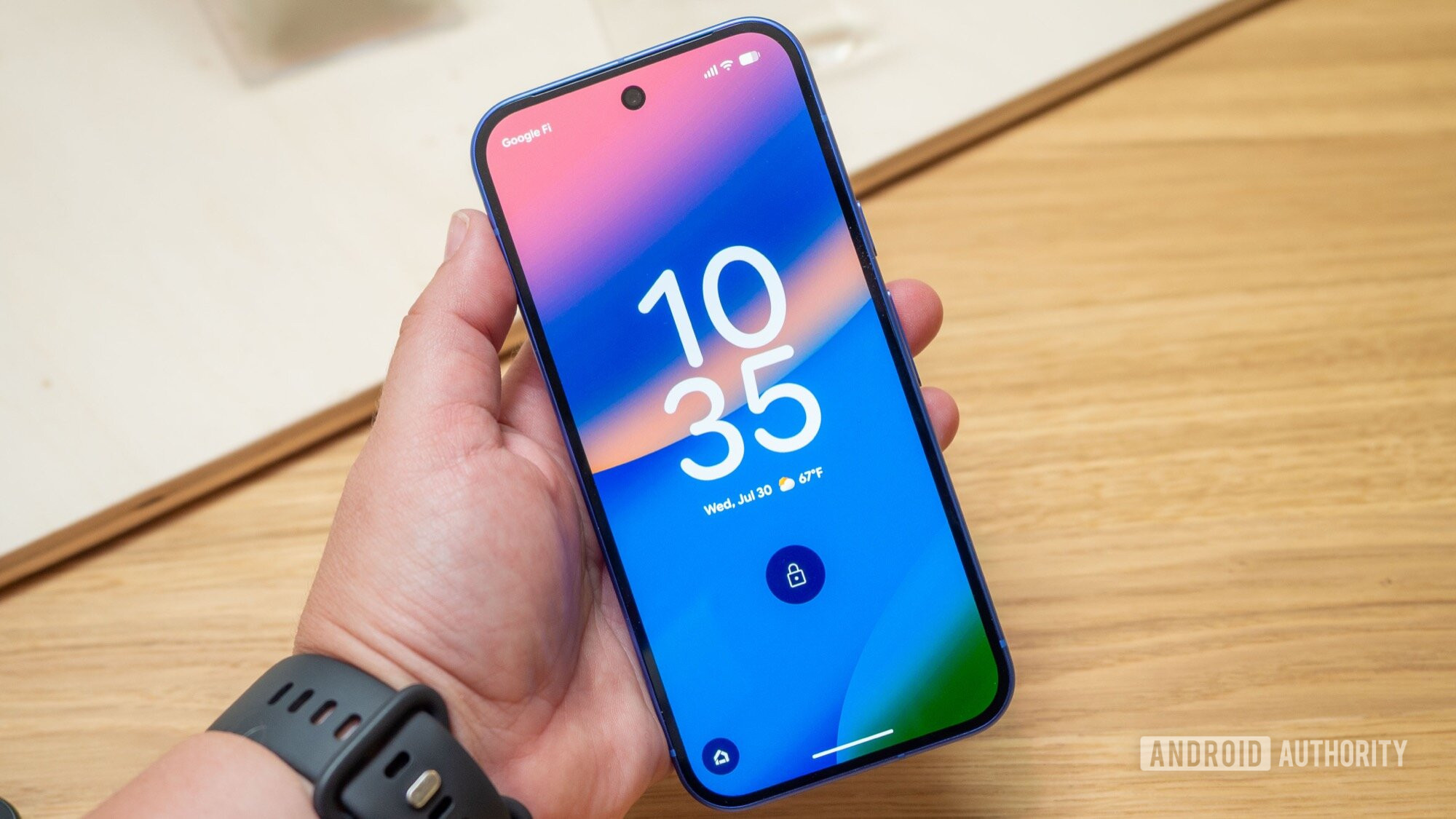
Google is building AI-generated lock screen clocks for Android 17, if the code in the latest Canary build is anything to go by. Android Authority found the feature’s UI in Android Canary 2608, which also ships a Quick Settings layout editor.
The idea: you type a prompt describing the clock you want, and Android generates a lock screen clock style to match. There is an “Ideas” button for suggestions, and you can upload an image to use as a reference for your prompt.
It is not working yet. Submitting a prompt currently returns a “Service not connected” error, which suggests the heavy lifting happens on Google’s servers and the company will switch it on when it is ready. Android Authority got the UI to appear, but the generation itself is dead until Google flips that switch.
No date has been confirmed for the rollout. Google’s Made by Google event lands August 12, where the Pixel 11 is expected — a plausible stage for the feature, though the company has said nothing either way.
What is clear is the direction: Google keeps folding generative AI into the everyday phone, and the lock screen is the latest surface to get it. Android 17 is rolling out to Pixel devices now, including in the UAE, so when the feature does land, local Pixel owners will get it the same way everyone else does — through the update.
What is Android Canary?
Android Canary is Google’s bleeding-edge preview build channel, where features under development appear before they reach the public beta or a stable release. The AI clock UI was found in Canary 2608.
When will the AI lock screen clock feature arrive?
No date has been confirmed. The interface is in place, but generation currently returns a “Service not connected” error, meaning Google still has to enable it server-side. Google’s Made by Google event on August 12 is a possible stage, though the company has said nothing.
Which phones will get it?
The feature is built for Pixel phones running Android 17. The Android 17 rollout is already underway in the UAE, so local Pixel owners should get the feature through the same update once Google switches it on.