Microsoft has resumed automatically installing the Microsoft 365 Copilot app on eligible Windows PCs following a temporary pause caused by a technical issue earlier this year.
According to an updated Microsoft 365 Message Center notice, the rollout began in mid-June 2026 and is expected to be completed by mid-July. The application is installed in the background and does not require any action from the person using the computer.
However, the change does not apply to every Windows 11 PC. It specifically targets eligible commercial Windows devices that already have supported Microsoft 365 desktop applications installed.
Copilot will be installed unless administrators opt out
Microsoft says the Copilot app will be automatically added to eligible devices unless an organisation’s IT administrator disables the deployment.
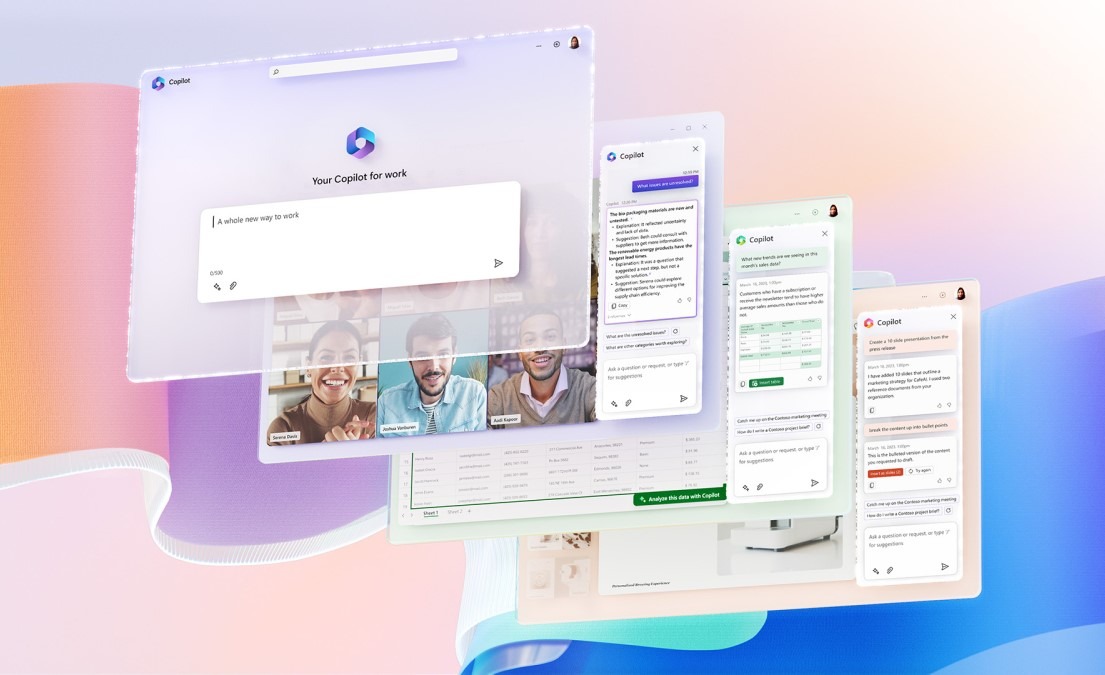
Once installed, the application will appear in the Windows Start menu and provide a central location for Microsoft 365 Copilot features, including chat, search and AI agents. Devices that already have the app installed should not experience any visible changes.
Eligible systems must be running Microsoft 365 Apps version 2511 or later through either the Current Channel or Monthly Enterprise Channel. Devices using the Semi-Annual Enterprise Channel are not included in the automatic rollout.
The installation also does not apply to Microsoft 365 customers whose tenant is based in the European Economic Area. Organisations in the region can still deploy the application manually through the Microsoft Store, Microsoft’s content delivery network or management platforms such as Intune.
Microsoft previously paused the rollout
Microsoft initially planned to automatically deploy the Microsoft 365 Copilot app in late 2025. The company temporarily suspended the process in March 2026 after encountering what it described as a technical issue.
The installations have now resumed, with Microsoft arguing that the change will make Copilot easier for Microsoft 365 users to discover and access.
Administrators who do not want the application installed can disable the deployment through the Microsoft 365 Apps admin centre. The option can be found under the Device Configuration and Modern Apps settings.
Individual users can also uninstall the application after it appears. Microsoft says the automatic installation is performed only once, meaning the app should not automatically return after being manually removed.
The decision is likely to renew criticism of Microsoft’s increasingly aggressive promotion of Copilot across Windows and Microsoft 365. The company has already placed various Copilot shortcuts and applications throughout its operating system and productivity services, sometimes requiring users or administrators to actively disable or remove them.
FAQ
Is Microsoft automatically installing Copilot on every Windows 11 PC?
No. The rollout is limited to eligible commercial Windows devices that have supported Microsoft 365 desktop applications installed. It is not being deployed to every consumer Windows 11 computer.
Can the Microsoft 365 Copilot app be uninstalled?
Yes. Users can uninstall the application after it has been installed. Microsoft says the automatic deployment only occurs once, so it should not reinstall itself after being manually removed.
How can organisations stop the automatic Copilot installation?
IT administrators can disable the deployment through the Microsoft 365 Apps admin centre. The setting is available within the Device Configuration and Modern Apps section.
Which Microsoft 365 update channels are included?
The rollout applies to eligible devices using the Current Channel or Monthly Enterprise Channel with Microsoft 365 Apps version 2511 or later. The Semi-Annual Enterprise Channel is excluded.
Is the Copilot app being automatically installed in Europe?
Microsoft says tenants based in the European Economic Area are excluded from the automatic installation. Organisations in the region can still deploy the application manually.