Google has launched Gemini Skills in Chrome, allowing users to transform AI prompts into one-click workflows directly in their browser. According to Google’s announcement in January 2025, these custom Skills can automate tasks like page translation, content summarisation, and data extraction with a single click, positioning Chrome as a serious competitor to AI-powered browsers like Perplexity’s Comet and Arc’s AI features.
Key Takeaways
- Google Gemini Skills let Chrome users save AI prompts as repeatable workflows.
- Custom Skills include translate, summarise, and extract functions with one click.
- The feature is rolling out now to Chrome users with Gemini access.
- Skills compete directly with Perplexity’s Comet and Arc’s AI features.
- UAE knowledge workers can streamline research and content creation tasks.
What are Google Gemini Skills?
Google Gemini Skills are custom AI workflows that users can create and save within Chrome. Rather than typing the same prompts repeatedly, Skills let you package common AI tasks into reusable actions. Think ‘translate this page’, ‘summarise and email’, or ‘extract contact details from this webpage’.
The feature transforms Chrome from a passive browser into what Google calls ‘a more agentic tool’. Instead of copying text to ChatGPT or switching between apps, users can trigger sophisticated AI actions without leaving their current tab.
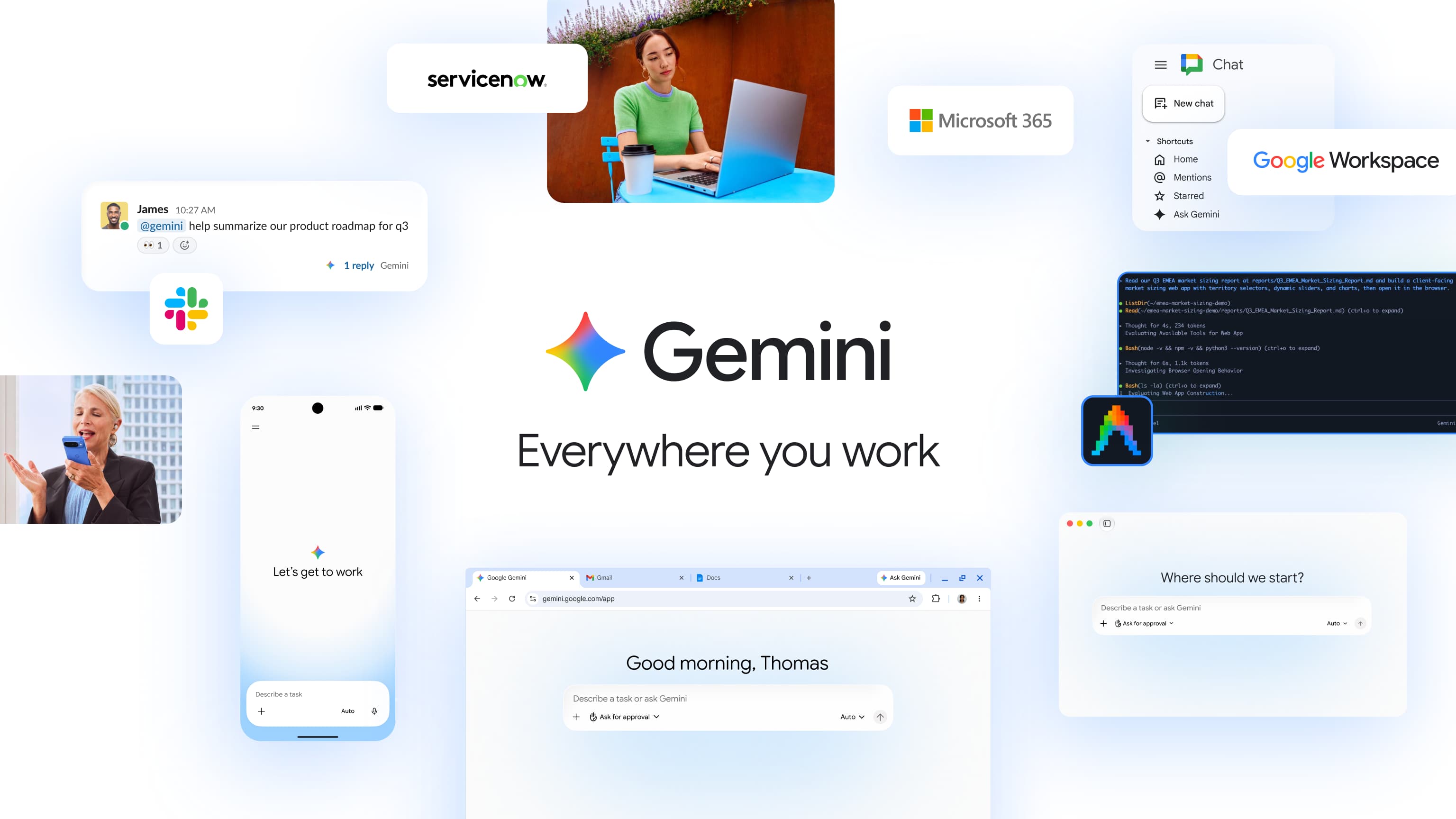
Skills work by leveraging Gemini in Chrome, Google’s AI assistant that already provides auto-browsing and image editing capabilities. The new Skills feature extends this integration by allowing users to create personalised automation workflows.
How do Gemini Skills work in practice?
Creating a Skill involves teaching Gemini a specific task through natural language prompts. Users describe what they want accomplished, and Gemini learns to repeat that action on command. For example, a ‘Research Summary’ Skill might automatically extract key points from articles and format them into bullet points.
The system works across different types of content and websites. A translation Skill can handle any language pair on any webpage. An extraction Skill can pull prices from shopping sites or contact information from business directories. The AI adapts the core workflow to different contexts while maintaining consistent output.
Unlike browser extensions that require specific coding, Skills use conversational instructions. This makes them accessible to non-technical users who simply need to explain their workflow in plain English.
What makes Skills different from competitors?
Google’s approach differs significantly from competitors in the AI browser space. Perplexity’s Comet focuses on research and search enhancement, while Arc’s AI features centre on tab management and content organisation. Anthropic’s Claude Skills and ChatGPT agents operate as separate applications rather than browser-native tools.
Skills integrate directly into Chrome’s interface, eliminating the context-switching that hampers productivity with external AI tools. Users don’t need to copy-paste content or open new applications. The workflows execute within the current browsing session, maintaining context and continuity.
The competitive advantage lies in Chrome’s massive user base and Google’s ecosystem integration. Skills can potentially work with Gmail, Google Drive, and other Google services, creating workflows that span multiple platforms seamlessly.
Availability and getting started
Gemini Skills are currently rolling out to Chrome users who have access to Gemini. Google hasn’t specified an exact timeline for universal availability, but the feature appears to be expanding gradually across user accounts.
To access Skills, users need a Google account with Gemini access and the latest version of Chrome. The Skills interface appears within Chrome’s existing Gemini integration, building on the email and photo search capabilities already available to users.
No additional software installation or browser extensions are required. Skills save automatically to user accounts and sync across devices, making them available whether you’re working on desktop, laptop, or mobile Chrome.
Gemini Skills availability in UAE
Gemini Skills are available at no additional cost to Chrome users with existing Gemini access in the UAE. Google hasn’t announced any premium tiers or subscription requirements specific to Skills functionality.
The feature works with both free Gemini accounts and Google One AI Premium subscriptions. UAE users can access Skills through Chrome’s standard Gemini integration, which supports both English and Arabic language workflows.
Google typically rolls out new features to UAE users simultaneously with other international markets, and Skills appear to follow this pattern with gradual account-by-account activation.
Frequently Asked Questions
What are Google Gemini Skills?
Google Gemini Skills are custom AI workflows that users can create and save within Chrome to automate repetitive tasks like translation, summarisation, and data extraction with one click.
How do Gemini Skills work in Chrome?
Users create Skills by describing desired tasks in natural language. Chrome then saves these as reusable workflows that execute AI actions directly within the browser without switching applications.
When will Gemini Skills be available?
Gemini Skills are currently rolling out to Chrome users with Gemini access. Google hasn’t announced a specific completion date for the global rollout.
Are Gemini Skills free to use?
Yes, Skills are included at no additional cost for Chrome users with existing Gemini access, whether through free accounts or Google One AI Premium subscriptions.
How do Skills compare to Perplexity or Arc AI?
Unlike Perplexity’s research focus or Arc’s tab management, Skills offer custom automation workflows that integrate natively into Chrome’s interface without requiring separate applications.