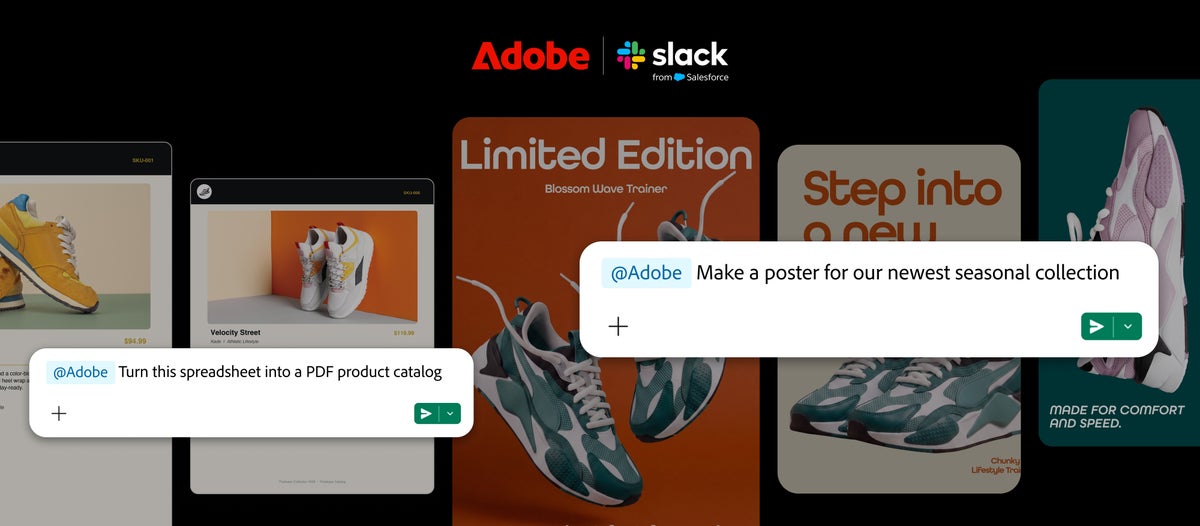
Adobe is bringing more than 70 creative and productivity tools into Slack, letting Business+ and Enterprise+ teams create and edit images, videos, designs and PDFs without leaving their conversations. Adobe for Slack is available globally from 2 September 2026, including to eligible teams in the UAE.
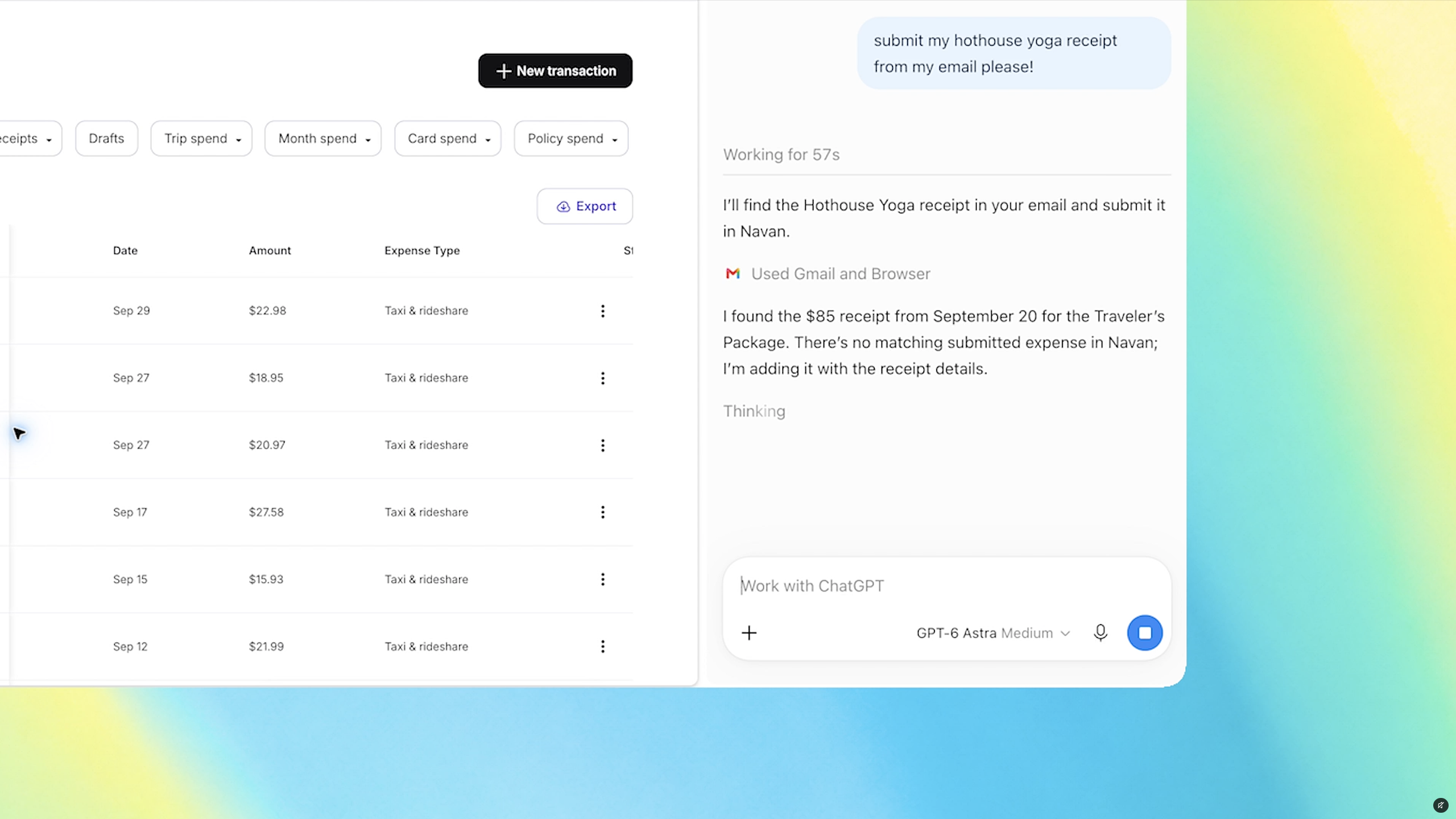
The integration works through Slackbot, Slack’s built-in AI assistant. Users can describe what they want in natural language, while Slackbot pulls relevant context from messages, files, channels and Canvases before calling the Adobe app.

Adobe for Slack puts Photoshop and Firefly in the workflow
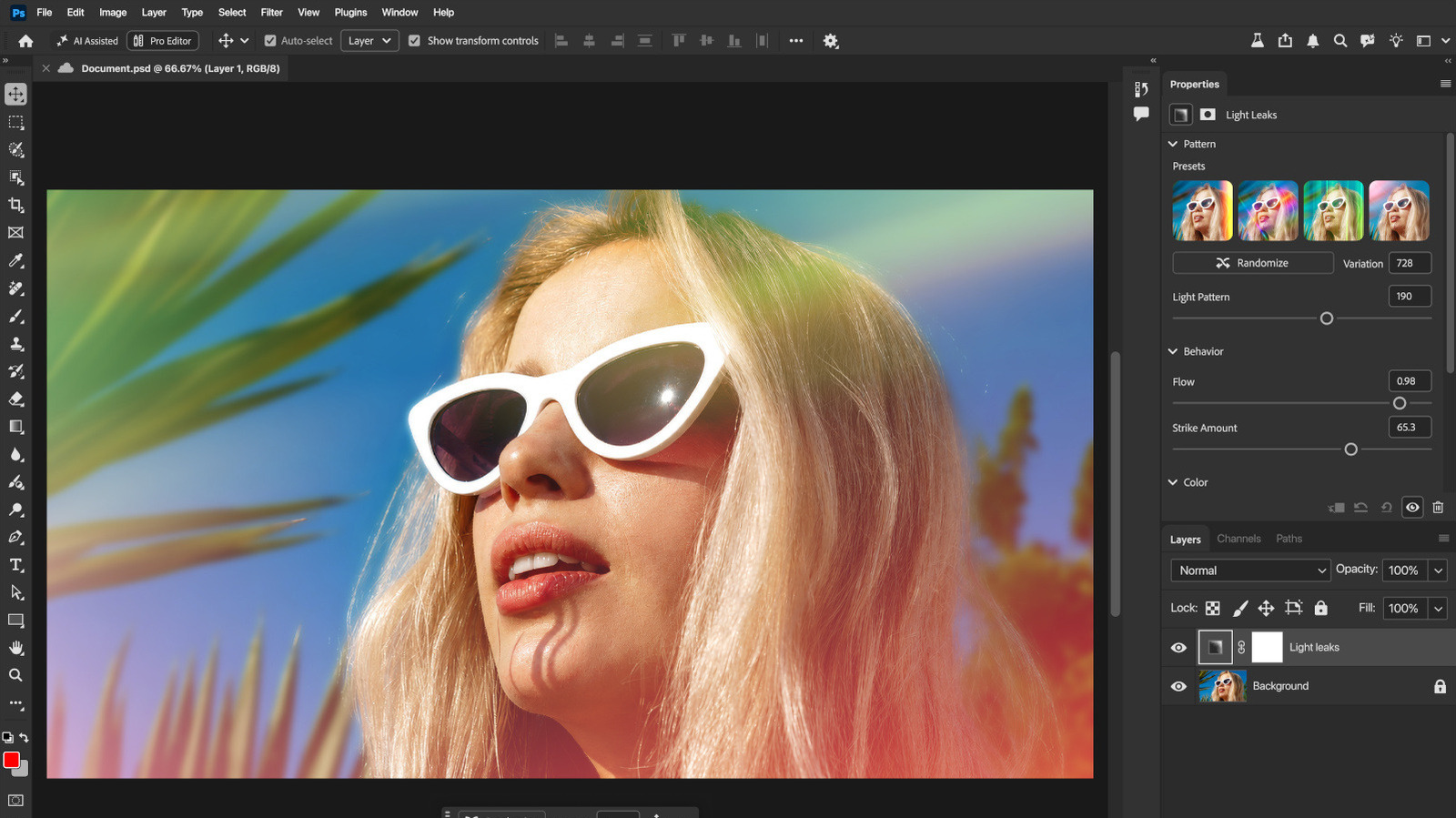
The Adobe app covers Firefly, Adobe Express, Photoshop, Premiere, Acrobat, InDesign, Illustrator, Stock, Lightroom and other tools. Adobe says teams can turn project plans and conversations into PDFs, images and videos, search Creative Cloud assets, and adapt approved campaign work for different social channels.
It can also transform spreadsheet data into a shareable visual or PDF, and handle batch edits such as background removal, distraction removal, lighting adjustments, cropping and resizing. The work can then be shared in a Slack channel for review.
Slack Chief Product Officer Jaime DeLanghe said:
“Bringing Adobe’s industry-leading creative and productivity tools directly into that flow means teams don’t have to leave their conversations to create. Adobe for Slack lets people turn the context and ideas already in their conversations into incredible content, then refine and build on it together, without breaking their stride.”
Jaime DeLanghe, Chief Product Officer, Slack
The quote is part of Adobe’s official announcement, which describes the app as an example of how MCP apps can turn conversation into action. 9to5Mac’s report confirms the tool list, Slackbot workflow and global availability.
How to use Adobe for Slack
Open a direct message with Slackbot, select Apps, choose Manage Apps, then add Adobe. Users can continue as a guest or sign in with an Adobe account. An account unlocks additional tools, generative AI features, Creative Cloud files and continuity across sessions.
Adobe for Slack is available across desktop, web and mobile for Slack Business+ and Enterprise+ customers. Adobe has not announced separate UAE pricing or a local rollout schedule; the global availability statement covers eligible UAE teams.
What is Adobe for Slack?
It is a Slack app that connects Slackbot to more than 70 Adobe creative and productivity tools, including Photoshop, Firefly, Acrobat and Adobe Express.
Which Slack plans support Adobe for Slack?
Adobe says the app is available globally to Slack Business+ and Enterprise+ customers on desktop, web and mobile.
Do I need an Adobe account to use Adobe for Slack?
No. Users can start as guests, but signing in or creating a free Adobe account unlocks additional tools, generative AI features, Creative Cloud files and continuity across sessions.