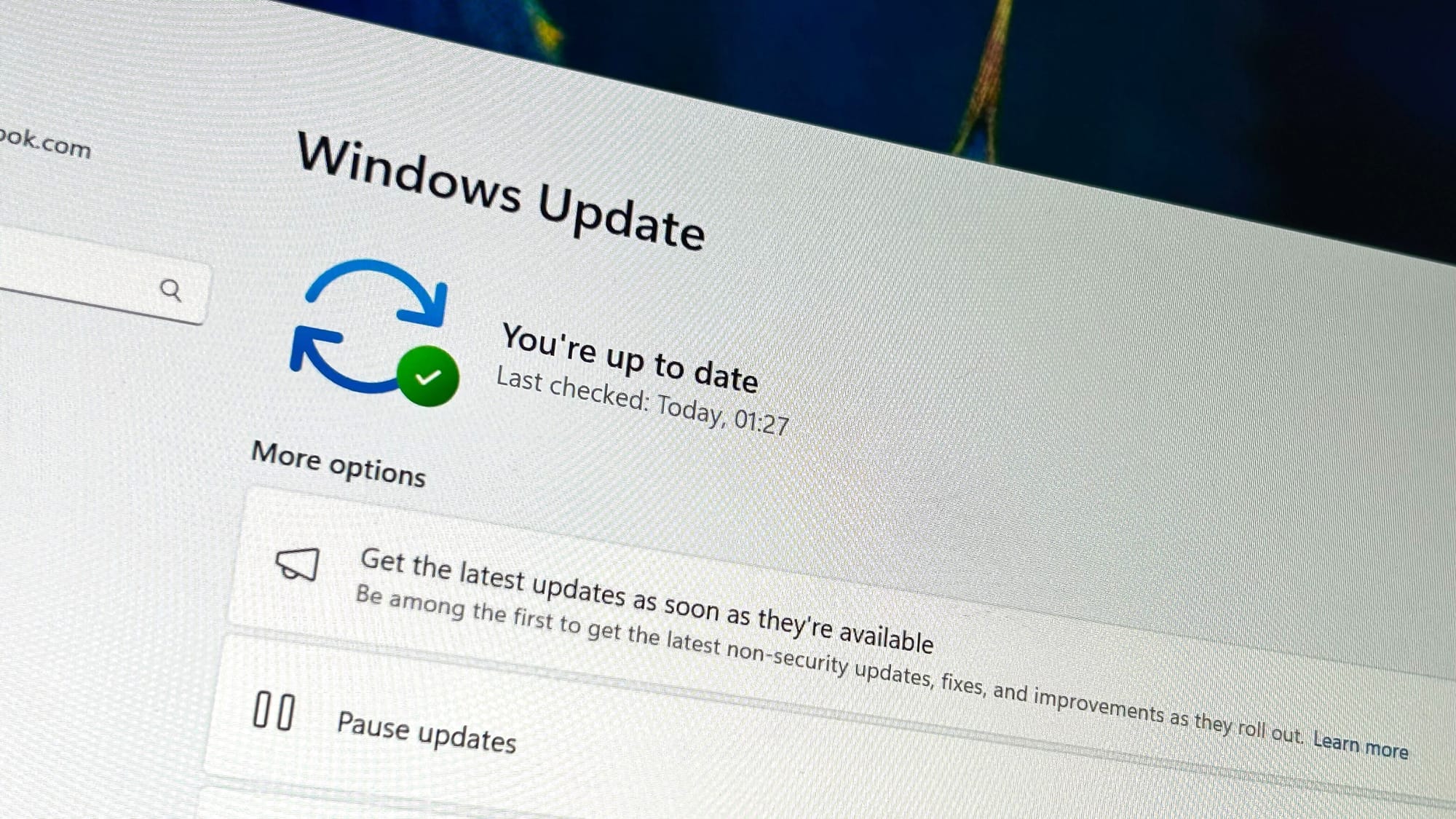
Microsoft’s October 2026 Security Update for Windows 11 is expected to start rolling out automatically on 13 October, per Windows Central. It covers versions 26H2, 25H2 and 24H2, which share the same changes, and it’s the last quality update for 24H2 as that version reaches end of support.
Microsoft uses Controlled Feature Rollout for these additions, so they reach PCs gradually. You may not see every feature on patch day. The update follows September’s Patch Tuesday, which fixed 974 CVEs, and the recent 26H2 rollout.
Open apps maximized and Copilot key remapping
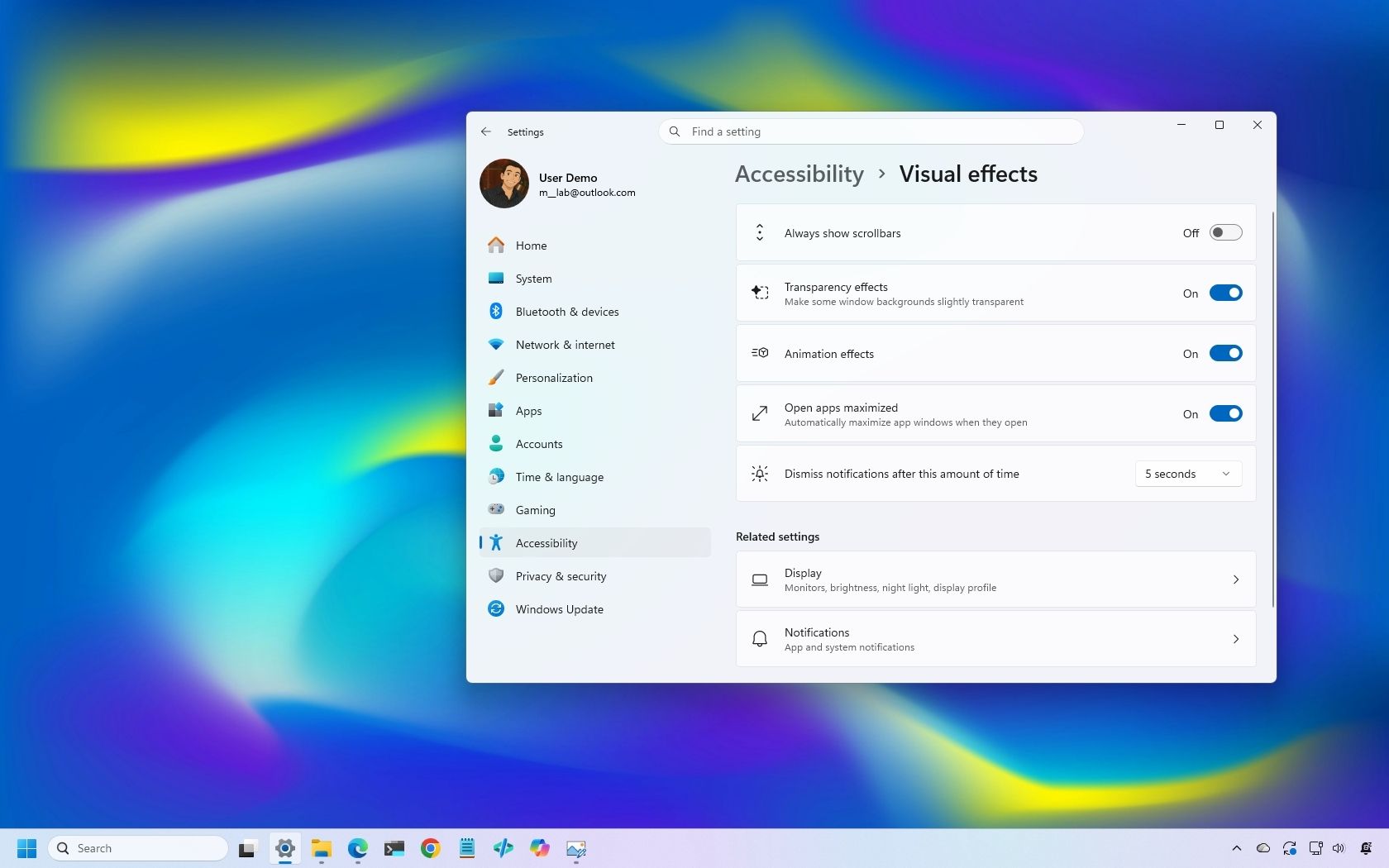
A new accessibility option, “Open apps maximized”, makes apps launch maximised rather than in full-screen mode. You find it under Settings > Accessibility > Visual Effects.
You can already remap the Copilot key, but the update adds two more targets: Right Ctrl and the Context Menu key. The setting, “Customize Copilot key on keyboard”, sits under Settings > Bluetooth & devices > Keyboard. Precision touchpads also gain two scrolling options under Bluetooth & devices > Touchpad: vertical scrolling with one finger along the left or right edge, or continuous scrolling by moving a finger upwards without lifting it.
File Explorer, Magnifier and widgets
File Explorer’s Preview pane can now show downloaded HTML files once you confirm the internet warning, and PDFs preview automatically. The Home page remembers which sections you expanded or collapsed. In the Details pane, Microsoft is improving thumbnail reliability for cloud files and reorganising file properties.

Magnifier gets a visual refresh, with toolbar icons that match the Windows 11 design language and more padding. The Widgets board adds a Tips widget with short pointers about the operating system. You can add it from “Add widgets” and place it on the lock screen under Settings > Personalization > Lock screen.
Recovery, Wi-Fi and removals
The Windows Recovery Environment (WinRE) can now reuse Wi-Fi profiles already saved in Windows. Until now, WinRE supported networking only over Ethernet or separately pre-configured Wi-Fi. The change is on by default, and it should make features such as Quick Machine Recovery easier to reach. WinRE also gets a remote recovery management plugin that extends management to MDM providers.
Smaller changes include:
- Better wallpaper transitions, higher-resolution previews, DIB image support, and slideshow transitions that work across multiple desktops.
- Improved Bluetooth handling for connections, audio, microphones and settings.
- A “Camera Roll Backup” option in Settings, on the Home or Accounts page, to protect photos with OneDrive.
- Emoji 17.0, and Ebrima font support for the Garay and Beria Erfe scripts.
- More blocked shortcuts in Kiosk mode, including Windows key + Tab, Windows key + A and Windows key + C.
Microsoft is also removing PC-to-PC Migration, the feature that transferred files and settings from an old PC during setup of a new one.
Is the update mandatory?
The October Security Update is expected to install automatically on 13 October. Individual features may arrive later because of the gradual rollout.
Does it affect Windows 11 24H2?
Yes. 24H2 gets the same changes, but this is its final quality update because the version reaches end of support. Moving to 25H2 or 26H2 keeps you on supported builds.
Where is the Copilot key setting?
Go to Settings > Bluetooth & devices > Keyboard and open “Customize Copilot key on keyboard”.