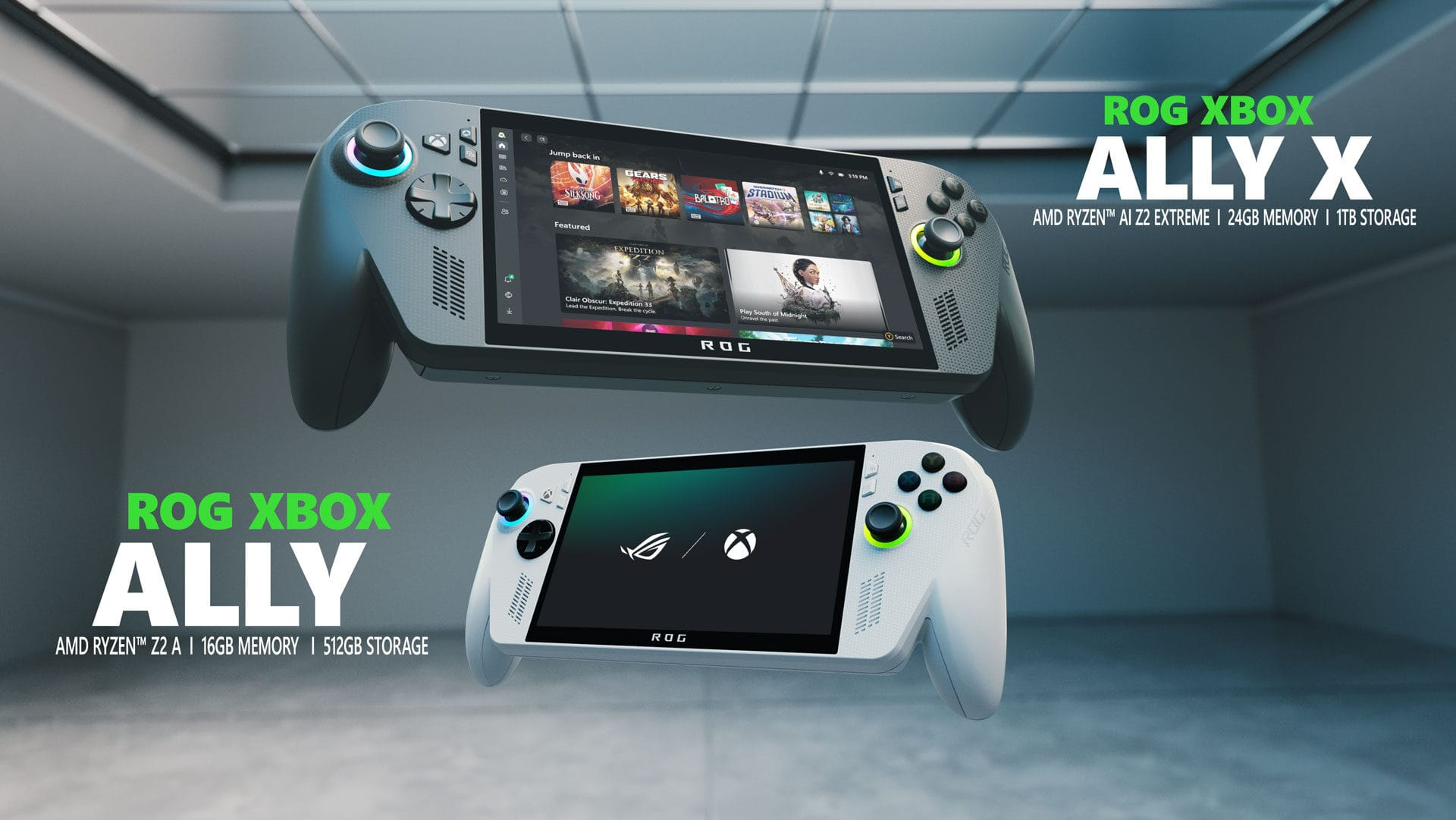
Xbox has released significant software updates for the ROG Xbox Ally and ROG Xbox Ally X, focusing on improved docked gaming experiences and streamlined game management. According to Xbox Wire’s announcement, the updates include automatic TV display switching, Auto Super Resolution preview for the Ally X, and a unified game library that combines titles from multiple PC storefronts.
Key Takeaways
- ROG Xbox Ally now automatically switches to TV display when docked with enhanced gaming features.
- Auto Super Resolution preview launches for Xbox Insiders on the ROG Xbox Ally X model.
- New Xbox PC app unifies game libraries from multiple storefronts in one interface.
- Enhanced vibration and Bluetooth LE Audio improvements provide better haptic and audio experiences.
- Over 1,000 PC games now optimised for handheld play through Xbox’s compatibility programme.
What are the new docking improvements for ROG Xbox Ally?
The most substantial improvements target the docked gaming experience. When you dock your ROG Xbox Ally, gameplay automatically moves to the TV whilst the handheld display turns off, optimising resolution, refresh rate, and HDR output for big-screen gaming.
Smart TVs from Samsung, LG, and Vizio now automatically enable gaming features like Auto Low Latency Mode (ALLM) and Game Mode when the device is docked. The ROG Bulwark Dock and ROG 100W Charger Dock support HDR10, with the Bulwark Dock also enabling Variable Refresh Rate (VRR) for smoother gameplay.
A new Display Widget in Game Bar allows controller-based adjustment of display settings including resolution, refresh rate, and projection mode without leaving your game. The system also automatically disables built-in controls when you pair an Xbox or Designed for Xbox controller, streamlining the transition to console-style gaming.
Which ROG Xbox Ally model supports Auto Super Resolution?
Auto Super Resolution (Auto SR) preview is exclusively available for Xbox Insiders on the ROG Xbox Ally X model. According to Xbox’s announcement, this feature addresses the traditional trade-off between visual quality and performance by delivering 1440p-like detail whilst maintaining smooth framerates on external displays.
The preview includes Game Bar integration, allowing Xbox Insiders to easily control when Auto SR is applied to their games. Xbox is gathering feedback from the Insider community to refine the experience before wider deployment. The original ROG Xbox Ally does not currently support this feature.
How does the updated Xbox PC app improve game libraries?
The refreshed Xbox PC app now unifies installed games from across PC storefronts in a single library interface. Users can add, remove, edit, and launch games from other PC gaming storefronts and launchers directly from the Xbox experience using a new ‘+’ button.
Custom games and apps can be personalised by editing names, images, launch targets, and command-line options. Removing games from the unified library doesn’t affect the original installation, providing a streamlined way to manage diverse game collections without impacting existing setups.
Audio and vibration enhancements
The update introduces Super Wideband Stereo Voice through Bluetooth LE Audio, delivering high-fidelity stereo audio even when using the microphone for party chat. This represents the first time such audio quality has been available over Bluetooth connections on gaming handhelds.
Enhanced Vibration provides a fuller haptic experience that better matches expectations across Xbox devices. In-game haptic effects now feel richer and smoother, improving the overall gaming experience. These improvements work with compatible headsets, earbuds, or hearing aids that support Bluetooth LE Audio, including the Xbox Wireless Headset.
Game optimisation progress
Xbox reports that over 1,000 PC games now play optimally on handheld devices through their Handheld Compatibility programme. This includes Default Game Profiles for optimal performance when gaming unplugged and Advanced Shader Delivery for faster loading and smoother initial gameplay.
Popular titles supporting all three features include Ninja Gaiden 4, Grounded 2, High on Life 2, The Outer Worlds 2, Ark: Survival Ascended, and Monster Hunter Rise. Additional games including Forza Horizon 6 will receive support, with the racing title launching 19 May with early access available four days prior through Premium editions.
Frequently Asked Questions
What are the new docking improvements for ROG Xbox Ally?
New docking improvements include automatic TV display switching, smart TV gaming enhancements (ALLM, Game Mode), a Display Widget in Game Bar, and improved controller pairing that automatically disables handheld controls when external controllers are connected.
Which ROG Xbox Ally model supports Auto Super Resolution (Auto SR) preview?
Auto Super Resolution (Auto SR) is available in preview for Xbox Insiders on the ROG Xbox Ally X only. The original ROG Xbox Ally does not currently support this feature.
How does the new Xbox PC app update improve game libraries?
The updated Xbox PC app allows users to add, remove, edit, and launch installed games from across various PC storefronts directly from one unified library interface using a new ‘+’ button for custom additions.
How do I get these updates on my ROG Xbox Ally?
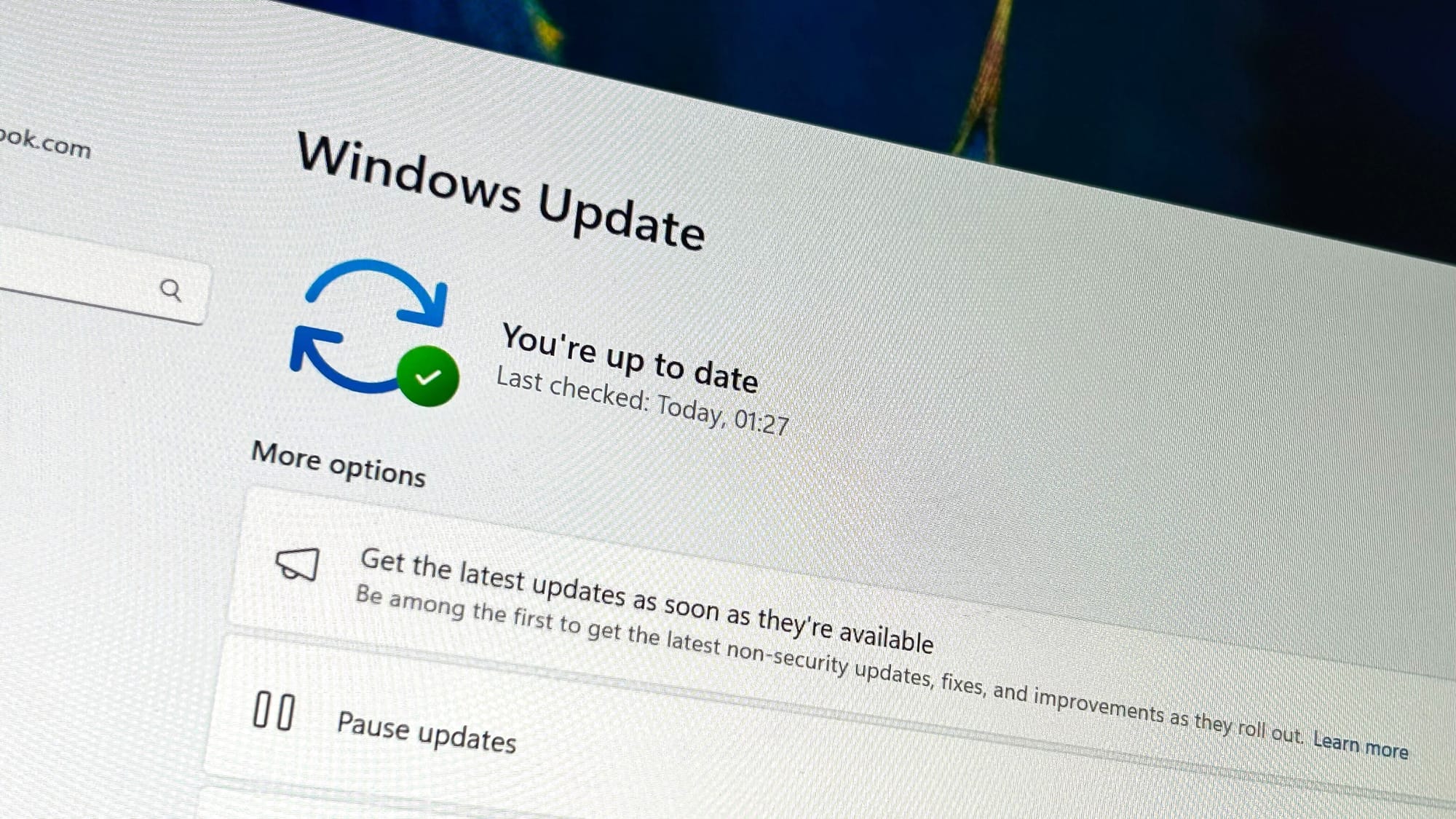
Ensure you have the latest updates installed for Armoury Crate SE, Xbox PC app, Game Bar, and Windows 11. The updates are rolling out globally to all supported devices.
What smart TV features work with docked ROG Xbox Ally?
Modern smart TVs from Samsung, LG, and Vizio automatically enable Auto Low Latency Mode (ALLM), Auto Game Mode, or Game/PC Mode when the ROG Xbox Ally is docked for optimal gaming performance.