
reMarkable Paper Pro Move Review: The Little Notebook You Actually Use
Is the reMarkable Paper Pro Move worth AED 2,399? We test its writing feel, battery life and colour e-ink display to see if it can replace your daily notebook.

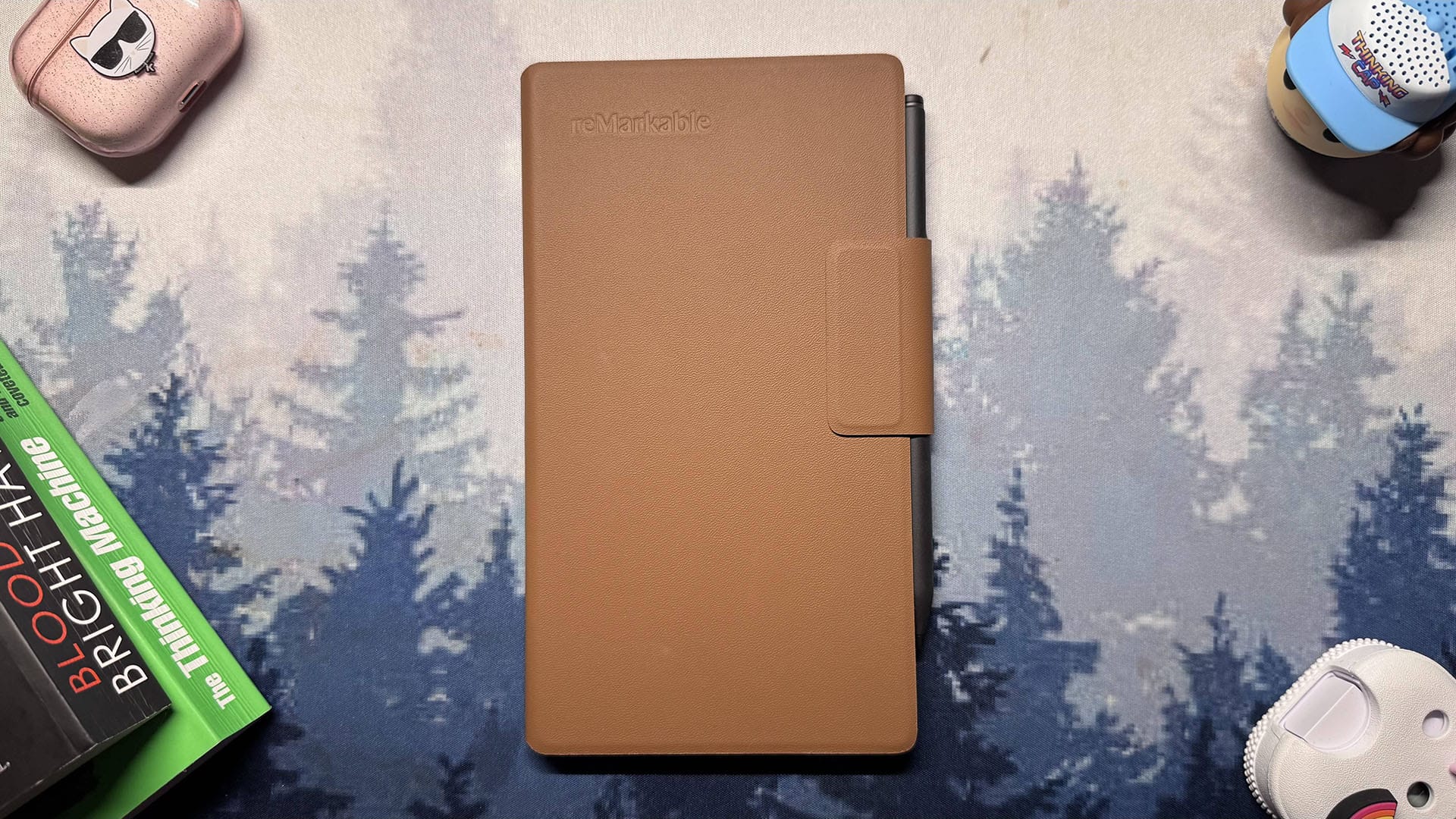
The reMarkable Paper Pro Move is not the kind of device I usually gravitate towards. It is smaller than most note-taking tablets I use, and on paper it looks limited compared to a full-size e-ink notebook or an iPad. Yet over a few weeks, it quietly became the thing I reached for the most.
We first covered the Move’s UAE launch and pricing in our reMarkable Paper Pro Move first look but actually living with it day to day tells a slightly different story.
In the UAE, where it officially sells with pricing in AED, the Move lands in a competitive space of tablets, colour e-ink devices and “digital paper” alternatives. On paper, it is just another digital notebook. In daily use, it feels more like a well-designed jot pad that happens to be digital, always waiting on the desk when you need to capture a thought.
It is not flawless. The 16:9 aspect ratio is awkward for books and PDFs, performance can be sluggish, and the price climbs quickly once you add the nicer pen and folio. But the build quality, portability and writing feel are good enough that I kept overlooking those issues and kept using it anyway.
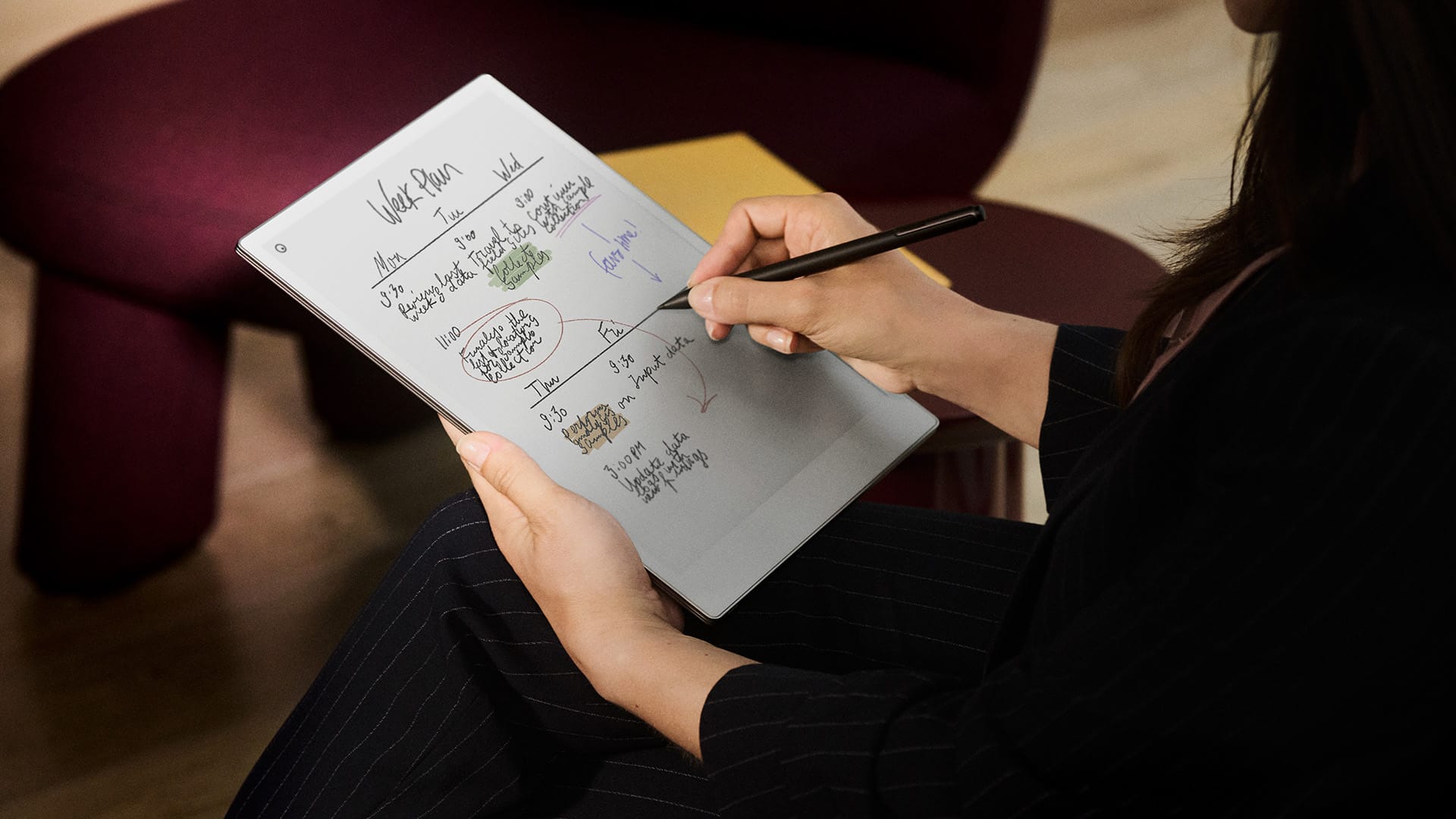
reMarkable Paper Pro Move
A beautifully built digital notebook that feels great to write on and slips easily into daily routines. It shines as a portable note taker, but the high price and slow reading performance keep it from being an all-rounder.
Pros
Premium, minimalist build that feels great to use
Ideal size for daily notes and quick ideas
Accurate pen input with solid battery life
Cons
Expensive once you add the better Marker and folio
Reading PDFs and ebooks is noticeably slow
Not ideal for heavy workflows or larger documents
reMarkable Paper Pro Move price in the UAE
In the UAE, the reMarkable Paper Pro Move starts at AED 1,849 with the standard Marker, which does not include an eraser. The unit I tested came with the Marker Plus and the Premium Leather Folio. The upgraded pen adds AED 150, and the folio adds AED 499, bringing the total to AED 2,399.
That is serious money for a device focused mainly on handwriting and light reading. The build quality feels expensive, and the minimalist design has real appeal, but the overall value becomes harder to justify once you add the accessories that make the experience feel complete.
You also need to factor in the Connect subscription if you want unlimited cloud storage, handwriting search, note conversion, exclusive templates, and the ability to access and edit notes from your phone or laptop. The free tier covers the basics, but the full workflow that makes the Move truly convenient sits behind a monthly fee.
At this price, the Paper Pro Move competes directly with full-size tablets and more capable colour e-ink tablets. Whether it feels worth it depends entirely on how much you value a simple, distraction-free note-taking workflow over flexibility and apps. If you are patient, it may be worth watching our round-ups of the best tech deals in the UAE to see if the Move, or a competing tablet, drops to a more sensible price.
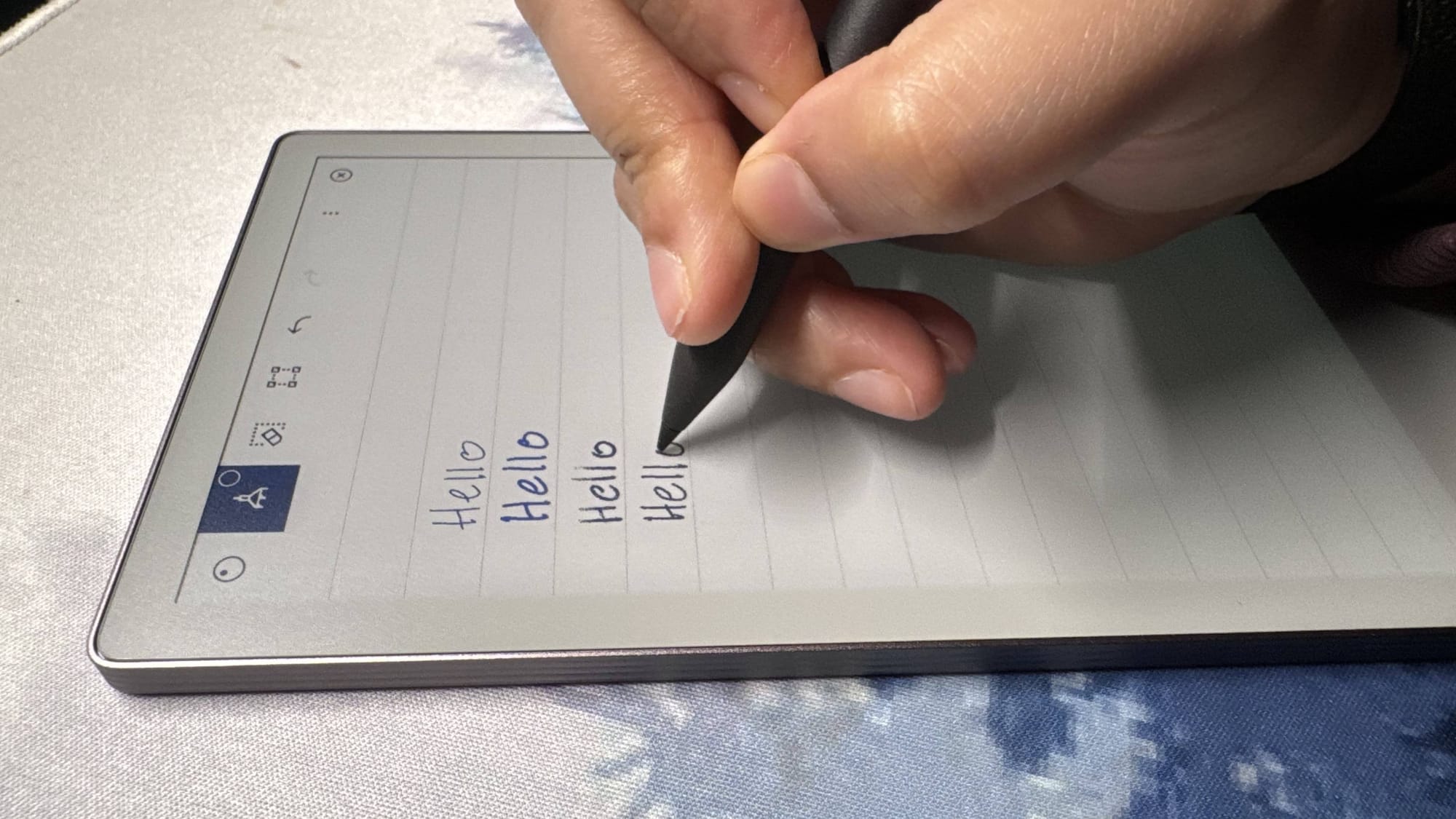
Design & Build: Minimal, Purpose-Built, Premium
The Paper Pro Move feels purpose-built in a way most colour e-ink tablets do not. The smaller footprint gives it a very specific role on your desk. It behaves less like a tablet and more like a dedicated jot pad that is always waiting for the next idea.
The size is a key part of why it works. You can pick it up with one hand, flip open the folio and start writing in seconds. There is no sense of “setting up a tablet.” It simply feels ready, which makes it easier to integrate into daily routines than larger digital notebooks that you end up leaving in a bag.
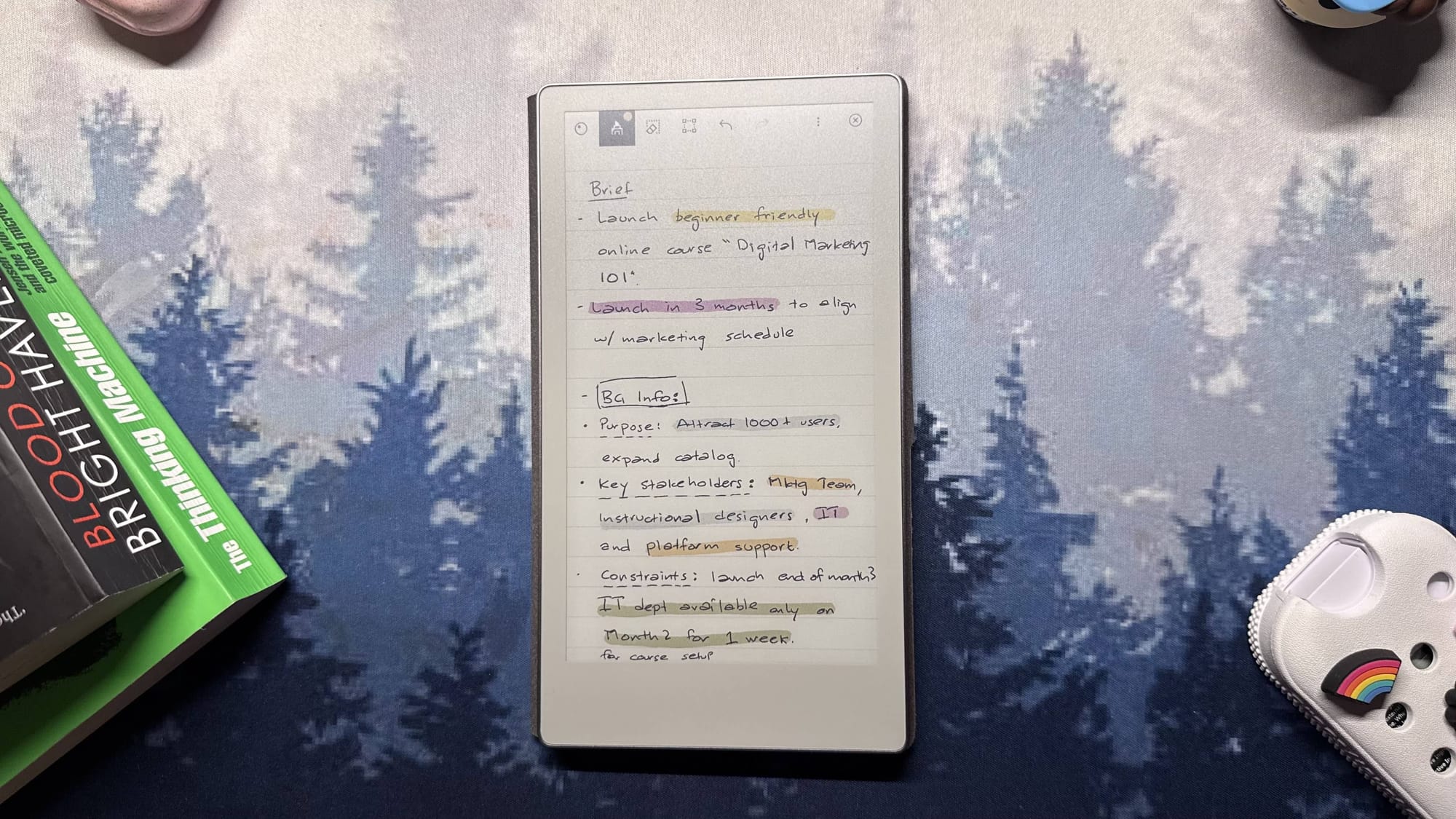
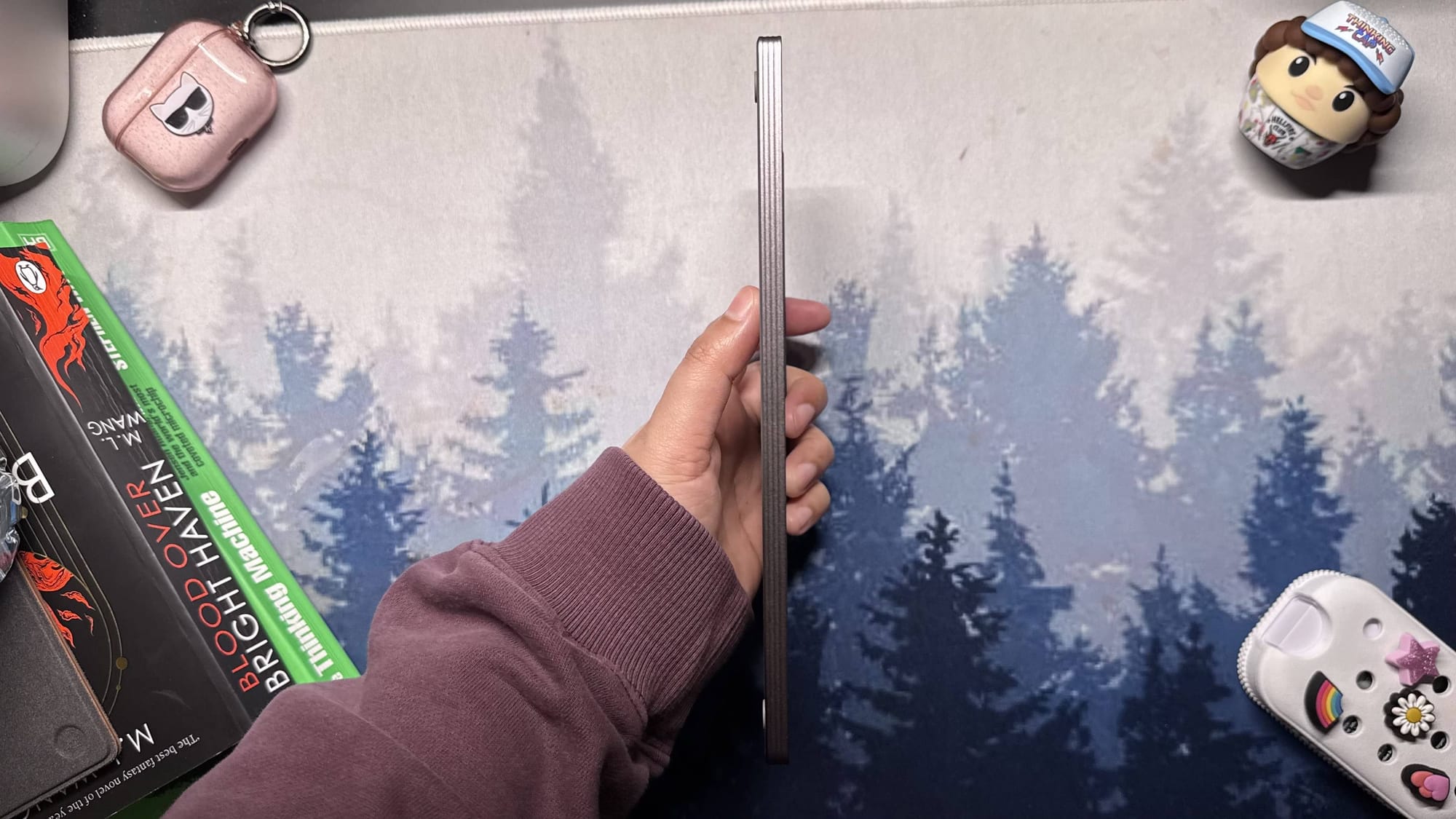
Build quality is excellent. The frame feels rigid, the finish is smooth without being slippery, and nothing creaks, flexes or rattles. The buttons and USB-C port sit cleanly in the chassis and match the minimalist aesthetic. This feels like a device designed to handle everyday use, not something that needs babying.
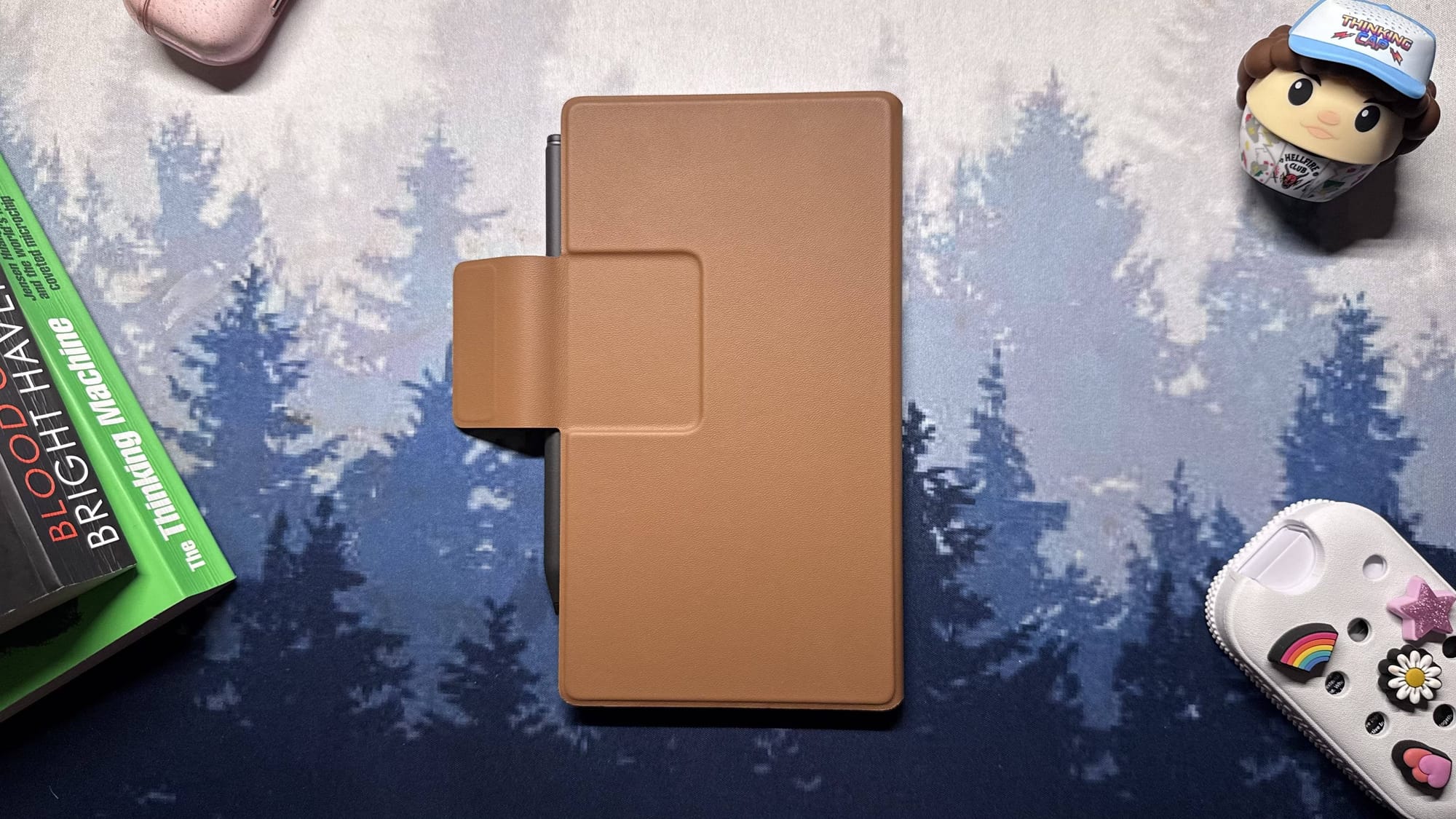
The Premium Leather Folio adds both protection and a bit of ceremony. The magnetic flap closes with a firm snap, the stitching feels precise, and the cut-outs line up properly with the ports and buttons. It is expensive for what it is, but the craftsmanship is hard to fault, and it completes the “always-ready notebook” feel.
If you like hardware that feels intentional, uncluttered and designed for constant use rather than display, the Move gets very close to that ideal.
Display: Colour E-Ink That Favours Writing Over Reading
The Paper Pro Move uses a 7.3-inch Canvas Colour panel based on E Ink Gallery 3, with a resolution of 1696 x 954 at 264 ppi. On paper, that sounds sharp, but in reality, it is not as crisp as a high-quality monochrome e-ink reader.
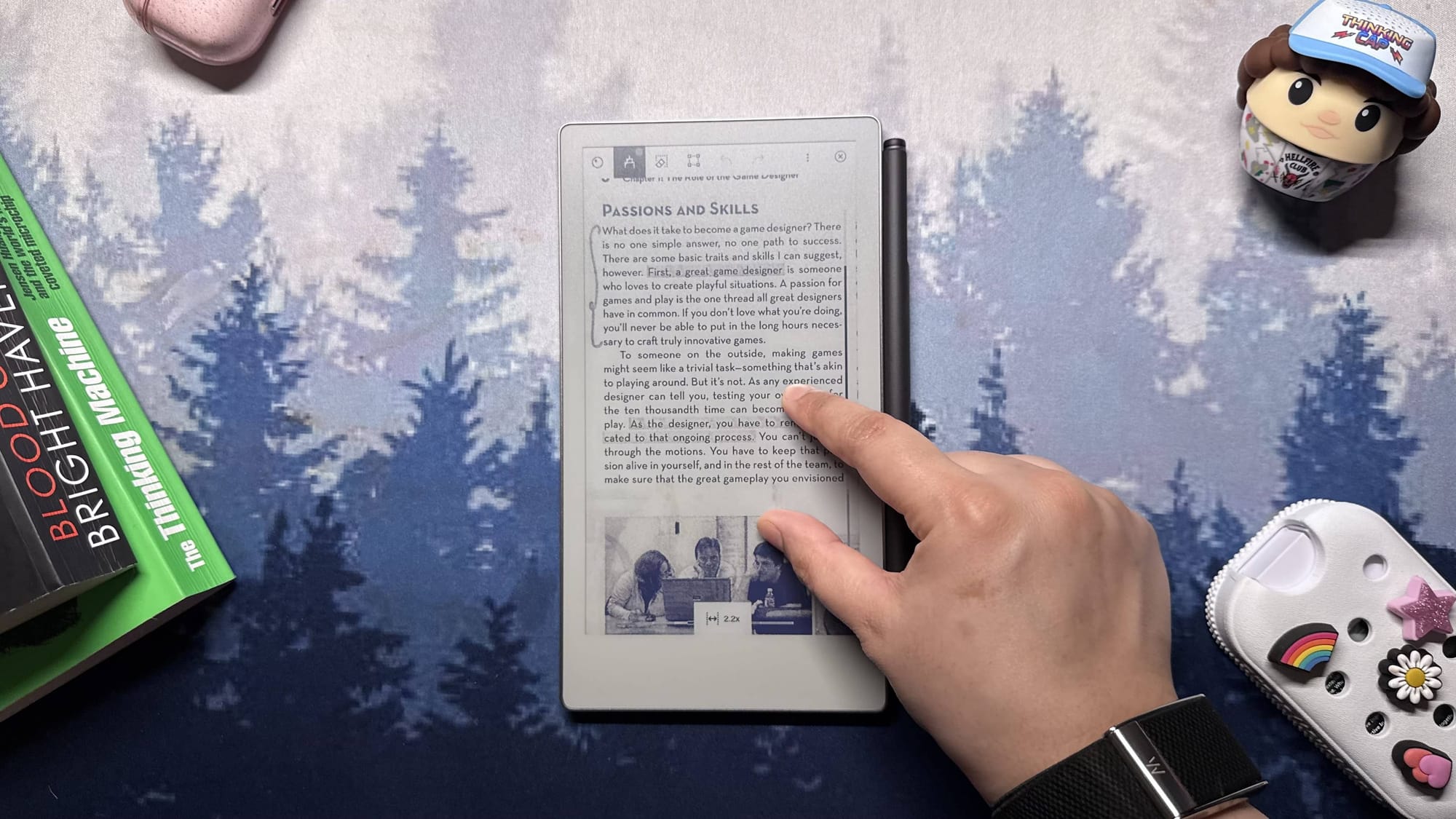
The text has a slightly softer look for two reasons: the colour layer introduces a faint grain, and the matte surface adds texture. That texture is fantastic for writing, because it gives the pen some resistance and a more paper-like feel. When you switch to long-form reading, though, you notice the hit in clarity compared to a dedicated e-reader.

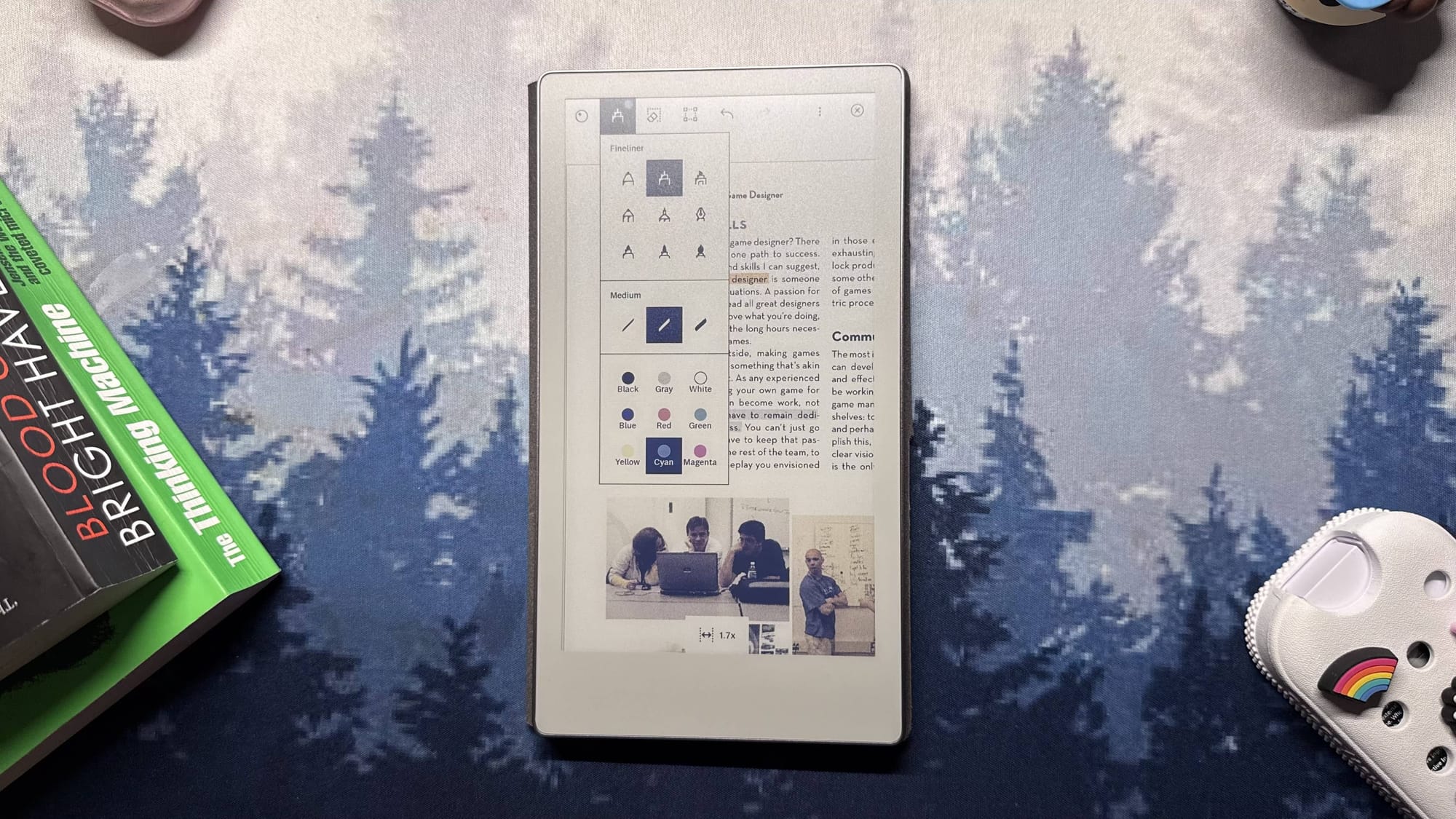
Colour is used sensibly here. This is not a bright, punchy colour tablet, but the ability to use different colours for pens and highlighters is genuinely helpful. Highlights and coloured annotations stand out just enough to make sections easy to scan, diagrams easier to follow, and ideas easier to group visually. For note-taking, it is one of the nicer implementations of colour e-ink.
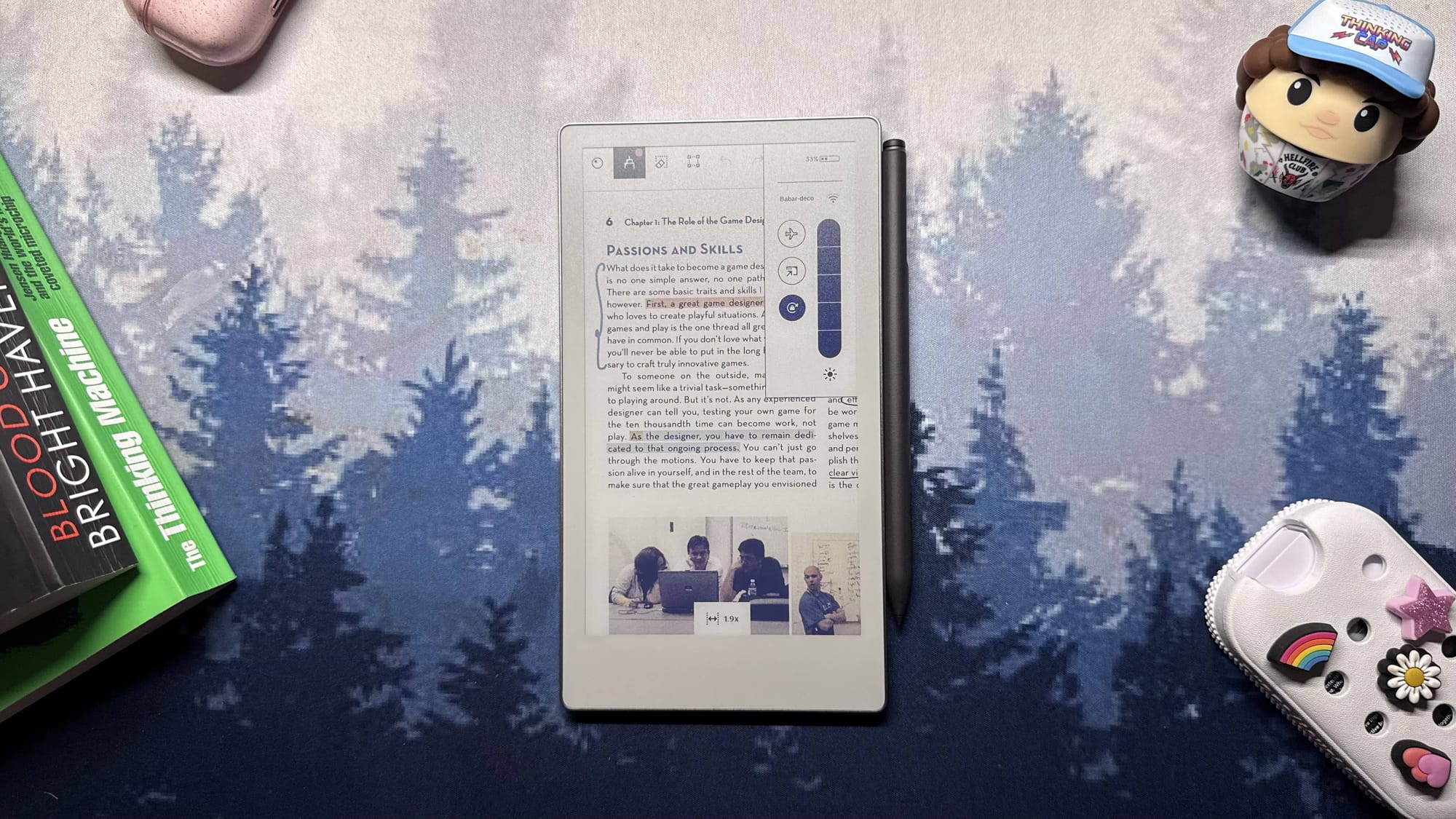
The 16:9 aspect ratio is a mixed bag. It works well as a note-taking canvas because it feels like a small notepad that you can use in portrait or landscape. For books and PDFs, it is less friendly. Pages feel narrow in portrait and cramped in landscape, especially for complex PDFs and documents with dense layouts.
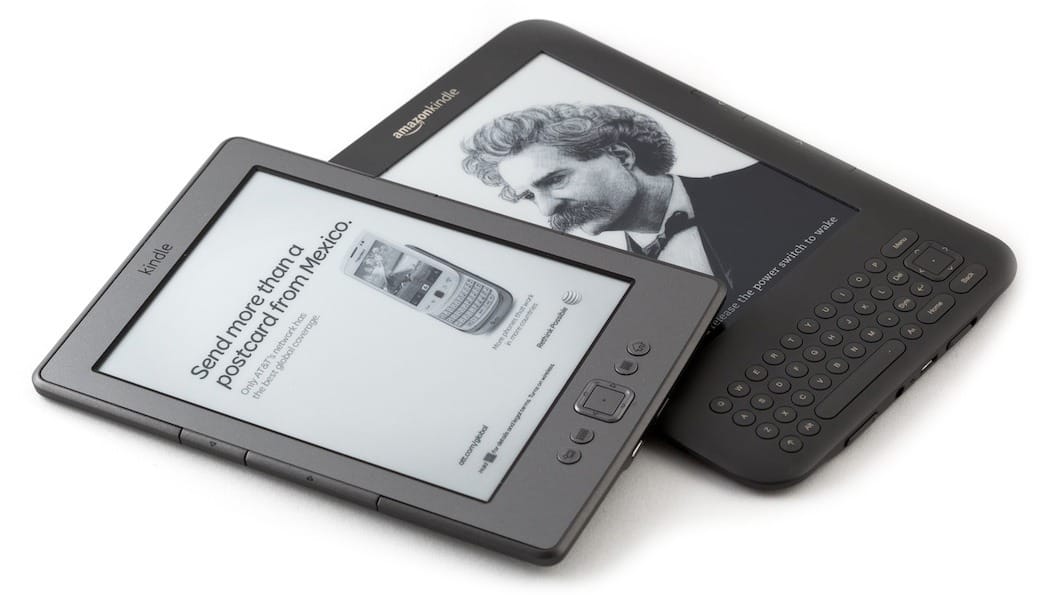
Brightness is fine for most indoor environments but does not match the punch of the best dedicated e-readers. Combined with the softer text, it makes it clear that the Move is not trying to be your primary reading device. It is good enough for quick reference, short documents and occasional reading, but if you spend hours on ebooks, a classic monochrome e-ink reader or a full-size colour e-ink tablet is still a much better choice. If long-form reading is your priority, start with something from our best Kindle for everyone in the UAE guideinstead.
If your priority is handwriting and sketching on a digital paper tablet, the display supports that well. If your priority is long-form reading, the compromises show up quickly.
Software and Performance: Focused, Clean and Occasionally Frustrating
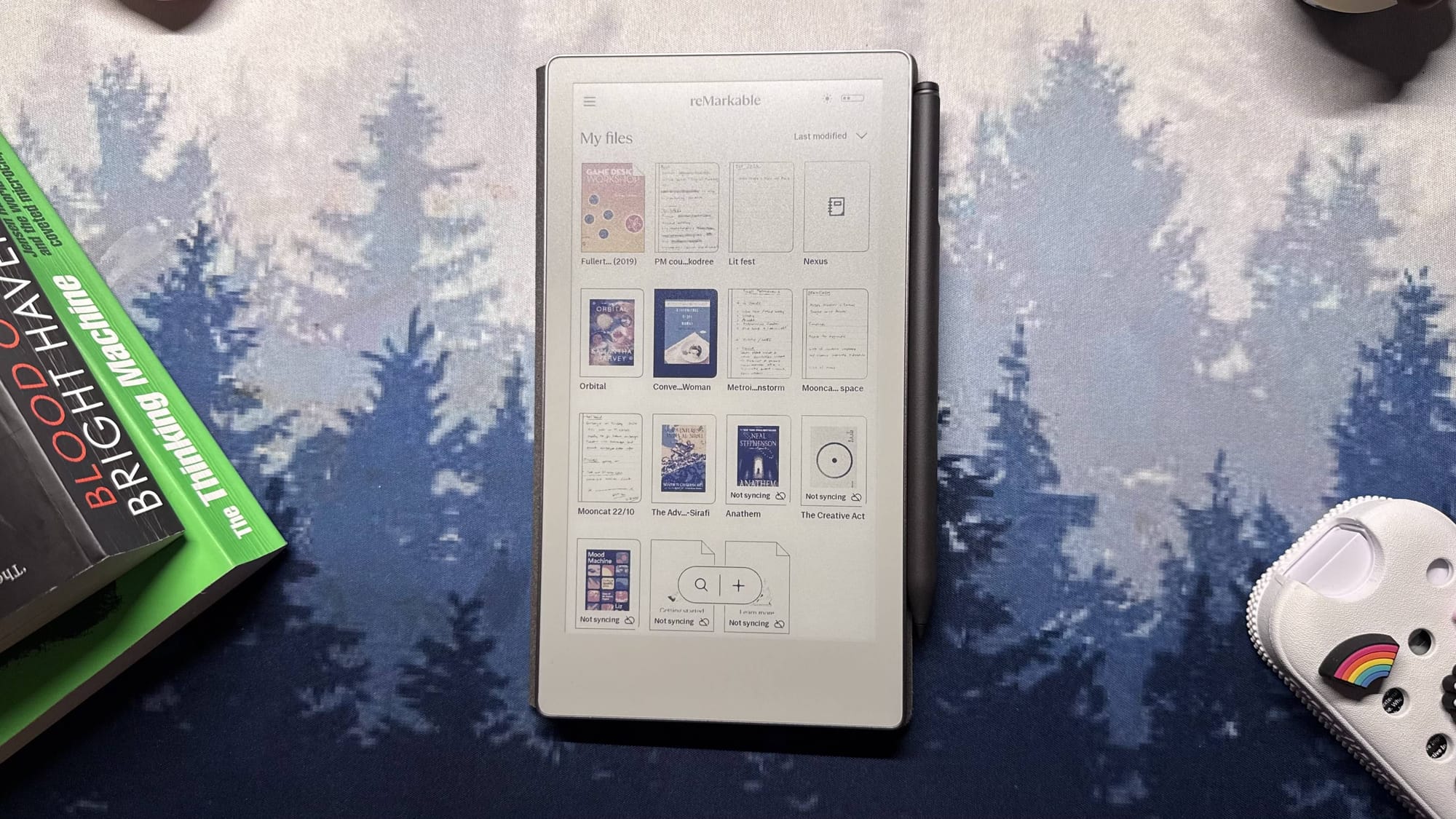
The Paper Pro Move runs reMarkable OS, a clean, minimal system that keeps the focus on writing. The interface is straightforward: notebooks, folders, templates, pens, highlighters and basic document management. There is no app store, no browser and no temptation to do anything beyond writing, sketching and light document work.
As a focused note-taking tablet, this is a strength. You are not pulled into notifications, messages or social feeds. You open it, write, and close it. For people who want a low-distraction workspace, that simplicity is a big selling point.
Performance is more of a mixed story. Handwriting is responsive, and most inking tools feel immediate. The problems start when you use the Move as anything more than a digital notebook.
- PDFs with graphics or scanned pages load slowly and take a moment to redraw when you change pages.
- EPUBs stutter occasionally when turning pages, and larger ebooks never feel truly fluid.
- Heavier documents or long reports are usable, but you are always aware that the device is working hard to keep up.
Cloud syncing works on the free tier, but many of the useful tools live behind the Connect subscription. Connect unlocks:
- Unlimited cloud storage
- Handwriting search
- Note conversion
- Exclusive templates
- Sharing to services like Slack
- Editing notes from your phone or laptop
There is also support for converting Word files into reMarkable notebooks and exporting pages as web notes. The free tier is fine if you only want local notebooks with simple sync, but once you embrace Move as your primary digital note-taking system, it becomes clear that Connect is central to the experience.
As a simple, distraction-free digital paper tablet, the software works well. As soon as you try to treat it like a full productivity device or fast e-reader, its limitations appear.
Writing Experience: Where the Move Actually Shines
Writing is where the Paper Pro Move earns its price more than anywhere else. The pen input is precise, the latency is low enough that strokes feel natural, and the textured screen gives just the right amount of friction. The result is a note-taking experience that feels closer to pen-and-paper than most glass-topped tablets do.
The compact size reinforces that feeling. Instead of behaving like a traditional tablet that you take out for “sessions,” the Move feels more like a companion notebook. It is easy to grab from the desk, jot down an idea, sketch a layout or plan your day, then drop it back into its spot. That casual, low-friction interaction is what makes it so easy to build a habit around.
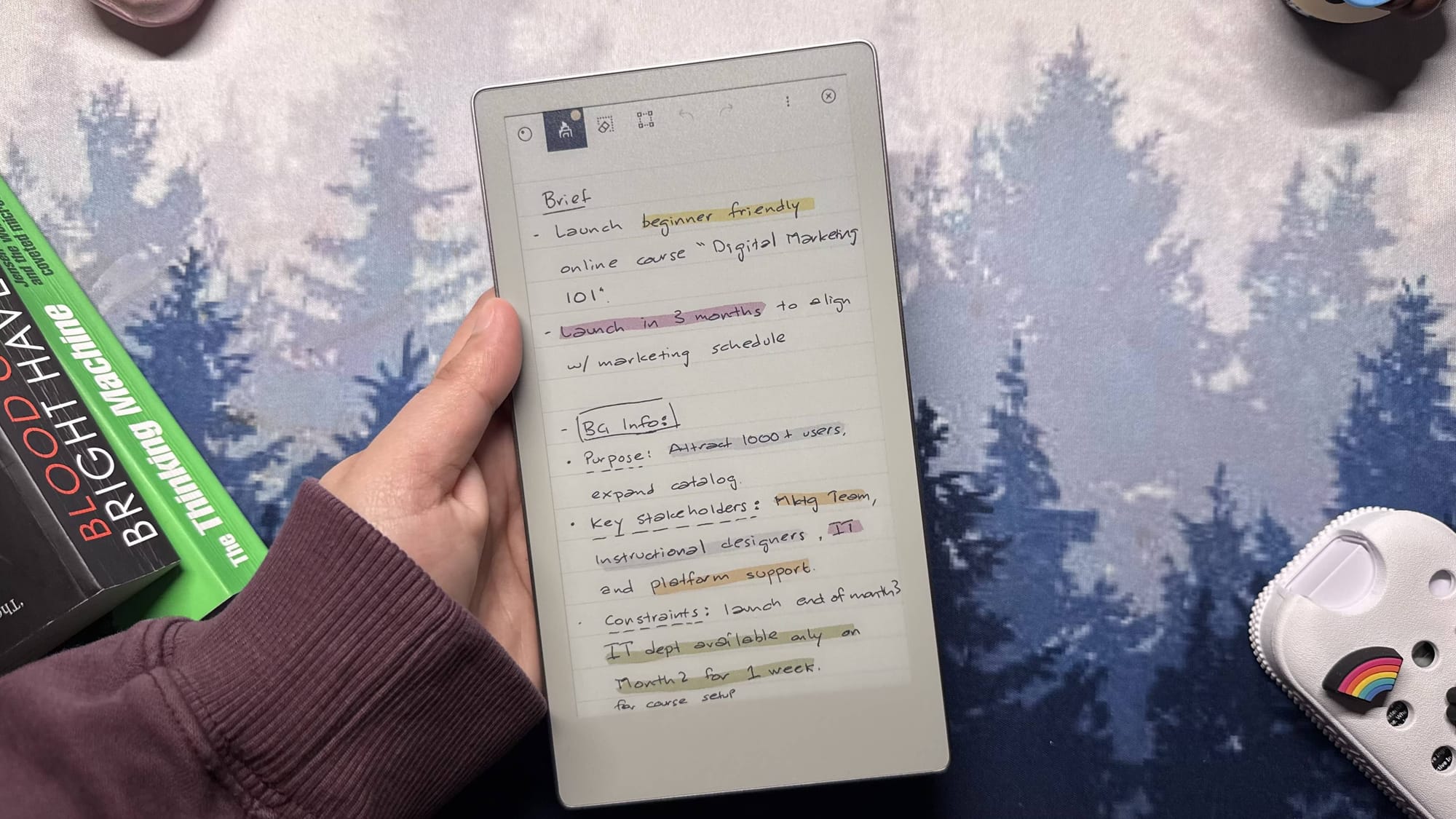
Annotations on PDFs and other documents work well, too. Large PDFs take a while to open, but once loaded, simple highlights, underlines and margin notes are reliable. Colour pens and highlighters make it easier to structure thoughts and separate ideas at a glance.
As a note-taking tablet, the Move is excellent. As a reading tablet, it is less convincing. The 7.3-inch 16:9 canvas feels narrow for long-form reading and cramped for complex PDFs. Text never quite reaches the crispness of a monochrome e-ink reader at a similar pixel density. The colour layer softens fine detail slightly, and long sessions can feel more tiring than they should.
For quick notes, lists, sketches and light annotation, the Move is a pleasure to use. For hours of reading, it is clearly not built for that.
Battery Life: Built for a “Use It and Forget About Charging” Routine
Battery life is one of the most reassuring parts of the Paper Pro Move. The 2,334 mAh battery looks small on a spec sheet compared to tablets, but e-ink efficiency makes a big difference. With daily note-taking and some light reading in the evenings, the Move lasted around thirteen days on a single charge.
Standby drain is minimal, especially when paired with the folio. Auto-wake and sleep work reliably, so the tablet only draws meaningful power while writing or turning pages. Even during longer brainstorming or annotation sessions, the battery percentage drops slowly enough that it never becomes a concern.
Charging happens over USB-C. A full charge takes a while, but this is not the kind of device you plug in every night. It comfortably fits into a “charge it every week or two” pattern, which better matches its role as a desk companion than as a primary entertainment device.
How the reMarkable Paper Pro Move Compares to Other Note-Taking Tablets
Compared to larger colour e-ink tablets and full-size digital notebooks, the Paper Pro Move takes a very specific approach. Devices like the Boox Tab X C and other Android-based e-ink tablets behave more like full tablets: they run apps, offer bigger screens and handle heavy PDFs and ebooks more comfortably.
The Move does not try to compete with that. It trades flexibility and app support for focus and portability. You get:
- A smaller, lighter digital paper tablet
- No app distractions
- A cleaner, simpler interface
- A writing experience tuned around one main job: capturing and organising your own notes
If you want a single device to read books, browse, annotate research papers and run productivity apps, a more flexible e-ink tablet or an iPad will serve you better. If what you really want is a compact digital notebook that feels great to write on and quietly fits into your daily routine, the Paper Pro Move sits in a more specialised but very appealing niche.
FAQs
Is the reMarkable Paper Pro Move worth it in the UAE?
It can be, if your main priority is handwriting. The price in the UAE puts it close to full tablets and powerful e-ink devices, but the combination of size, build quality and writing feel is excellent. If you value a focused digital notebook more than apps and multitasking, it can justify its price. If you want a general-purpose tablet, it will feel limiting.
Is the reMarkable Paper Pro Move good for reading?
It is acceptable for short reading sessions, quick references and marking up documents, but it is not a great primary reading device. The 16:9 aspect ratio, softer text and slower performance with large ebooks and PDFs make dedicated e-readers or larger e-ink tablets a better choice if you read for long stretches.
Do you need a Connect subscription for the reMarkable Paper Pro Move?
You do not need Connect for basic handwriting, notebooks and local document storage. However, features like unlimited cloud storage, handwriting search, advanced templates, note conversion and editing notes from your phone or laptop all depend on an active Connect subscription. If you plan to integrate the Move into your full workflow, Connect is effectively part of the package.
How long does the battery last on the reMarkable Paper Pro Move?
With typical daily use for note-taking and light reading, you can expect roughly two weeks on a single charge. Heavy PDF annotation and constant use will reduce that, but the Move still comfortably outlasts most traditional tablets.
Who should skip the reMarkable Paper Pro Move?
You should probably skip it if you read more than you write, rely heavily on fast PDF performance or want a tablet that runs apps and multitasks. For those needs, a full-size e-ink tablet or a standard tablet will make more sense. The Move is best suited to people who want a focused, portable digital notebook.
Verdict: Should you buy the reMarkable Paper Pro Move?
The reMarkable Paper Pro Move is a device that wins you over through habit rather than raw specifications. The size, writing feel, and simplicity of the software make it something you end up using without much thought. As a daily digital notebook, it is excellent, and the hardware feels built to last.
Where it falls short is everything outside that narrow role. The display and performance are not ideal for long reading sessions or heavy document work. The price climbs quickly once you add the better pen, the premium folio and, in practice, the Connect subscription. Alternatives in the same price range offer more flexibility and power, even if they lack the Move’s focus and polish.
If your main goal is to write, sketch, plan and keep a compact digital notebook within reach at all times, the Paper Pro Move fits that role very well and feels genuinely satisfying to use. If you want a broader device that handles reading, apps and multitasking, its limitations will show up quickly.
Score: 4 out of 5
Written by

Subscribe to our newsletter
Subscribe to our newsletter to get the latest updates and news










Member discussion