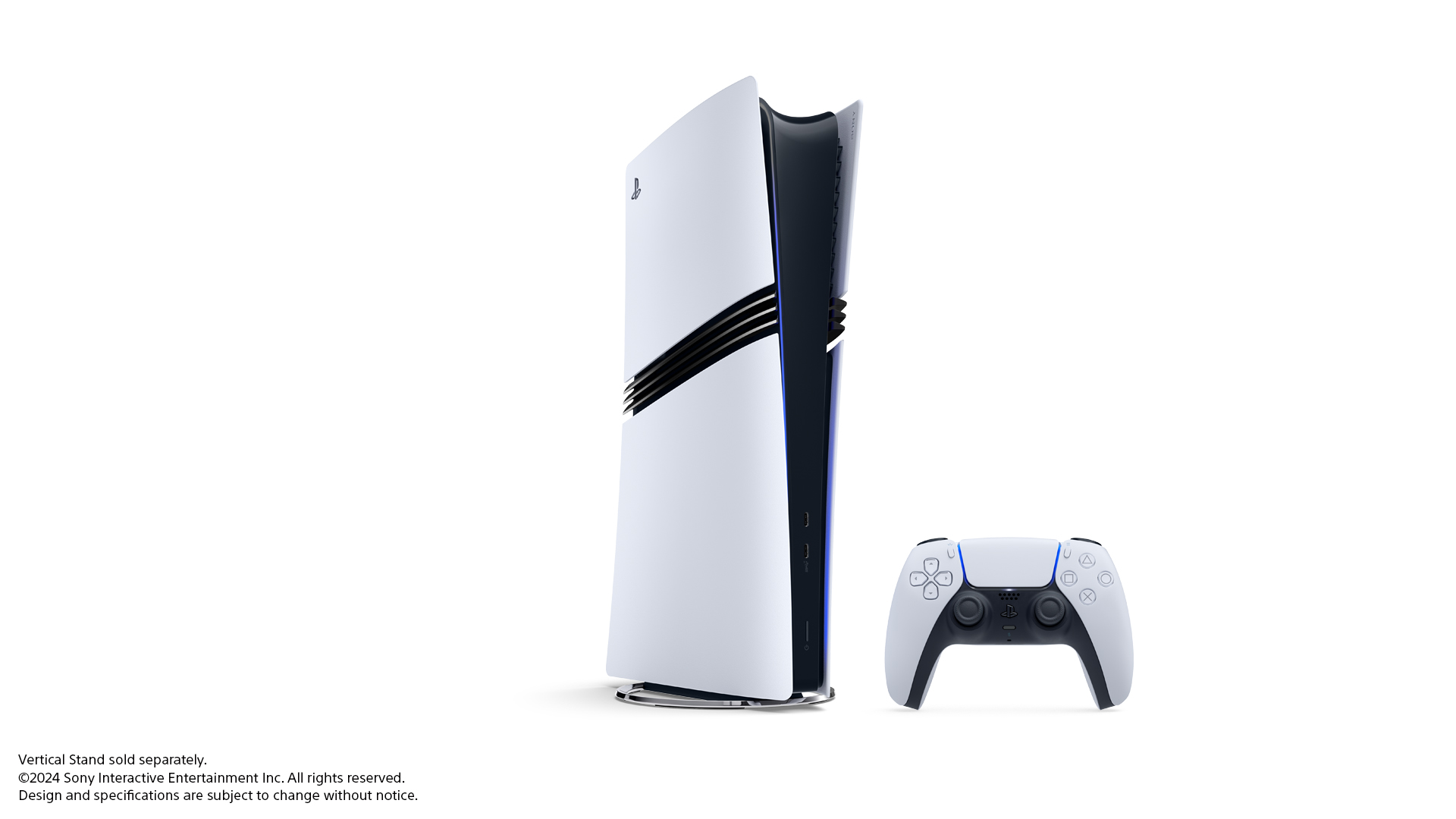
Sony’s PS5 system update 26.06-14.00.00 rolled out on 16 September with the updated PSSR image-quality setting now enabled by default on PS5 Pro, alongside smaller changes to voice chat, the Welcome Hub and Bluetooth controls.
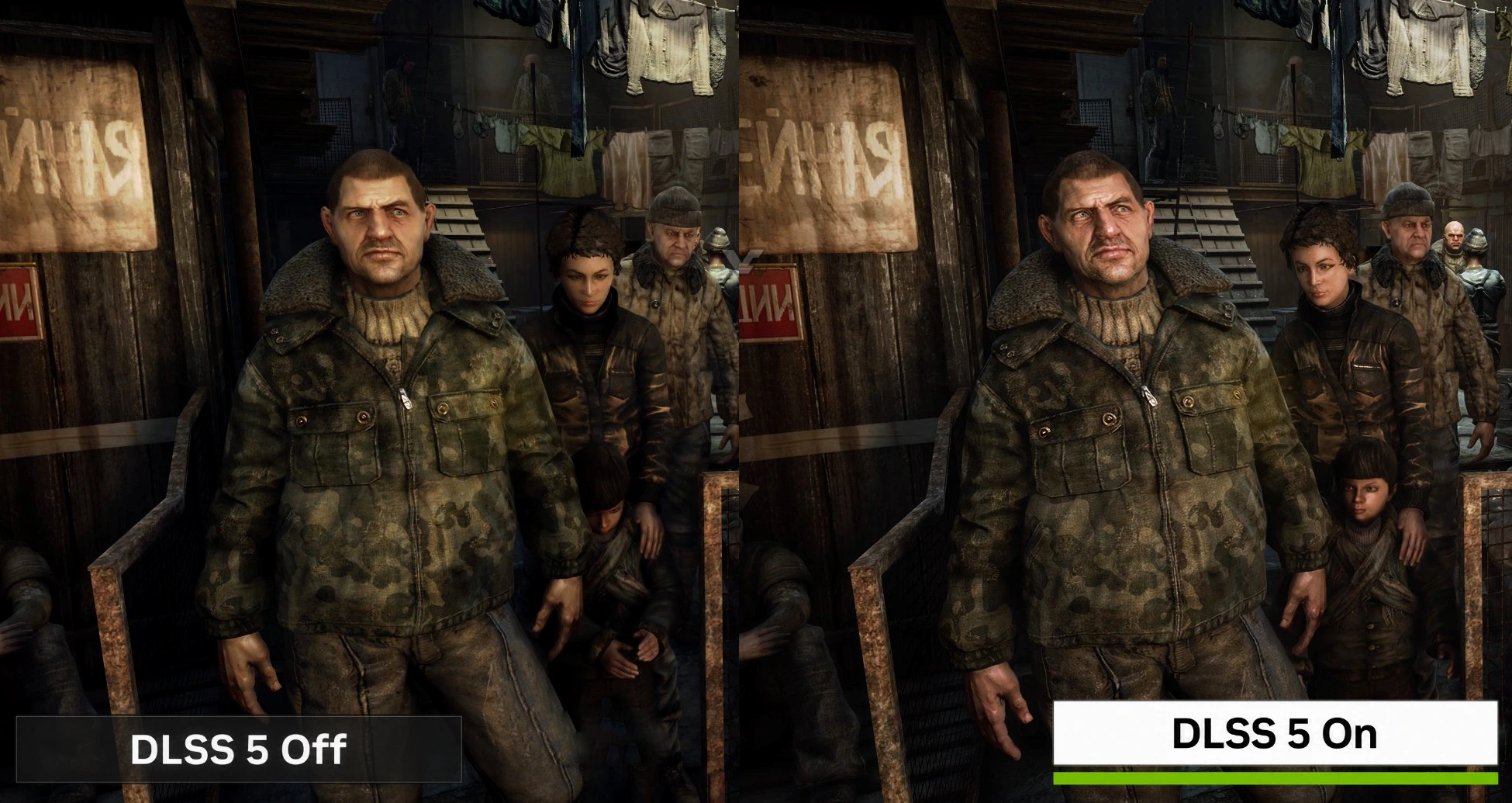
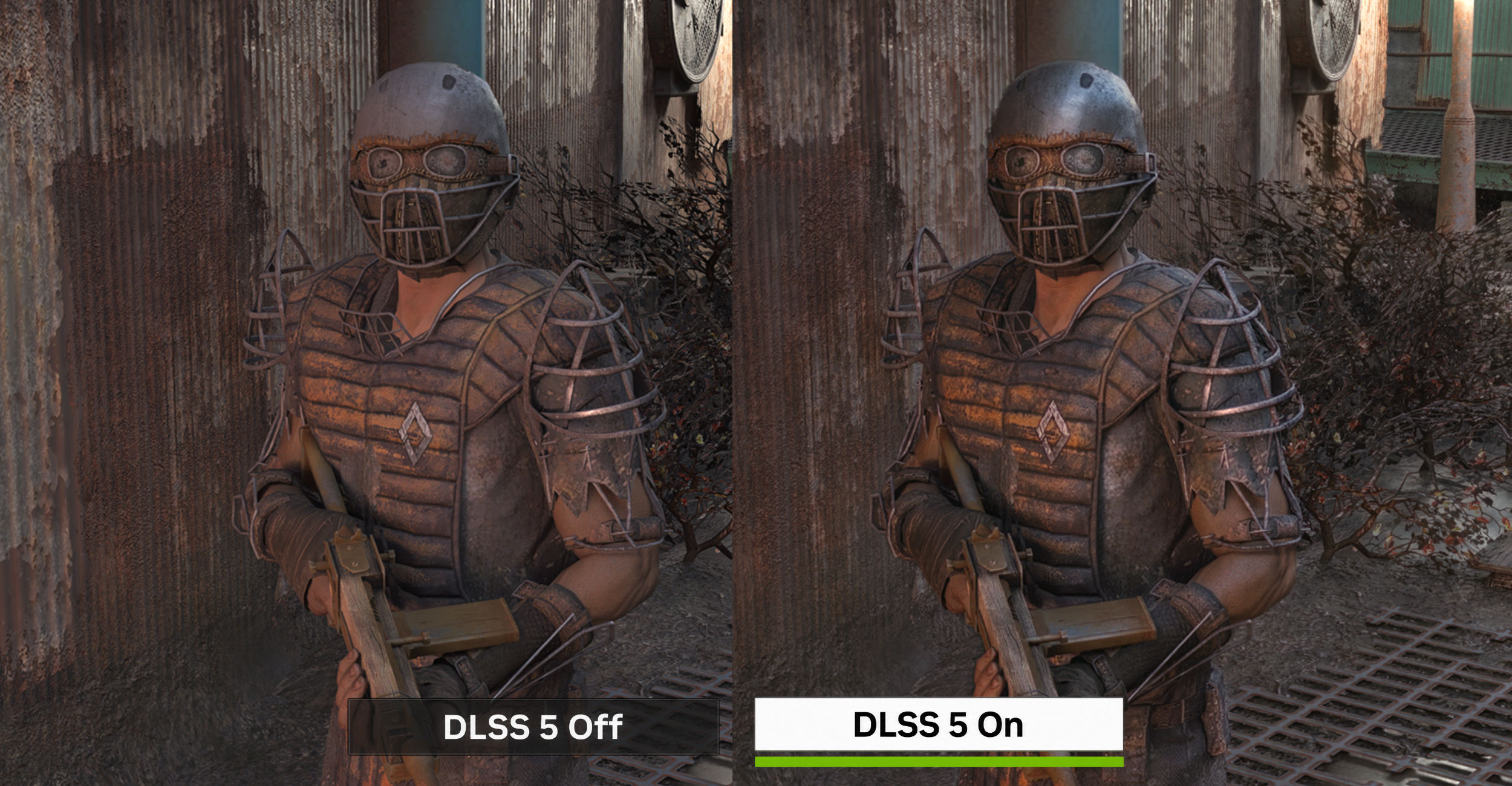
The update is also listed as version 26.06-14.00.00.39 in some release notes. The updated PSSR option applies the newer image-reconstruction model to games that support the earlier version, giving compatible titles sharper detail and a steadier image. It is limited to PS5 Pro.

PS5 system update 26.06-14.00.00 makes the updated PSSR automatic
Sony previously made the upgraded version of PlayStation Spectral Super Resolution available through an optional setting. Its PlayStation Blog describes PSSR as an AI library that analyses game frames pixel by pixel while upscaling them, with the newer version improving image stability and fine detail in supported games.
To switch it off, open Settings > Screen and Video > Video Output > Enhance PSSR Image Quality. Sony’s support page says the feature is available only on PS5 Pro. The company’s March update also said results can vary by game, so this is an automatic default rather than a guarantee that every title will suddenly look like a remaster.
Voice chat and Welcome Hub changes
The update adds a speaker indicator for voice chats. Open the voice chat card in the Control Centre, select More > Display Who’s Speaking, and enable Display Names. Players can also choose where the indicator appears on screen.
Sony has added the Community Activity widget to the Welcome Hub, with Trending Now and Top 10 views. Trending Now highlights ten multiplayer games or modes gaining popularity, while Top 10 shows the ten most popular games from the previous week in a player’s region.
The update also changes the Turn Off Bluetooth option in certain regions. When enabled through Settings > Accessories > General > Advanced Settings, the console does not enter rest mode and HDMI Device Link does not function. Sony says the setting is intended for controller management at esports venues. The remaining notes cover system software performance and stability improvements.
For more PS5 Pro context, see our earlier coverage of the PS5 Pro beta update that enabled PSSR 2.0 by default and Doom: The Dark Ages’ upgraded PSSR support.
Source: MP1st, Sony PlayStation support, PlayStation Blog.
How do you turn off the updated PSSR setting on PS5 Pro?
Open Settings > Screen and Video > Video Output > Enhance PSSR Image Quality, then turn the setting off.
Does the new PSSR setting work on the standard PS5?
No. Sony says the setting is available only on PS5 Pro.
What does the Community Activity widget show?
Trending Now shows ten multiplayer games or modes gaining popularity, while Top 10 lists the ten most popular games from the previous week in your region.