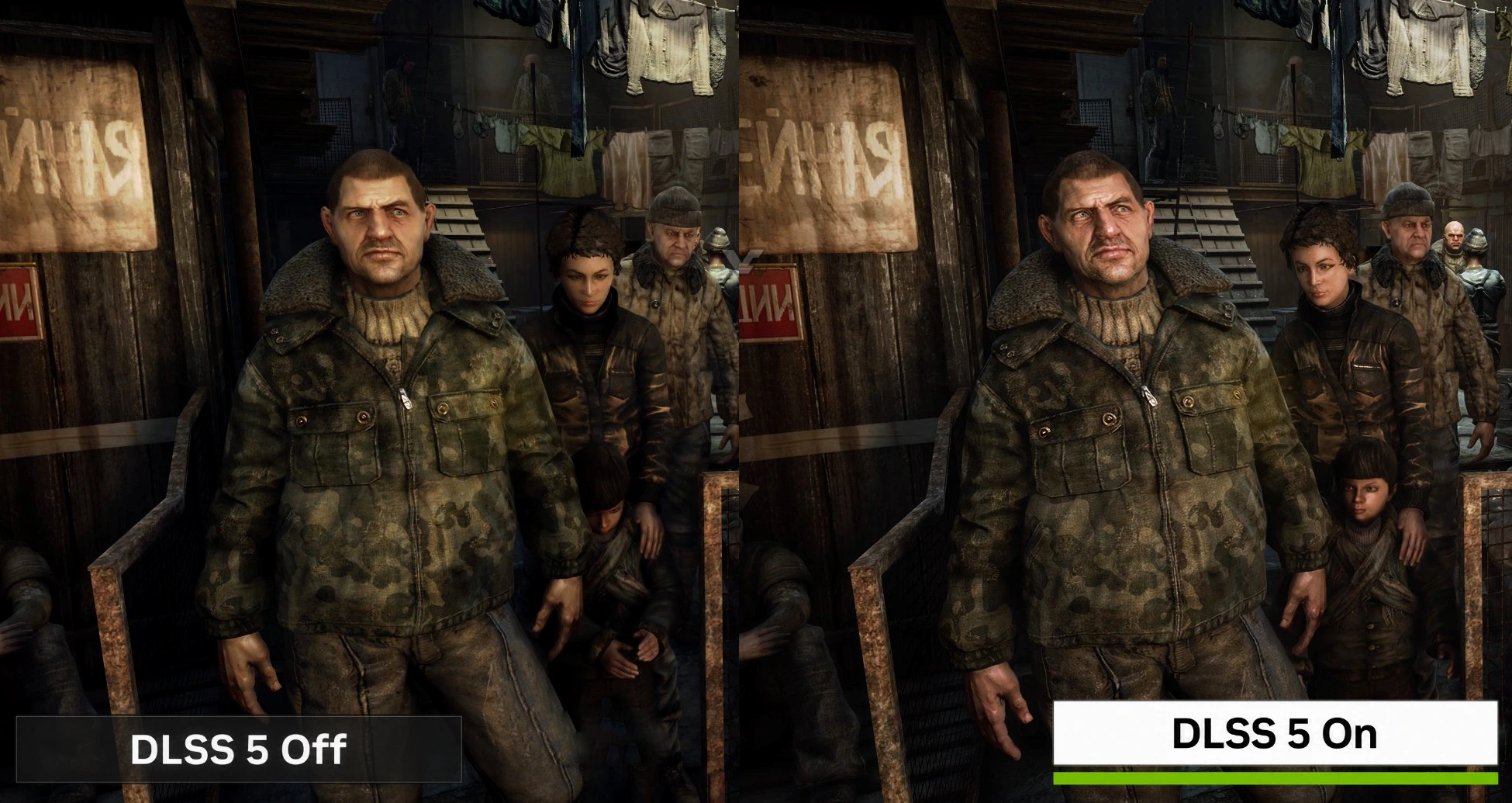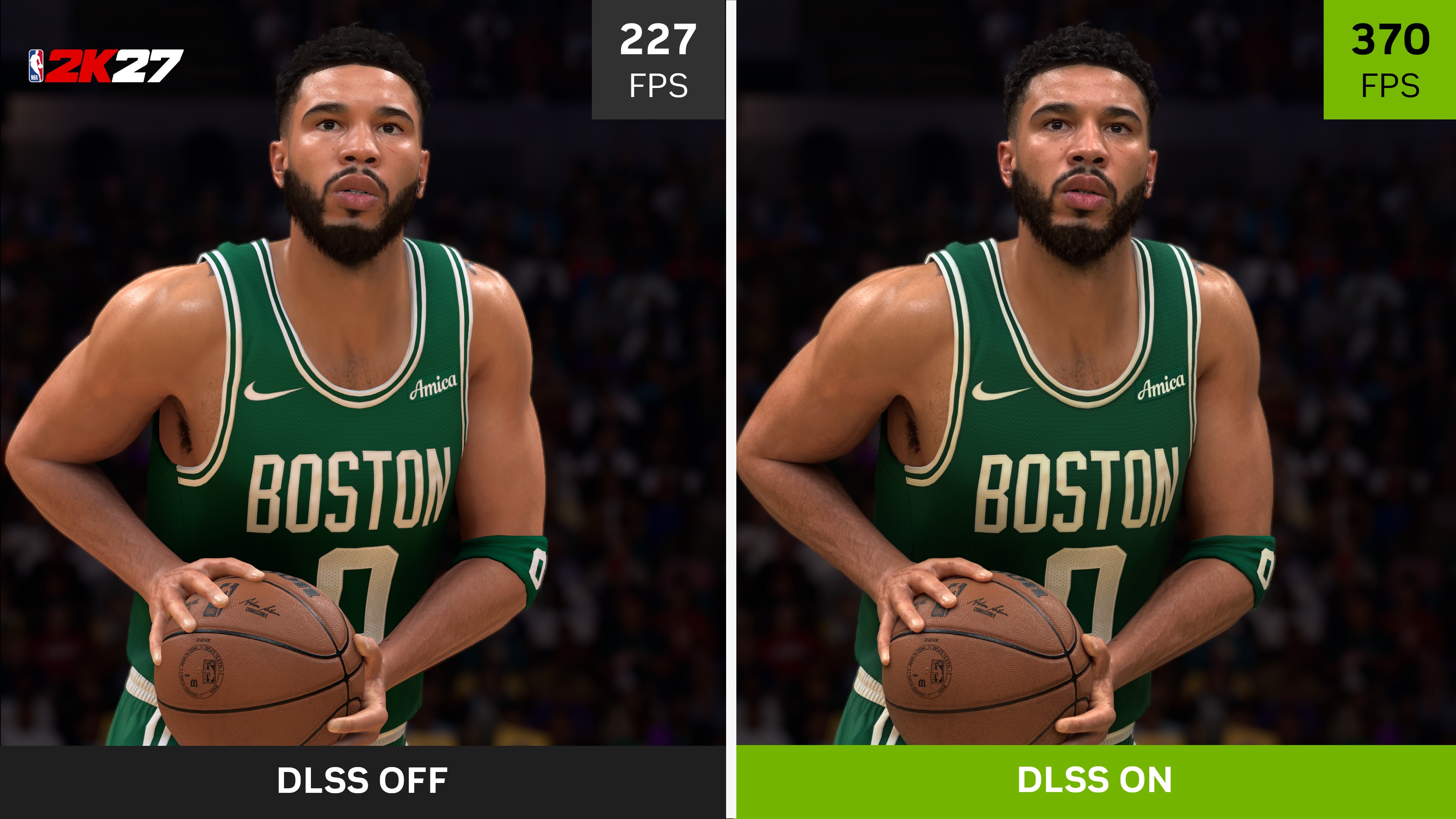
DLSS 5 Swapper is an unofficial Windows utility that automates adding Nvidia’s latest neural-rendering technology to games that do not support it natively. The tool is now available on GitHub, while TweakTown’s report says it can also manage DLSS 5 installations in games that already support earlier versions of DLSS.
Users can point the app at a game folder, or let it scan installed games, and then choose the relevant add-on. The repository describes support for DirectX 9, 10, 11 and 12, as well as Vulkan and OpenGL. It also supports several emulators, including DuckStation, PCSX2, Dolphin, PPSSPP, Xenia and Cemu.

How to install dlss 5 swapper step by step
The swapper is a management utility rather than a one-click Nvidia install. Based on the project’s own flow, the practical steps are:
- Download the latest Windows release from the project’s GitHub repository and install any required Visual C++ runtimes (x86 is needed for 32-bit games).
- Open the app, point it at a game folder, or let it scan installed titles in your library.
- Choose the relevant add-on for that title. For games without native DLSS, that path uses the community DLSS5-Feeder component with ReShade, which supplies a depth buffer and optical-flow motion data.
- Back up game files before applying changes, then apply, launch the title, and restore from the tool if something breaks.
What the tool actually changes is the injection path: DLSS5-Feeder creates the DLSS calls required by games without native support, and ReShade feeds the buffers DLSS needs. That is a modding workaround, not official Nvidia support. The project also bundles a RenoDX build and can manage different add-ons through its game library, with automatic detection, optional drive scanning, cover art and per-game details. It is MIT-licensed, but the licence does not make every bundled component official or every installation safe.
Compatibility limits and anti-cheat risks
The repository warns that injection can cause crashes or account bans on games with anti-cheat systems. DLSS 5 Swapper does not bypass anti-cheat, and compatibility is not guaranteed. Existing mods can conflict with it, so unsupported-game installs remain a risk you accept yourself.
The current release needs Visual C++ runtimes, with x86 required for 32-bit games. Linux support is experimental and community-sourced, with no Linux binaries included. Nvidia has not endorsed the tool, so verify the release and its files before running them.
DLSS 5 is Nvidia’s neural-rendering system rather than a straightforward resolution scaler. Tbreak has also covered Nvidia’s plans for DLSS 5 support on RTX 40-series cards, and how NeuralScreen brings DLSS 5 neural rendering to the Windows 11 desktop — separate from unofficial game-mod support, which should not be read as the same thing as a supported driver or game feature.
What is DLSS 5 Swapper?
DLSS 5 Swapper is an unofficial Windows utility for installing, managing and restoring DLSS 5 across games and supported emulators.
Can DLSS 5 Swapper add DLSS 5 to games without native support?
It can use the community DLSS5-Feeder component with ReShade to make DLSS calls in games that do not natively support DLSS, although compatibility is not guaranteed.
Does DLSS 5 Swapper work on Linux?
The current repository describes Linux and Proton support as experimental community work and does not include Linux binaries.