Apex Compute has released a beta of Apex Neural Rendering frame generation, claiming higher image quality and lower processing overhead than NVIDIA’s DLSS Frame Generation. The download works through OptiScaler and supports GPUs as old as the GeForce GTX 16 and Radeon RX 5000 series, alongside Intel Arc cards and Steam Deck. For owners of older graphics hardware, that broad compatibility is the most immediately useful part of the announcement.
On its official ANR page, Apex publishes comparisons showing its frame generator ahead of DLSS in GPU processing time, memory use, and several image-quality metrics. Those are Apex’s measurements, rather than independent benchmark results. The wider suite also includes super resolution and ray reconstruction, but only frame generation has reached beta.
What Apex’s DLSS comparison measures
Apex’s headline performance comparison uses an NVIDIA GeForce RTX 5090 at 3840 × 2160. At the 2X setting, its frame generator takes 1.01ms per generated frame, against 1.26ms for DLSS Frame Generation. That works out to roughly 20% less GPU processing time for that operation; the figures measure frame-generation overhead rather than total game performance or controller-to-screen latency.
The company’s 4X results show a similar direction, while its reported memory footprint falls more sharply. Apex lists 214MB of GPU memory against DLSS’s 562MB, a reduction of around 62%. Its network weights occupy 0.17MB, although that much smaller figure describes the model weights rather than the full GPU memory requirement.
| Apex’s RTX 5090 results at 4K | ANR FG | DLSS Frame Generation |
|---|---|---|
| 4X, mean GPU time per generated frame | 0.61ms | 0.82ms |
| Network weights | 0.17MB | Not listed |
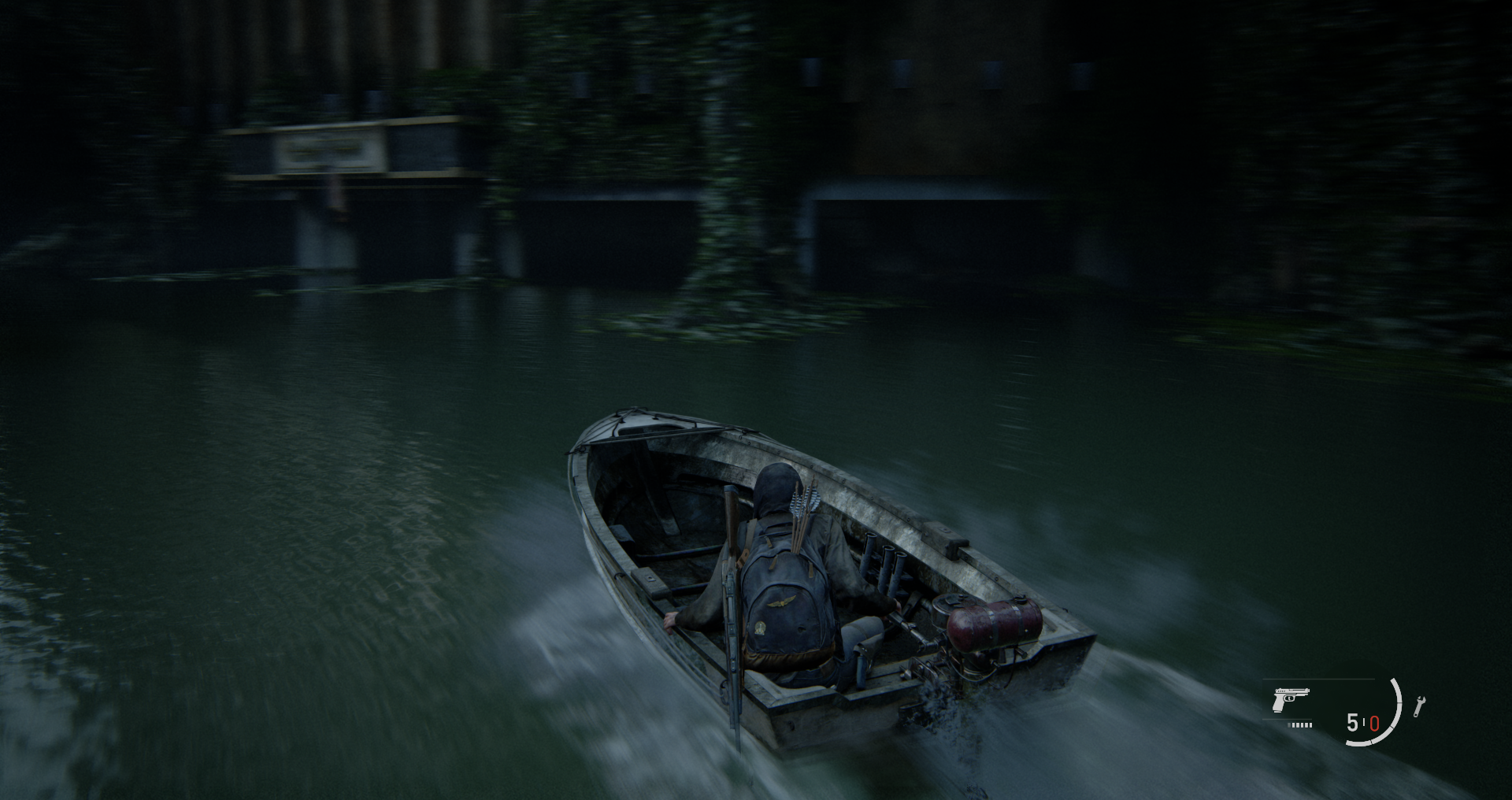
For image quality, Apex publishes CGVQM-5, ColorVideoVDP, and PSNR results across 2X through 6X modes, with ANR ahead in each listed comparison. The site also provides synthetic scenes and captures from The Last of Us Part II to illustrate differences around moving objects, vegetation, and water. Some of those game captures identify NVIDIA SDK 310.9.16 as the comparison version.
TechSpot’s report describes Apex’s demonstration clips as showing less ghosting in The Last of Us Part II and Hogwarts Legacy. Its coverage also separates the downloadable frame-generation beta from the upscaling and denoising components still in development. The claim here therefore concerns one part of a rendering pipeline, while tbreak’s earlier coverage of DLSS 5 in Hogwarts Legacy follows NVIDIA’s broader rendering rollout.
Older GPUs get a route into the beta
According to Apex’s GitHub installation guide, the PC beta supports NVIDIA’s GTX 16 and RTX 20, 30, 40, and 50 series. AMD support spans the Radeon RX 5000, 6000, 7000, and 9000 series, plus Steam Deck, while Intel support covers Arc A- and B-series cards. The listed operating systems are Windows 10 and 11, and Linux or SteamOS through Proton.

That makes the beta relevant well beyond people shopping for a new graphics card. A supported older GPU can run Apex’s alternative through a game’s frame-generation option, rather than requiring the newer NVIDIA hardware associated with official DLSS Frame Generation. Actual compatibility still depends on the game and the beta’s integration, so the repository provides a route for users to submit problems and performance results.
Apex’s website separately lists Apple M1 and later hardware on macOS 26 or newer, and publishes native Metal measurements from an M2 Max. TechSpot identifies the Apple option as a separate Metal test kit. The main GitHub game-installation instructions cover Windows and Proton, so Mac users should follow the Apple-specific route rather than the PC package instructions.
How the download works
The repository offers two packages: a full version for games without OptiScaler, and an add-on for games that already use it. With the game closed, users extract the package and run its installer against the folder containing the game’s executable. They then enable frame generation in the game, choosing the NVIDIA option where several choices appear; Linux and Steam Deck installations also need the launch option printed by the installer.
Apex also supplies uninstall scripts and a recording tool called nr-record. The latter captures a game’s frame-generation inputs losslessly, then lets users replay them through different generators for comparison. This gives testers a way to examine the same captured material across implementations, rather than relying exclusively on Apex’s selected examples.
The ANR repository labels the rendering source code as “coming soon”, although nr-record’s source is already available. For now, the practical release is a downloadable frame-generation beta, with super resolution and ray reconstruction betas to follow. It joins a growing range of tools targeting smoother PC and handheld play, including Microsoft’s recently expanded Auto SR support on Xbox Ally, which addresses upscaling rather than generated frames.
Can I download Apex Neural Rendering now?
Yes. The frame-generation beta is available through Apex Compute’s GitHub releases. Choose the full package if your game doesn’t already use OptiScaler, or the add-on if it does.
What should I include in a beta bug report?
Apex asks for the game, GPU and driver, operating system, settings, a description of the problem, and the newest nr_fg log from the game’s OptiScaler folder. For performance reports, it asks users to run the release’s test kit and attach its result file.