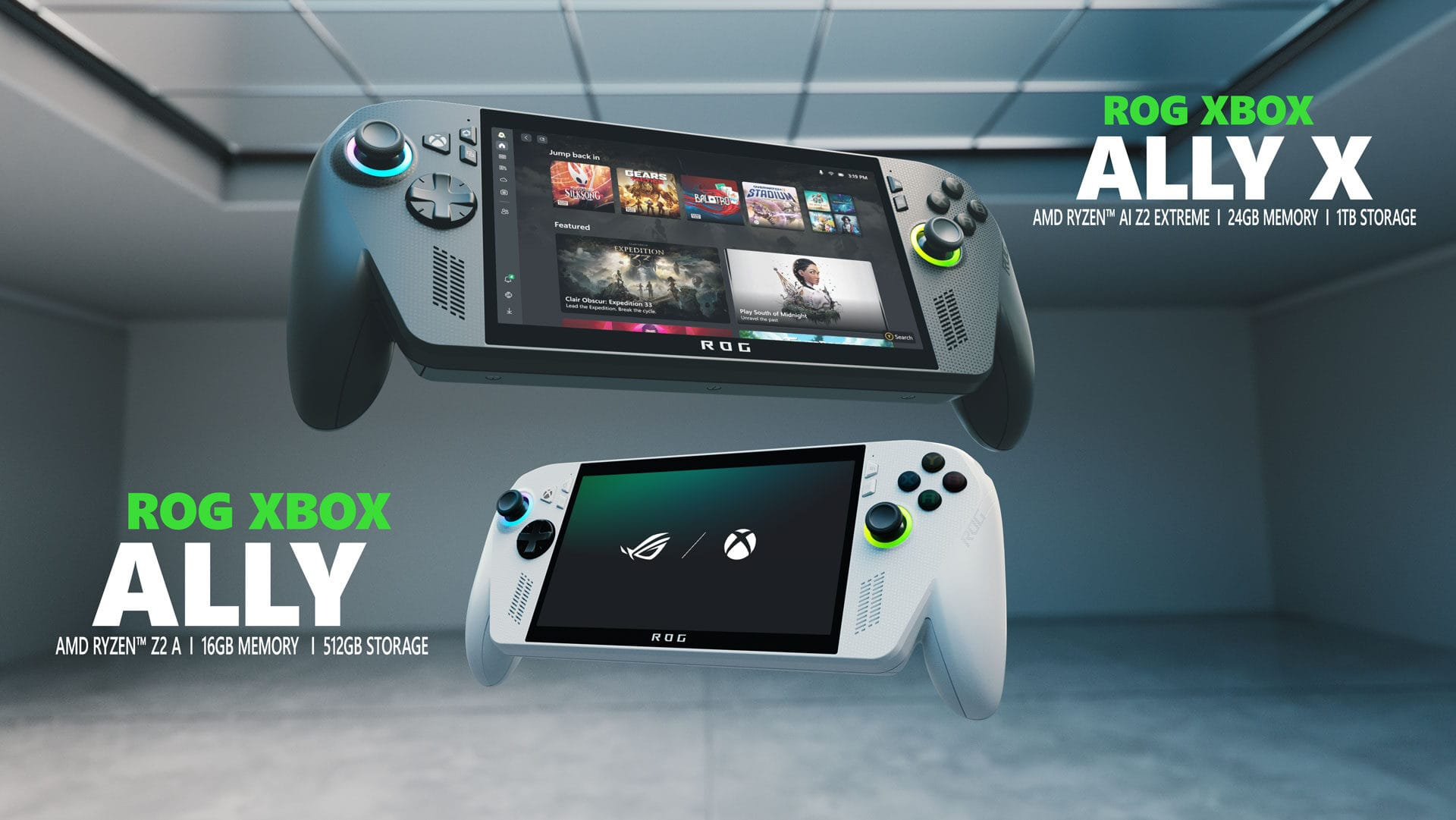
Microsoft has taken Automatic Super Resolution out of preview on the ROG Xbox Ally X and Ally X20, letting owners use its AI upscaling while playing unplugged on the built-in screen. The update also adds support for games running at 1080p and extends Auto SR to select AMD Ryzen-powered Copilot+ PCs. A new Performance Mode targeting up to 120fps and compatibility with Auto HDR will follow through Windows updates.
In its 10 November announcement, Microsoft separates the features available immediately from those still rolling out. Handheld play, 1080p support, and the expanded AMD PC support are available now. Performance Mode and Auto HDR may take longer to reach individual devices, so the launch doesn’t put every feature on every supported machine at once.
Auto SR no longer needs a dock
The biggest practical change is where you can use the feature. During the Xbox Insider preview, Auto SR worked only while the handheld was docked, where Microsoft focused on improving the picture on larger displays. It now works on the internal screen and on battery power, bringing that option to the way handheld owners actually play away from a desk.
Support for 1080p also removes a setup hurdle. Previously, players had to lower a game’s resolution before Auto SR would activate, which Microsoft identifies as a common reason it failed to turn on. Games can now stay at 1080p, while a docked handheld connected to a higher-resolution TV or monitor can upscale the picture to as much as 1440p.
There’s a trade-off on the handheld’s screen, however. Microsoft warns that 1080p can deliver less optimal performance than other configurations, while still improving visual quality, especially in older games. That gives players a reason to try different settings rather than automatically choosing the highest supported input resolution.
Performance Mode raises the ceiling
Microsoft says Auto SR previously topped out at roughly 60-75fps. Performance Mode raises that limit to up to 120fps, with an option to switch between Quality and Performance modes through Game Bar while playing. The company illustrates the difference with Rocket League running at 720p and high graphics settings on a ROG Xbox Ally X: its screenshots show averages of 70fps in Quality Mode and 115fps in Performance Mode.
Those are Microsoft’s results for that game and configuration. The example also uses a lower resolution than the newly supported 1080p setting, making it a useful reference when choosing between the two modes. Unlike game-specific additions such as Metro 2033 Redux adding DLSS 5, this announcement concerns Microsoft’s Windows upscaling feature and its expanded device support.
Auto HDR compatibility removes another either-or choice. The Windows feature adds brighter highlights and richer colours to games without native HDR, provided you’re using an HDR display. Previously, players had to choose between it and Auto SR; the update lets both work together on an HDR TV, monitor, or the Ally X20.
As Windows Central explains, Auto SR pursues similar image-quality and frame-rate goals to Nvidia DLSS and AMD FSR. For supported handheld owners, this release broadens when Microsoft’s option is available, rather than requiring a dock to access it. Alongside the separate Xbox PC app redesign for Insiders, it gives Windows players another software update to check before their next session.
How do you enable Auto SR?
Update Game Bar, install the latest Windows 11 updates, and download or update the Auto Super Resolution Package from the Microsoft Store. Open Game Bar with the Xbox button or Win + G, then go to Widgets menu > Display > Graphics to choose an available mode.
Does this update support every AMD Ryzen PC?
No. Microsoft specifies select AMD Ryzen-powered Windows Copilot+ PCs, alongside the ROG Xbox Ally X and Ally X20.