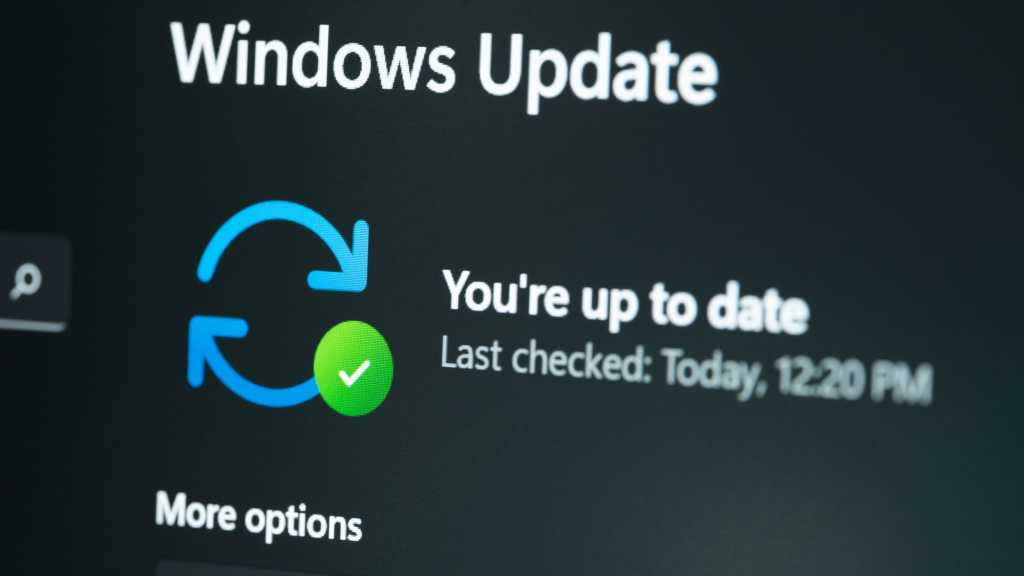
Microsoft is rolling out significant changes to Windows updates that address long-standing user frustrations. According to PCMag’s report, users can now pause updates for 35 days, restart without mandatory installations, and expect fewer monthly interruptions through consolidated updates.
Key Takeaways
- Microsoft allows Windows users to pause updates for 35 days with unlimited resets.
- Users can now restart or shut down without installing pending updates first.
- Monthly updates will be consolidated to reduce restart frequency.
- Changes are rolling out to Windows Insiders before general availability.
- Driver information will be clearer with device class displayed next to titles.
What are the new Windows update changes?
Microsoft has introduced three major improvements to Windows update management. Users can now pause incoming updates for 35 days at a time with no limit on how many times they can reset the pause period. The company has also separated power actions from update actions, meaning restart and shutdown options no longer force pending update installations.
The third change consolidates driver, .NET, and firmware updates with the monthly quality update. This coordination reduces the update experience to a single monthly restart for most users, though Windows Insiders will continue receiving weekly updates.
These improvements are currently rolling out to Windows Insiders in the Dev and Experimental channels, with broader availability following later. The changes come after user feedback highlighted the disruptive nature of forced updates during work sessions and gaming.
How does the new pause feature work?
The enhanced pause functionality gives users unprecedented control over update timing. Users can pause updates for 35 days and choose a specific day of the month to resume, making it easier to plan around travel, conferences, exams, or busy work periods.
What makes this particularly useful is the unlimited reset capability — users can continuously extend the pause period in 35-day increments without restrictions. This addresses situations where users need extended periods without update interruptions, such as during critical project deadlines or extended travel.
Previously, Windows update pausing was limited and often forced users to install updates at inconvenient times. The new system puts control firmly in the user’s hands whilst ensuring systems don’t remain unpatched indefinitely.
Will separate power and update options reduce frustrations?
Microsoft’s separation of power actions from update actions eliminates one of the most common user complaints about Windows updates. The Power menu now displays distinct “Restart” and “Shut down” options alongside update-specific choices like “Update and restart” and “Update and shut down”.
This change means users can quickly restart their system or shut down for the day without being forced to wait for update installations. For gamers experiencing crashes or workers needing quick system restarts, this provides immediate relief from mandatory update delays.
The update-specific options remain available for users who want to install updates during restarts, but the choice is now explicitly in the user’s control rather than being forced by the system.
What this means for Windows users
These changes signal Microsoft’s acknowledgment that update management needed fundamental improvements. The company specifically mentioned user feedback as the driving force behind these modifications, suggesting they’re responding to widespread frustration rather than making arbitrary changes.
For UAE users and Windows users globally, this means significantly improved productivity and gaming experiences. No more interrupted gaming sessions or work presentations due to forced updates. The consolidated monthly update approach also reduces the frequency of restart requirements.
Microsoft has also teased additional improvements coming in future months, including taskbar customisation and reduced Copilot entry points. These ongoing improvements suggest the company is committed to addressing user experience concerns systematically.
Availability and rollout
The Windows update improvements are currently available to Windows Insiders enrolled in the Dev and Experimental channels. Microsoft hasn’t provided specific dates for general availability but confirmed a broader rollout will follow the Insider testing phase.
All current Windows users will receive these changes through standard Windows updates once the general rollout begins. No additional software purchases or subscriptions are required — the improvements are part of Microsoft’s ongoing Windows development.
Users interested in accessing these features immediately can join the Windows Insider programme, though this involves using pre-release software that may contain bugs or stability issues.
Frequently Asked Questions
What are the new changes to Windows updates?
Microsoft introduced three key changes: users can pause updates for 35 days with unlimited resets, restart or shut down without installing pending updates, and receive consolidated monthly updates to reduce restart frequency.
How long can I pause Windows updates?
Users can pause incoming updates for 35 days at a time with no limit on how many times they can reset the pause end date, giving essentially unlimited control over update timing.
Will I still have to restart for updates every month?
Microsoft is consolidating driver, .NET, and firmware updates with the monthly quality update, aiming to reduce the experience to a single monthly restart for most users.
When will these Windows update changes be available to everyone?
The changes are currently rolling out to Windows Insiders in Dev and Experimental channels, with broader availability to all users following the testing phase. No specific general release date has been announced.
Can I still install updates immediately if I want to?
Yes, the Power menu includes update-specific options like “Update and restart” and “Update and shut down” alongside the new separate restart and shutdown options, giving users complete choice.