
Windows 11 KB5077181 update fixes Nvidia black screen bug and gaming issues
Microsoft's February update KB5077181 tackles the black screen crashes hitting Nvidia RTX users since January. The mandatory patch also restores gaming performance and fixes 58 security flaws that left Windows 11 systems unstable for weeks.

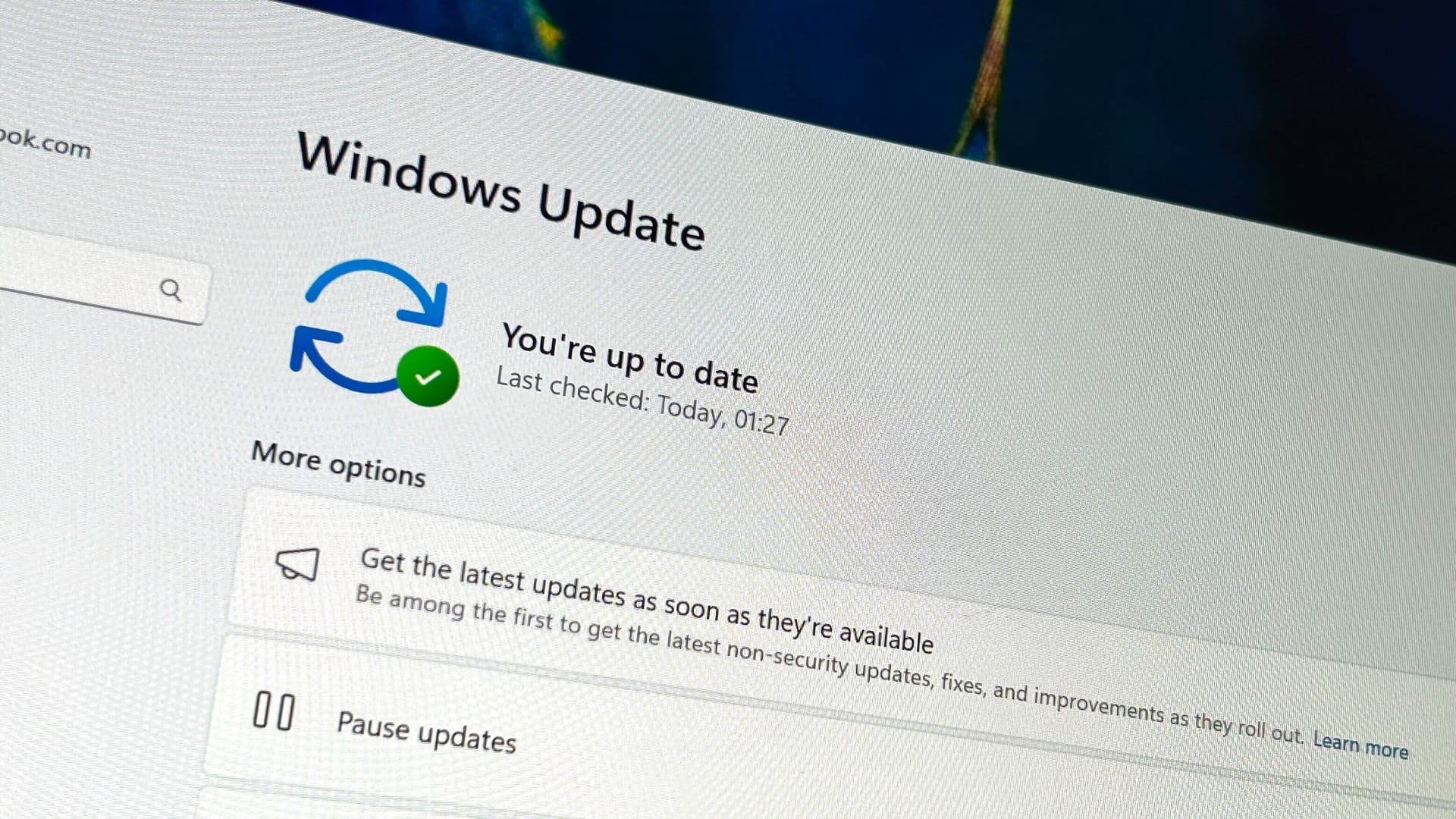
Windows 11 KB5077181 is finally addressing the problems that have plagued users since January 2026. As reported by Windows Latest, the mandatory February 2026 update fixes the notorious Nvidia black screen bug, gaming performance issues, and 58 critical security flaws that have been causing headaches for Windows 11 users.
Nvidia black screen bug finally fixed
The most significant fix addresses the black screen issue that specifically affects certain Nvidia GPUs. After our previous coverage of the January update's problems, Microsoft has officially acknowledged and resolved the issue in KB5077181.
"This update addresses black screen issues in isolated multiuser environments, typically after a Windows upgrade," Microsoft noted in the release notes. The problem was widespread enough that Nvidia even advised users to uninstall the January update if they continued experiencing instability.
One user described the issue: "With KB5074109 installed, at random times, the screen goes black for a few seconds and then returns. The desktop zooming in/out animation plays as if a monitor has been powered on or off, and can make the screen disappear for 10-15 seconds. An Nvidia RTX 4090 with 3 displays connected is my system encountering this issue."
Gaming performance restored
KB5077181 also fixes the gaming issues that emerged after January's problematic update. Frame rate drops and visual artifacts in games like Forza Horizon 5 have been resolved, with Windows Latest confirming the fixes work in their testing.
The gaming problems were severe enough that some users couldn't launch graphics-intensive applications without system freezes. One user reported: "I have a laptop with an Nvidia GPU. Since last week, whenever I used any graphics-heavy apps/games, they kept crashing. Sometimes when I tried closing the app or forcefully closing via Task Manager, the entire Windows system used to get frozen."
Microsoft has also fixed a related boot failure issue where certain GPU configurations triggered KERNEL_SECURITY_CHECK_FAILURE errors.
Explorer.exe stability improvements
Beyond the Nvidia fixes, KB5077181 addresses explorer.exe crashes that made Windows 11 nearly unusable for some users. When explorer.exe crashes, the taskbar, Start menu, and desktop disappear, forcing users to restart their systems.
The update also introduces an Apple Handoff-like Resume feature, allowing users to continue phone tasks on their PC — though this is likely small consolation for those who've been dealing with system crashes for weeks.
Microsoft patches 58 critical security vulnerabilities in this release, including a Windows Notepad remote code execution flaw. Given the mandatory nature of the update, all Windows 11 users will receive it automatically.
How to check if KB5077181 is installed
Since KB5077181 is mandatory, it will install automatically on Windows 11 systems. To verify installation, navigate to Settings > System > About. If your system shows Build 26200.7705 or newer, you have the update.
However, Microsoft employs a gradual rollout approach even for bug fixes, meaning some changes may take days or weeks to fully apply across all systems. This explains why some users might not immediately see all improvements, even with the latest build installed.
Frequently Asked Questions
What does Windows 11 KB5077181 fix?
KB5077181 fixes 58 critical security flaws, gaming performance issues like frame rate drops and artifacts in Forza Horizon 5, the Nvidia black screen bug affecting certain GPUs, KERNEL_SECURITY_CHECK_FAILURE boot errors, and explorer.exe crashes.
Is KB5077181 a mandatory update?
Yes, KB5077181 is mandatory and will install automatically on all Windows 11 systems. Microsoft recommends installing it for security and stability improvements.
Does KB5077181 fix Nvidia black screen issues?
Yes, the update officially includes a fix for the black screen bug that affected certain Nvidia GPUs, particularly after the January 2026 update caused widespread display issues.
How can I check if KB5077181 is installed on my PC?
Go to Settings > System > About. If your PC shows Build 26200.7705 or newer, you have the KB5077181 update installed.
Written by

Subscribe to our newsletter
Subscribe to our newsletter to get the latest updates and news










Member discussion