
Nintendo Switch 2 update adds Handheld Mode Boost for better visuals
Switch 2's latest update lets you play original Switch games with docked-quality graphics in handheld mode. The new Handheld Mode Boost feature improves visuals but drains battery faster and may cause control issues with some titles.

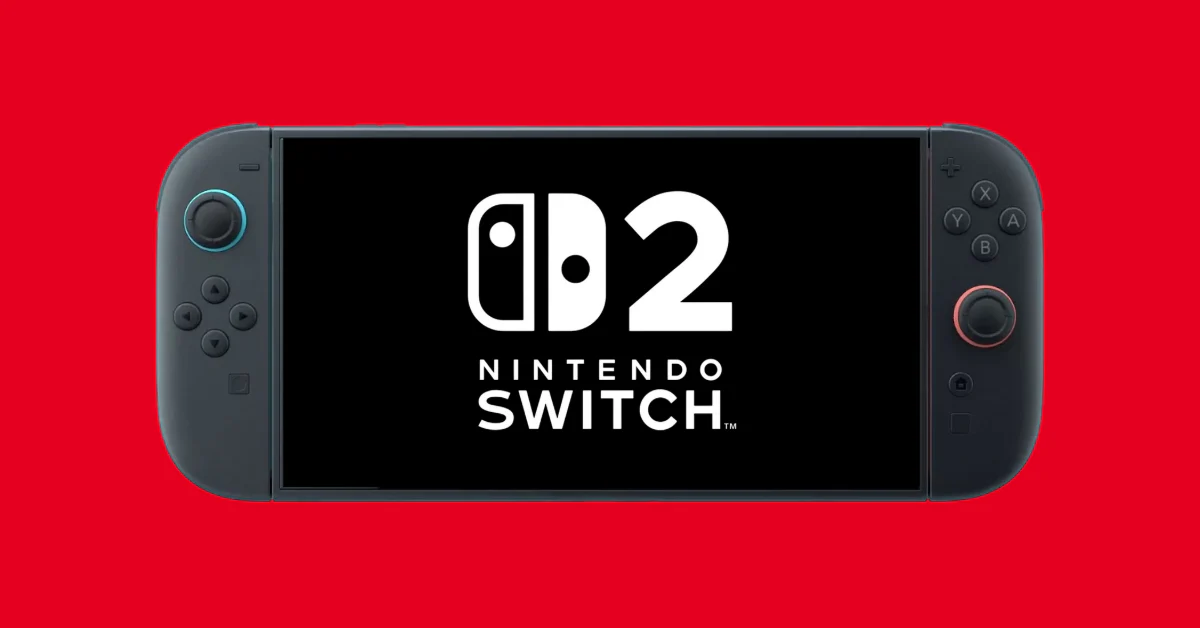
Nintendo Switch 2 software version 22.0.0 introduces Handheld Mode Boost, a new feature that enhances the visuals of original Nintendo Switch games by emulating a docked experience. As reported by PCMag, citing a Nintendo support page, the feature comes with trade-offs including increased power consumption and potential control issues.
What is Handheld Mode Boost?
According to Nintendo's support page, Handheld Mode Boost allows the Switch 2 to improve graphics for original Switch games by mimicking the docked gaming experience whilst in handheld mode. The feature specifically targets older titles from Nintendo's previous console generation, enhancing their visual output when played on the newer hardware.
The enhancement works by telling original Switch games that they're running in docked mode, even when the console is being used portably. This typically results in higher resolution graphics and improved visual fidelity compared to the standard handheld experience these games were originally designed for.
Nintendo emphasises that the feature won't affect Switch 2 games in any way — it's designed exclusively for backwards compatibility enhancement.
How to enable Handheld Mode Boost
Activating the feature requires navigating through the Switch 2's system settings. After downloading software version 22.0.0, users must select System Settings from the home screen, then navigate to System > Nintendo Switch Software Handling, and finally select Handheld Mode Boost.
The feature applies to all original Switch games once enabled, meaning users don't need to toggle it for individual titles. However, Nintendo recommends manually disabling it when playing games that don't work well with the enhancement active.
This system-wide approach means users will need to experiment with different titles to determine which games benefit from the boost and which perform better without it.
Battery life and performance trade-offs
Nintendo warns that using Handheld Mode Boost will likely increase power consumption, resulting in shorter battery life during gaming sessions. The company notes this as a significant consideration for users who frequently game on the go without access to charging.
Beyond battery concerns, the feature may cause some game instructions to display incorrectly or fail to work properly, as titles assume they're running in handheld mode when the system reports docked status. Touch screen functionality may also be affected, potentially making certain games harder to control.
Additionally, the system will register Joy-Con 2 controllers as a Switch 2 Pro Controller when the feature is active, which could impact games that rely on specific controller detection for their interface or control schemes.
Other improvements in version 22.0.0
The software update includes several additional enhancements beyond Handheld Mode Boost. Users can now add private notes about their online friends to help keep track of who they are, particularly useful for managing large friend lists.
GameChat receives video quality improvements, whilst the Nintendo eShop gains easier button controls for rewinding videos. The update also provides an improved breakdown of storage capacity by data type, helping users better understand what's consuming space on their system memory or microSD card.
These quality-of-life improvements complement the headline Handheld Mode Boost feature, making version 22.0.0 a substantial update for Switch 2 owners.
Frequently Asked Questions
What is Handheld Mode Boost on Nintendo Switch 2?
Handheld Mode Boost is a new software feature in Nintendo Switch 2's version 22.0.0 that enhances the visuals of original Nintendo Switch games by emulating a docked experience whilst playing in handheld mode.
How do I activate Handheld Mode Boost on my Switch 2?
Go to System Settings > System > Nintendo Switch Software Handling, then select Handheld Mode Boost. The feature will apply to all original Switch games once enabled.
Does Handheld Mode Boost affect battery life on Switch 2?
Yes, Nintendo notes that using Handheld Mode Boost will likely increase power consumption, reducing your Switch 2's battery life during gaming sessions compared to playing without the feature.
Are there any drawbacks to using Handheld Mode Boost?
Besides increased power consumption, some game instructions may be incorrect, touch screen experience might be affected, and Joy-Con 2 controllers may register as a Switch 2 Pro Controller, potentially causing control issues.
Does Handheld Mode Boost work with Switch 2 games?
No, Handheld Mode Boost only affects original Nintendo Switch games. It has no impact on games designed specifically for the Switch 2 console.
Written by

Subscribe to our newsletter
Subscribe to our newsletter to get the latest updates and news







Member discussion