
Huawei Mate X7 Review
With a stronger and leaner build, upgraded cameras and faster performance, the Huawei Mate X7 is fine improvement over the previous model and a solid refinement of Huawei's foldable template.

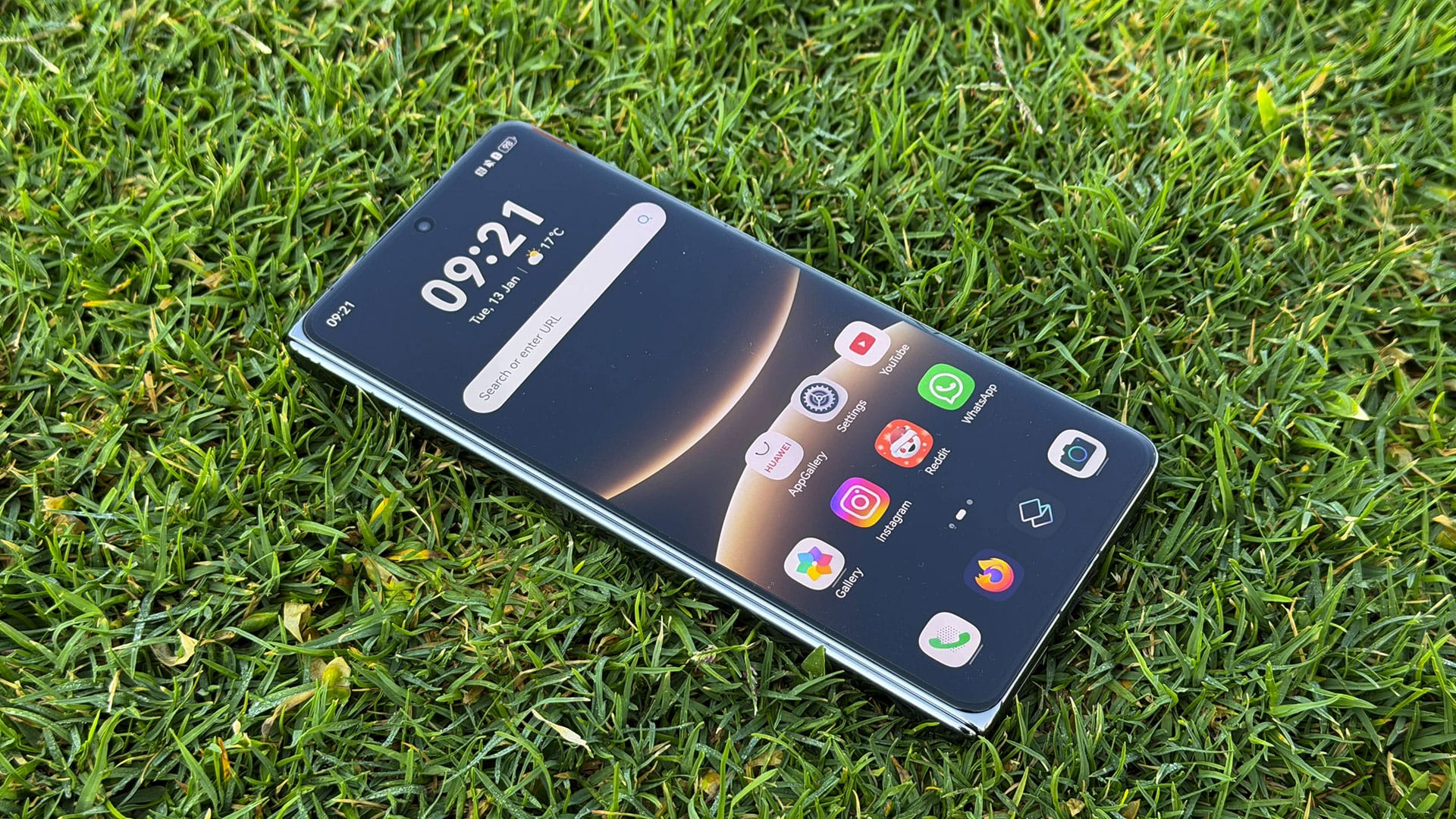
Thinner, larger, leaner, tougher, faster, and more battery - that’s the play with almost all foldables (and smartphones) these days, and Huawei slots in the new Mate X7 in that comfortable position. It’s still a great phone, as was the X6 (I assume, never used it), but the upgraded nuts and bolts are as you would expect.
The biggest change is the inner screen size, stretching from 7.93” to 8” LTPO OLED; the camera also gets a boost from 48MP to 50MP, with better macro and 3.5x optical zoom; and a smaller, speedier Kirin 9030 Pro that keeps the HarmonyOS ticking along, err… harmoniously.
I don’t have a lot of complaints with the phone - besides it being top heavy due to the camera housing - but otherwise, this is a classy foldable with two day endurance, smooth performance and excellent cameras.
Specs You Should Know
| Spec | Huawei Mate X7 |
|---|---|
| Dimensions | Folded: 15.68 cm x 7.38 cm x 0.95 cm Unfolded: 15.68 cm x 14.42 cm x 0.45 cm |
| Weight | 236 g |
| Colours | Brocade White, Nebula Red, Black |
| Display | Main Screen: 8 inches OLED (2416 × 2210 Pixels, 1-120 Hz LTPO, 412 PPI) Cover Screen: 6.49 inches OLED (2444 × 1080 Pixels, 1-120 Hz LTPO, 412 PPI) |
| Cameras | Rear: 50 MP (wide, OIS) + 40 MP (ultrawide) + 50 MP (telephoto macro, OIS) Front: 8 MP (folded), 8 MP (unfolded) |
| Processor | Kirin 9030 Pro (6 nm) CPU: 9-core (1x2.75 GHz & 4x2.27 GHz & 4x1.72 GHz) GPU: Maleoon 935 |
| RAM | 16 GB |
| Storage | 512 GB |
| Battery | 5600 mAh |
| Charging | 66 W wired, 50 W wireless, 7.5 W wireless reverse |
Design, Display and Features
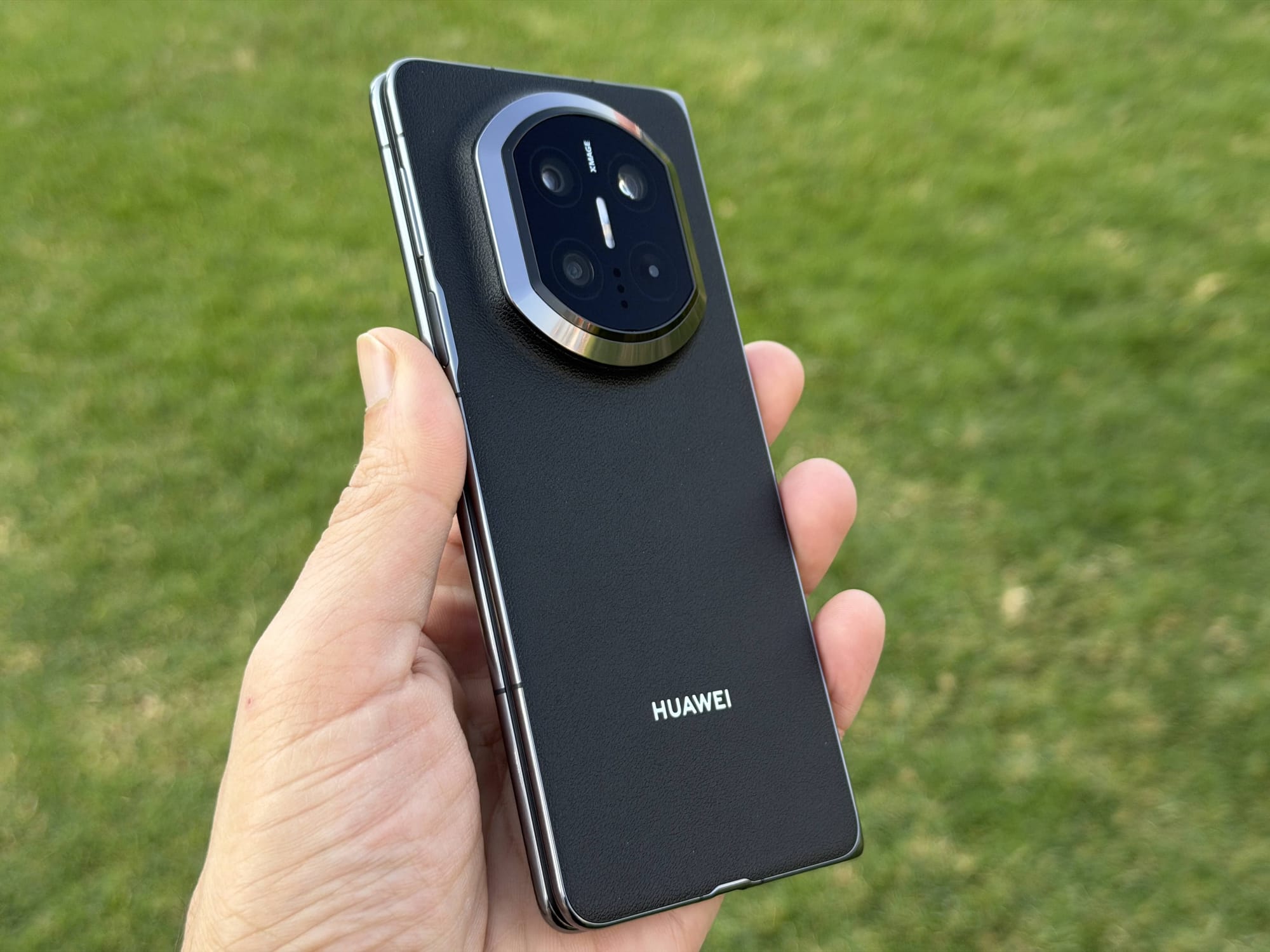
From what I can tell, Huawei hasn’t changed the design much from the Mate X6. It’s got the same vegan-leather back (available in red and black) and a polished-aluminium frame. But the make and internal components have been upgraded. For one, it now uses the Kunlun Glass 2 for its exterior (or cover) display, while the internal screen uses a new 3-composite protective layer that apparently offers 20% better impact and 100% better bend resistance.
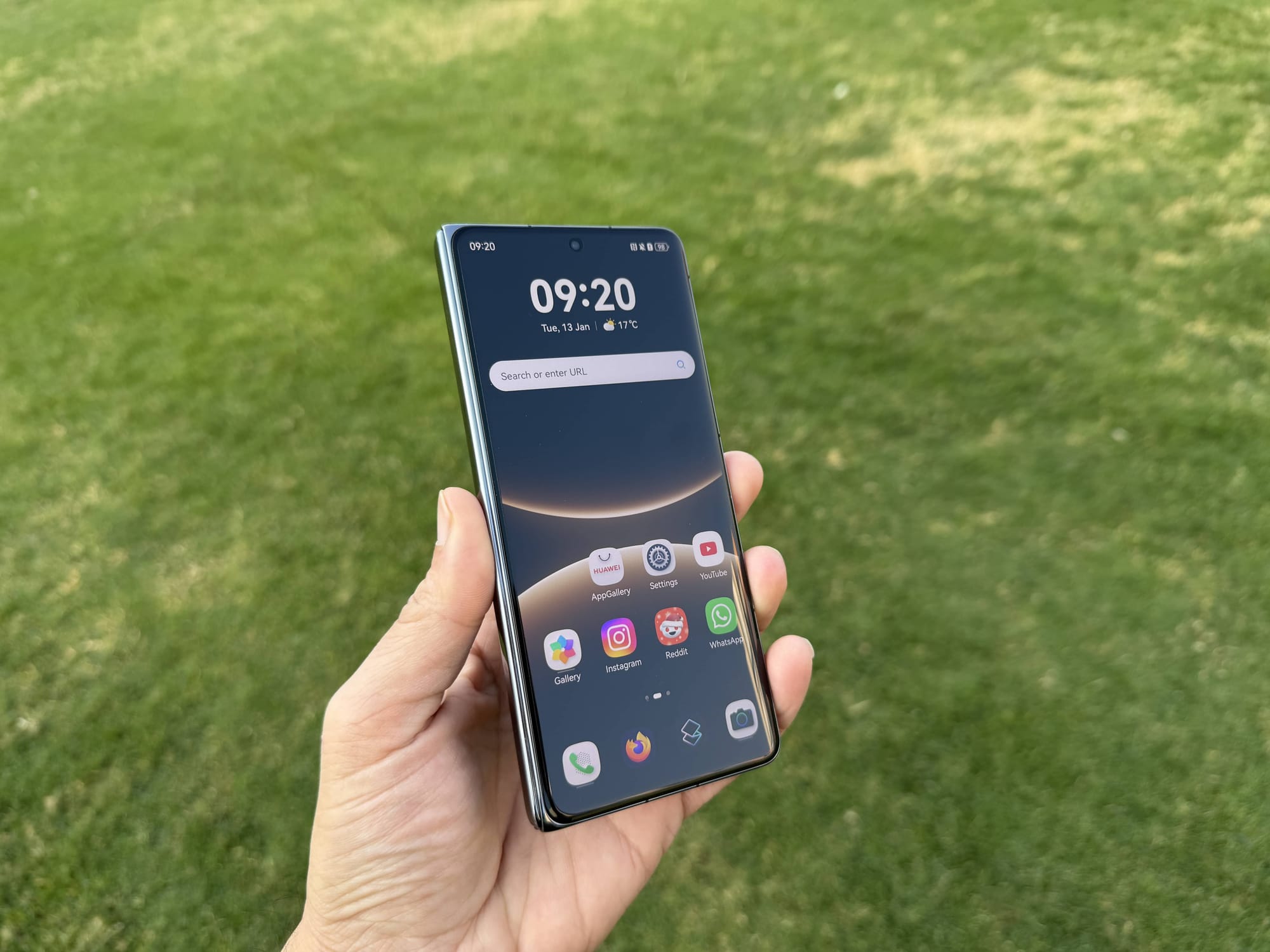
The hinges come improved as well, made of steel covered with the same polished aluminium as the frame. It has a strength of 2350 MPa while avoiding any pressure between the screen and the hinge. But more importantly, it offers a superb, deep and soft snap when folded shut, sounding as luxurious as an AED 6,999 device should.
Continuing the trend of offering more toughness, it is now IP58 and IP59 rated (from the IPX8 of the Mate X6), protecting it from dust, water and pressurised water jets. Speaking of dust, though - the internal screen is surrounded by a 3mm plastic enclosure, which, because it’s not entirely level with the screen, routinely collects dust and debris that can get difficult to clean if you are into that sort of thing.
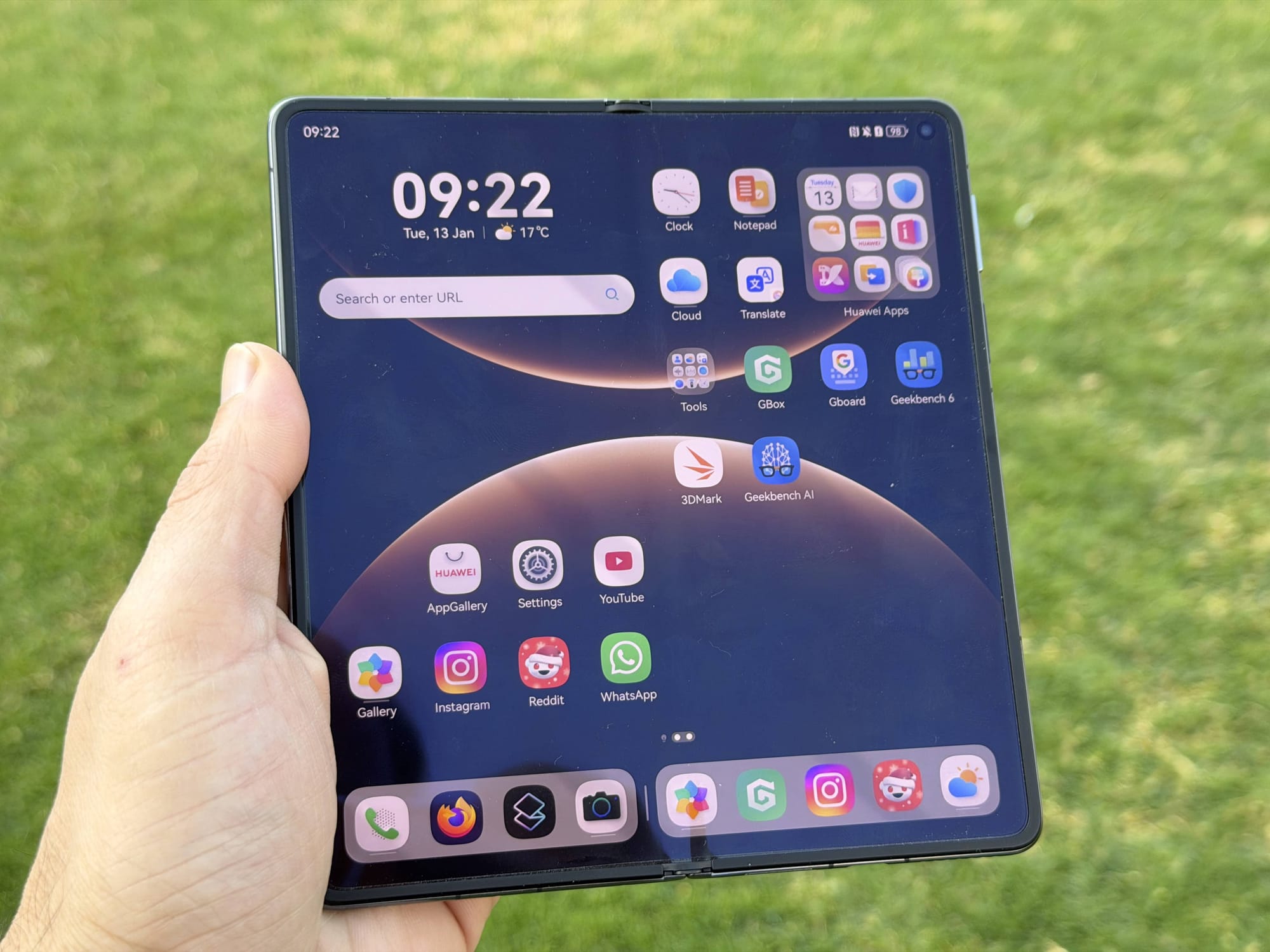
The inner screen is gorgeous, however, which almost makes you forget the dust lingering by its sides. It’s an 8” LTPO OLED with a 120Hz refresh rate and 2500 nits of peak brightness. It basically offers two phones side by side with its aspect ratio, but it’s not bigger than my iPhone 17 Pro when watching 16:9 content, unless it’s rotated, which offers slightly more height.
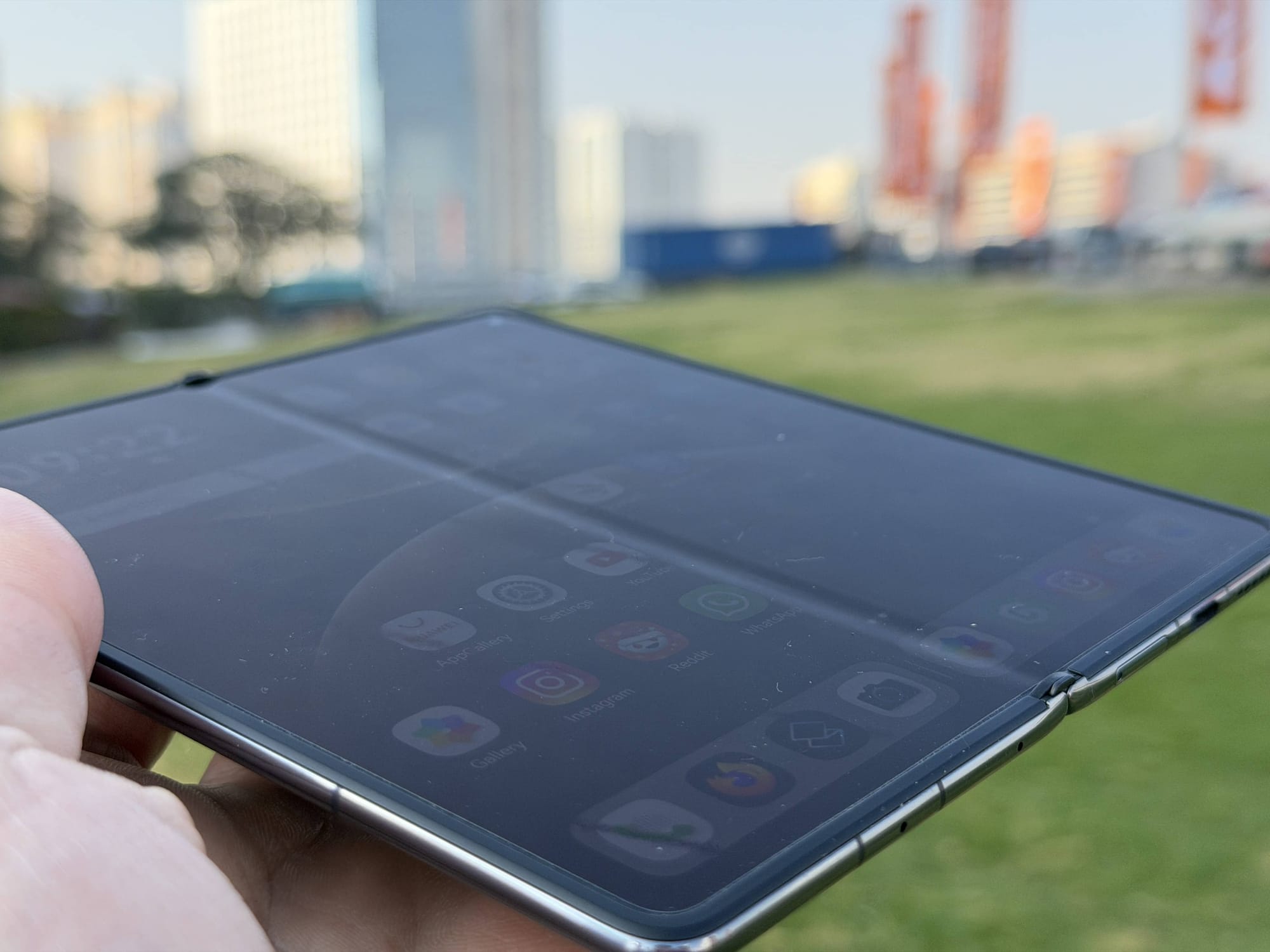
And before you ask, yes, the crease is noticeable in all the usual angles and spots. No major upgrade has been made on that front. It’s a non-issue unless you look at the phone from the side or have a white background as wallpaper, and it mostly disappears from sight when consuming content. Whether the hinge will stay flat - a slim 4.5mm at that - over time remains to be seen, but the sturdy build and high-quality components do give some confidence.
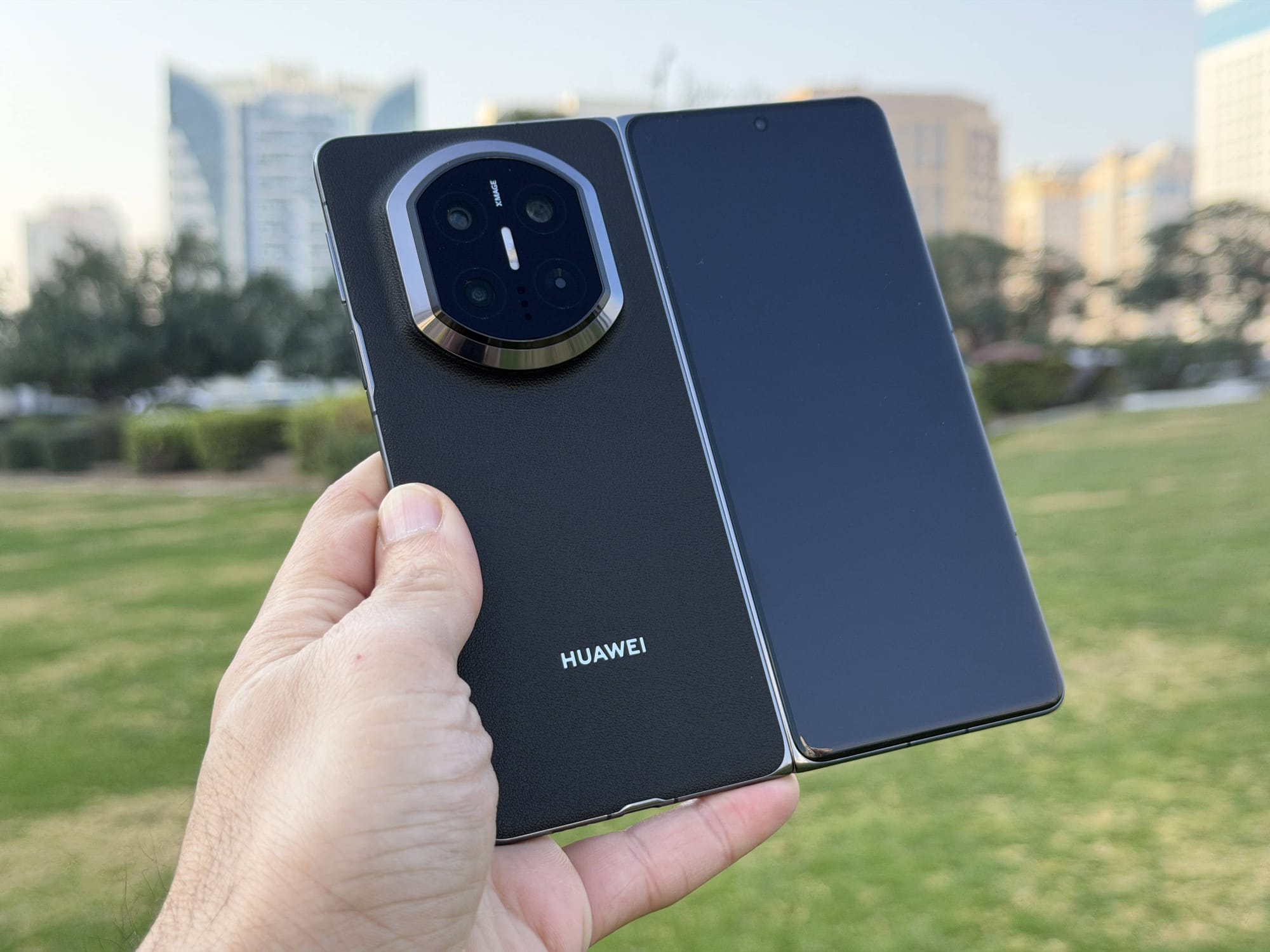
The cover screen is just as good. It’s a 6.49” LTPO OLED with 120Hz refresh rate and 3000 nits of peak brightness, with slim bezels surrounding it and an 8MP front camera puncturing the screen at the top.
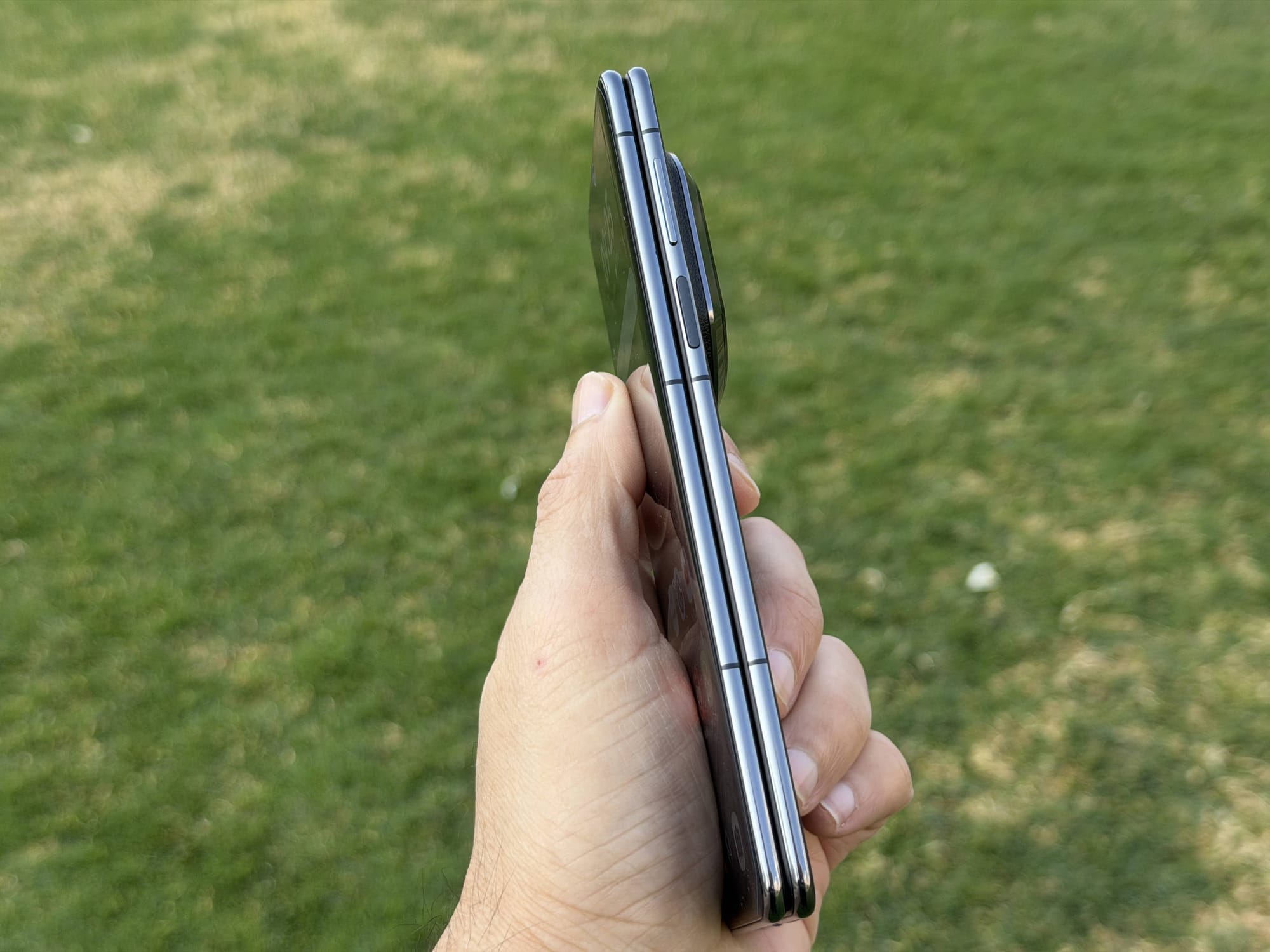
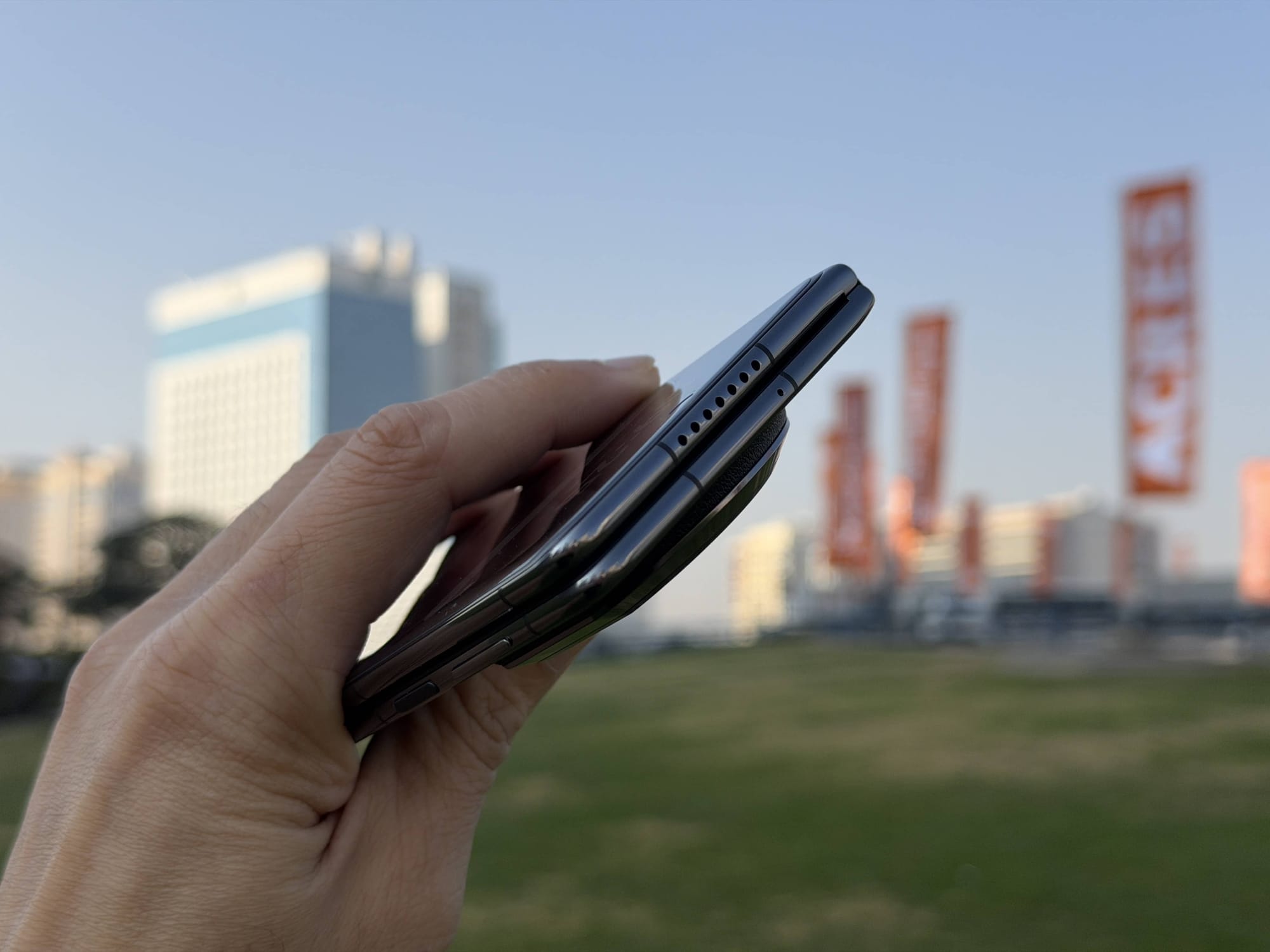
It’s not a bulky phone, but it is certainly top-heavy. It weighs 236g (3g lighter than the previous Mate) and, when folded, measures 9.5mm, which is on par with any single-screen smartphone. However, because the camera housing is so large and thick - which Huawei calls the Time-Space Portal, by the way - it topples the phone over in your hands.
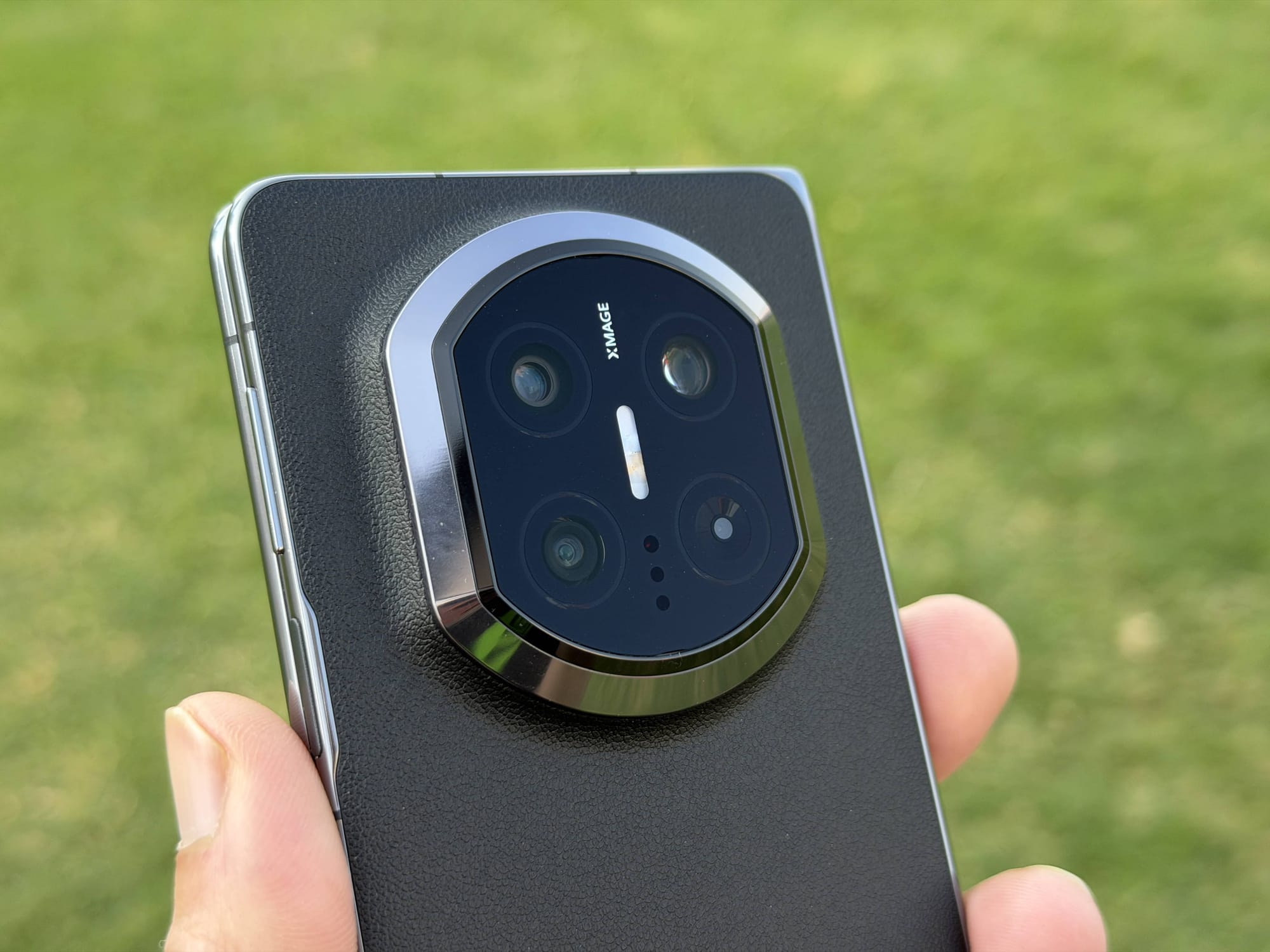
It also interferes with how you might hold the phone. When folded, and holding the phone with two hands, you will find your fingers scraping at the bottom of the housing. It never quite gives you a firm grip on the device, making it slightly ungainly to use. When unfolded and rotated over for a large-screen experience, your fingers will eventually rest over the camera lens, which can smudge it over time. It’s not game-breaking, but I just appreciate a good hand-feel, and the Mate X7 falls short in that department.
The housing features a 50MP primary, a 50MP telephoto/macro, and a 40MP ultrawide cameras. There is also an LED flash, a laser emitter and receiver for autofocus, an IR blaster and the colour-spectrum sensor.
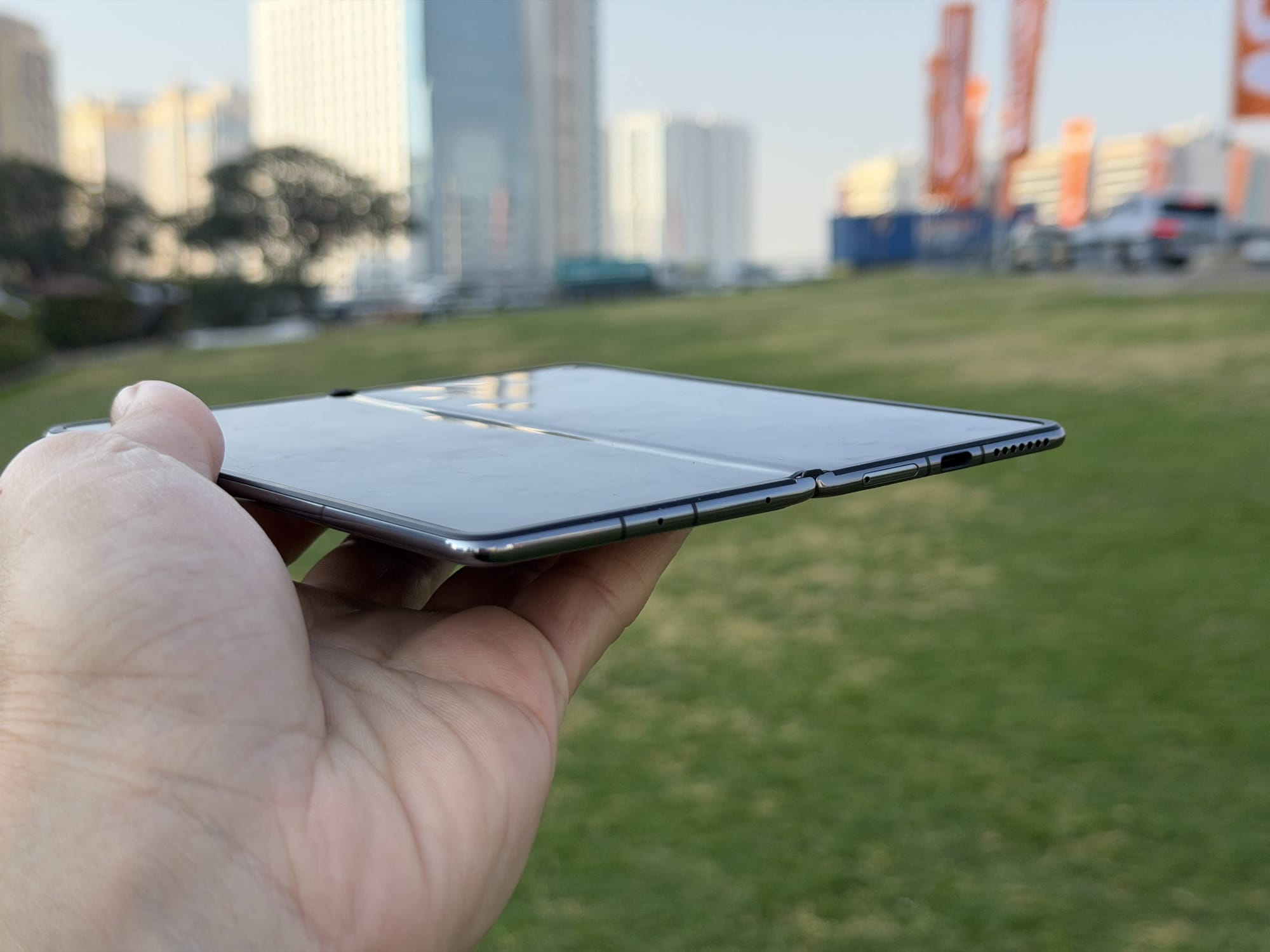
Elsewhere, it's a pretty standard affair. The top of the device is vacant except for the speaker grill and a microphone, while the bottom offers two additional microphones, a USB-C port and a SIM card tray (eSIM is also supported). The sides have volume buttons and a power button, which doubles as a fingerprint reader.
The speakers are surprisingly poor, despite being stereo (and despite the phone's price, hey). They lack volume, sound thin, and for some odd reason, the audio balance seems to lean towards the bottom speaker. So, if you are watching any content, it makes it sound like the audio is mostly coming from the bottom-right of the device. When unfolded, the imbalance remains, but the orientation changes depending on how you hold the device. Also, at max volume, the back of the device noticeably vibrates when unfolded, which can get a bit annoying.
Cameras
The camera set on the Mate X7 has received a spec upgrade across the board compared to the Mate X6. The new main 50MP camera gets a new, larger sensor (f1/1.28”) with Huawei promising improvement over the dynamic range. The new 50MP telephoto lens also comes with a larger f/2.2 aperture and is paired with a 3.5x optical zoom. The 40MP ultrawide camera with autofocus remains the same, however.
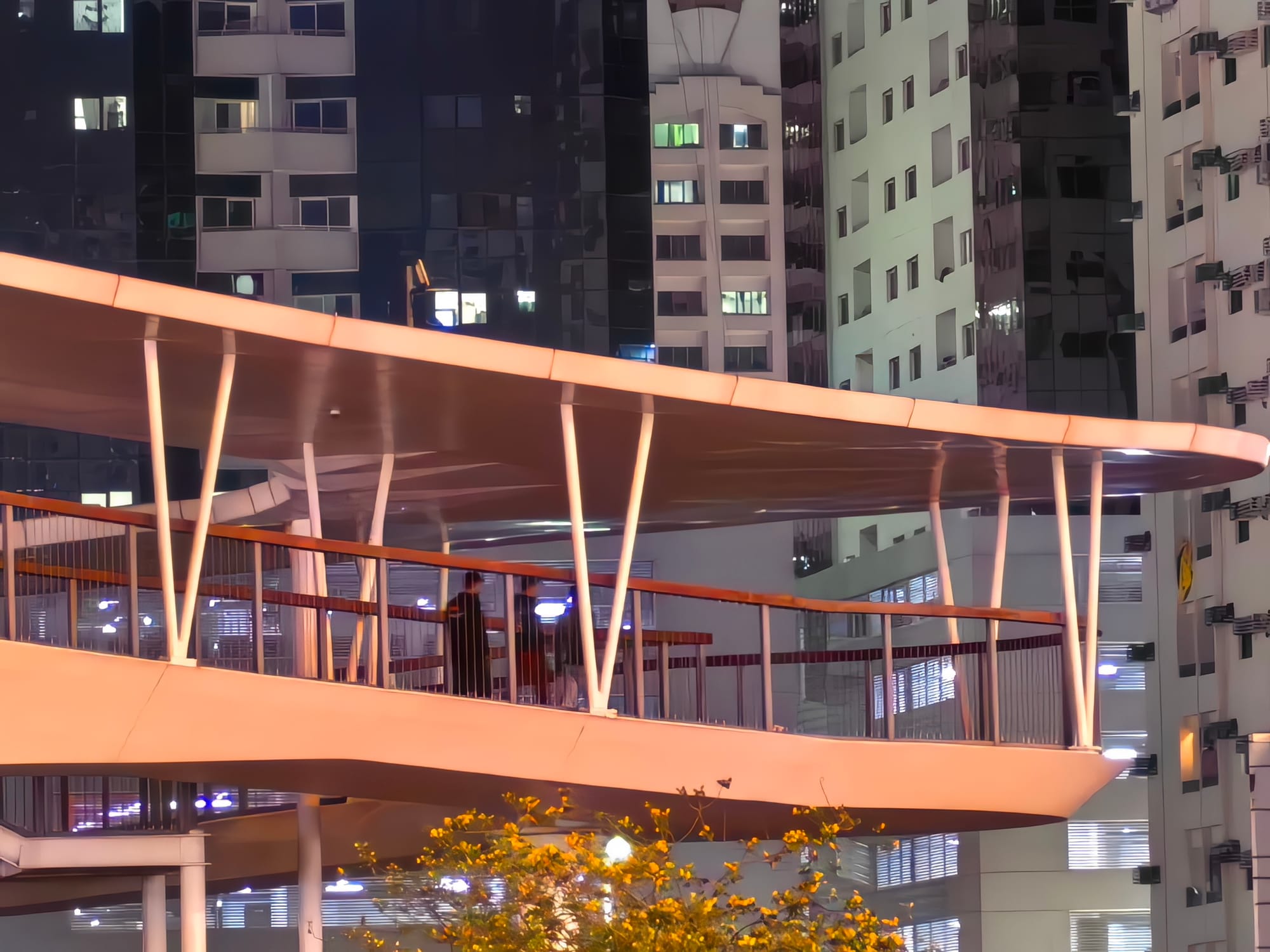
During daylight, the 50MP takes some excellent pictures, with good control over resolution detail, colours and dynamic range. The 2x-3.5x optical zoom provides the same clarity and a decent range to position the shot to your liking. The 10x zoom is also solid, but it does start to lose resolution, with a hint of compression, smoothening, and oversharpening introduced (which can also be found in other ranges, but to a lesser extent).
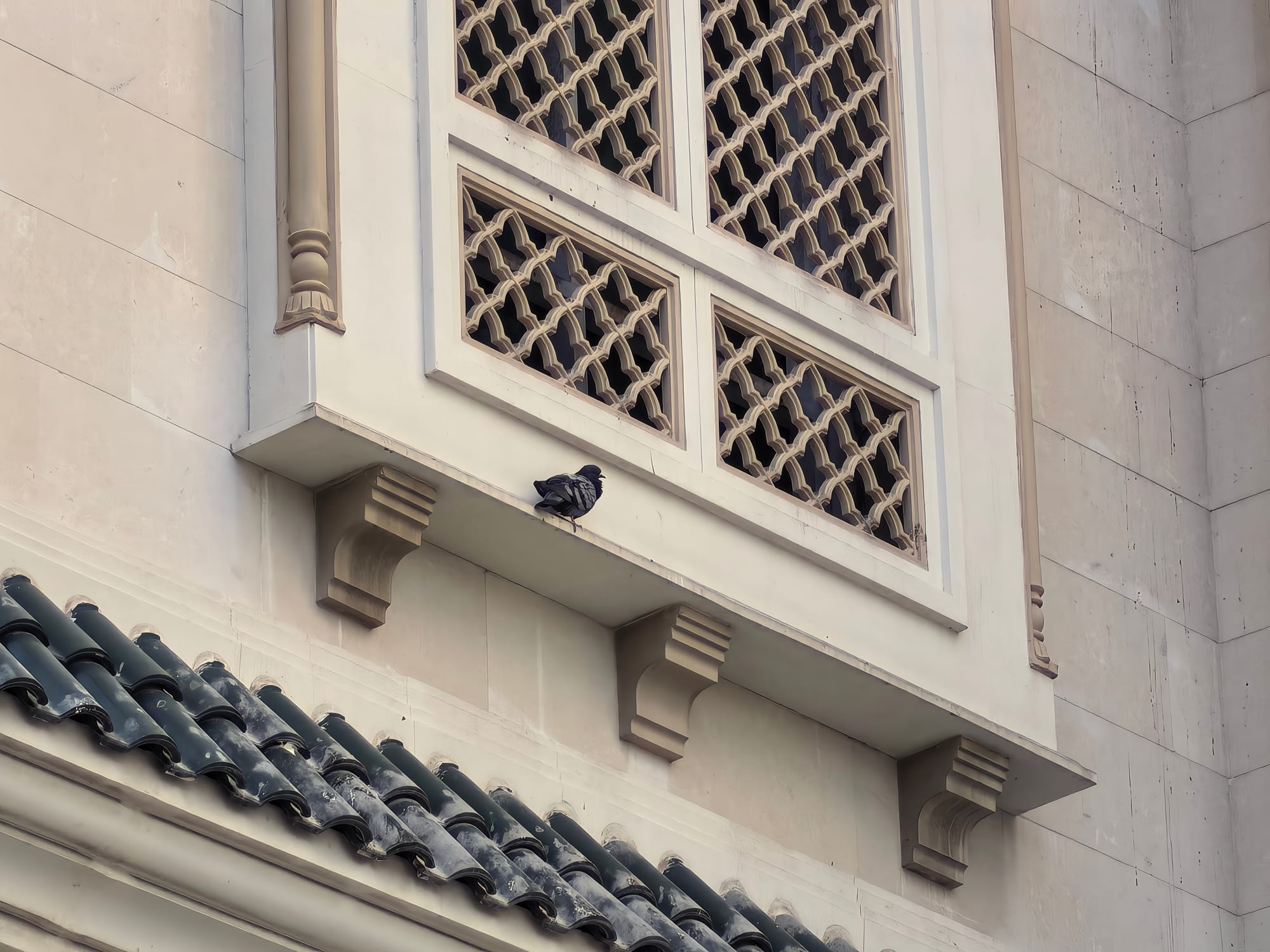


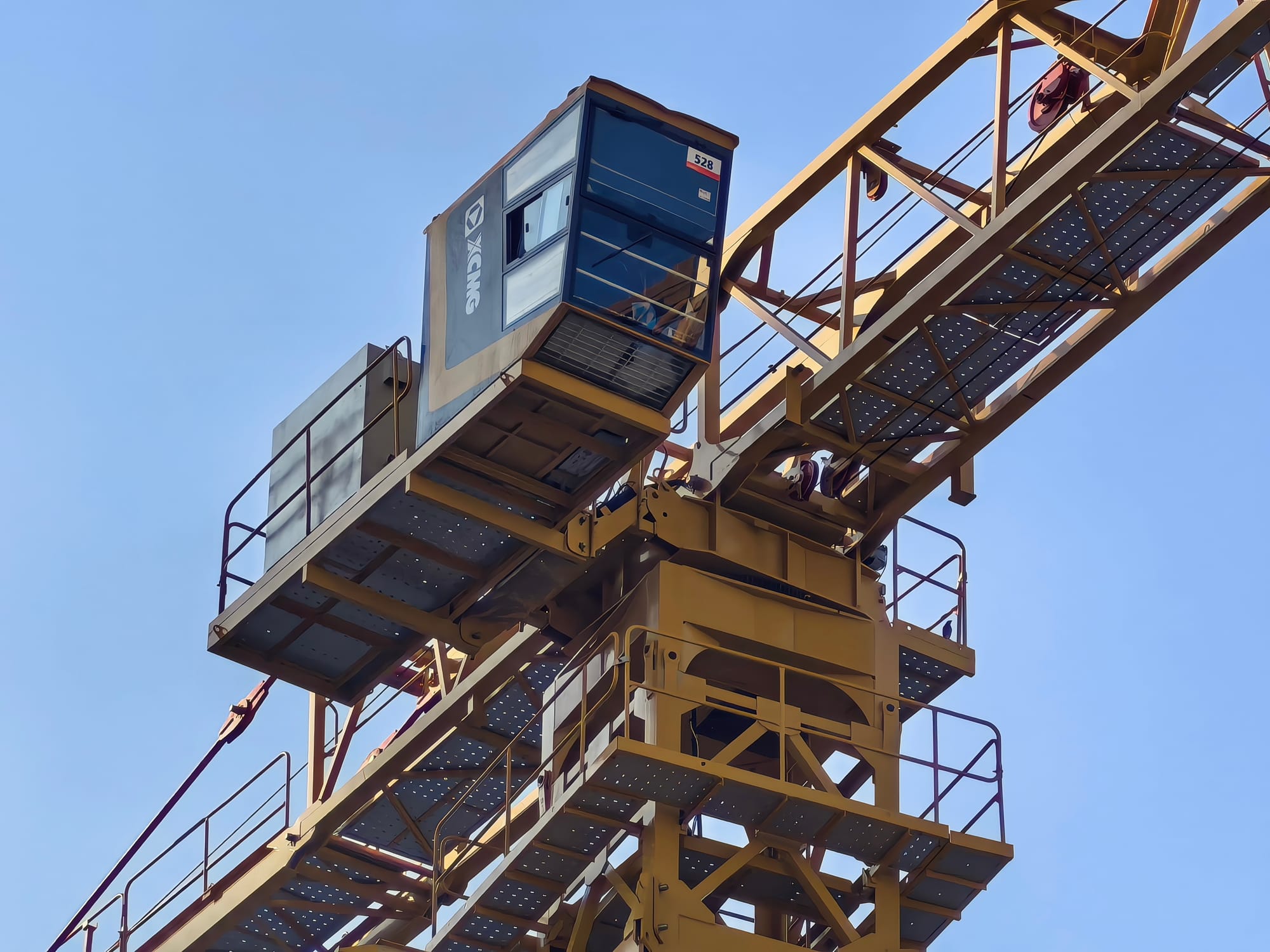
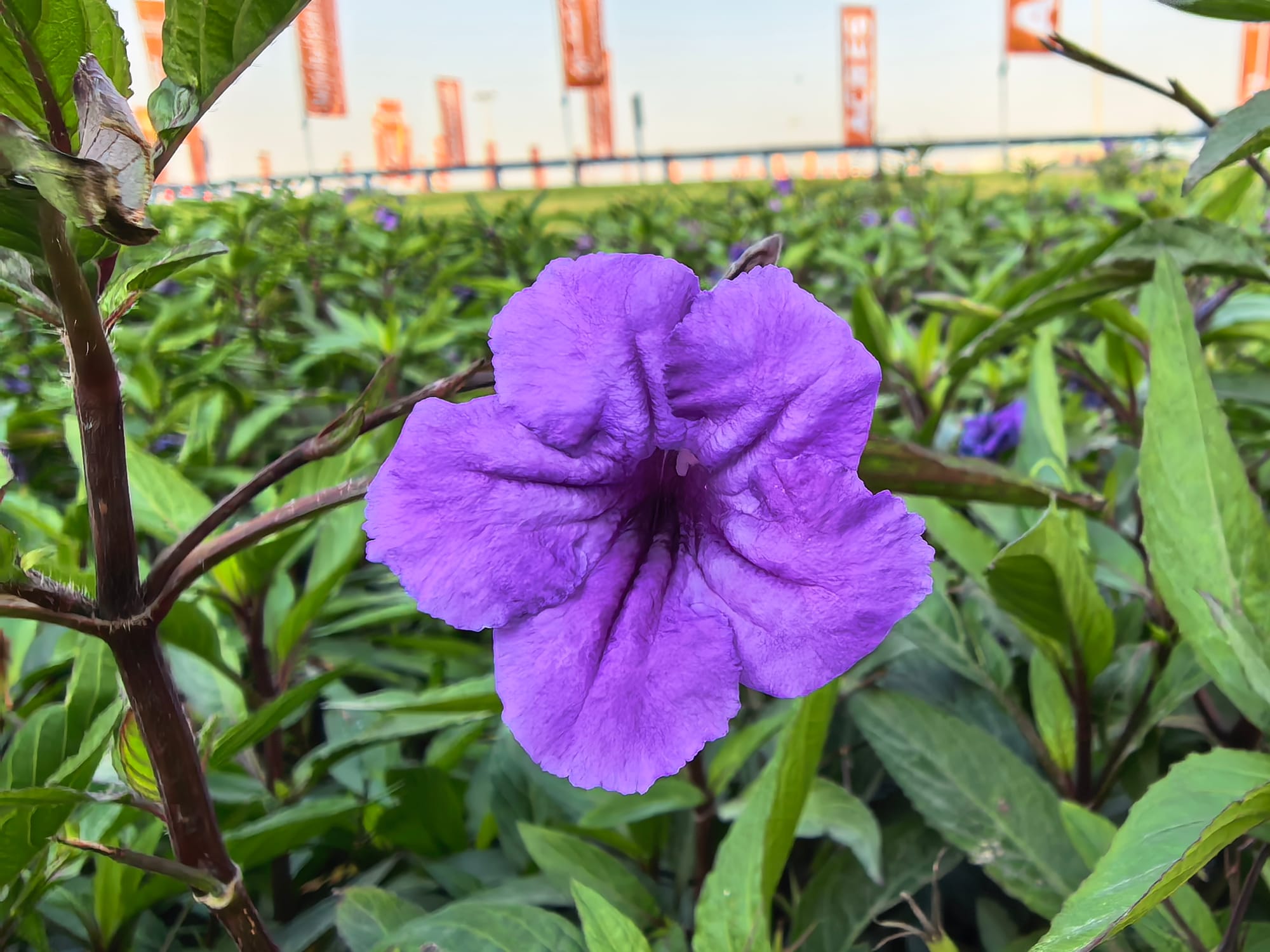

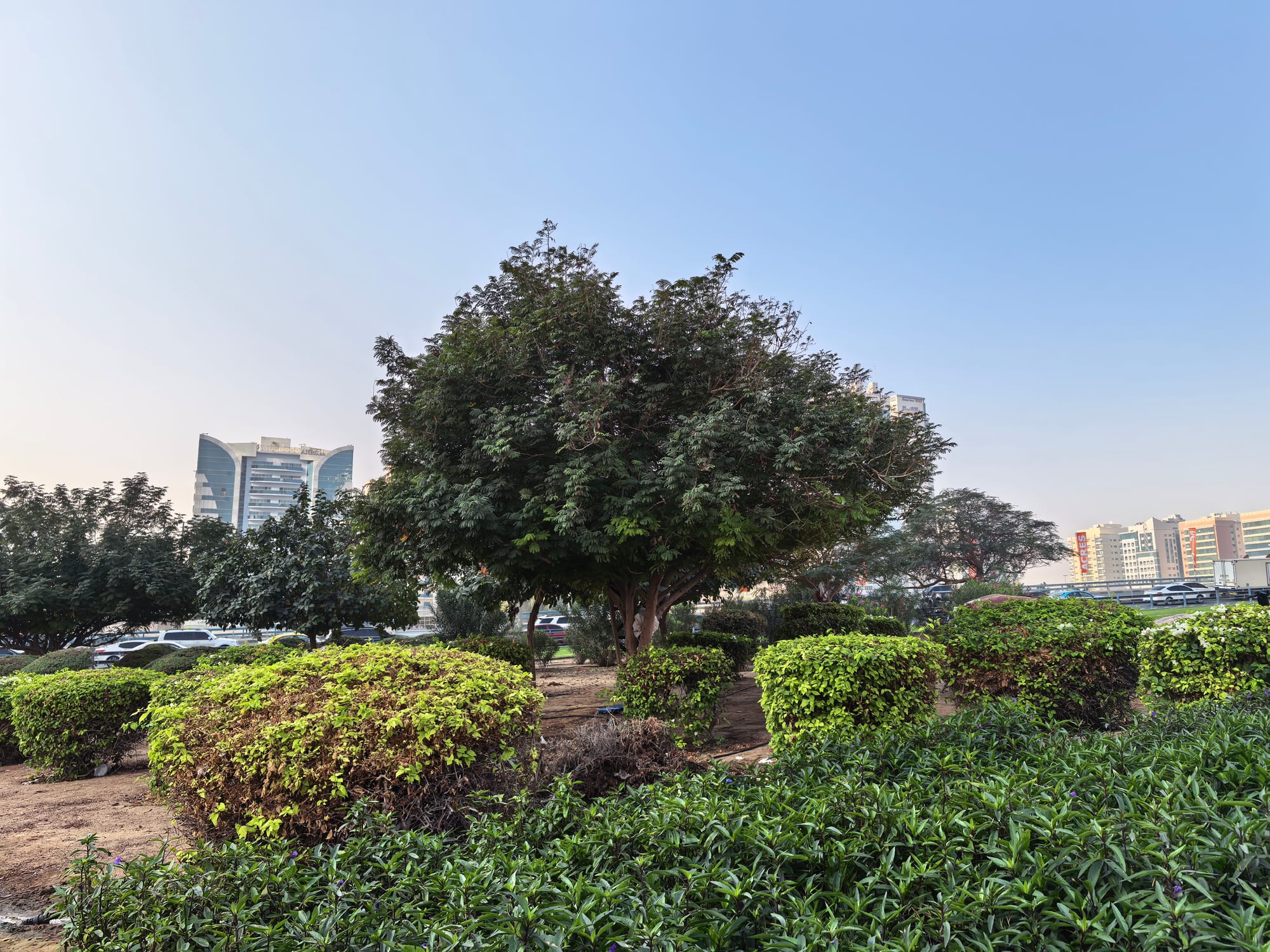
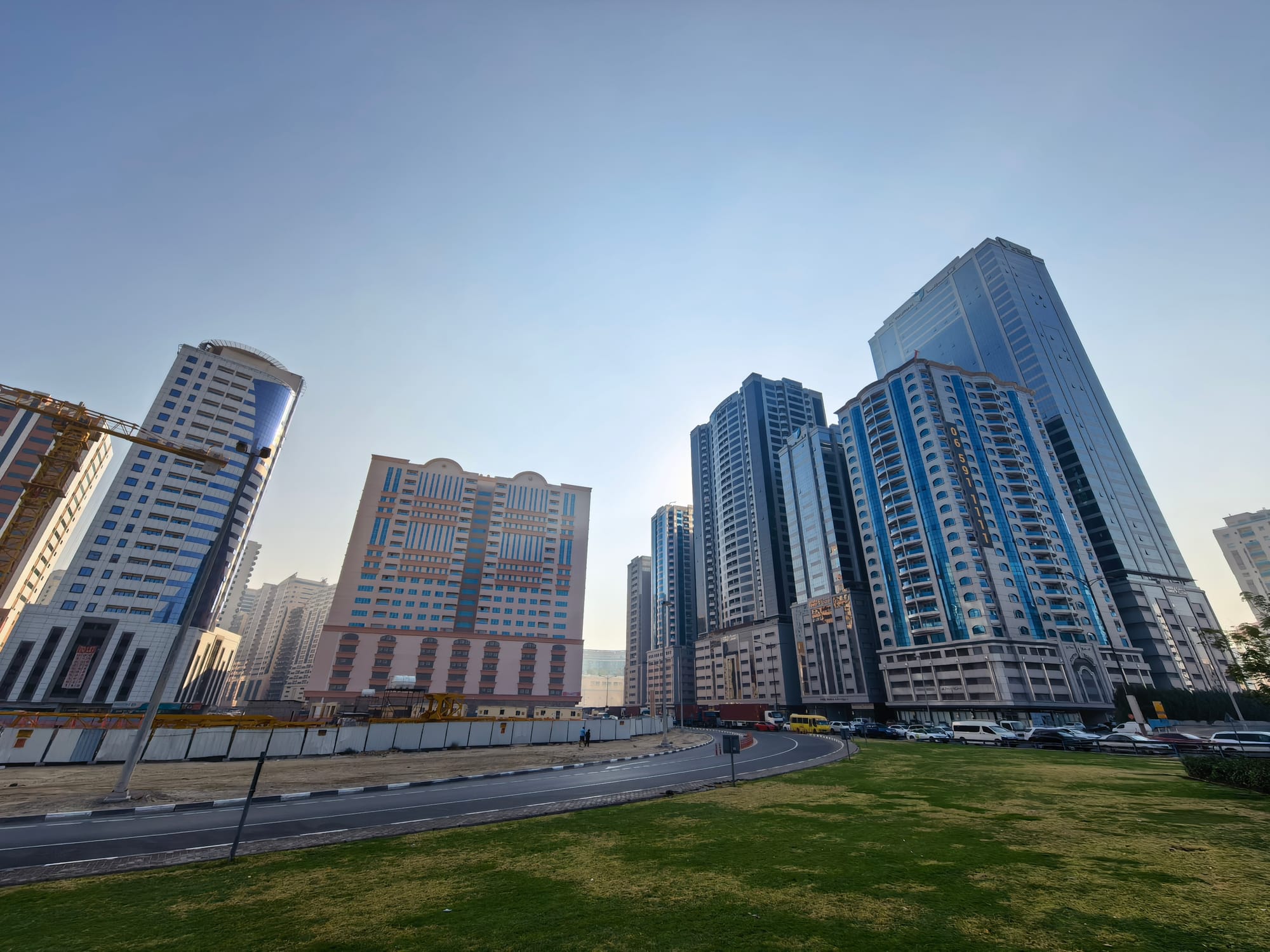

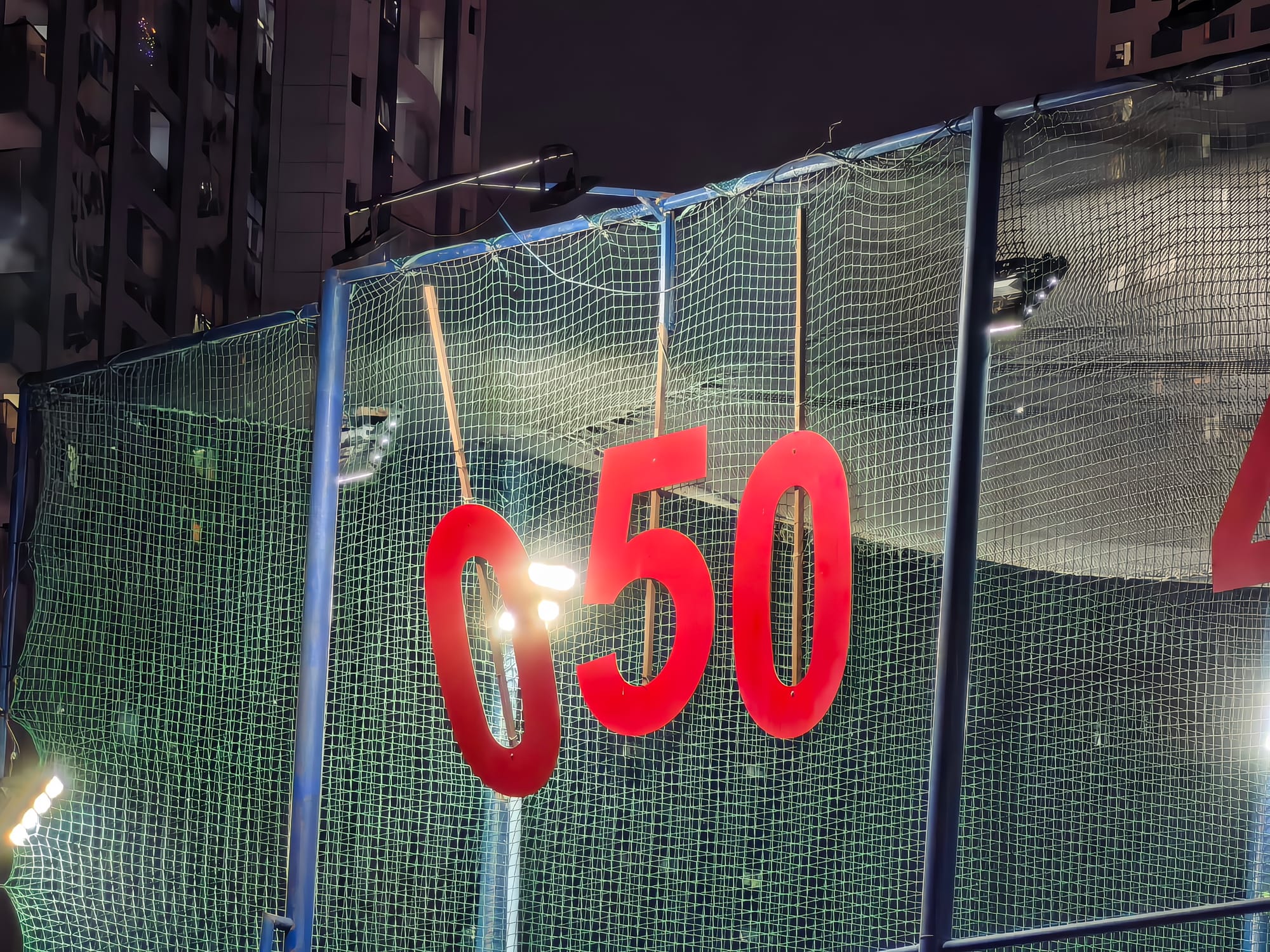
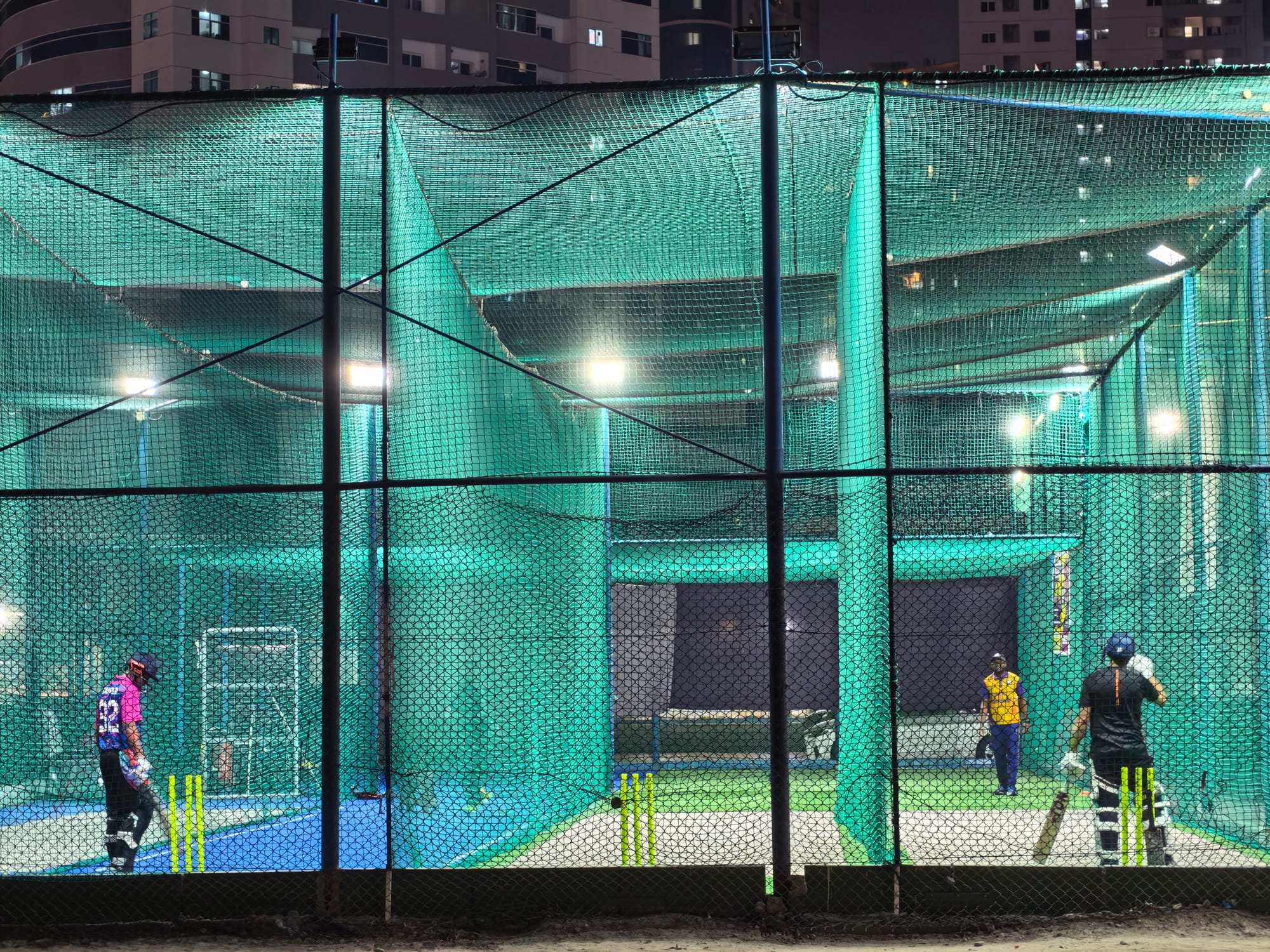
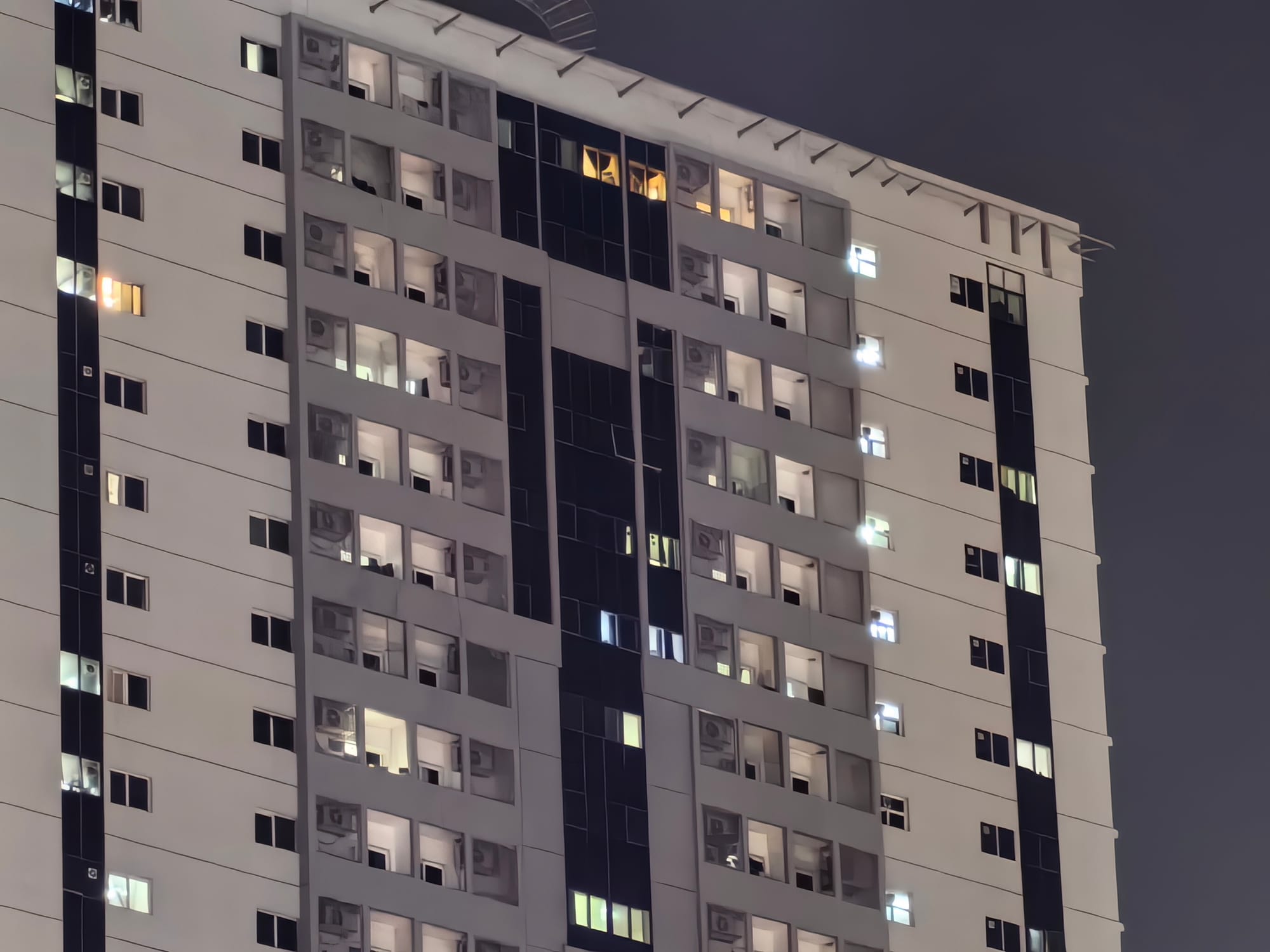
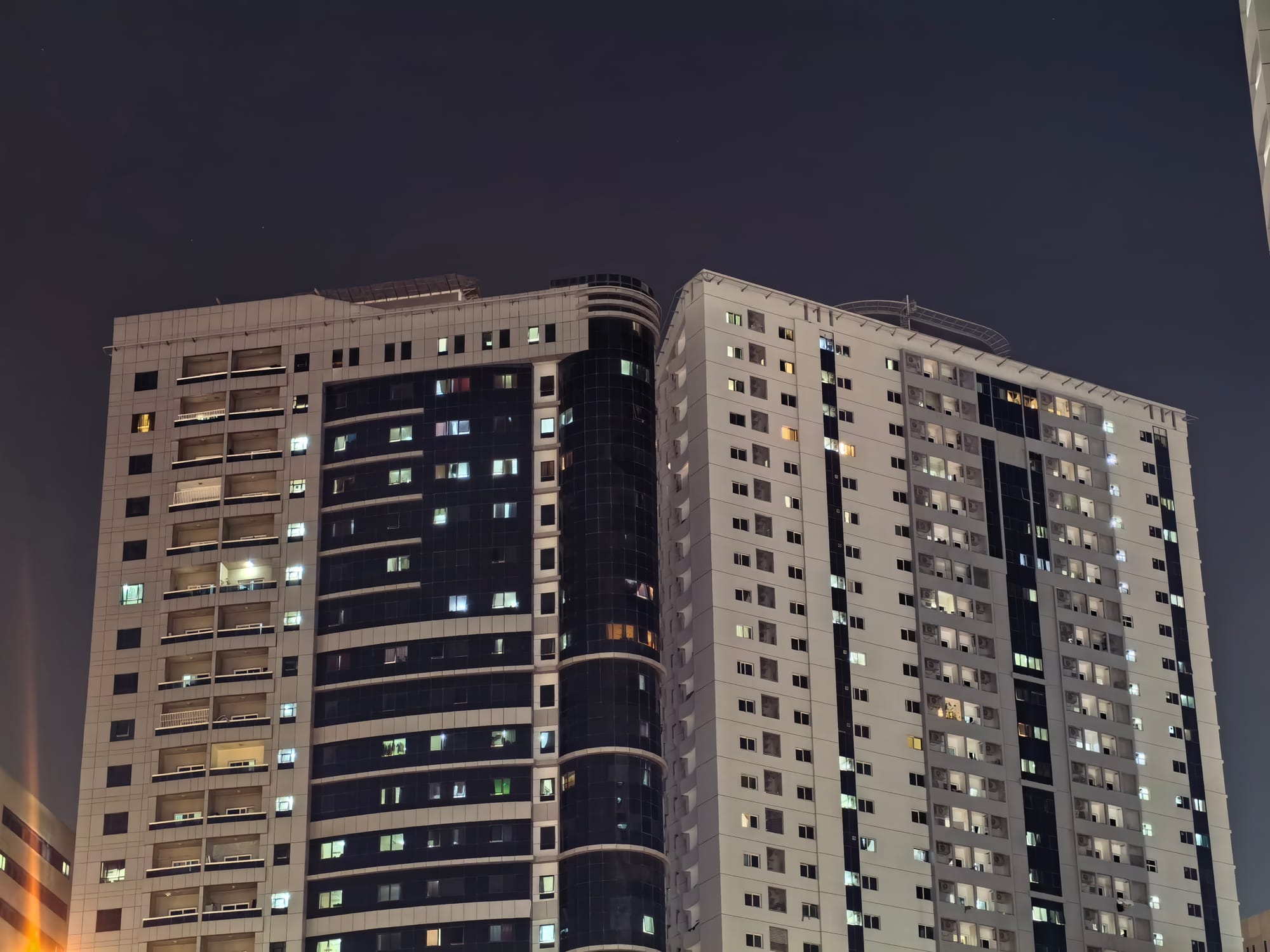
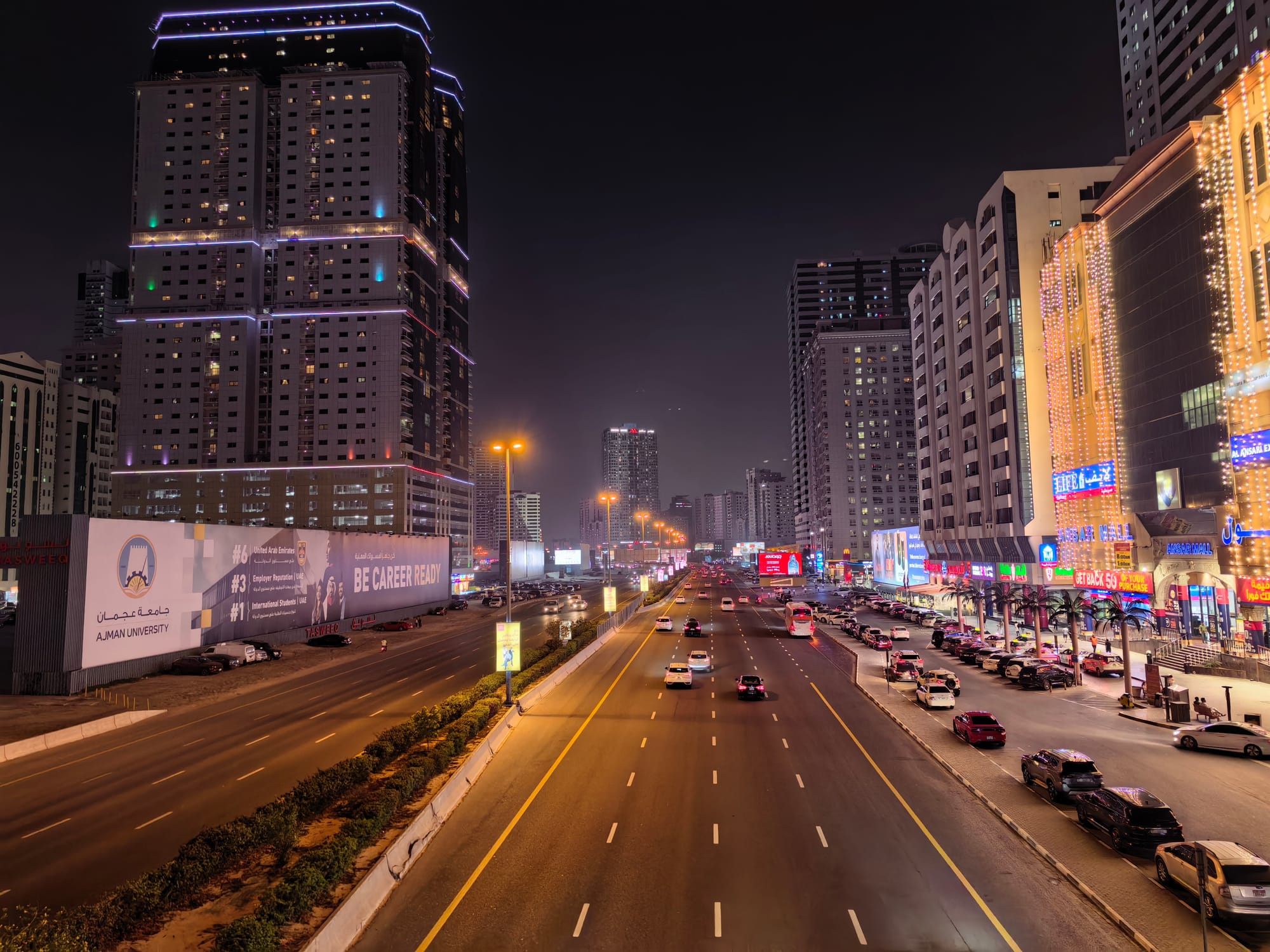
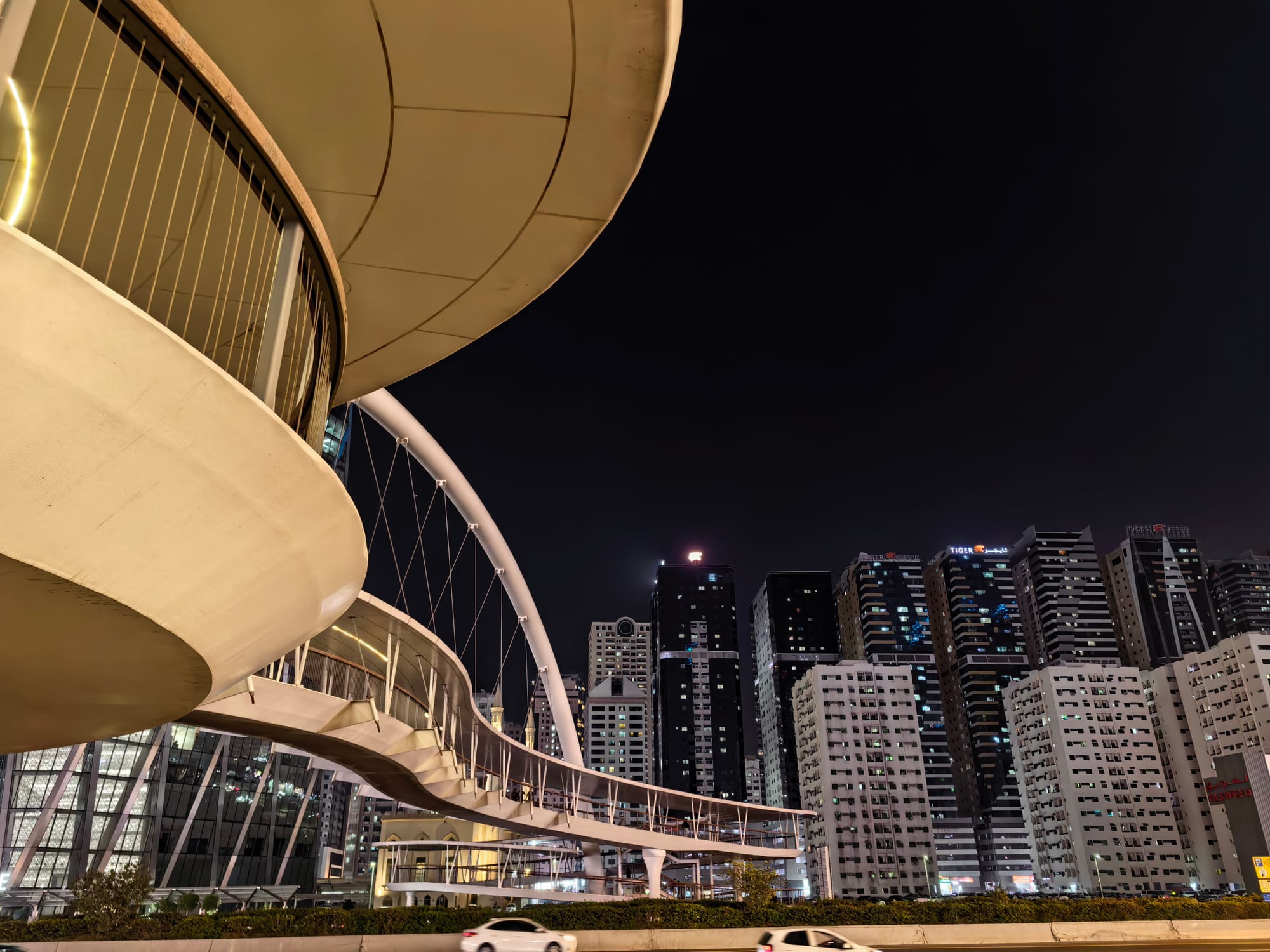
Nighttime shots are equally as good, along with the same caveats. The sensor allows plenty of light to pass through, so there is no noise, banding or artifacting, even when capturing bright lights. Again, the smoothening is present in optical ranges, but the overall picture remains stable and lively.

Performance and Software
The Huawei Mate X7 uses the Kirin 9030 Pro chipset, a smaller 6nm node that packs a 9-core processor with one 2.75 GHz big core, four 2.27 GHz mid cores, and four 1.72 GHz power-efficient cores. The Maleoon 935 GPU is slotted in for graphical workloads.
Despite Huawei claiming that the processor is 25% faster in CPU and 40% performant on GPU workloads over the X6, the new Kirin is still a strictly mid-range SoC, as evident from the benchmarks below.
It’s a bit of an odd look for a device that costs as much to not have the latest and greatest SoC, but since Huawei doesn’t have access to US-based manufacturers, Chinese chipsets are yet to catch up to the ubiquitous Snapdragon chipsets from Qualcomm.
Performance Scores
| Benchmark | Huawei Mate X7 |
|---|---|
| Geekbench 6 CPU - Single Core | 1086 |
| Geekbench 6 CPU - Multi Core | 4966 |
| Geekbench 6 GPU | 5558 |
| Geekbench AI | 1698 |
| 3DMark Steel Nomad Light | 795 |
| 3DMark Solar Bay | 3197 |
| 3DMark Wildlife Extreme | 2608 |
| 3DMark Sling Shot Extreme | 8605 |
That said, daily performance with the Mate X7 remained smooth. There was no stutter or lag when launching apps, watching videos, juggling two apps at once in splitscreen, or returning to daily operations after playing a game. But if you want a foldable for a large-screen gaming experience, you might want to keep your expectations in check or look elsewhere.
A large part of the smoothness can be attributed to EMUI 15, which runs on Android 12. Huawei’s Android skin hasn’t changed much over the years, but it does seem more optimised and smoother than previous versions.
There is still a lot of bloat, though, with pre-baked folders offering downloads for apps and games that you will have to spend at least 5- 10 minutes going through and turning off. There are plenty of native apps, some useful, some not. You get the default Huawei Browser, which shows an advertisement every time you launch, Petal Search and Maps, a video and music player, an ebook reader, Huawei Health, a file manager and more.

Huawei has its own App Gallery where you can get most of the popular apps, but if you lean towards Google services, you won’t find them there, of course. Thankfully, there is G-Box, which runs all of Google apps in a virtual environment. There is no performance penalty, as G-Box has improved quite a lot in this regard, with app updates working correctly and gives you access to the entire Play Store. It can also create shortcuts for apps downloaded from it; however, notifications from those apps will register as one from G-Box, which is the only limitation.
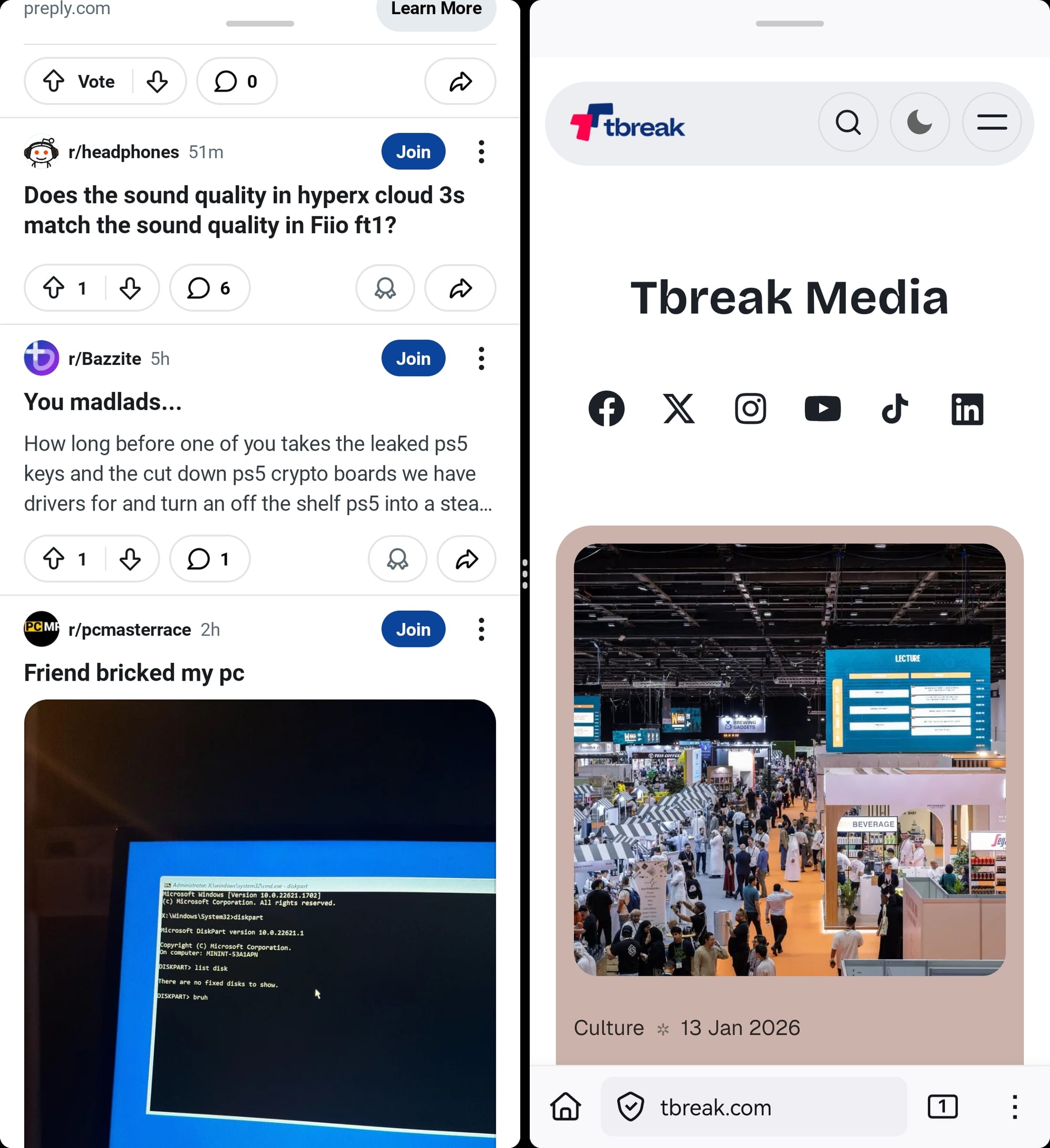
As for multitasking on the inner screen, Huawei offers a range of gesture-based actions to enable multi-window setup. You can simply launch an app, drag it to the left to enter multi-window mode, and then split them vertically or horizontally. However, the splits are strictly 50/50, with no adjustment range for either app.
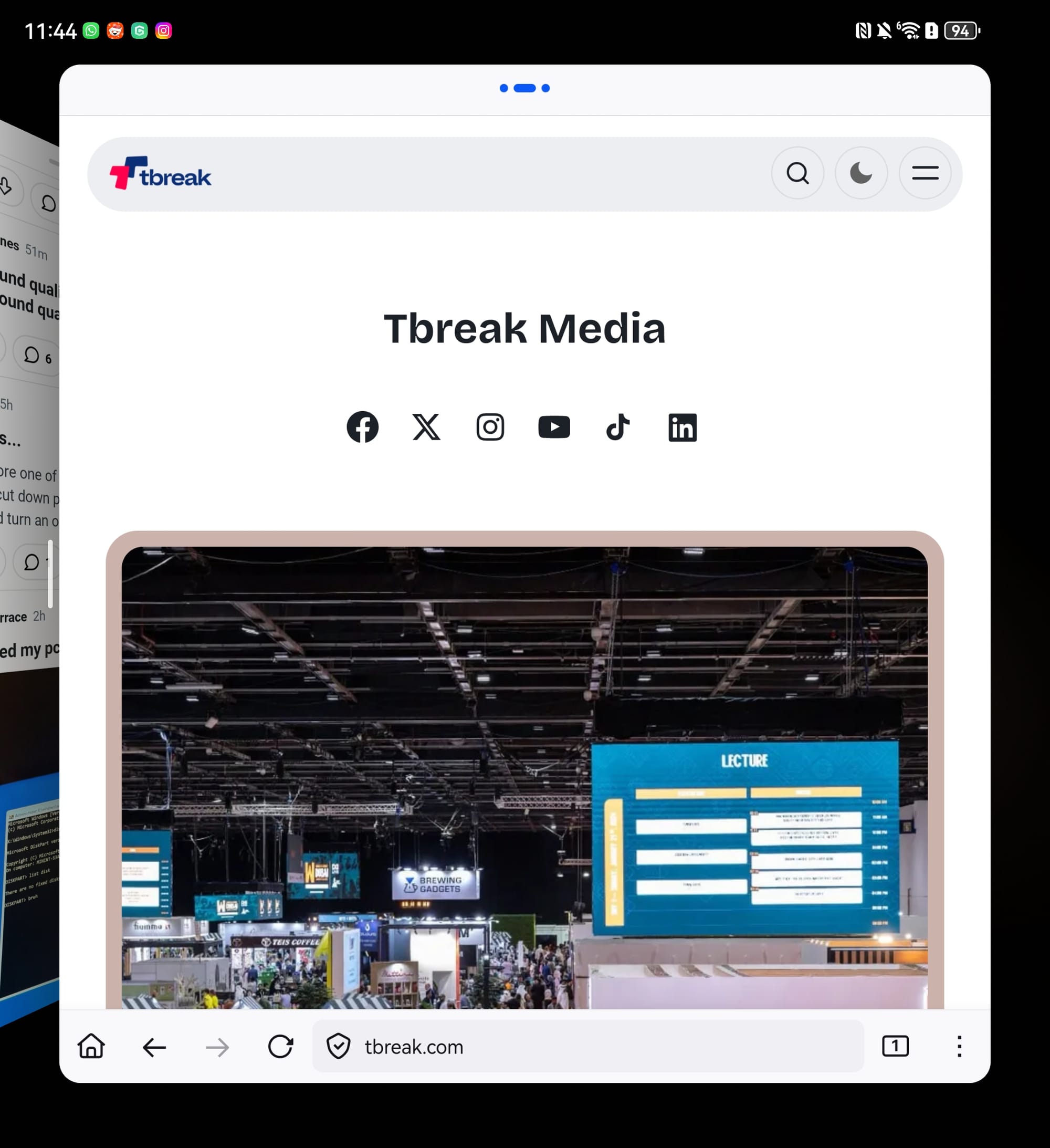
If you try to adjust one app to more than its allotted 50% space, it enters multitasking mode, which is quite similar to macOS’s Stage Manager (you can achieve this separately by dragging an app towards the middle). There are also floating windows (achieved by dragging the app towards the right), which leave miniature windows of the app on screen, even while multi-window is engaged - this means you can effectively have three apps running simultaneously.
The inner screen is best used for multi-window setups, as Android apps have yet to adapt to large-screen phones despite their increasing popularity. Most apps just stretch themselves to fit the screen, with only a few, like WhatsApp and Instagram, offering a somewhat native experience.
There aren’t many AI features, which is either a bummer or refreshing depending on how you look at it. There is an AI Edit feature for images, which can do some basic touch-ups, but its not as refined or powerful as other operating systems. You also have Celia, Huawei’s homegrown AI assistant, but it simply does not compare to Google Gemini.
Battery Life
The Mate X7 comes with a sizable 5600mAh battery pack (a little smaller than the Honor Magic V5’s 5820mAh) and can easily last for two days under usual workloads. I used the phone predominantly in the unfolded state, browsing the web, doom scrolling on social media, chatting on WhatsApp, and taking a few pictures, and I closed the day with around 55% battery left and around 4 hours of screen time, which is pretty good considering the battery is powering two screens at once.
The power draw when playing games is a little high, especially when using the inner screens. Just running the benchmarks for this review tanked the battery from around 79% to 55%, so you might want to keep the charger nearby for longer sessions.
The box comes with a 66W wired charger that quickly tops up the phone. You also get support for 50W wireless charging and 7.5W reverse wireless charging on the Huawei Mate X7.
Should You Buy the Huawei Mate X7?
I would like to bring the Honor Magic V5 into consideration here, which I believe is a superior foldable over the Mate X7, with a better and much faster processor, better OS, useful AI features, complete Google support, reasonable camera setup, and a slightly cheaper price tag.
But as a standalone product, the Huawei Mate X7 is a solid device, and a good refinement over the previous model. The premium build quality, excellent cameras, bright OLED displays, smooth performance and decent multi-window setup make a solid case for an upgrade if you don’t mind the quirks that come with Huawei devices.
Written by

Subscribe to our newsletter
Subscribe to our newsletter to get the latest updates and news











Member discussion