
RTX 20/30 Owners: DLSS 4.5 Might Drop Your FPS
Early community benchmarks suggest Nvidia DLSS 4.5 can run 14–24% slower than DLSS 4.0 on RTX 20/30 GPUs. Here’s what to tweak and what to avoid.

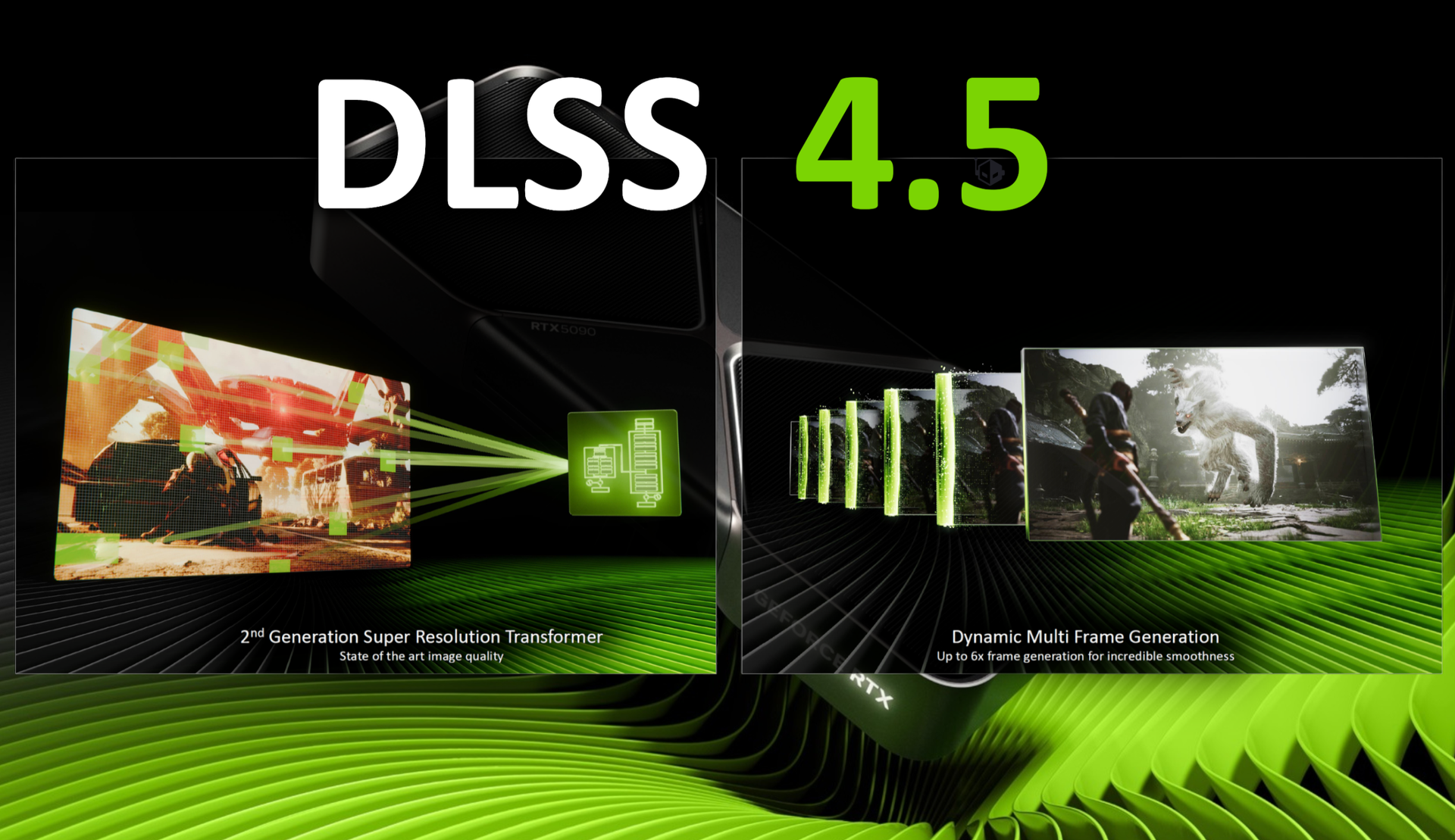
DLSS 4.5 just landed via a new Nvidia driver, and people immediately started testing it on older GeForce cards. The early vibe is simple: image quality might improve, but RTX 20 and RTX 30 owners could pay for it with a noticeable FPS drop. If you game at 1440p or 4K, it's wroth knowing what you are trading.
For a deeper “what even is DLSS 4.5?” breakdown, here’s our explainer: DLSS 4.5 Brings Dynamic Multi Frame Gen—But RTX 50 Only Gets the Coolest Trick
KEY TAKEAWAYS
Community tests show DLSS 4.5 can be 14-24% slower than DLSS 4 on an RTX 30 series cards and belowThe biggest hit showed up in Cyberpunk 2077 at 4K with RT UltraNvidia previously warned DLSS 4.5 is much heavier to run, and newer cards have hardware advantages older cards don't
What the community benchmarks show
Early testing compares DLSS 4.5 vs DLSS 4.0 on an RTX 3080 Ti using the same game scenes and settings. The headline result: DLSS 4.5 often runs slower on older GPUs, sometimes by a lot.
- Cyberpunk 2077 (RT Ultra, 4K): 42 FPS (DLSS 4.0) → 32 FPS (DLSS 4.5)
- Cyberpunk 2077 (RT Ultra, 1440p): 72 FPS → 61 FPS
- Cyberpunk 2077 (Ultra, no RT, 1440p): 108 FPS → 86 FPS
- The Last of Us Part II (High, 1440p, DLSS Quality): 154 FPS → 135 FPS
So yes, that’s roughly 14–24% down, depending on the setup. That’s not a tiny “benchmark nerd” change. That’s the difference between “fine” and “why does this feel choppy?” if you’re already near the edge.
Why RTX 20/30 take the bigger hit
DLSS is not “free frames”. It uses AI to rebuild the image from a lower internal resolution. That still needs compute power, especially on the parts of the GPU designed for AI work (Tensor cores).
Here’s what Tom’s Hardware points out about the DLSS 4.5 model:
- DLSS 4.5 is far more demanding than DLSS 4.0 on the Tensor cores.
- Nvidia is leaning on FP8 precision to reduce the hit on RTX 40 and RTX 50.
- RTX 20 and RTX 30 don’t have FP8 support, so they’re stuck doing it the harder way.
In other words: DLSS 4.5 may be a better model, but older hardware can’t run it as efficiently. You’re seeing that in the FPS drops.
DLSS presets and the Nvidia app override mess
DLSS updates are confusing because games often ship with a DLSS .dll file (the actual upscaler) and then use presets that control how it behaves.
Tom’s Hardware says that, with the Nvidia app now allowing DLSS 4.5 overrides, people are getting tripped up on which presets do what.
What’s being reported:
- To override games with DLSS 4.5, you typically need Preset M or Preset L enabled.
- Nvidia’s developer guidance suggests:
- Presets J and K (DLSS 4.0) as defaults for DLAA, Quality, and Balanced
- Preset M (DLSS 4.5) as default for Performance
- Preset L is positioned as best for Ultra Performance
The practical takeaway: forcing DLSS 4.5 everywhere may be a bad idea, especially on older cards. Even Nvidia’s own guidance (as described in the report) seems to prefer DLSS 4.0 presets for the higher-quality modes.
What you should do if you’re on an RRTX 20/30 Series
If you’re using an RTX 20/30 card (which is still a huge chunk of PC gamers in the UAE), this is the sensible playbook:
- Don’t update and assume it’s better. Test.
Run the same spot in-game, same settings, and compare. - If you’re on DLSS Quality/Balanced, don’t be shocked if DLSS 4.0 looks like the smarter option.
The report suggests DLSS 4.0 presets may still be the default choice there. - If you’re chasing FPS, try DLSS 4.5 where it’s intended to be used.
That means Performance mode with the newer preset, not Quality at 4K with heavy ray tracing. - If your FPS is already borderline, don’t “upgrade” into stutter.
A 15–25% drop can be painful on 60Hz TVs and even worse on 120Hz/144Hz monitors.
Does DLSS 4.5 work on RTX 20 and RTX 30 GPUs?
Yes. The report says DLSS 4.5 rolled out via a driver update and is being tested on RTX 30-series hardware, with the article also calling out RTX 20-series behaviour.
How big is the DLSS 4.5 performance drop on older RTX cards?
In the shared community tests on an RTX 3080 Ti, DLSS 4.5 ran about 14–24% slower than DLSS 4.0, depending on the game and settings.
Which DLSS preset should I use if I’m overriding through the Nvidia app?
The report says Preset M or L is used to trigger DLSS 4.5 overrides, but also notes Nvidia guidance that DLSS 4.0 presets (J/K) may still be the default choice for DLAA/Quality/Balanced.
Written by

Subscribe to our newsletter
Subscribe to our newsletter to get the latest updates and news










Member discussion