
Crimson Desert PS5 blurry fix: Disable 120Hz output
PS5 players report Crimson Desert looks blurry, but there's a simple fix. Turn off 120Hz output in console settings and restart the game. Pearl Abyss confirms this resolves the widespread visual issue affecting most displays.

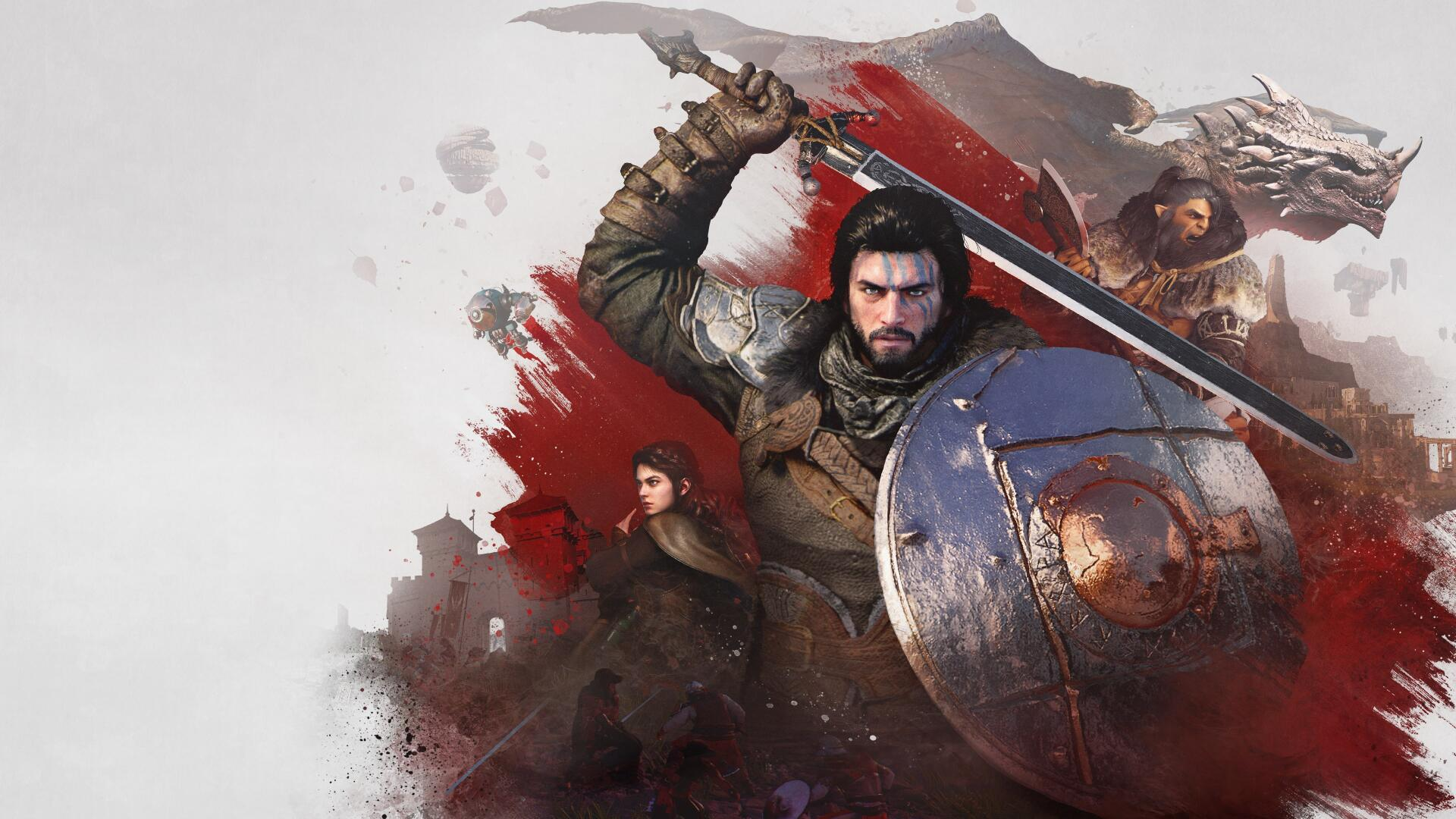
Crimson Desert players on PlayStation 5 are experiencing widespread blurry visuals, but they've found a workaround. Disabling the console's 120Hz output mode resolves the issue for most users. Will Powers, PR and marketing director at Pearl Abyss, has confirmed the fix works.
Key Takeaways
- Crimson Desert appears blurry on PS5 due to 120Hz mode conflicts with TVs that don't properly support 4K120.
- The fix involves disabling '120Hz Output' in PS5 Video Output settings, confirmed by Pearl Abyss PR director Will Powers.
- PC players also report blurry visuals but lack a consistent solution, with some requesting Steam refunds.
- The issue affects displays that support 120Hz input only at lower resolutions, according to Digital Foundry.
Why does Crimson Desert look blurry on PS5?
According to Digital Foundry's John Linneman, the blurriness occurs on displays that support 120Hz input but only at lower resolutions. The game's 40fps mode engages 120Hz support across all visual modes, causing image quality problems on incompatible TVs.
"This is a problem specific to displays that support 120hz input but only at lower resolutions," Linneman explained. "It engages 120hz support due to 40 fps mode but across the board."
Players across social media, Reddit, and Discord have reported the same issue. One Twitter user posted: "I haven't changed any settings within the game; it's just like this without any textures, but on my friend's PS5 Pro the game looks beautiful with great textures."
How to fix blurry visuals on PS5
The solution is straightforward and takes less than a minute to implement. Navigate to your PS5's main settings menu, then follow these steps:
- Go to Settings → Screen and Video → Video Output
- Find "Enable 120Hz Output"
- Set it to "Off"
- Restart Crimson Desert
This fix has been endorsed by Pearl Abyss directly. Will Powers actively recommends this settings change on social media when players report blurriness issues. The workaround effectively forces the game to run at standard refresh rates, eliminating the TV compatibility problems that cause blurry visuals.
What about PC players?
PC gamers are also experiencing blurry visuals, but finding a reliable solution proves more challenging. Some describe the experience as "playing at 720p on a 4K monitor," with additional issues like flickering lights.
One frustrated player with an RTX 4080 Super said: "The game is incredibly blurry, as if it were playing at 720p on a 4K monitor. The lights flicker horribly; it's by far the worst visual experience I've ever installed on my PC."
Some PC players report that changing graphics settings and restarting the game can improve matters, but no universal fix has emerged. The frustration has led several players to request Steam refunds, citing the poor visual quality as unacceptable.
Frequently Asked Questions
Why does Crimson Desert look blurry on PS5?
Crimson Desert can look blurry on PS5 if your TV supports 120Hz input but only at lower resolutions, causing the game to engage 120Hz support across the board, even in 40fps mode.
How can I fix blurry visuals in Crimson Desert on PS5?
To fix blurry visuals on PS5, go to your PS5 settings, navigate to Video Output, and set 'Enable 120Hz Output' to off. This solution has been recommended by Pearl Abyss's PR director.
Does Crimson Desert have blurry issues on PC?
Yes, Crimson Desert players on PC have also reported blurry visuals, with some describing it as playing at 720p on a 4K monitor. A reliable, universal fix for PC is currently harder to pinpoint.
Will Pearl Abyss release an official patch for this issue?
Pearl Abyss has not announced an official patch yet. Currently, they are recommending the 120Hz output workaround for PS5 players experiencing blurriness.
Does this fix work on all TVs?
The 120Hz output fix works for most users, but effectiveness depends on your specific TV model and its 4K120 support capabilities. TVs that properly support 4K120 may not need this workaround.
Written by

Subscribe to our newsletter
Subscribe to our newsletter to get the latest updates and news









Member discussion