
Best Gaming Monitors for PS5 in the UAE & Saudi Arabia (2026)
The best PS5/PS5 Pro gaming monitors you can actually buy in the UAE and Saudi Arabia, from 4K HDMI 2.1 picks to OLED and portable options.

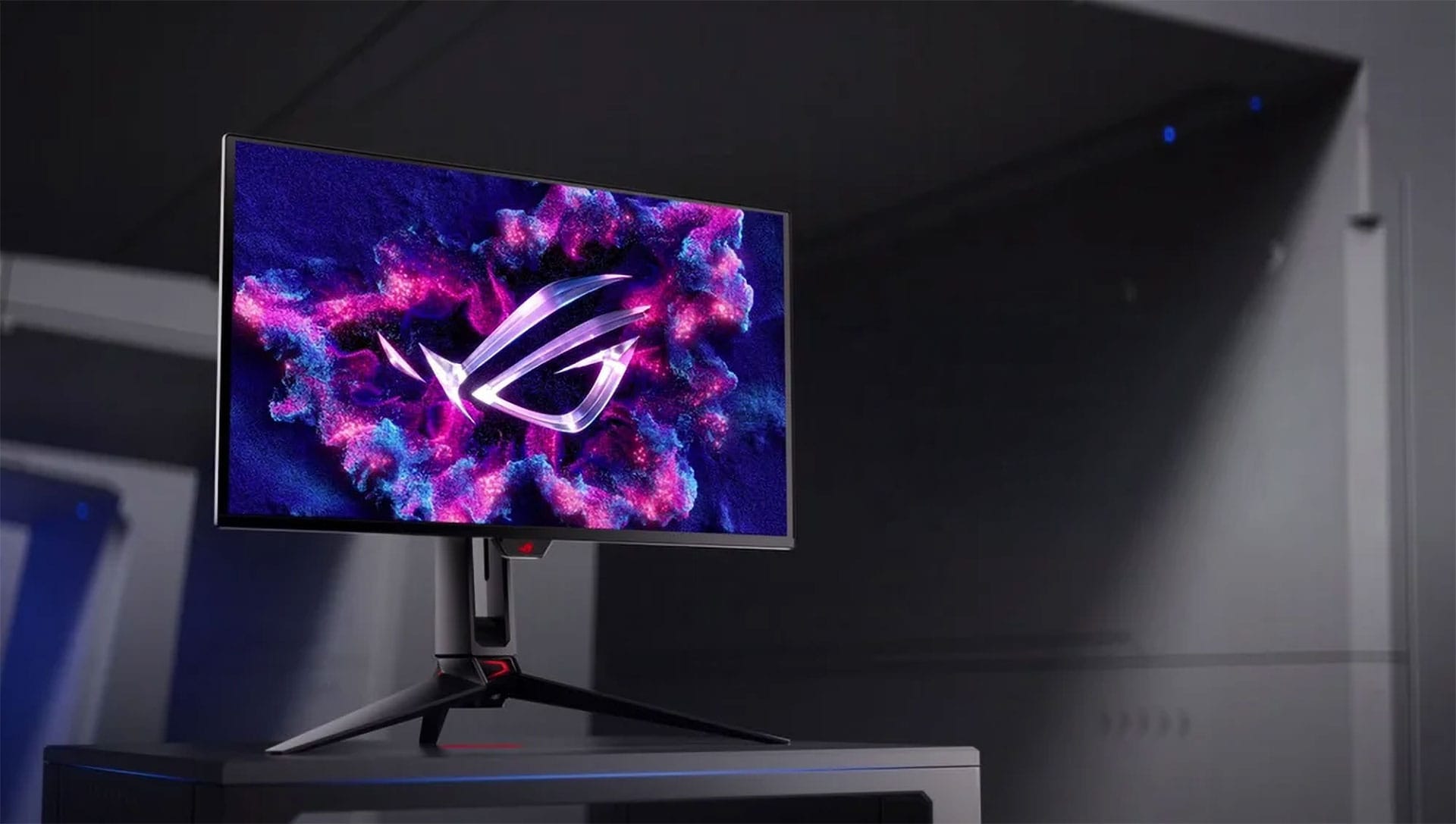
If you want a monitor that actually matches what the PS5 can do, here’s the cheat sheet:
- Best all-rounder: ViewSonic XG275D1-4K (regional SKU of the dual-mode model)
- Best “cheap but good” pick: Alienware AW2525HM
- Best competitive 1080p monster: Alienware AW2524HF (500Hz)
- Best value OLED for PS5 Performance Mode: AOC Q27G4ZD (1440p OLED)
- Best premium OLED flex: ASUS ROG Swift PG27UCDM
- Best portable option: NexiGo NG17FGQ-S (300Hz)
What matters for PS5 (and what doesn’t)
Your PS5/PS5 Pro cares about a few things:
- 120Hz support (because some games have 120fps modes)
- HDMI 2.1 if you want the smoothest path to higher bandwidth features like 4K/120 and VRR
- Low input lag
- VRR/Adaptive Sync support (goodbye tearing, hello sanity)
And here’s what doesn’t matter nearly as much for console-only players:
- 240Hz / 360Hz / 500Hz (PS5 won’t output those refresh rates, but high-refresh monitors can still have excellent latency)
Best overall PS5 monitor in the UAE & Saudi
ViewSonic XG275D1-4K (Dual Mode)
Why it’s here: This is the most “console + PC” sensible pick, especially in our region where the Viewsonic XG275D1-4K SKU is the one that shows up at retailers.
Standout features
- Dual mode: 4K @ 160Hz or 1080p @ 320Hz
- AMD FreeSync Premium + G-Sync Compatible style support
- Sold locally (Microless UAE carries it as XG275D1-4K)
Region reality check: If you see XG275D-4K in US/EU reviews, you’ll often see XG275D1-4K on UAE/KSA shelves. Same concept, different label.
Best budget PS5 monitor you can actually find
Alienware 25 AW2525HM (1080p, 320Hz)
Why it’s here: This is the “I want Alienware, I don’t want bankruptcy” option.
Standout features
- 25-inch 1080p Fast IPS, up to 320Hz
- Strong console feel thanks to high refresh headroom and low-latency design language
- Available in UAE (Amazon pricing varies by seller)
- Also sold with KSA delivery via Microless Saudi
Best for: PS5 competitive games at 1080p, and anyone who also dabbles in PC esports.
Best “competitive sweat” monitor for 1080p
Alienware AW2524HF (1080p, up to 500Hz)
Why it’s here: It’s absurdly fast, and it does work beautifully with PS5’s 120fps modes. It’s just wildly overqualified.
Standout features
- 24.5-inch 1080p, up to 500Hz (overclock)
- Widely sold locally
Best for: If you play competitive shooters and want every latency advantage. Also if you enjoy owning things your console can’t fully use.
Best 1440p OLED pick for PS5 Performance Mode
AOC Q27G4ZD (1440p QD-OLED, 240Hz)
Why it’s here: PS5 Performance Mode often targets 60fps and sometimes 120fps at resolutions in the 1080p–1440p neighbourhood, and OLED makes everything look unfairly good.
Standout features
- 27-inch 2560×1440, QD-OLED, 240Hz
- Available in UAE via Noon and Amazon listings
Important regional footnote: Some listings disagree on ports (you’ll see HDMI 2.0 stated in some places, HDMI 2.1 in others), so treat the exact retailer spec sheet as law.
Best premium OLED for PS5 and PC
ASUS ROG Swift PG27UCDM (4K QD-OLED, 240Hz)
Why it’s here: If you want a top-tier OLED that does both 4K and high refresh, this is one of the cleanest “money no object” options that actually shows up in GCC retail.
Standout features
- 27-inch 4K QD-OLED, 240Hz, ultra-fast response class
- Listed on Amazon.sa at SAR 5,099 (at time of capture)
- Available in UAE via Amazon
Best for: People who want PS5 visuals to look disgusting (in a good way), and also own a gaming PC.
Best portable monitor for PS5 travel setups
NexiGo NG17FGQ-S (17.3-inch, 300Hz portable)
Why it’s here: You’re travelling, you brought a PS5, you don’t trust hotel TVs, and you’ve made choices.
Standout features
- 17.3-inch 1080p IPS, 300Hz model exists on Amazon UAE and Amazon Saudi
- Usually sold as NG17FGQ-S variant naming
Best for: Trips, tournaments, dorm life, or anyone who treats “portable PS5 setup” like a personality trait.
Buying advice for UAE/KSA shoppers
1) Prioritise HDMI 2.1 if you want the simplest PS5 experience
You’ll have fewer weird limitations when you want 120Hz modes, VRR, and higher bandwidth.
2) Don’t pay extra for 500Hz unless you also play on PC
PS5 won’t output that refresh rate. You’re buying it for panel responsiveness and PC use, not for console output.
3) Match the model number, not the marketing name
Example: ViewSonic’s dual-mode model shows up regionally as XG275D1-4K in multiple local channels.
4) OLED? Buy from a seller with solid warranty handling
Burn-in policies and return handling vary wildly. This is not the category to gamble on “random marketplace seller #4182”.
At-a-glance: which one should you buy?
- One monitor for everything (PS5 + PC): ViewSonic XG275D1-4K
- Cheap + reliable: Alienware AW2525HM
- Esports-first: Alienware AW2524HF
- OLED without going full luxury: AOC Q27G4ZD
- OLED luxury: ASUS PG27UCDM
- Portable setup: NexiGo NG17FGQ-S
Written by

Subscribe to our newsletter
Subscribe to our newsletter to get the latest updates and news













Member discussion